


Shadcn Cta Blocks

Browse 38+ Shadcn UI Cta blocks, sections & components built with React, Tailwind CSS and shadcn/ui. Copy & paste the code or install via the shadcn CLI.

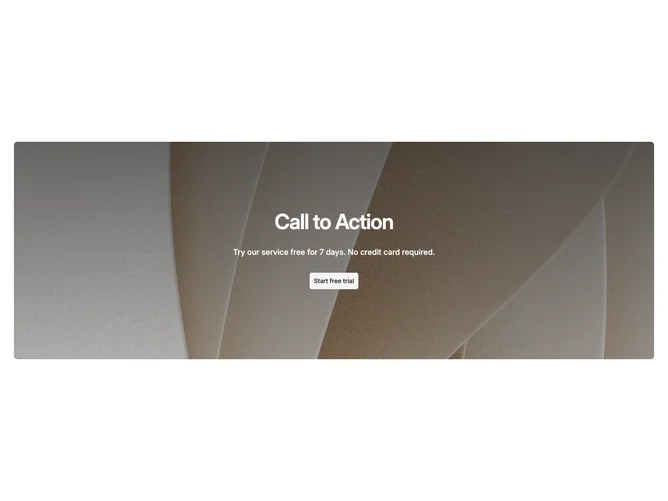
Shadcn Cta 26 - Photo banner call to action with link cards

Photo banner call to action with link cards

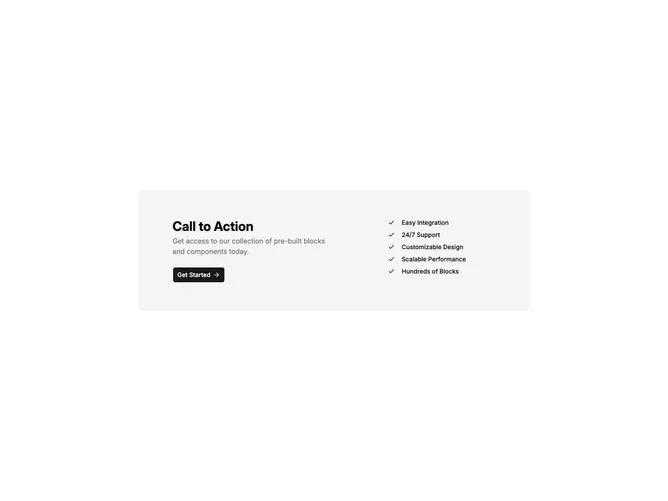
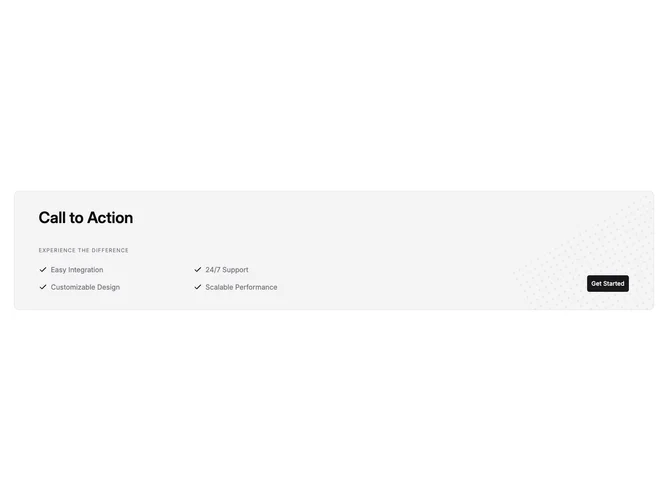
Shadcn Cta 4 - Muted card with feature checklist

Muted card with feature checklist

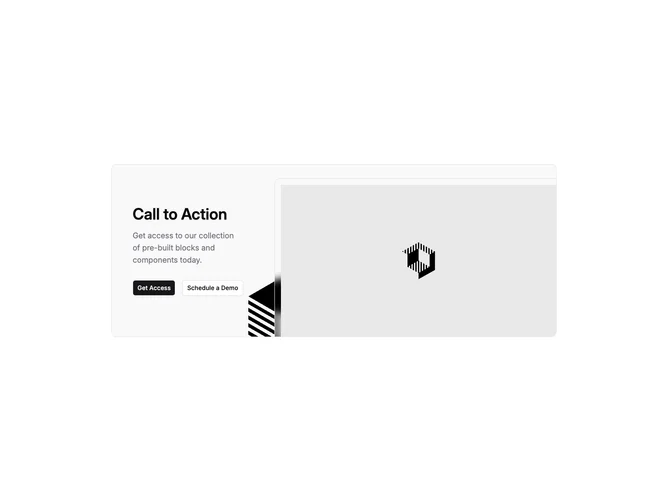
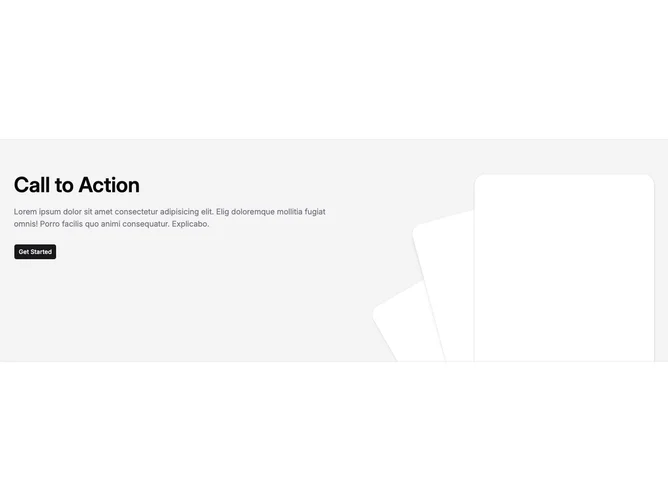
Shadcn Cta 18 - Split call to action with angled imagery

Split call to action with angled imagery

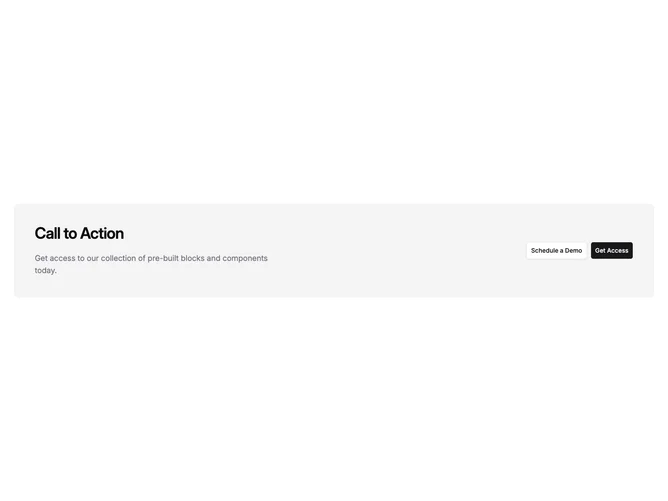
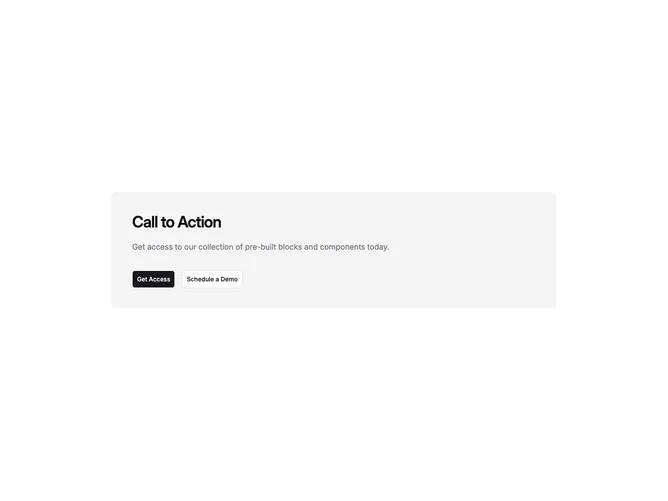
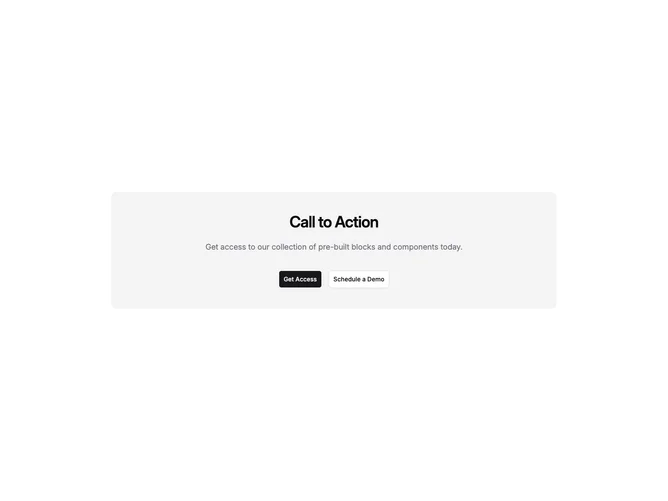
Shadcn Cta 10 - Banded call-to-action with dual buttons

Banded call-to-action with dual buttons

Shadcn Cta 28 - Dark enterprise split with layered photos

Dark enterprise split with layered photos

Shadcn Cta 31 - Centered call to action with logo arc

Centered call to action with logo arc

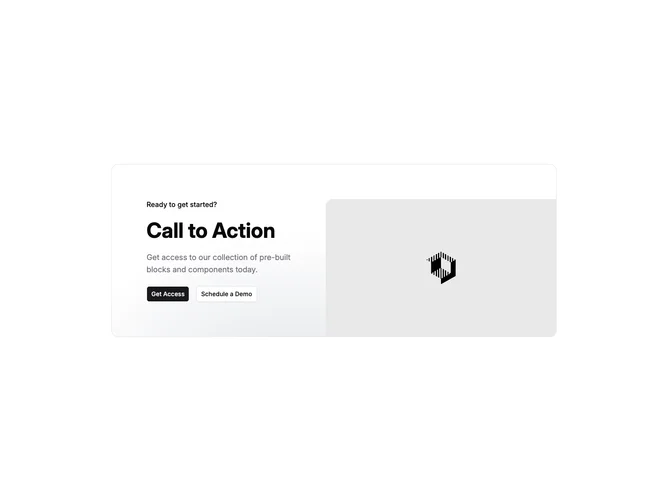
Shadcn Cta 15 - Split CTA with gradient panel and photo

Split CTA with gradient panel and photo

Shadcn Cta 7 - Features checklist call to action

Features checklist call to action

Shadcn Cta 23 - Newsletter band with badge and benefit row

Newsletter band with badge and benefit row

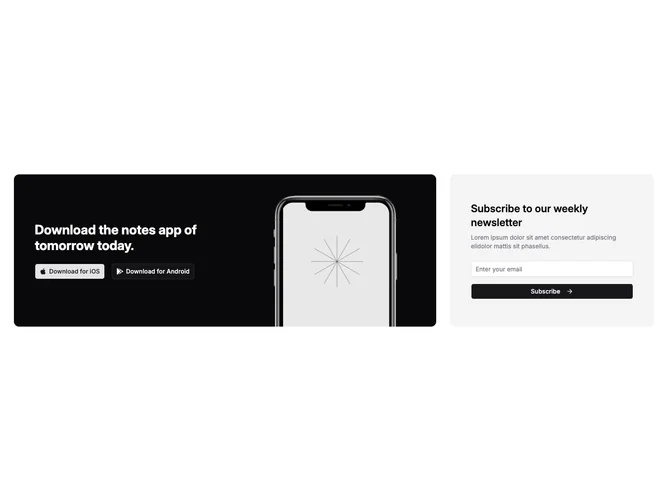
Shadcn Cta 22 - App download panel with newsletter aside

App download panel with newsletter aside

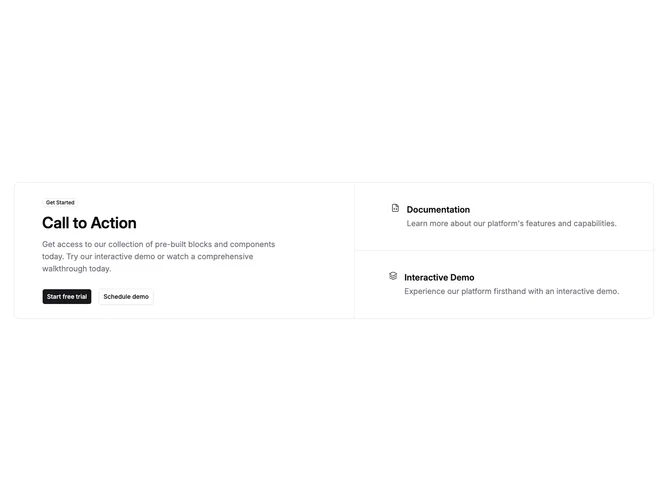
Shadcn Cta 19 - Call to action with resource links column

Call to action with resource links column

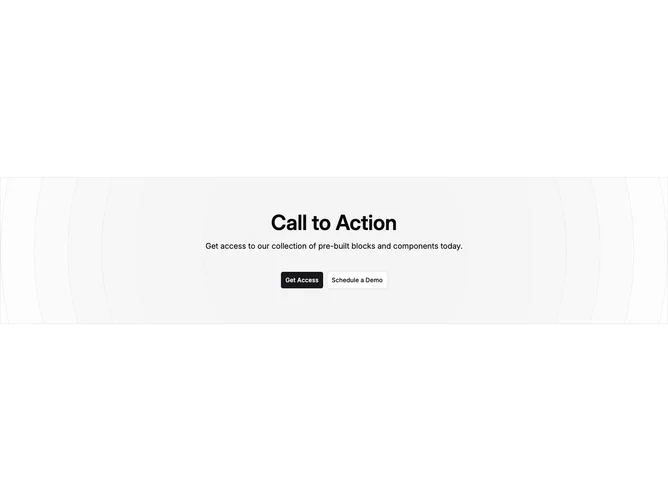
Shadcn Cta 17 - Centered call to action with circle pattern

Centered call to action with circle pattern

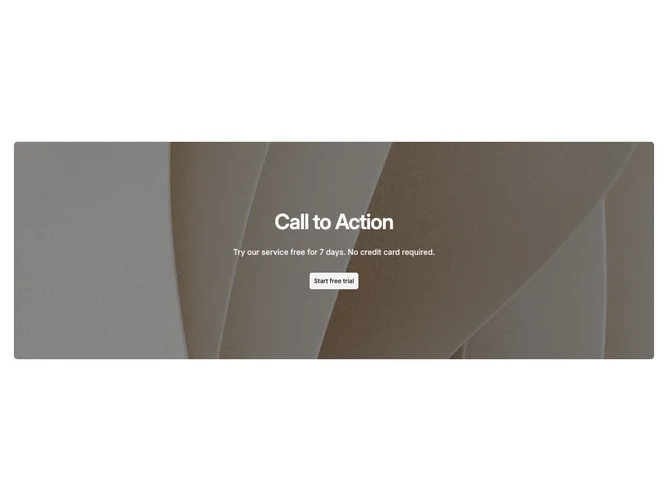
Shadcn Cta 21 - Contained image CTA with text shadow

Contained image CTA with text shadow

Shadcn Cta 20 - Minimal call to action with line separators

Minimal call to action with line separators

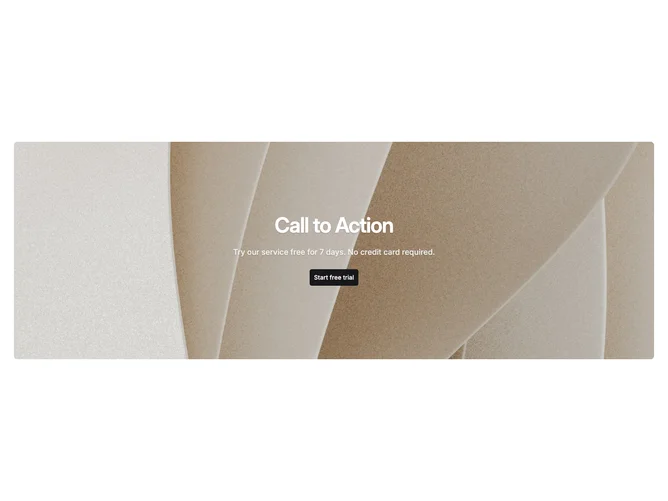
Shadcn Cta 16 - Contained image CTA with flat overlay

Contained image CTA with flat overlay

Shadcn Cta 13 - Left-aligned accent CTA with dual buttons

Left-aligned accent CTA with dual buttons

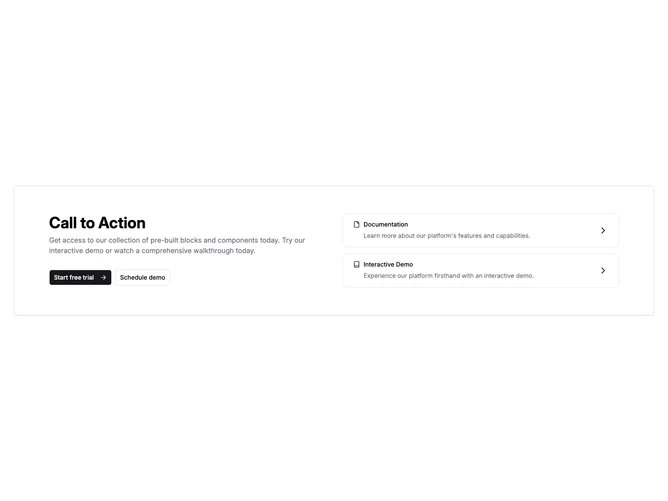
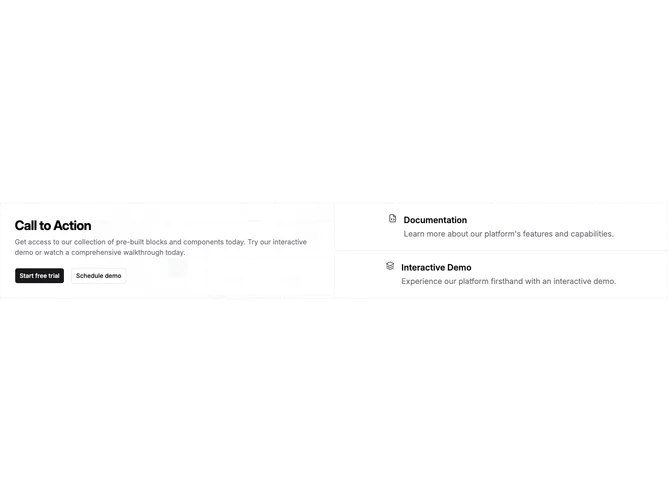
Shadcn Cta 3 - Call to action with link cards

Call to action with link cards

Shadcn Cta 11 - Bordered CTA with icon label and single action

Bordered CTA with icon label and single action

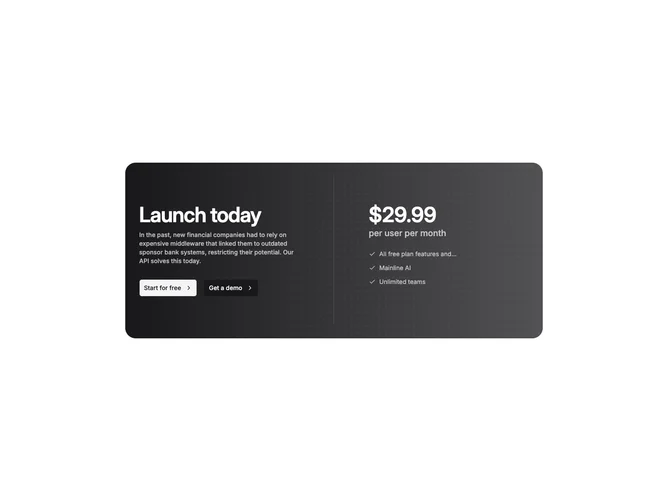
Shadcn Cta 40 - Gradient split pricing call to action

Gradient split pricing call to action

Shadcn Cta 14 - Contained image CTA with gradient overlay

Contained image CTA with gradient overlay

Shadcn Cta 32 - Two-column call to action with pattern panel and icon links

Two-column call to action with pattern panel and icon links

Shadcn Cta 12 - Centered accent CTA with stacked actions

Centered accent CTA with stacked actions

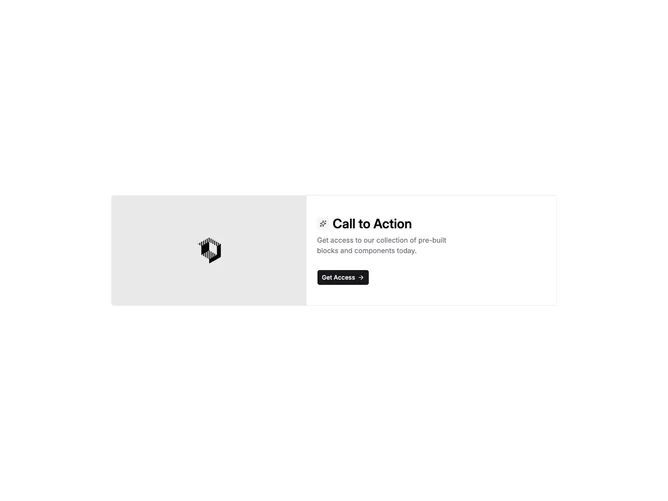
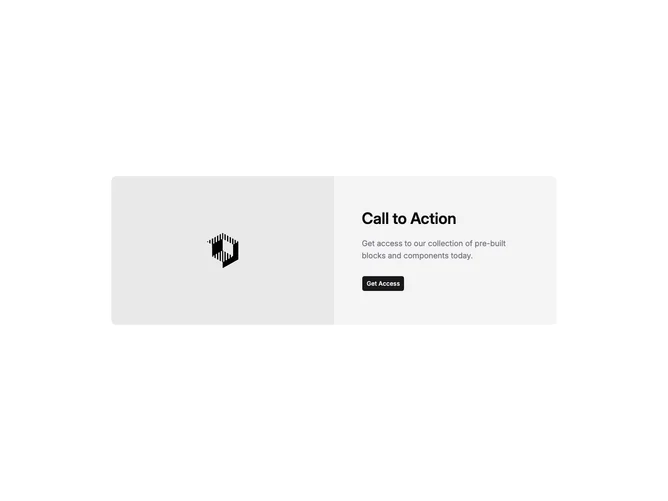
Shadcn Cta 5 - Call to action with side image

Call to action with side image

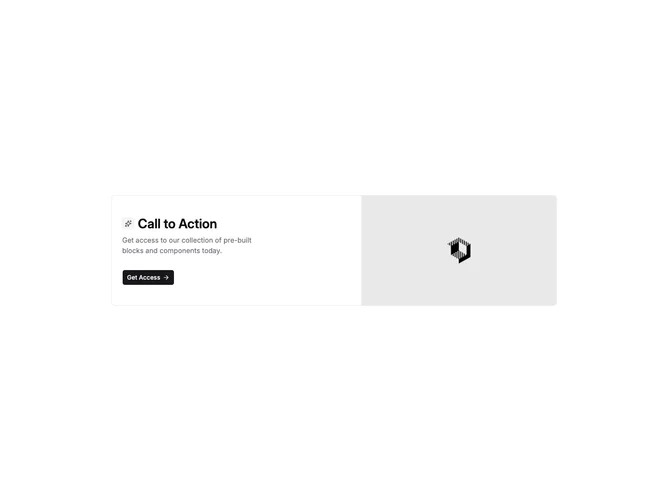
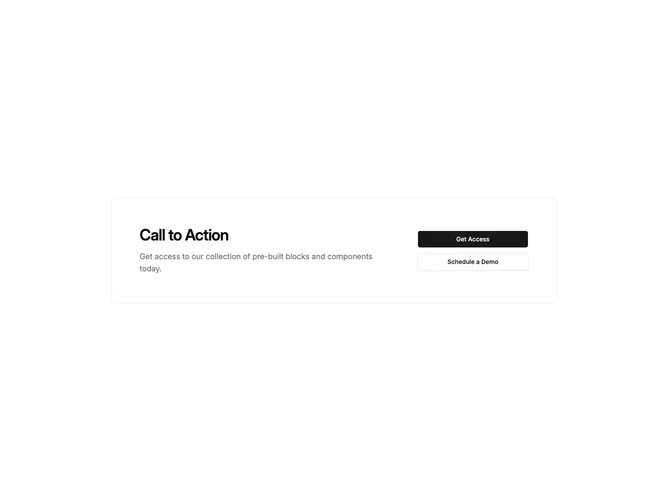
Shadcn Cta 1 - Card CTA with icon heading and trailing arrow

Card CTA with icon heading and trailing arrow

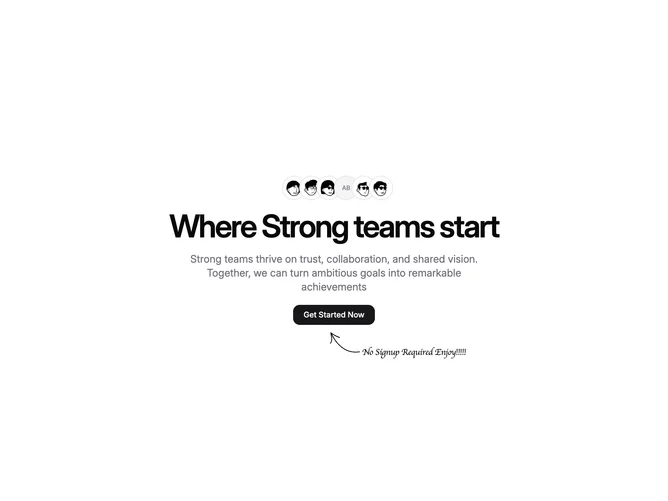
Shadcn Cta 30 - Overlapping avatars team call to action

Overlapping avatars team call to action

Shadcn Cta 6 - Call to action with stacked panels

Call to action with stacked panels

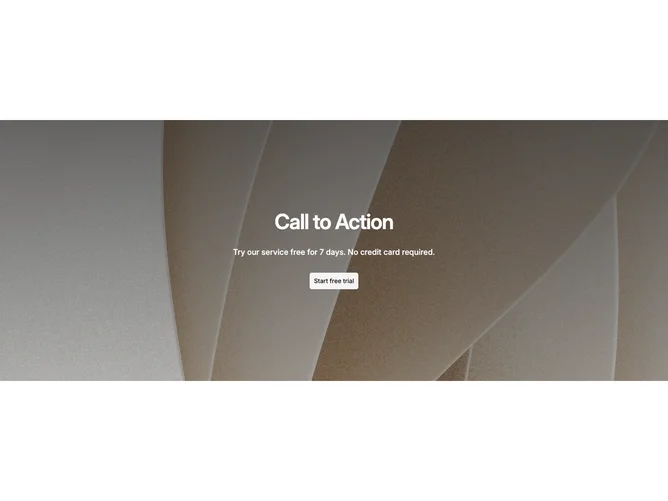
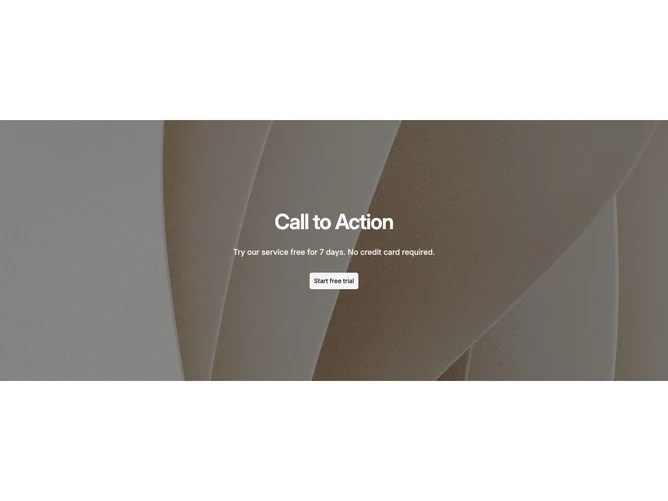
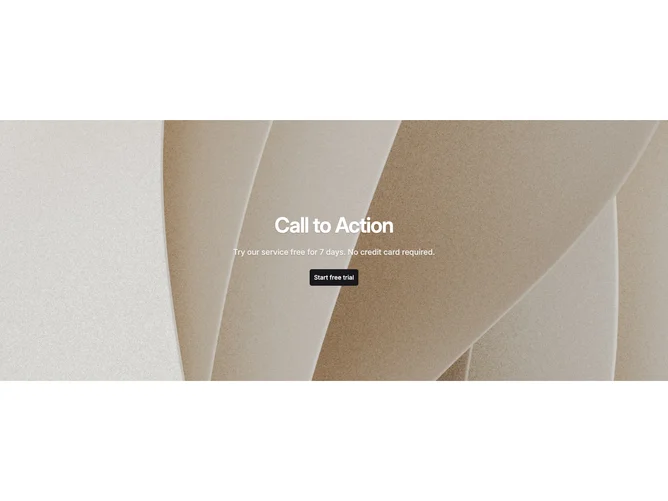
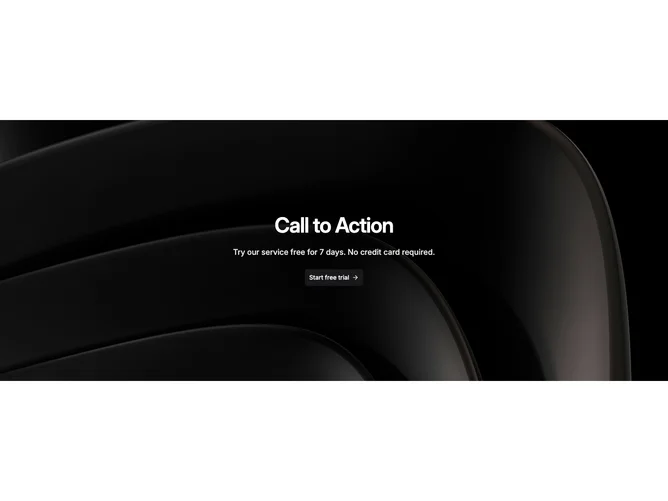
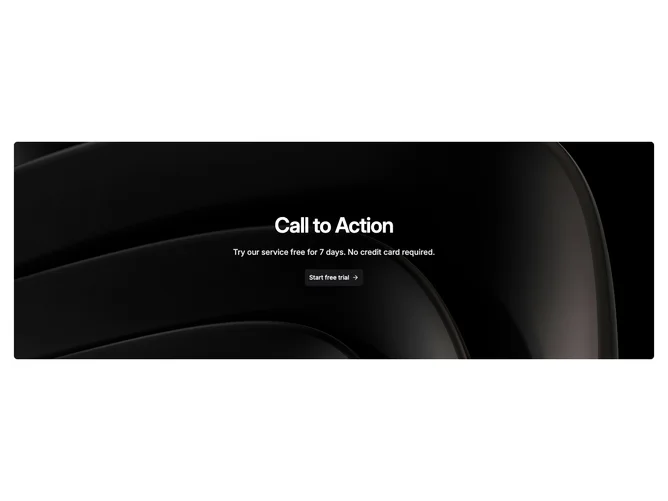
Shadcn Cta 43 - Full-width image CTA with gradient overlay

Full-width image CTA with gradient overlay

Shadcn Cta 44 - Full-width image CTA with flat overlay

Full-width image CTA with flat overlay

Shadcn Cta 45 - Full-width image CTA with text shadow

Full-width image CTA with text shadow

Shadcn Cta 46 - Full-width image CTA with radial vignette

Full-width image CTA with radial vignette

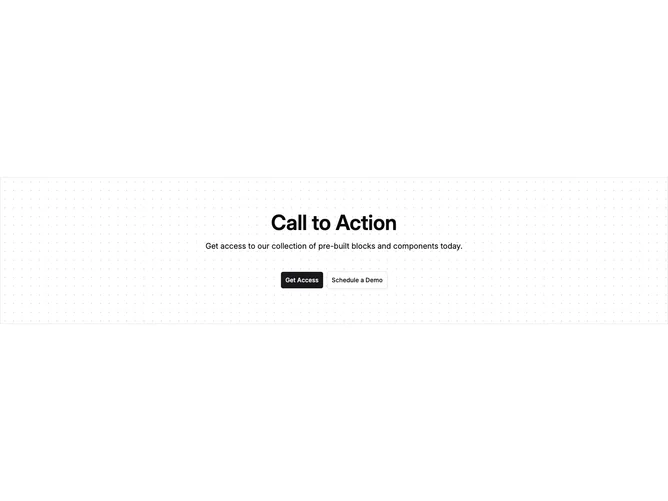
Shadcn Cta 41 - Full-width dotted panel call to action

Full-width dotted panel call to action

Shadcn Cta 42 - Contained image CTA with radial vignette

Contained image CTA with radial vignette

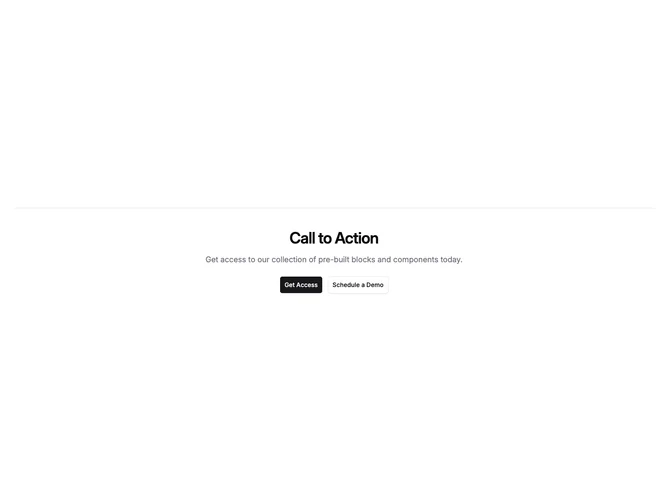
Shadcn Cta 34 - Call to action with top border separator

Call to action with top border separator

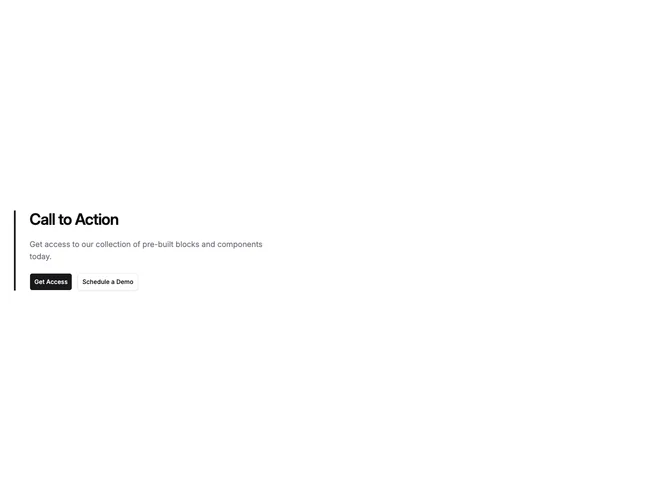
Shadcn Cta 35 - Call to action with left border stripe

Call to action with left border stripe

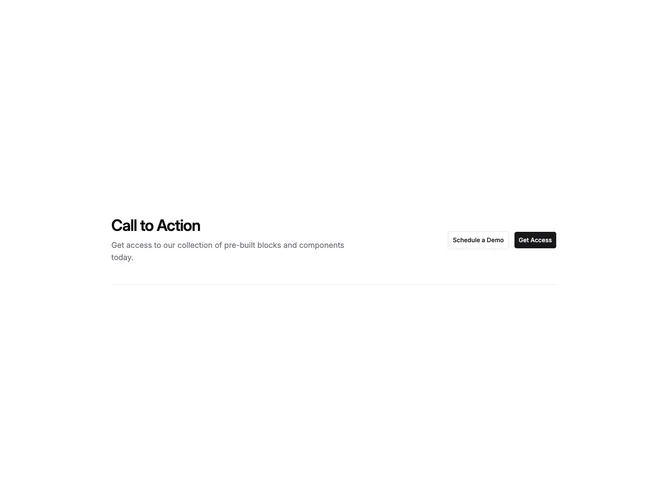
Shadcn Cta 36 - Inline split call to action

Inline split call to action

Shadcn Cta 37 - Bordered grid split call to action

Bordered grid split call to action

Shadcn Cta 38 - Inverted card call to action

Inverted card call to action

Shadcn Cta 39 - Dashed outline card call to action

Dashed outline card call to action

Shadcn UI CTA Blocks, Sections & Components

CTA blocks are dedicated sections of a webpage focused on cta content. They appear on landing pages, product pages, and marketing sites as key elements that communicate value and drive user engagement.

Each block is a self-contained React component which you can copy/paste the code or install via the shadcn CLI. You own the code and can modify however you like, or us AI and LLMS to quickly change the design.

Our cta blocks combine headlines, supporting text, images, icons, CTA buttons, and responsive layouts. Each block is designed with clear visual hierarchy and consistent spacing to integrate seamlessly into any page structure.

Choosing the Right CTA Section

Different goals call for different cta sections. We’ve organized our cta blocks into subgroups so you can find the right layout for your use case:

Frequently Asked Questions

How are Shadcnblocks cta blocks built?
Shadcnblocks cta blocks are built with React, Tailwind CSS, and shadcn/ui components.

What technologies are used to build Shadcnblocks cta sections?
Shadcnblocks cta sections are built with React, Tailwind CSS, and shadcn/ui components. They use standard React components and Tailwind utility classes for styling.

What frameworks do Shadcnblocks cta components work with?
Shadcnblocks cta components work with any React-based framework including Next.js, Remix, Astro, and Vite.

Can I customize Shadcnblocks cta blocks?
Yes. Every block is source code you add directly to your project. You can modify the text, images, colors, layout, and behavior using standard React and Tailwind patterns.

Do Shadcnblocks cta sections support dark mode?
Yes. All blocks use shadcn/ui’s theming system and support light and dark mode out of the box.

How do I install a Shadcnblocks cta block?
The best way to install a Shadcnblocks cta block is to use the shadcn CLI: npx shadcn add @shadcnblocks/{blockId}.

Can I copy and paste the code into my project?
Yes. Every block is ready to copy and paste the code directly into your project. Just click the “code” tab on any block to view the source code.