Shadcn UI Case Studies Blocks, Sections & Components
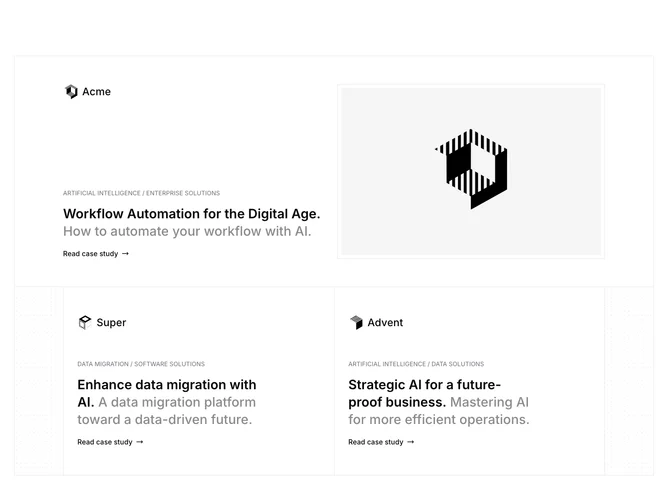
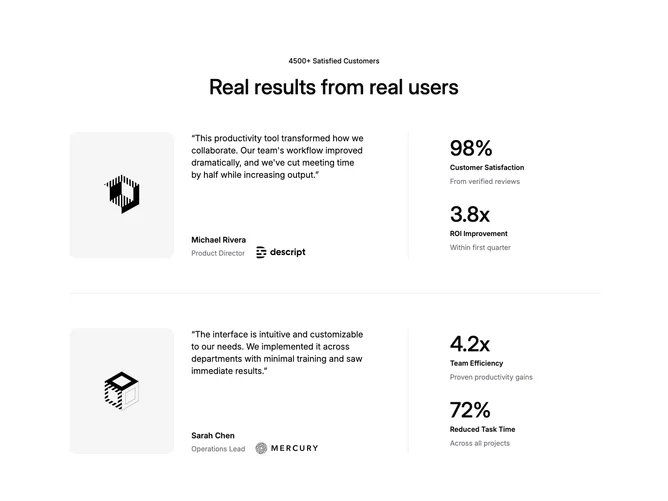
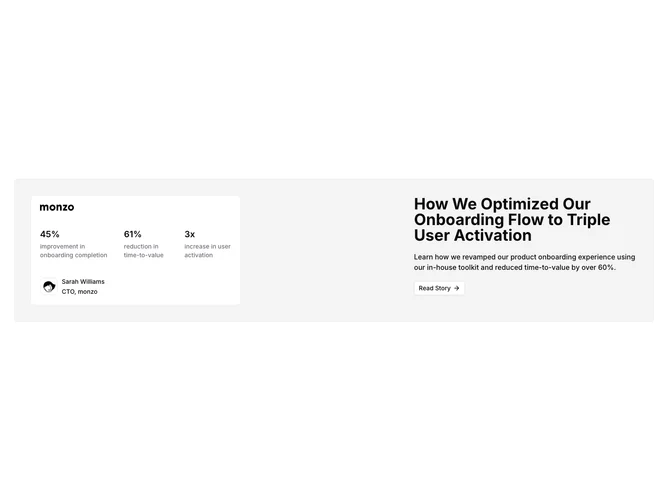
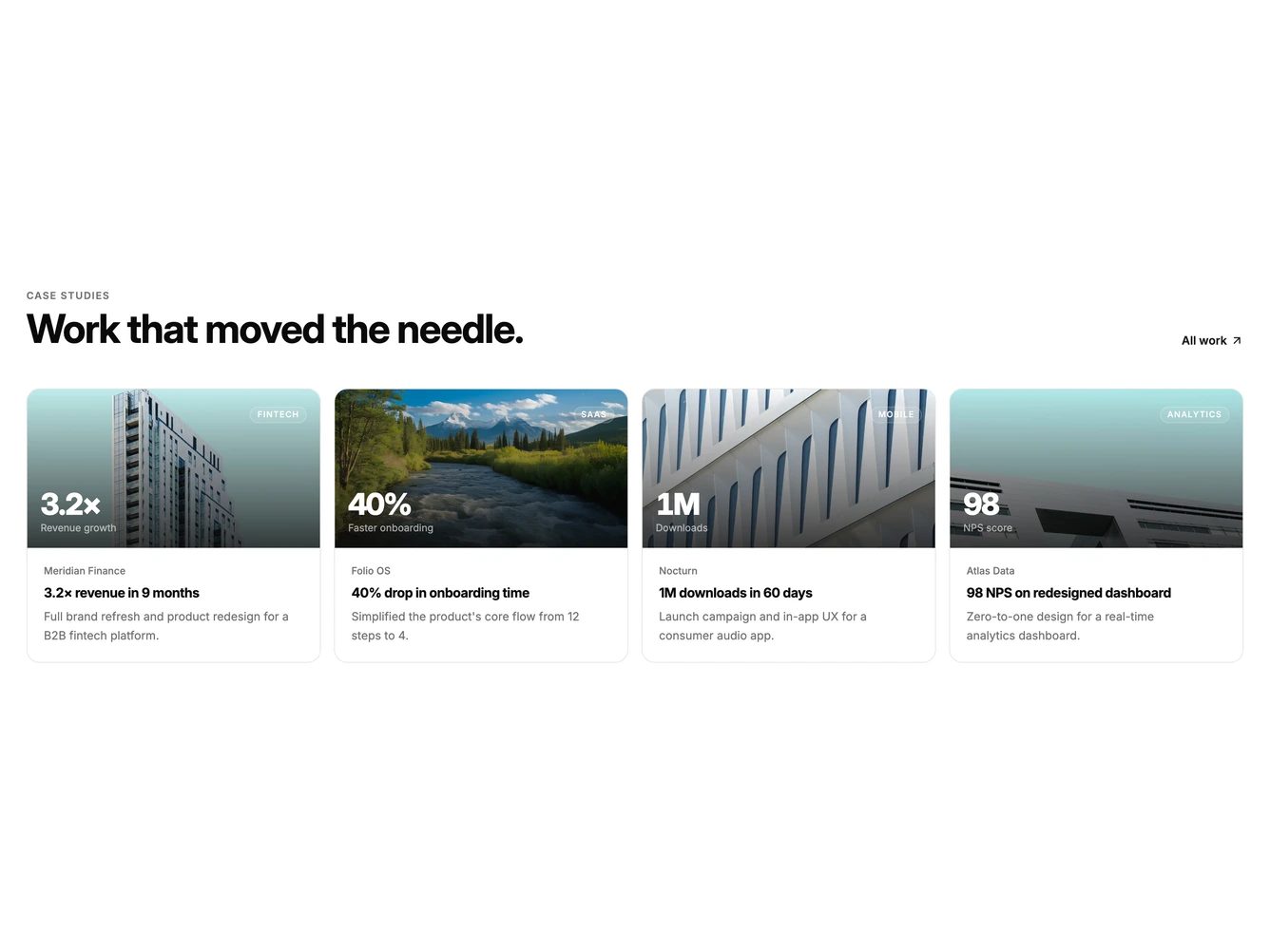
Case Studies blocks are dedicated sections of a webpage focused on case studies content. They appear on landing pages, product pages, and marketing sites as key elements that communicate value and drive user engagement.
Each block is a self-contained React component which you can copy/paste the code or install via the shadcn CLI. You own the code and can modify however you like, or us AI and LLMS to quickly change the design.
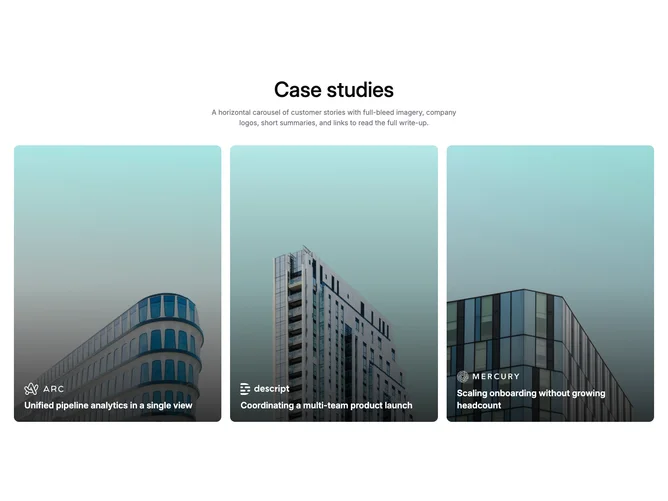
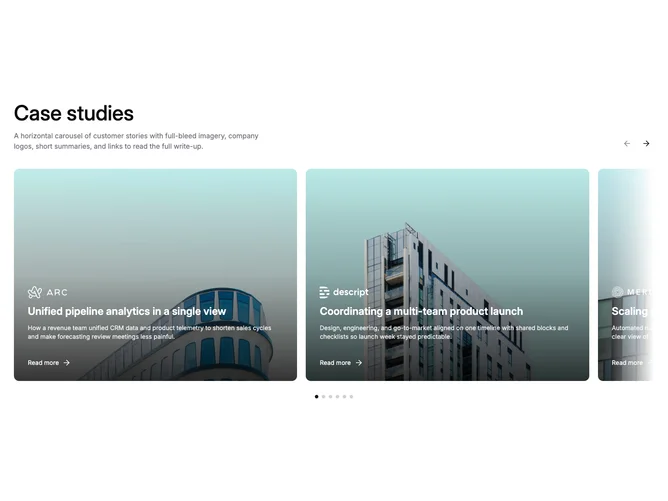
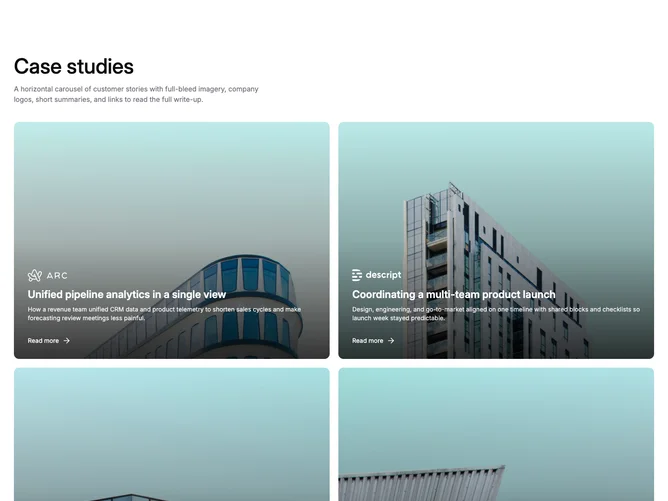
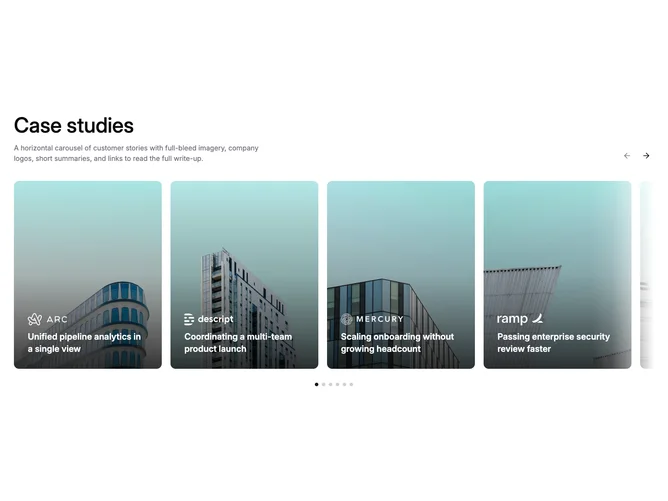
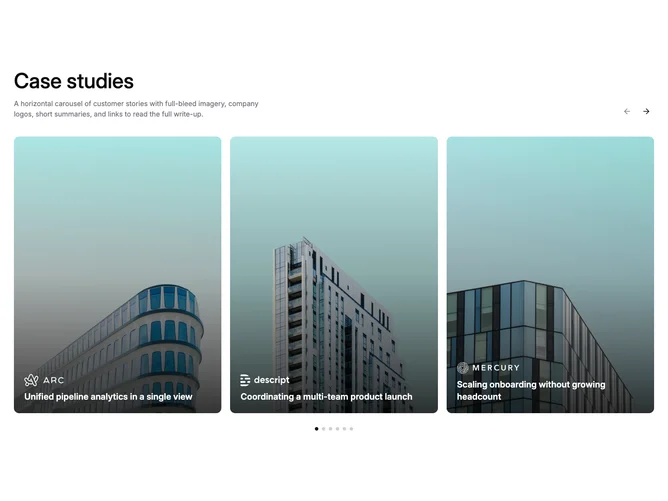
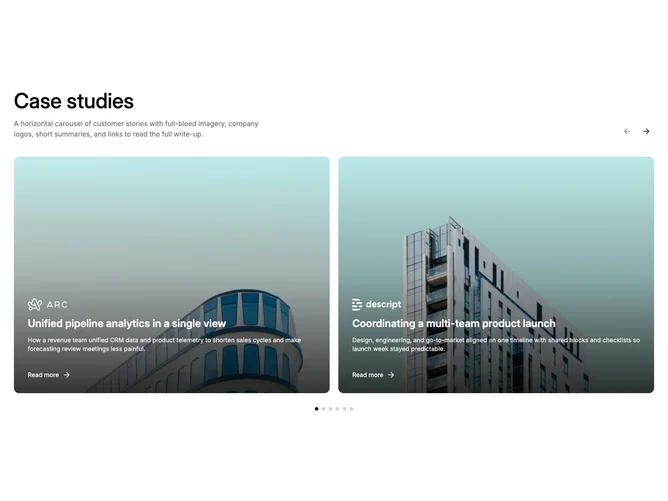
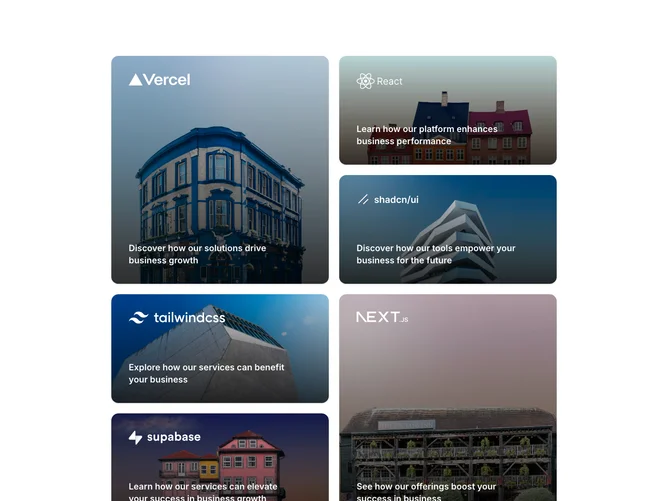
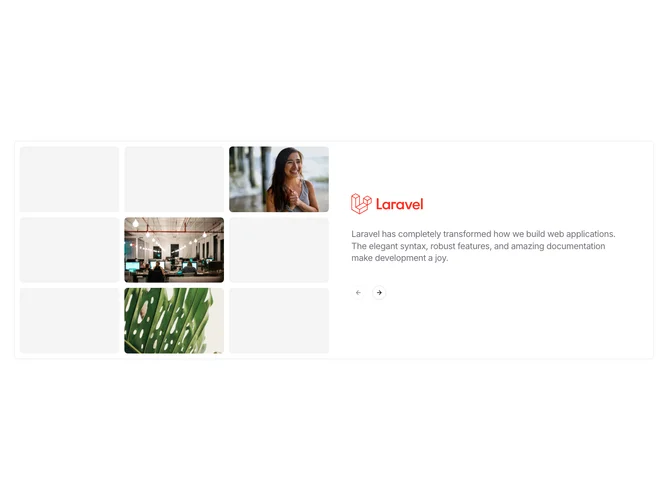
Our case studies blocks combine headlines, supporting text, images, icons, CTA buttons, and responsive layouts. Each block is designed with clear visual hierarchy and consistent spacing to integrate seamlessly into any page structure.
Choosing the Right Case Studies Section
Different goals call for different case studies sections. We’ve organized our case studies blocks into subgroups so you can find the right layout for your use case:
- Shadcn Case Studies Grid - Grid-based case studies layouts with consistent sizing and visual alignment.
- Shadcn Case Studies Carousel - Swipeable case studies carousel and slider layouts for compact multi-item display.
- Shadcn Case Studies Other - Unique and creative case studies layouts that go beyond standard patterns.
Frequently Asked Questions
How are Shadcnblocks case studies blocks built?
Shadcnblocks case studies blocks are built with React, Tailwind CSS, and shadcn/ui components.
What technologies are used to build Shadcnblocks case studies sections?
Shadcnblocks case studies sections are built with React, Tailwind CSS, and shadcn/ui components. They use standard React components and Tailwind utility classes for styling.
What frameworks do Shadcnblocks case studies components work with?
Shadcnblocks case studies components work with any React-based framework including Next.js, Remix, Astro, and Vite.
Can I customize Shadcnblocks case studies blocks?
Yes. Every block is source code you add directly to your project. You can modify the text, images, colors, layout, and behavior using standard React and Tailwind patterns.
Do Shadcnblocks case studies sections support dark mode?
Yes. All blocks use shadcn/ui’s theming system and support light and dark mode out of the box.
How do I install a Shadcnblocks case studies block?
The best way to install a Shadcnblocks case studies block is to use the shadcn CLI: npx shadcn add @shadcnblocks/{blockId}.
Can I copy and paste the code into my project?
Yes. Every block is ready to copy and paste the code directly into your project. Just click the “code” tab on any block to view the source code.


