Shadcn Testimonial Blocks

Browse 39+ Shadcn UI Testimonial sections built with React, Tailwind CSS and shadcn/ui. Copy & paste the code or install via the shadcn CLI.

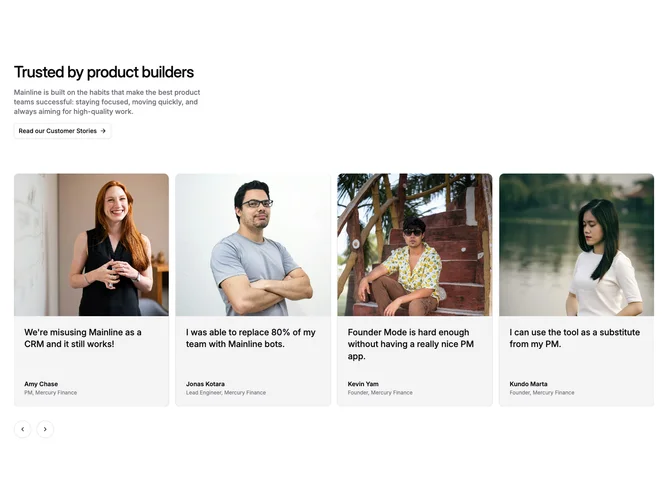
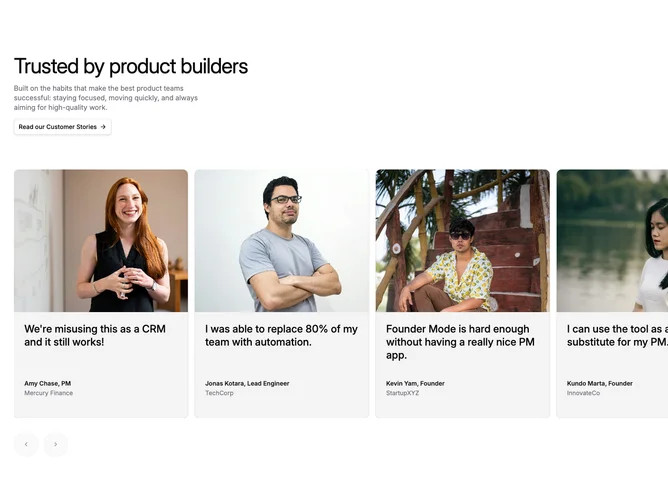
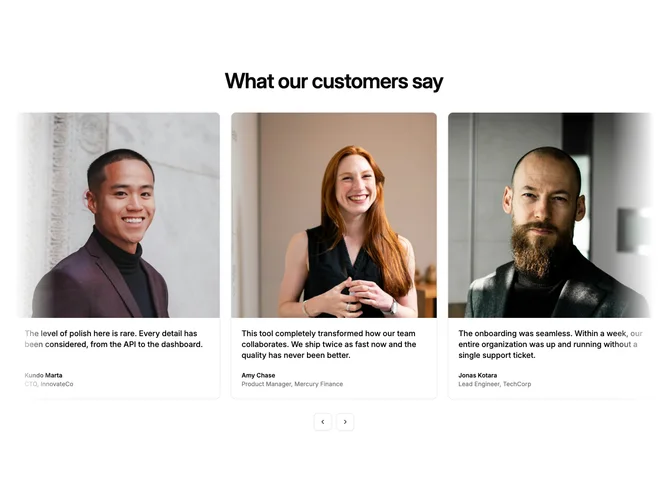
Shadcn Testimonial 25 - Photo testimonial carousel with stories link

Photo testimonial carousel with stories link

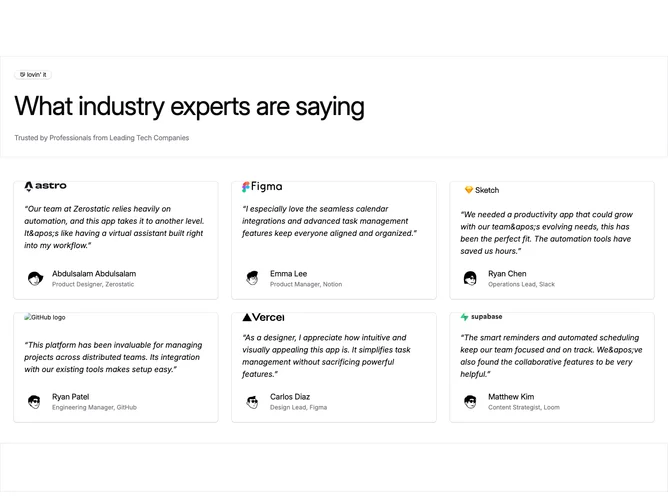
Shadcn Testimonial 21 - Expert quotes with company logos

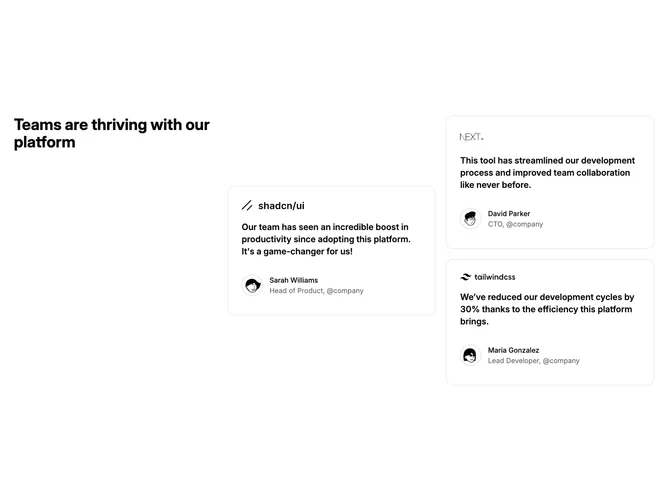
Expert quotes with company logos

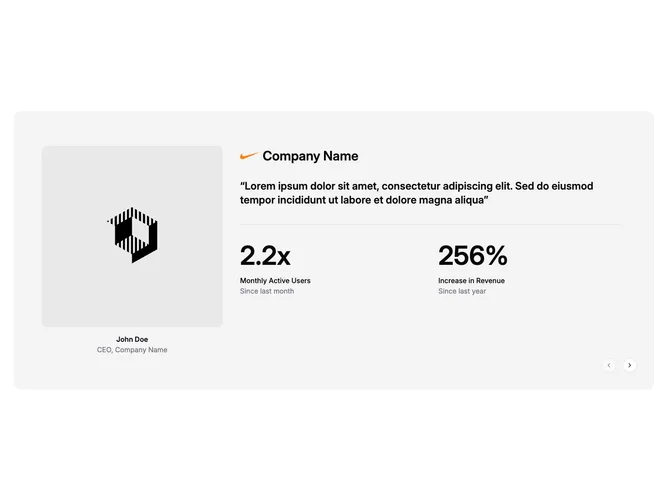
Shadcn Testimonial 12 - Testimonial carousel with stats

Testimonial carousel with stats

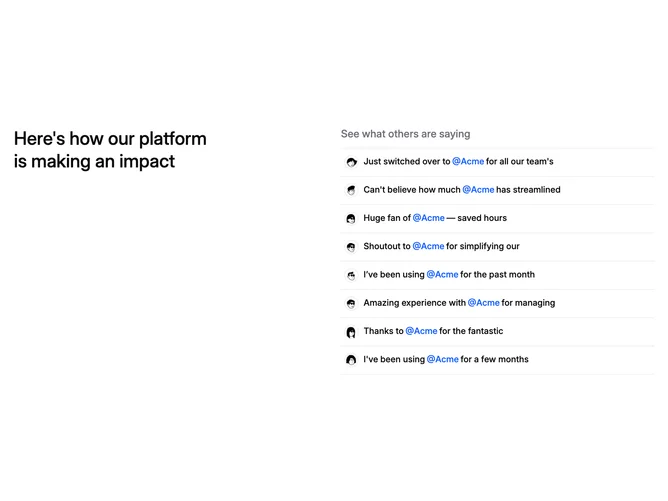
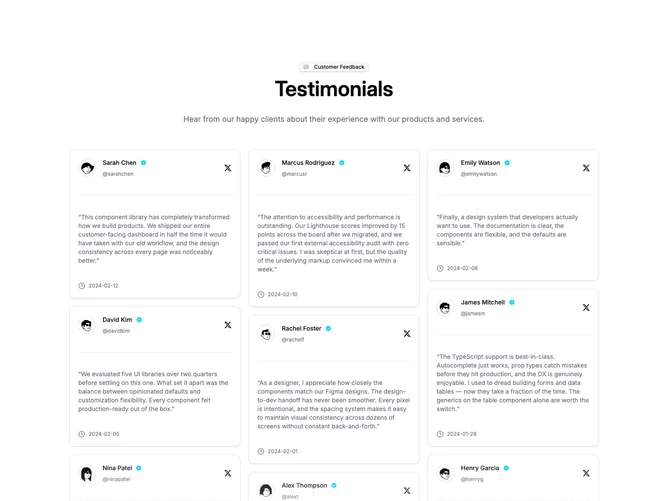
Shadcn Testimonial 16 - Expandable tweet-style testimonials

Expandable tweet-style testimonials

Shadcn Testimonial 17 - Logo quotes with mobile carousel

Logo quotes with mobile carousel

Shadcn Testimonial 4 - Featured quote with supporting cards

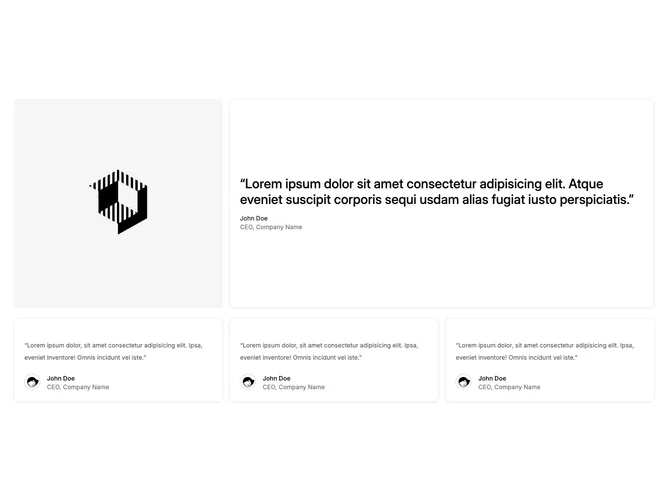
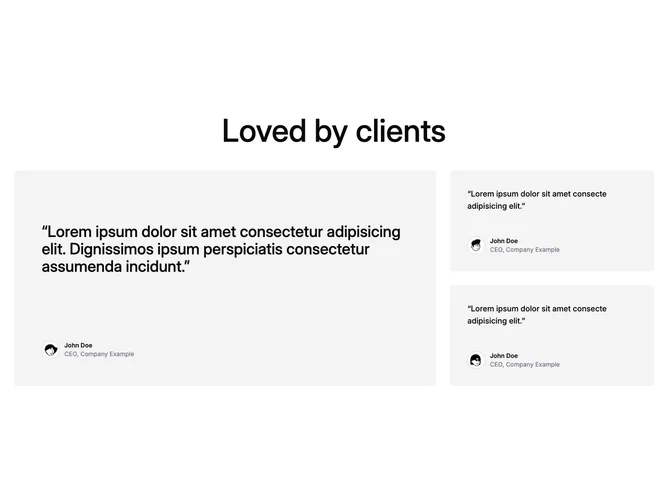
Featured quote with supporting cards

Shadcn Testimonial 18 - Featured quote with star rating

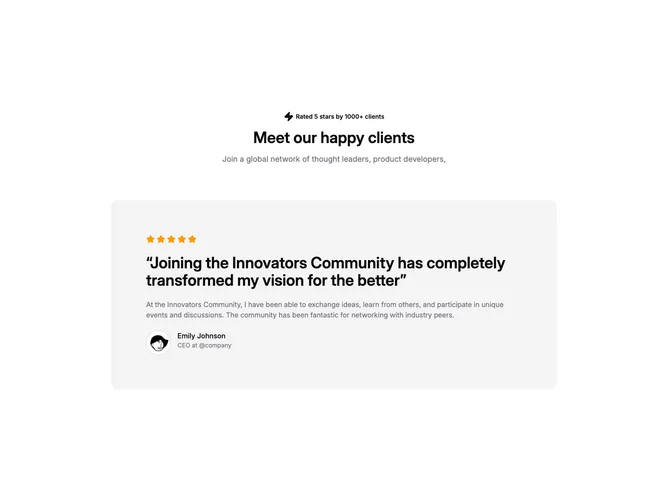
Featured quote with star rating

Shadcn Testimonial 33 - Bento featured testimonial grid

Bento featured testimonial grid

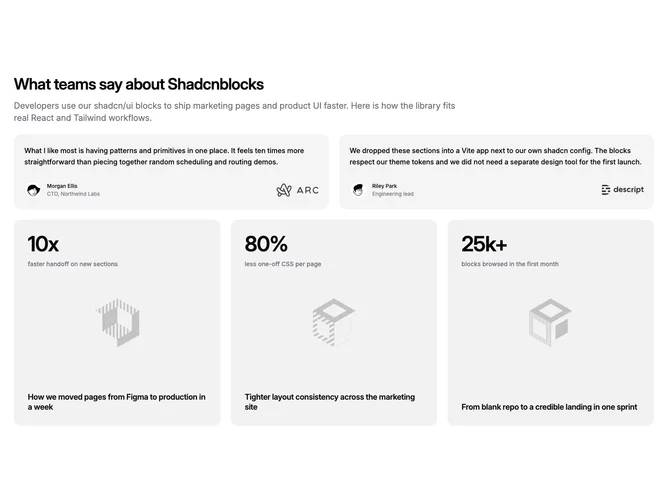
Shadcn Testimonial 27 - Quotes with case study metrics

Quotes with case study metrics

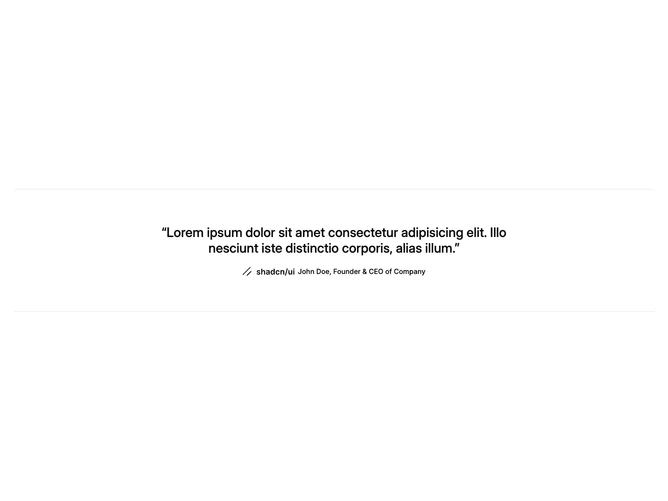
Shadcn Testimonial 3 - Centered quote with company wordmark

Centered quote with company wordmark

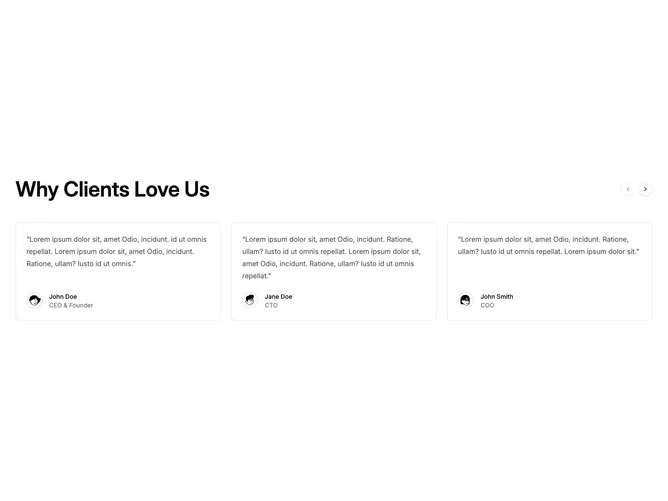
Shadcn Testimonial 6 - Testimonial carousel with arrow controls

Testimonial carousel with arrow controls

Shadcn Testimonial 11 - Masonry testimonial grid with ratings

Masonry testimonial grid with ratings

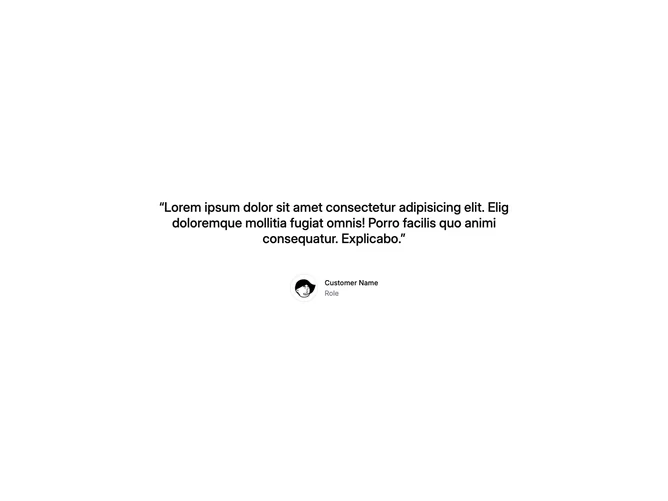
Shadcn Testimonial 10 - Single centered quote

Single centered quote

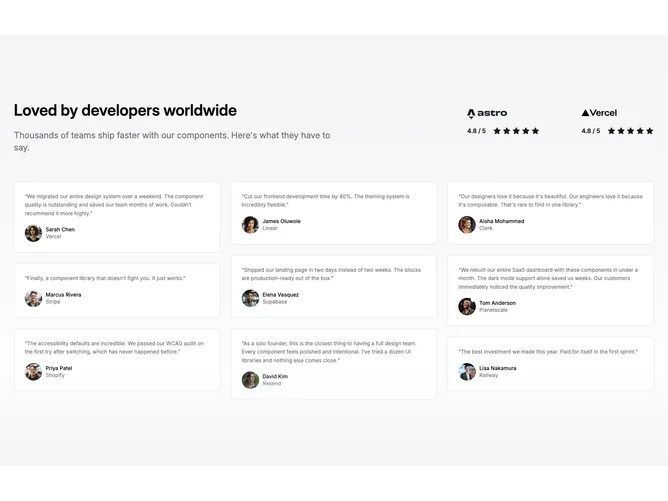
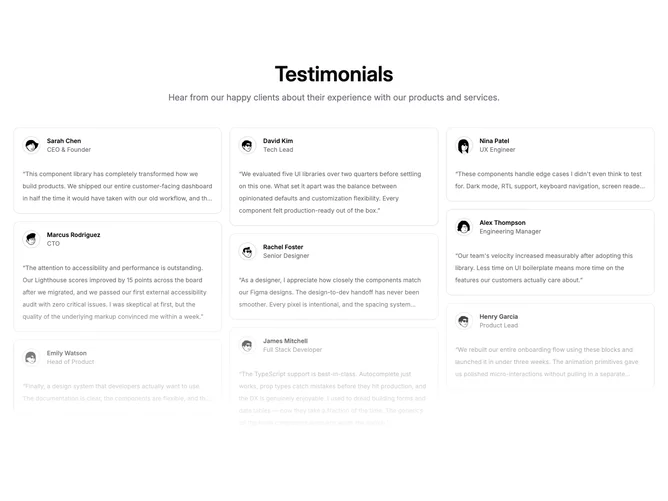
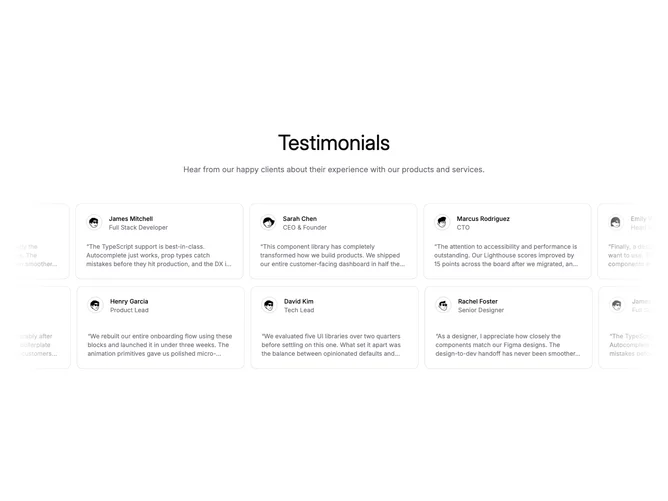
Shadcn Testimonial 8 - Masonry testimonial wall with fade

Masonry testimonial wall with fade

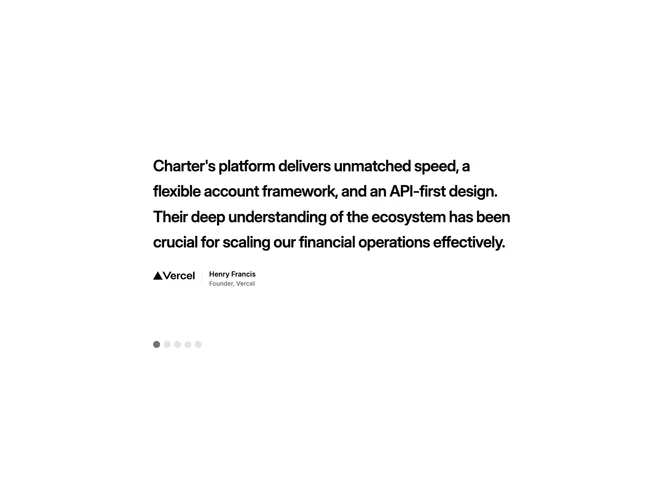
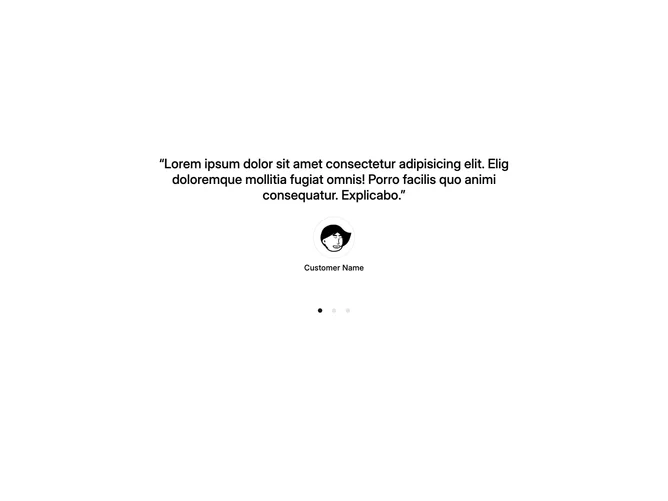
Shadcn Testimonial 26 - Quote carousel with dot indicators

Quote carousel with dot indicators

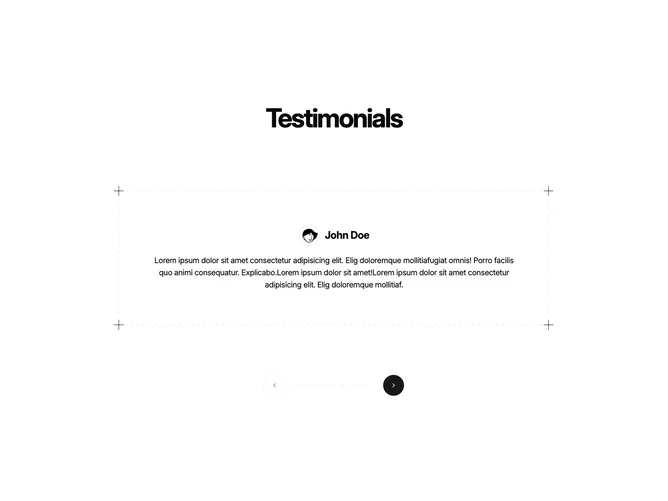
Shadcn Testimonial 28 - Dashed-border testimonial carousel

Dashed-border testimonial carousel

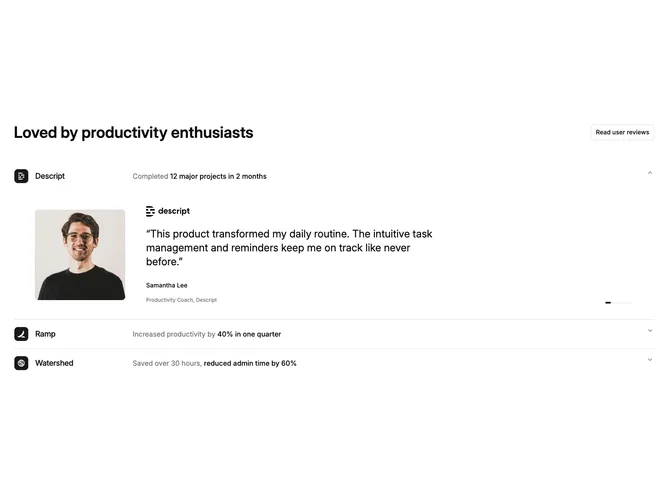
Shadcn Testimonial 30 - Auto-rotating accordion testimonials

Auto-rotating accordion testimonials

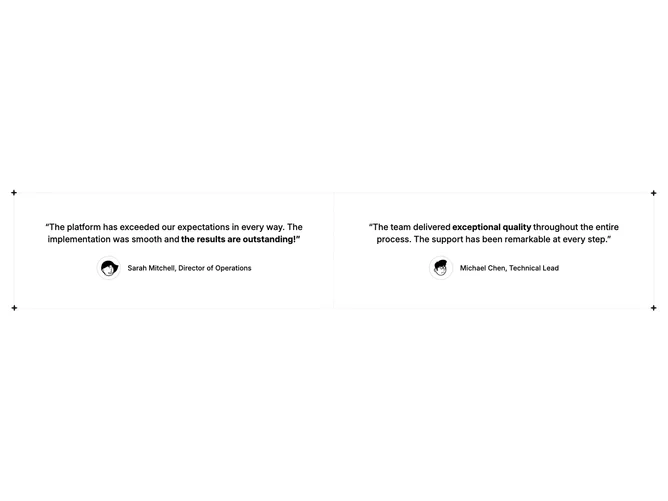
Shadcn Testimonial 20 - Dashed two-column quote pair

Dashed two-column quote pair

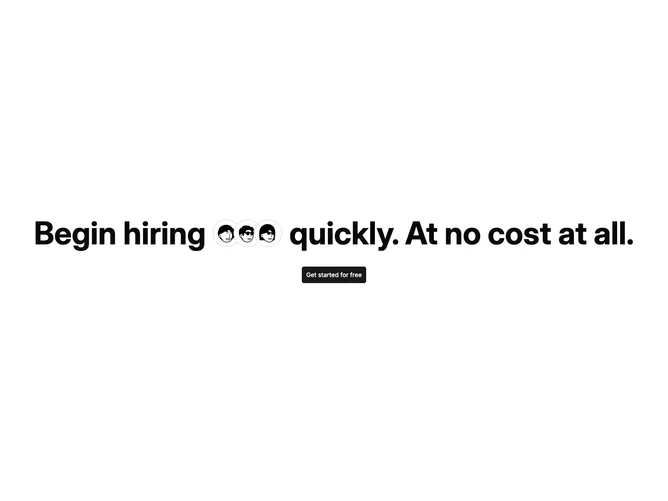
Shadcn Testimonial 2 - Inline avatar CTA headline

Inline avatar CTA headline

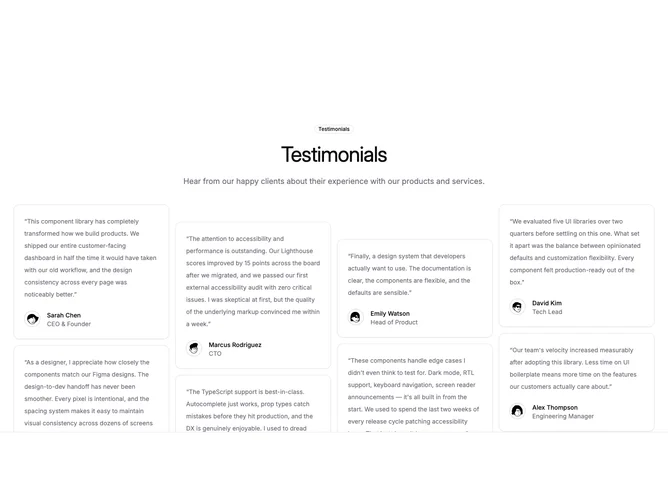
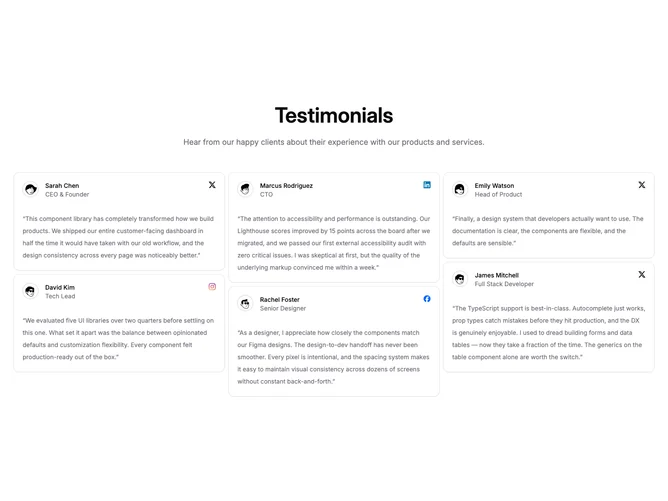
Shadcn Testimonial 1 - Staggered column testimonial grid

Staggered column testimonial grid

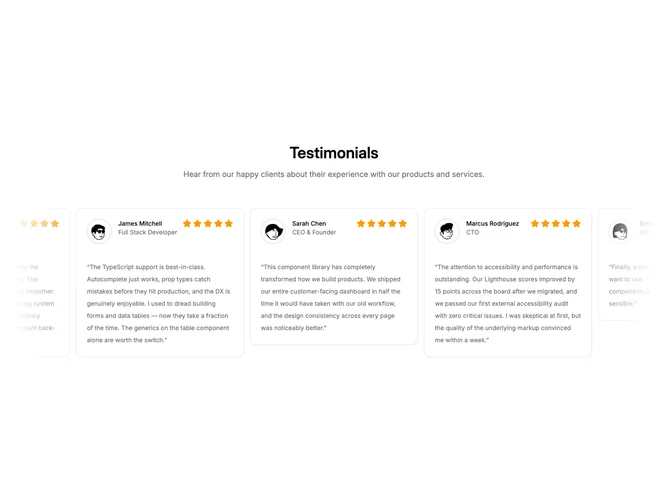
Shadcn Testimonial 7 - Dual auto-scrolling testimonial rows

Dual auto-scrolling testimonial rows

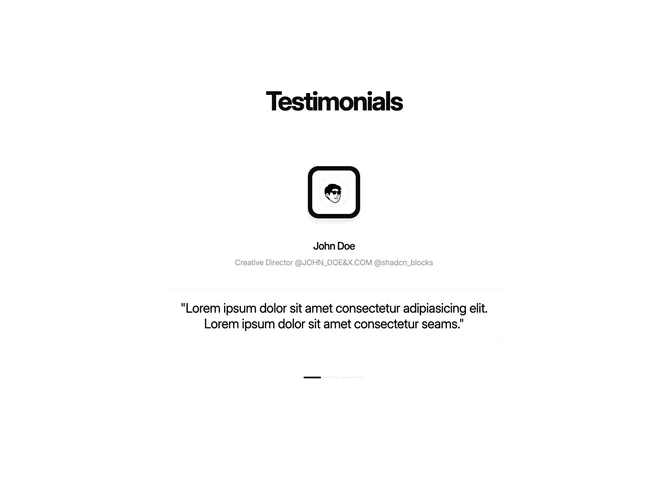
Shadcn Testimonial 14 - Testimonial carousel with dot navigation

Testimonial carousel with dot navigation

Shadcn Testimonial 29 - Centered autoplay testimonial slider

Centered autoplay testimonial slider

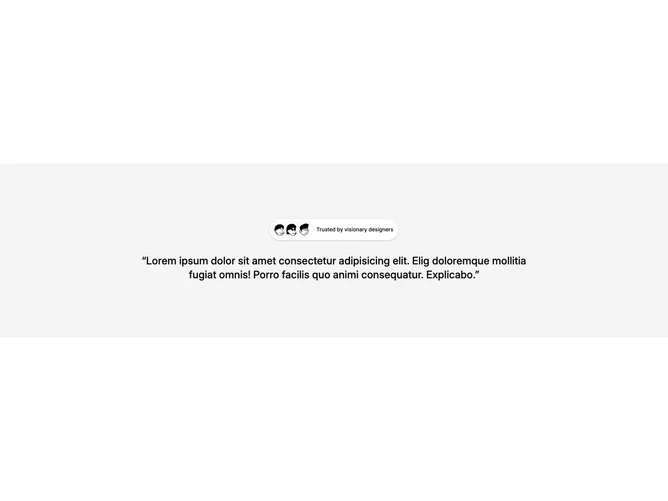
Shadcn Testimonial 13 - Centered quote with stacked avatars

Centered quote with stacked avatars

Shadcn Testimonial 9 - Masonry quotes with source icons

Masonry quotes with source icons

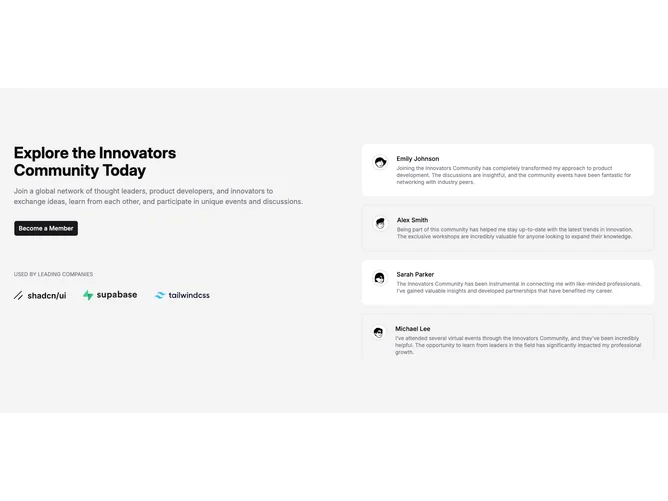
Shadcn Testimonial 15 - Split membership pitch with quote stack

Split membership pitch with quote stack

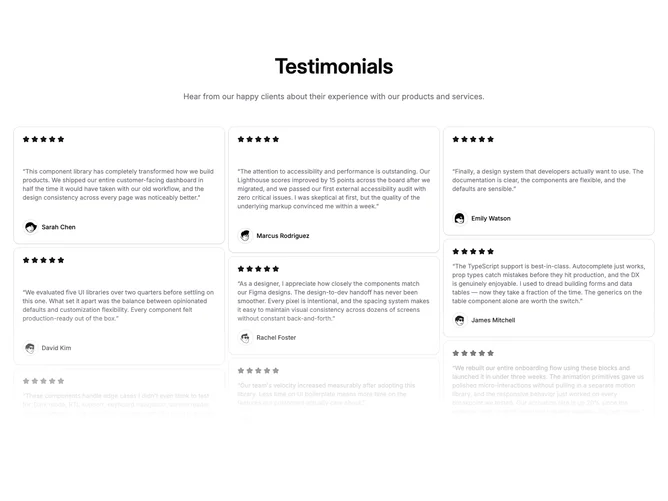
Shadcn Testimonial 24 - Masonry star-rated quotes with fade

Masonry star-rated quotes with fade

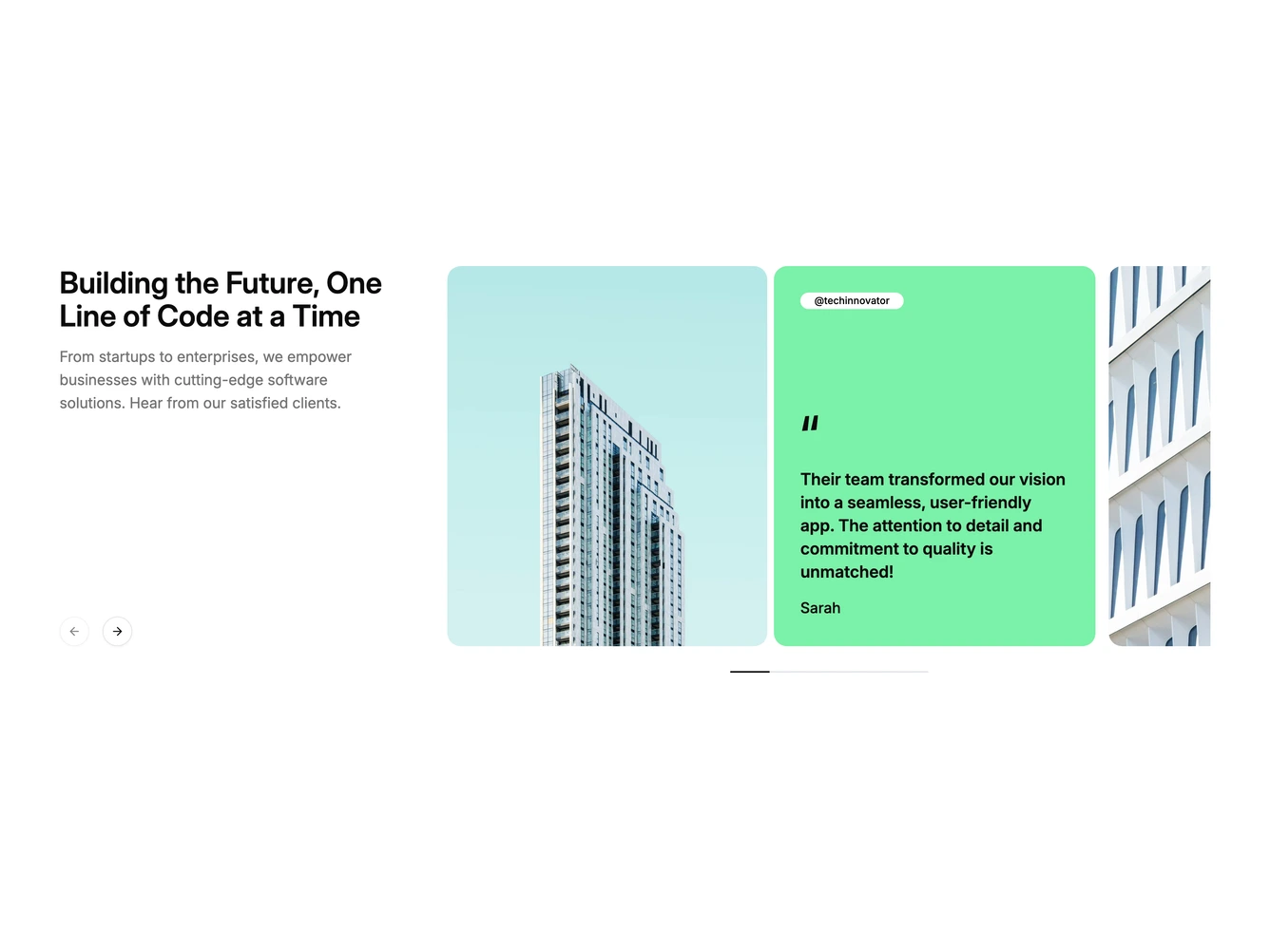
Shadcn Testimonial 31 - Testimonial Carousel with Photo Cards

Testimonial Carousel with Photo Cards

Shadcn Testimonial 23 - Masonry testimonial cards with badge

Masonry testimonial cards with badge

Shadcn Testimonial 19 - Auto-scrolling testimonial card row

Auto-scrolling testimonial card row

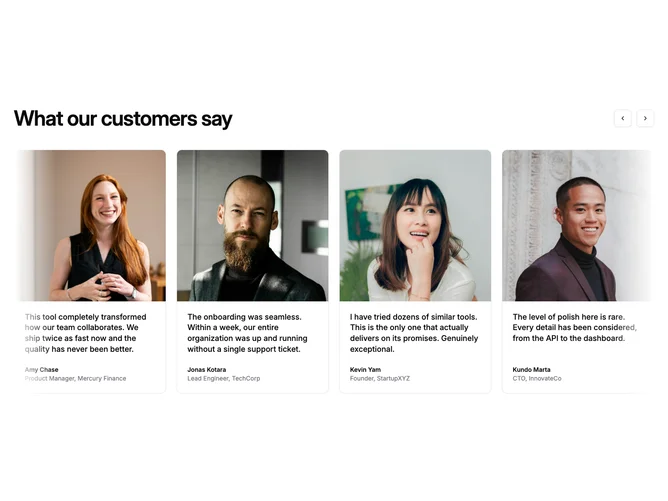
Shadcn Testimonial 41 - Centered Testimonial Carousel with Faded Edges

Centered Testimonial Carousel with Faded Edges

Shadcn Testimonial 42 - Left Aligned Carousel With Four Columns

Left Aligned Carousel With Four Columns

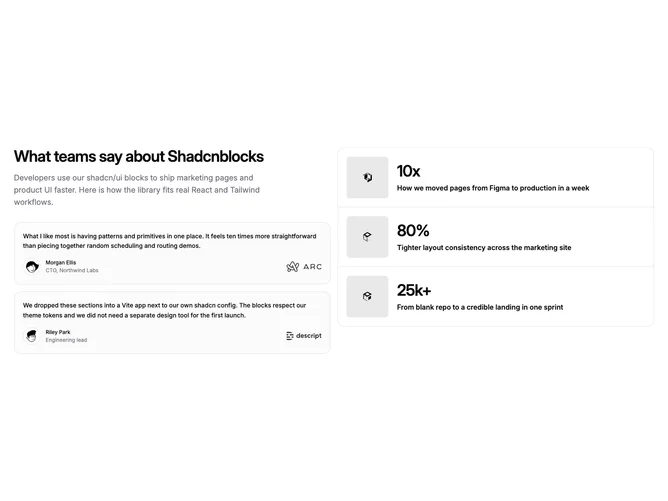
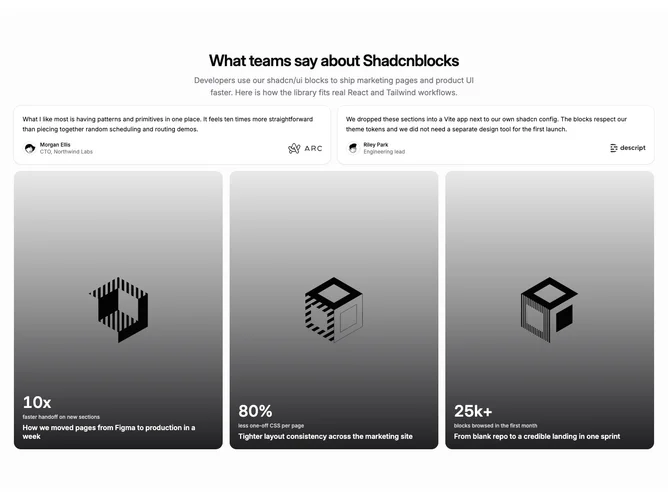
Shadcn Testimonial 36 - Split Copy And Stacked Case Studies

Split Copy And Stacked Case Studies

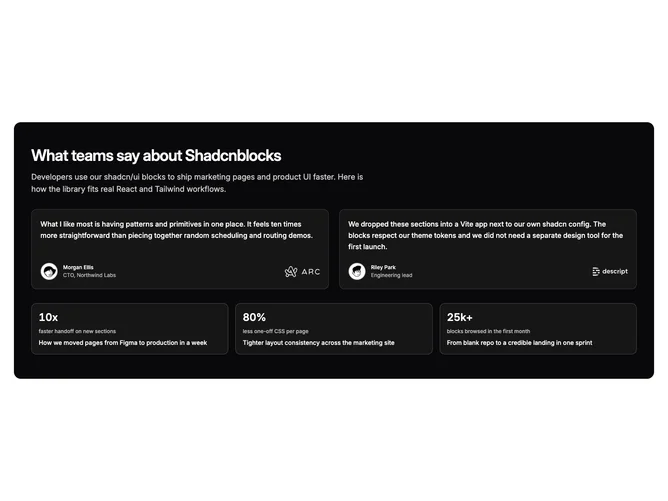
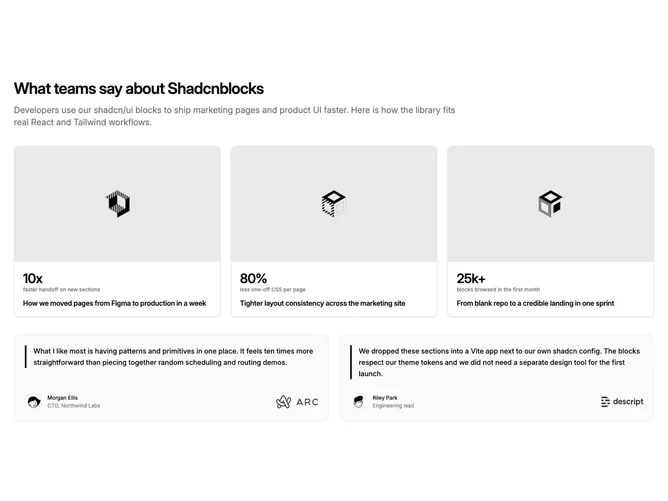
Shadcn Testimonial 37 - Inverted Testimonials And Case Strip

Inverted Testimonials And Case Strip

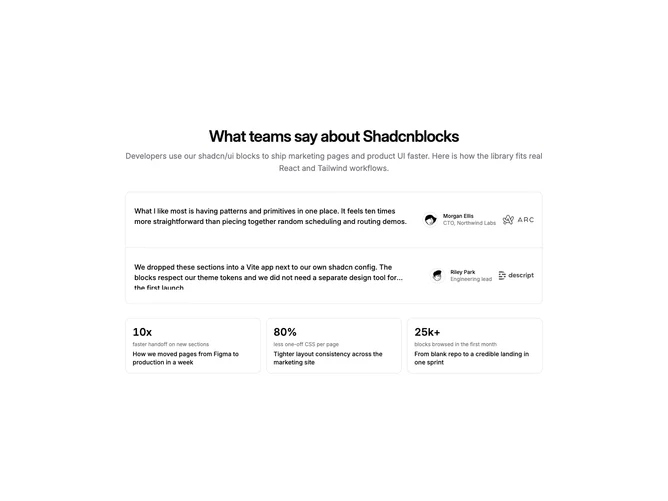
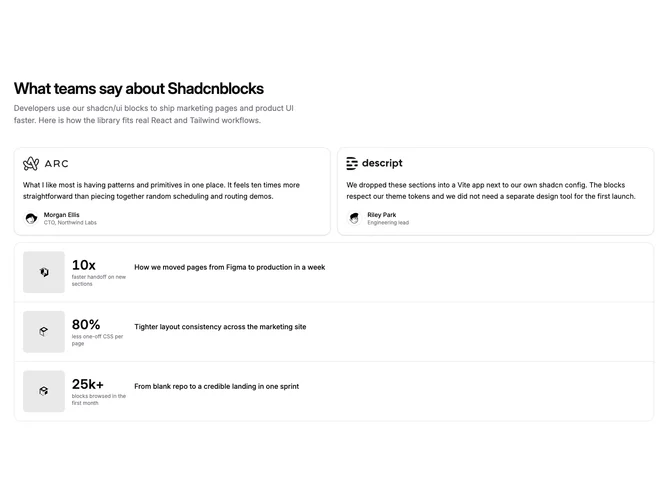
Shadcn Testimonial 38 - Divided List And Metric Blocks

Divided List And Metric Blocks

Shadcn Testimonial 39 - Snap Scroll Quotes And Image Case Rows

Snap Scroll Quotes And Image Case Rows

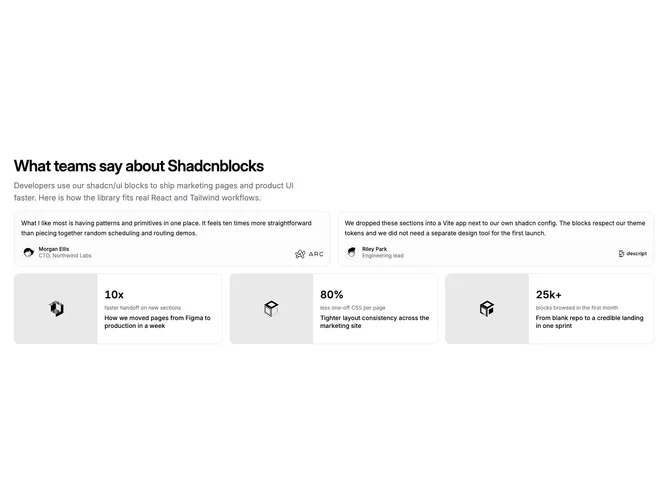
Shadcn Testimonial 40 - Muted Surface With Portrait Case Cards

Muted Surface With Portrait Case Cards

Shadcn Testimonial 34 - Image Case Studies With Quote Cards

Image Case Studies With Quote Cards

Shadcn Testimonial 35 - Logo-First Testimonials And Case List

Logo-First Testimonials And Case List

Shadcn UI Testimonial Blocks, Sections & Components

Testimonial blocks are dedicated sections of a webpage focused on testimonial content. They appear on landing pages, product pages, and marketing sites as key elements that communicate value and drive user engagement.

Each block is a self-contained React component which you can copy/paste the code or install via the shadcn CLI. You own the code and can modify however you like, or us AI and LLMS to quickly change the design.

Our testimonial blocks combine headlines, supporting text, images, icons, CTA buttons, and responsive layouts. Each block is designed with clear visual hierarchy and consistent spacing to integrate seamlessly into any page structure.

Choosing the Right Testimonial Section

Different goals call for different testimonial sections. We’ve organized our testimonial blocks into subgroups so you can find the right layout for your use case:

FAQs

What is a Shadcn Testimonial section?

A shadcn Testimonial section is a React block for a marketing page. Shadcnblocks Testimonial sections are built with Tailwind and shadcn/ui.

How do I install a Shadcnblocks Testimonial block?

Two ways. Copy and paste the code from the block page (in the code view), or install with the shadcn CLI. For example to install with the CLI run npx shadcn add @shadcnblocks/testimonial25 - See the installation docs for setting up shadcn/ui if your project isn't using it already.

Can I use Shadcnblocks Testimonial sections in Next.js or Astro?

Yes. Shadcnblocks work with any React project. That includes Next.js, Astro, Remix, and Vite.

Do Shadcnblocks Testimonial blocks work with Radix UI and Base UI?

Yes. Our blocks support both Base UI and Radix UI. They will use whatever primitive library you have defined in your project's components.json. You can find more info at Base UI or Radix UI .

Can I customize Shadcnblocks Testimonial sections?

Yes. You can customize every aspect of the code. Shadcnblocks are downloaded as components that live in your codebase (not npm modules), so editing the code is just like your own code.

How does theming work on Shadcnblocks Testimonial components?

Our blocks use shadcn/ui theme variables in Tailwind CSS. CSS variables cover light mode, dark mode, and the rest of the shadcn design tokens. You can install any theme from our Shadcn Themes page.

How do I choose the right Shadcn Testimonial section?

Use the subgroup list above. Start from the layout you already have assets for, then change the copy and the image.