

Shadcn UI Team Blocks, Sections & Components
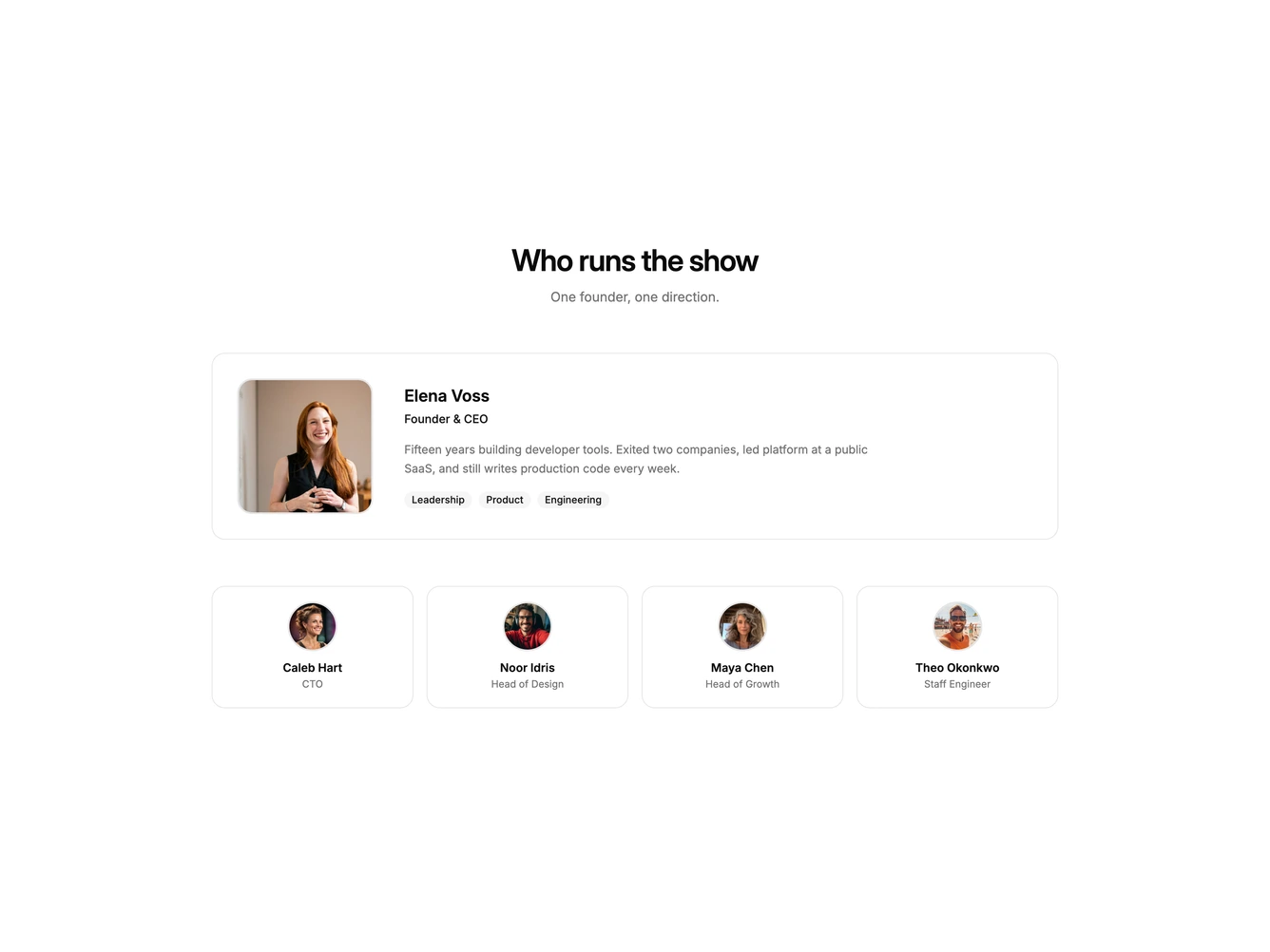
Team blocks are dedicated sections of a webpage focused on team content. They appear on landing pages, product pages, and marketing sites as key elements that communicate value and drive user engagement.
Each block is a self-contained React component which you can copy/paste the code or install via the shadcn CLI. You own the code and can modify however you like, or us AI and LLMS to quickly change the design.
Our team blocks combine headlines, supporting text, images, icons, CTA buttons, and responsive layouts. Each block is designed with clear visual hierarchy and consistent spacing to integrate seamlessly into any page structure.
Choosing the Right Team Section
Different goals call for different team sections. We’ve organized our team blocks into subgroups so you can find the right layout for your use case:
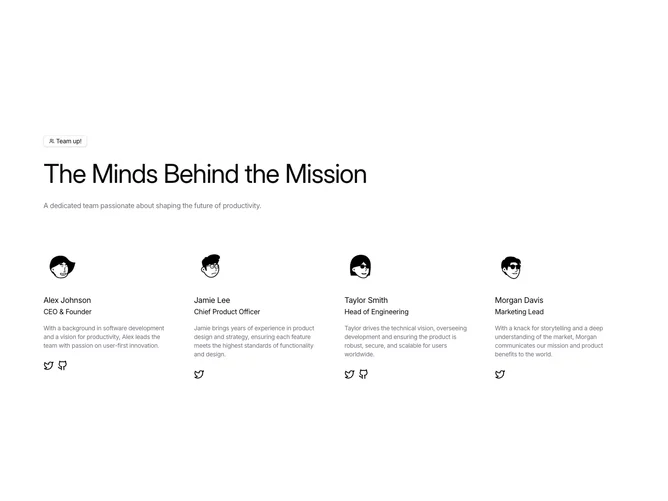
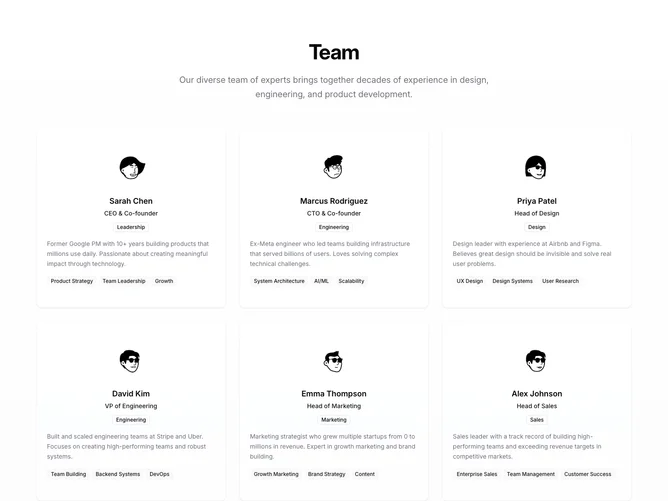
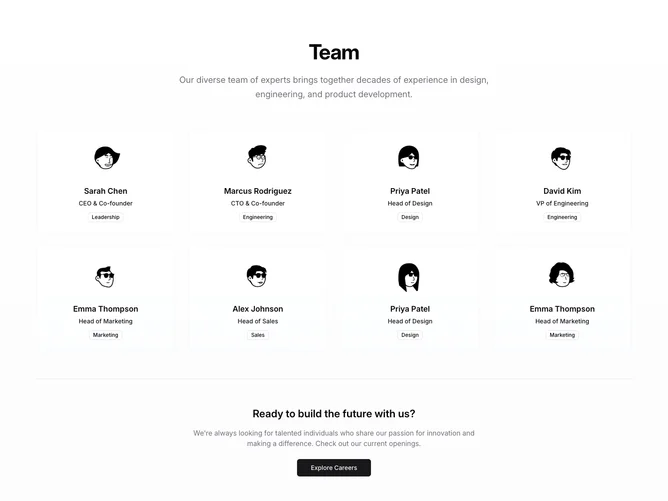
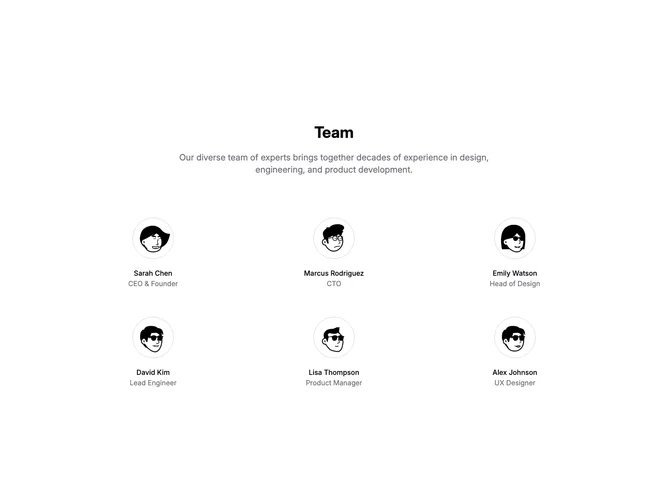
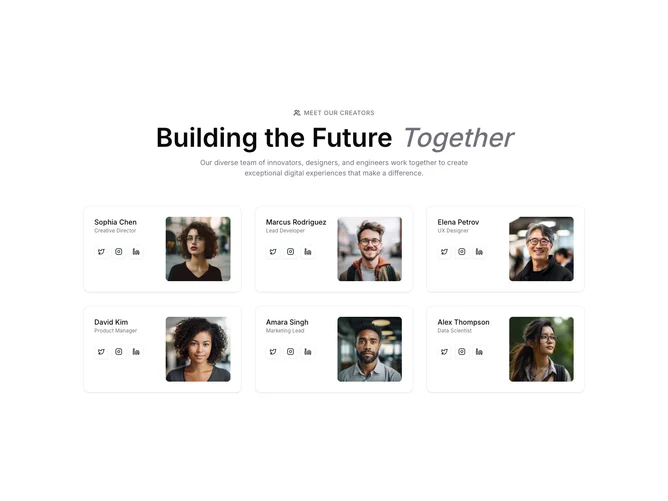
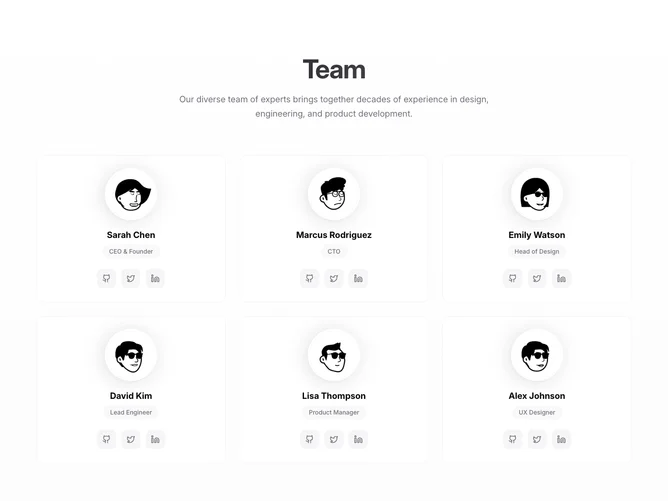
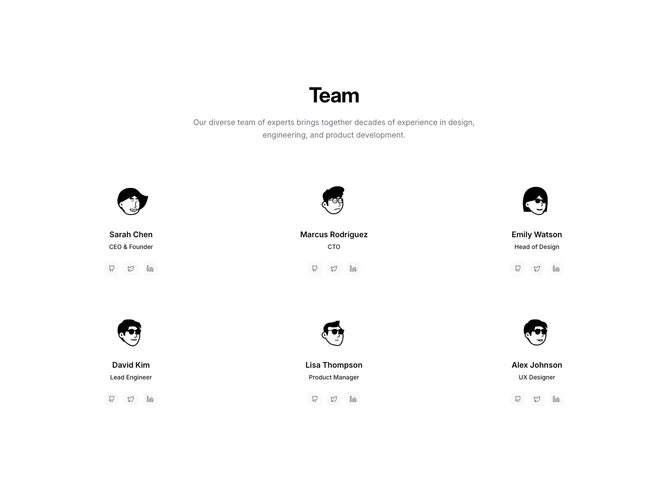
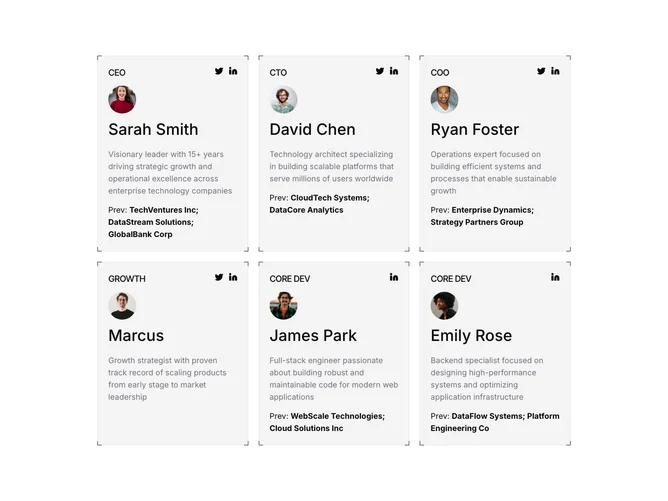
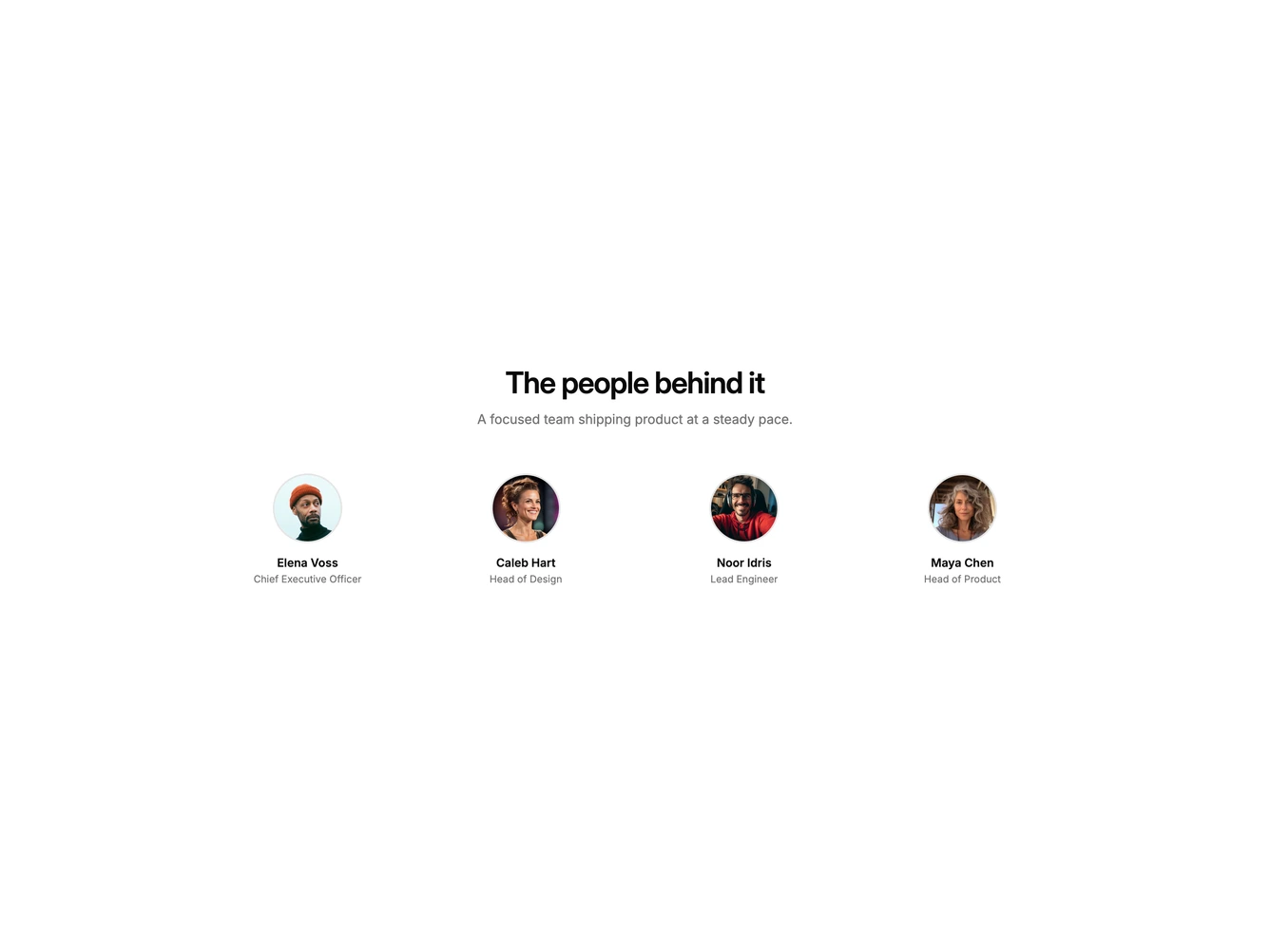
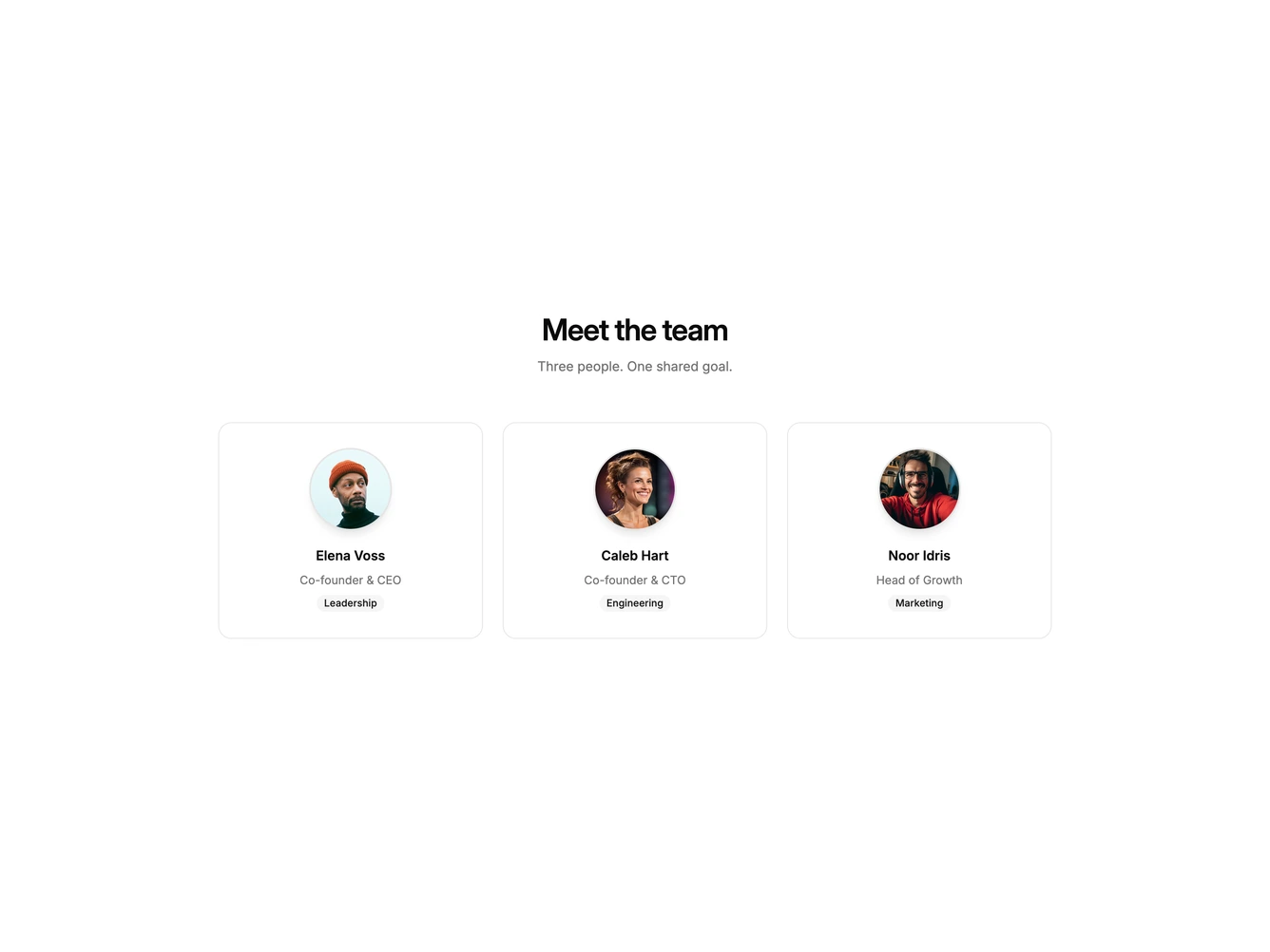
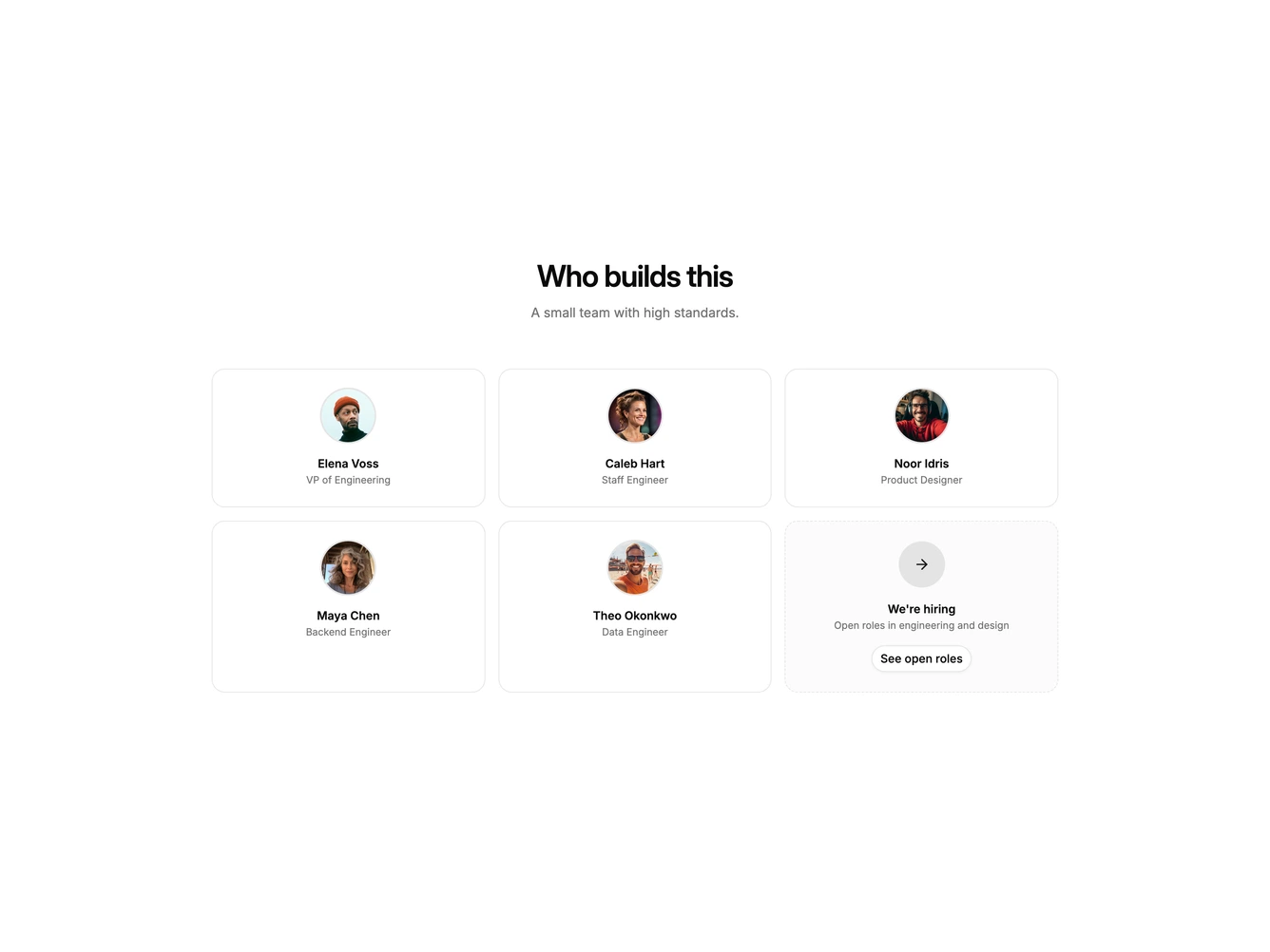
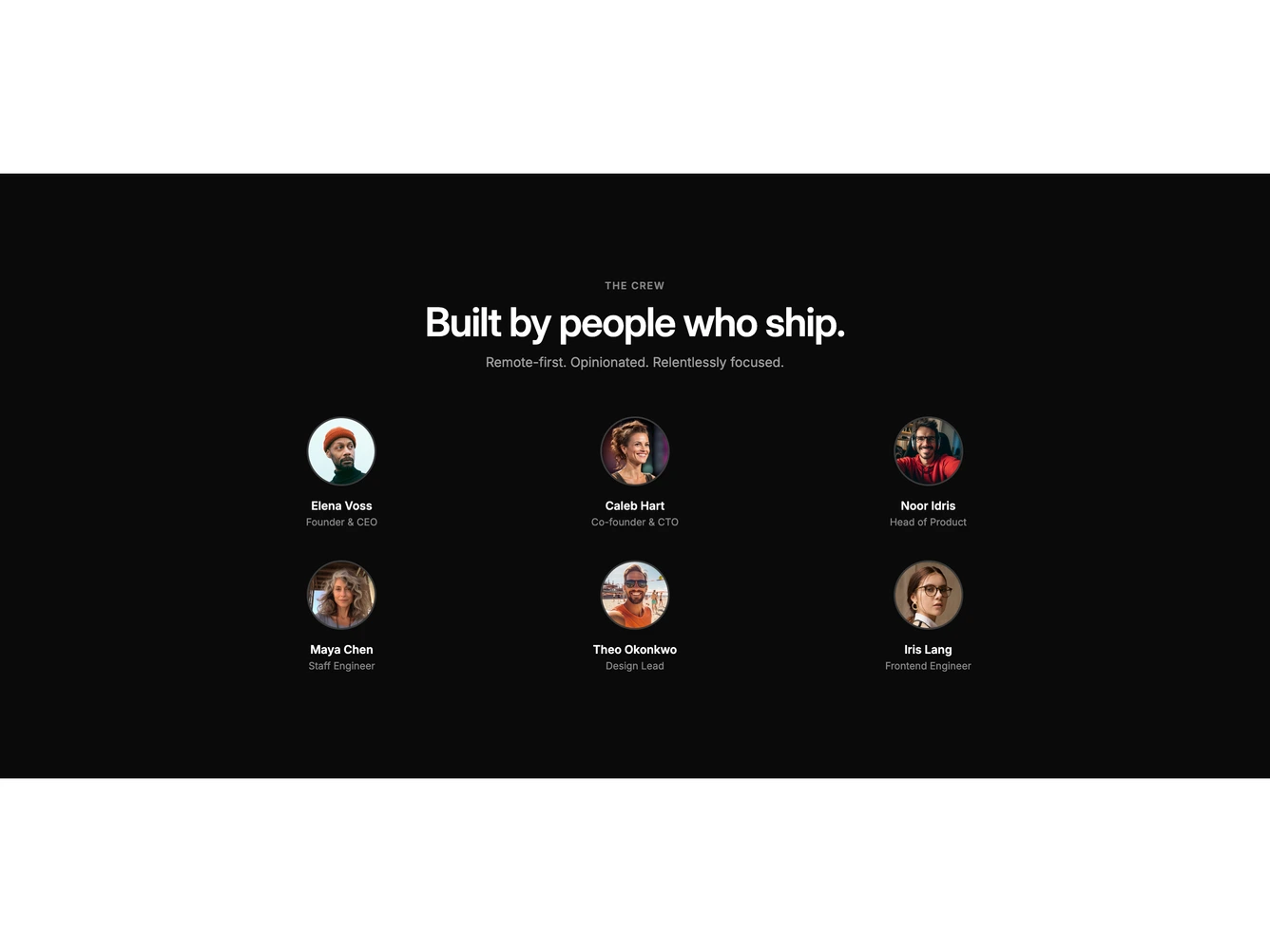
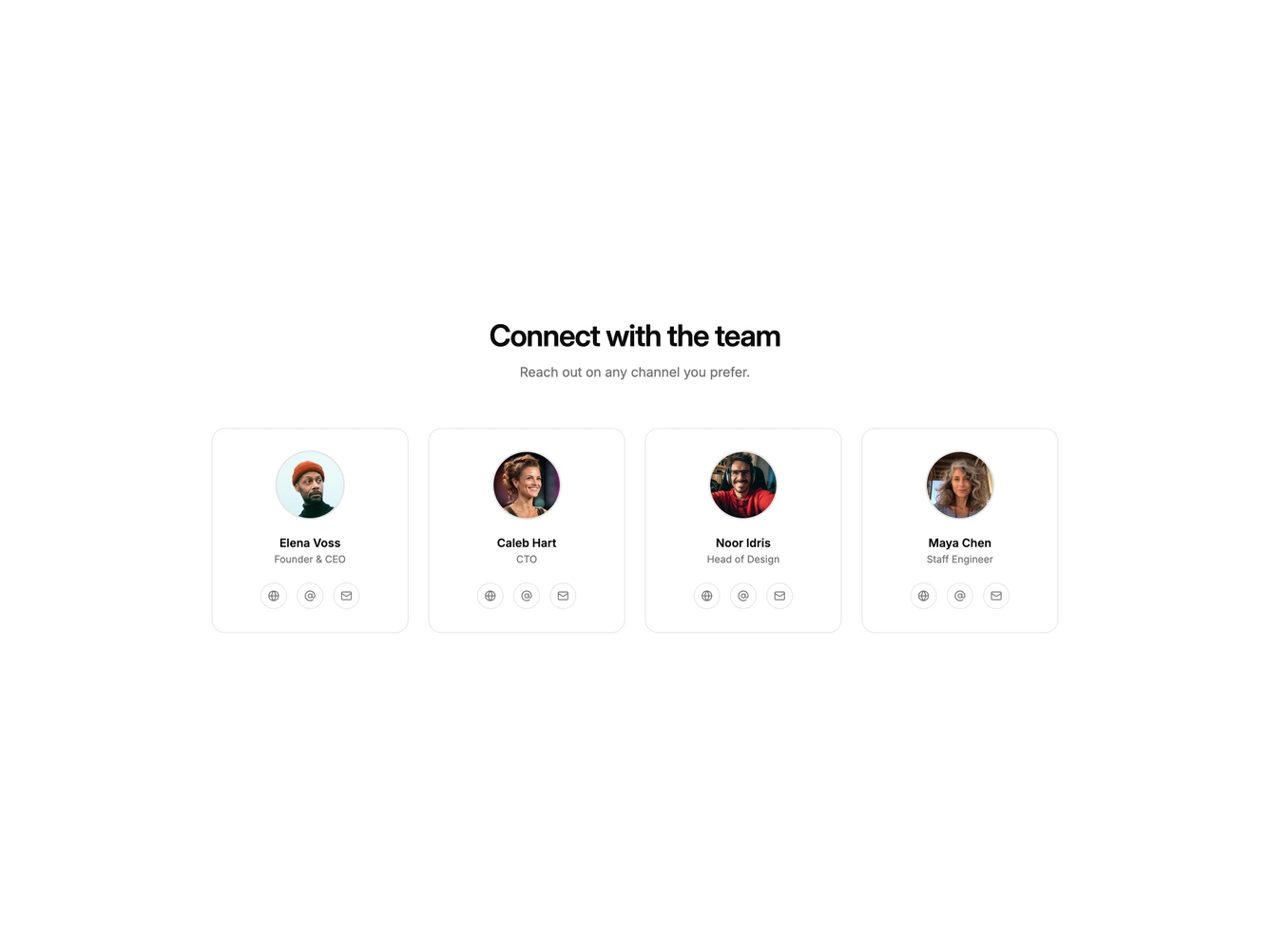
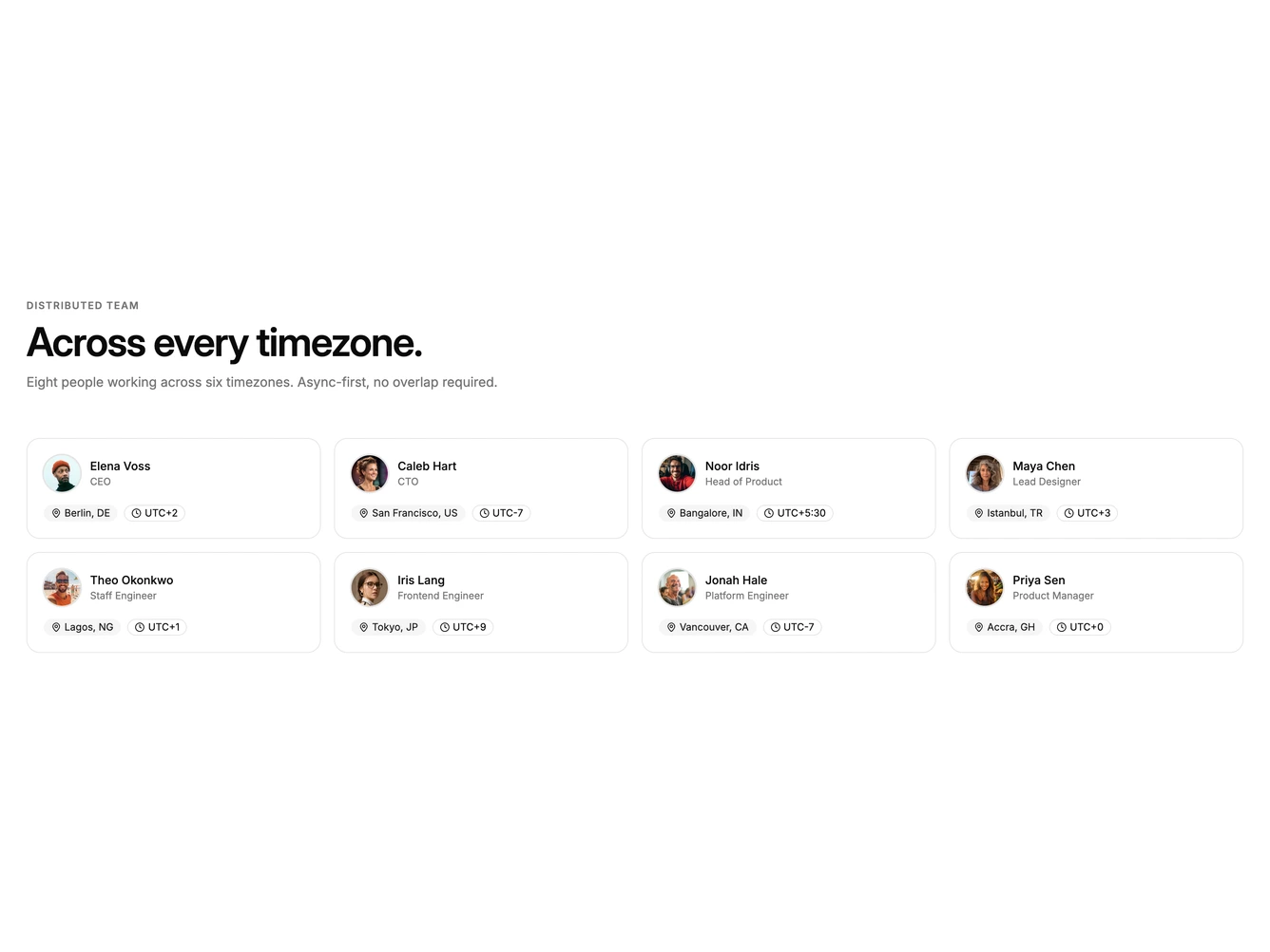
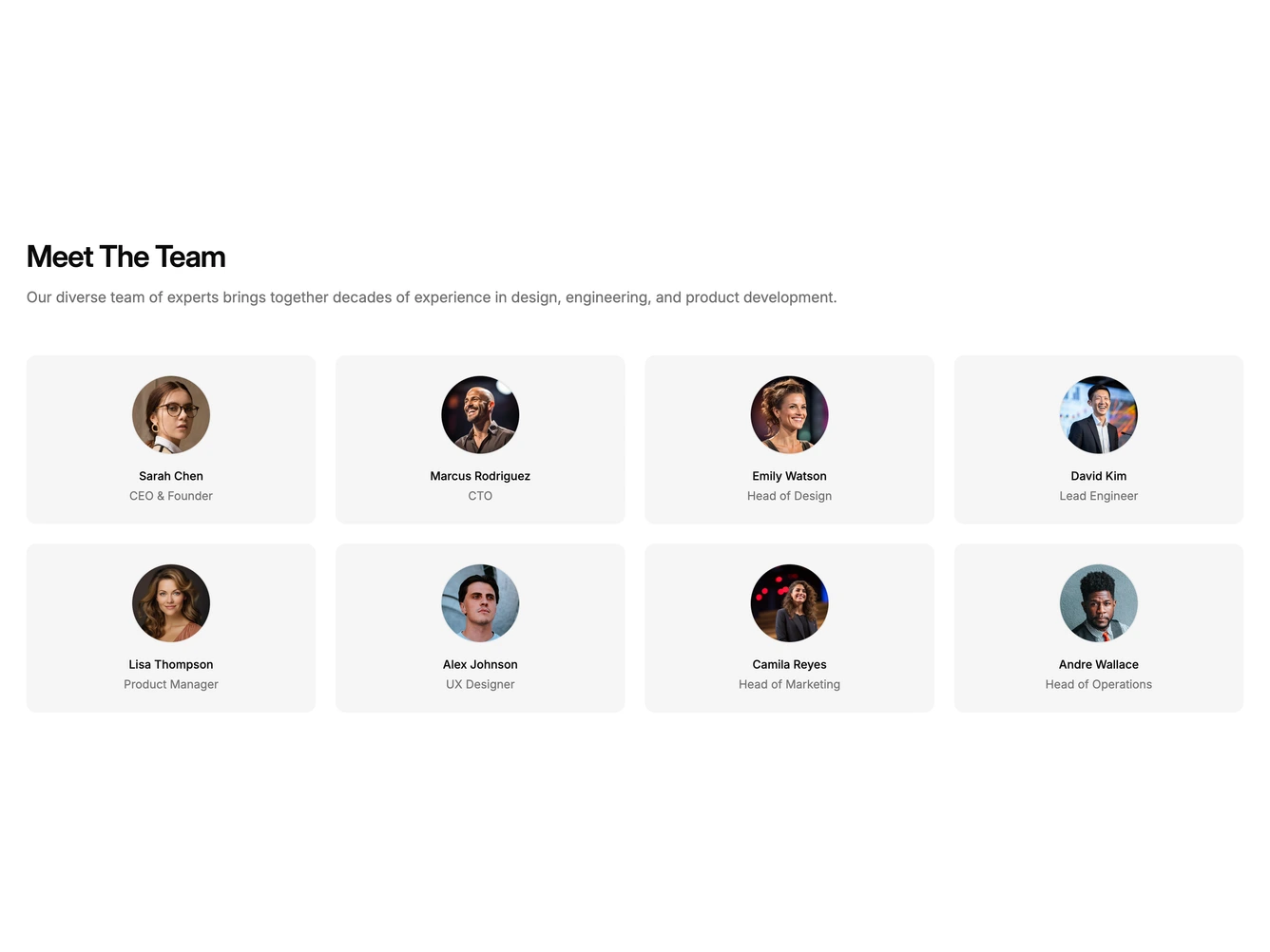
- Shadcn Team Grid - Uniform avatar and card grids with consistent sizing, names, and roles.
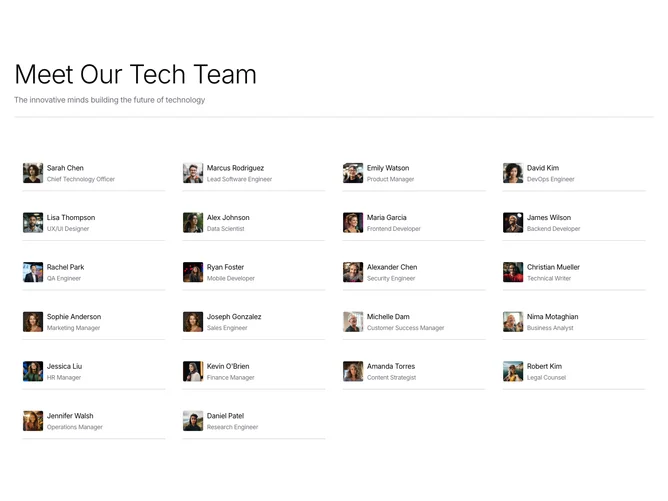
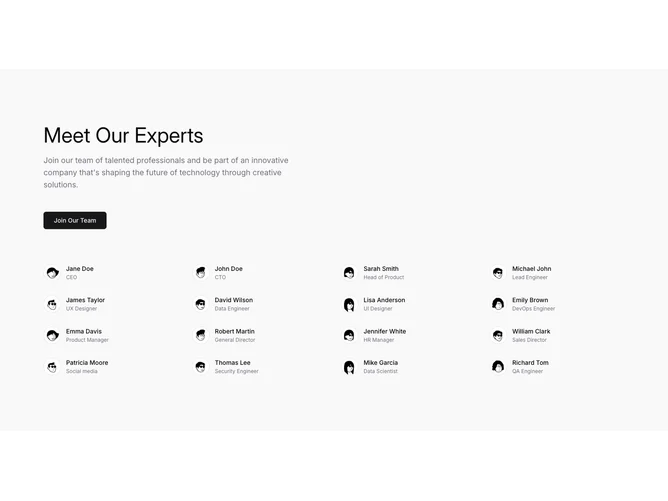
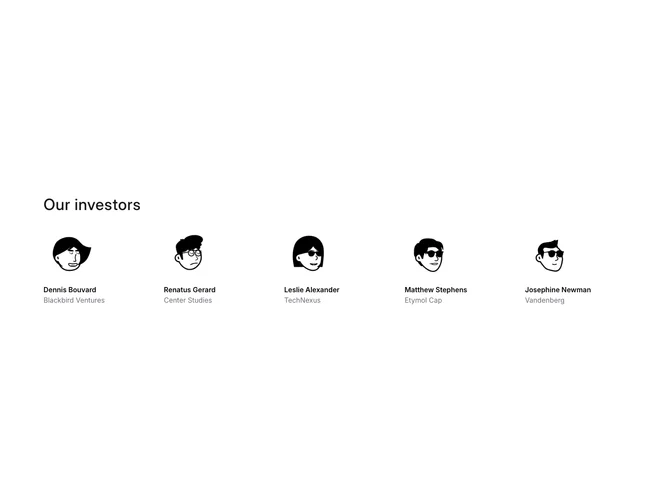
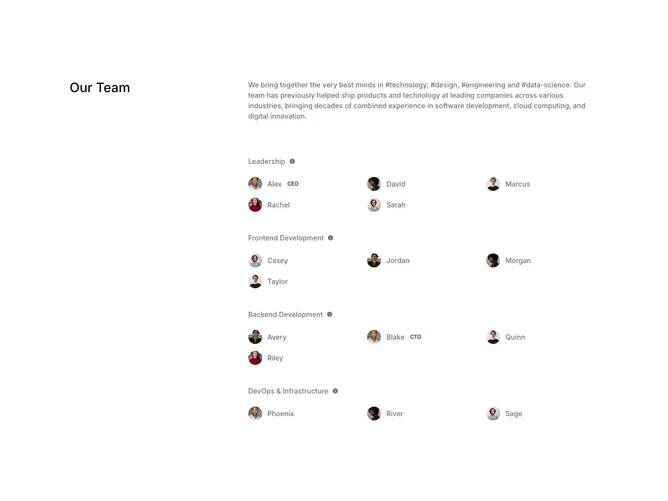
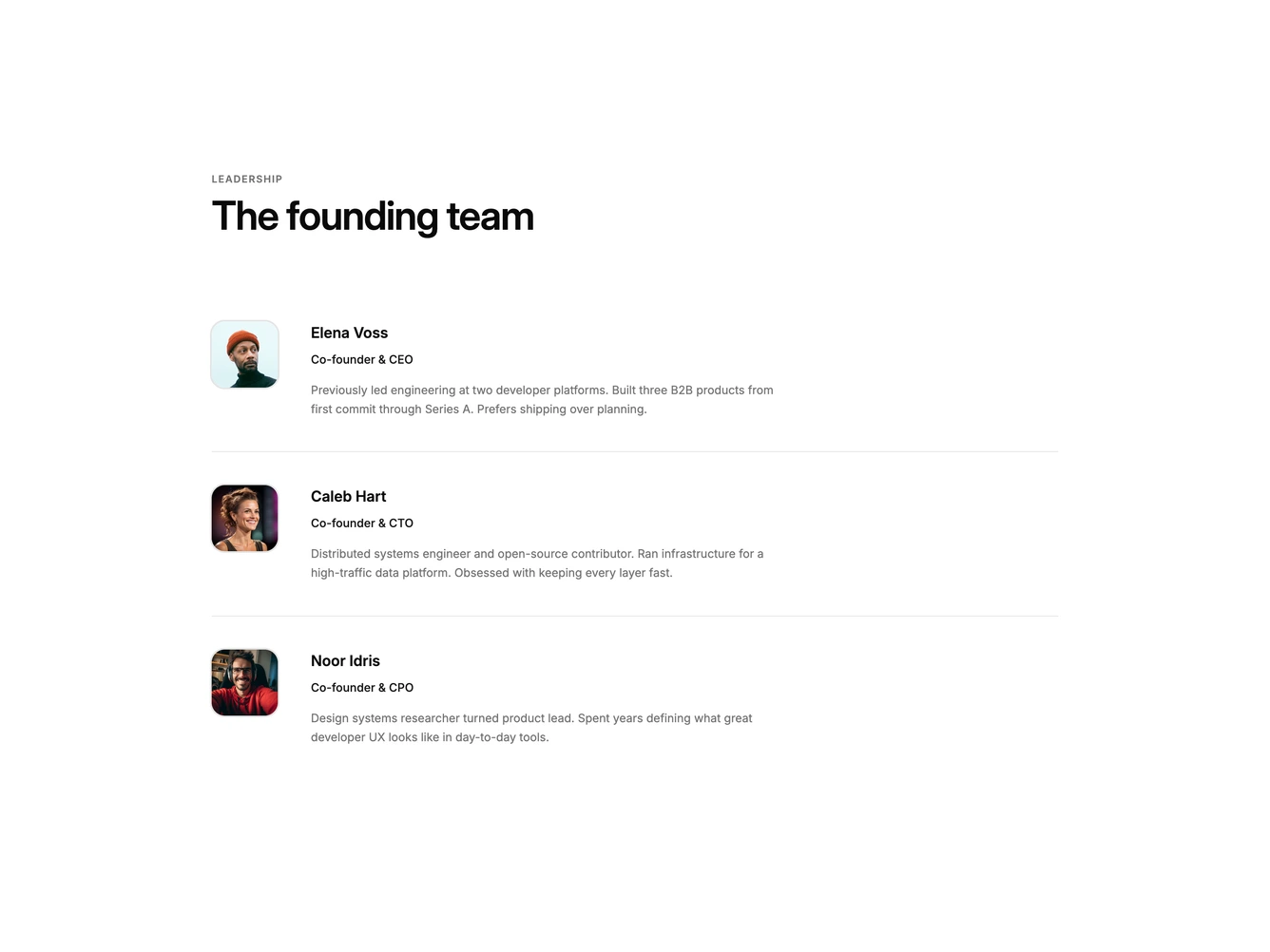
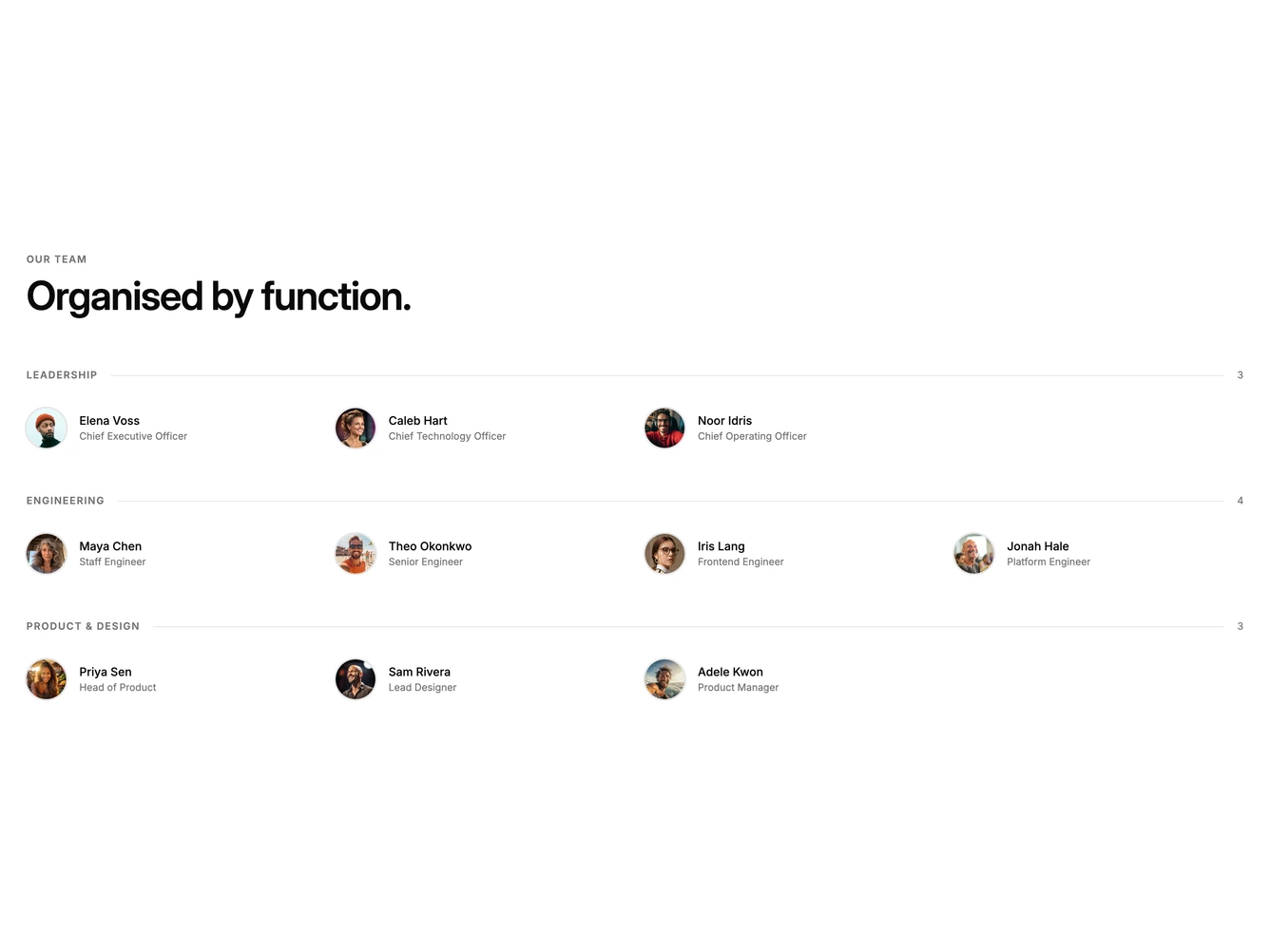
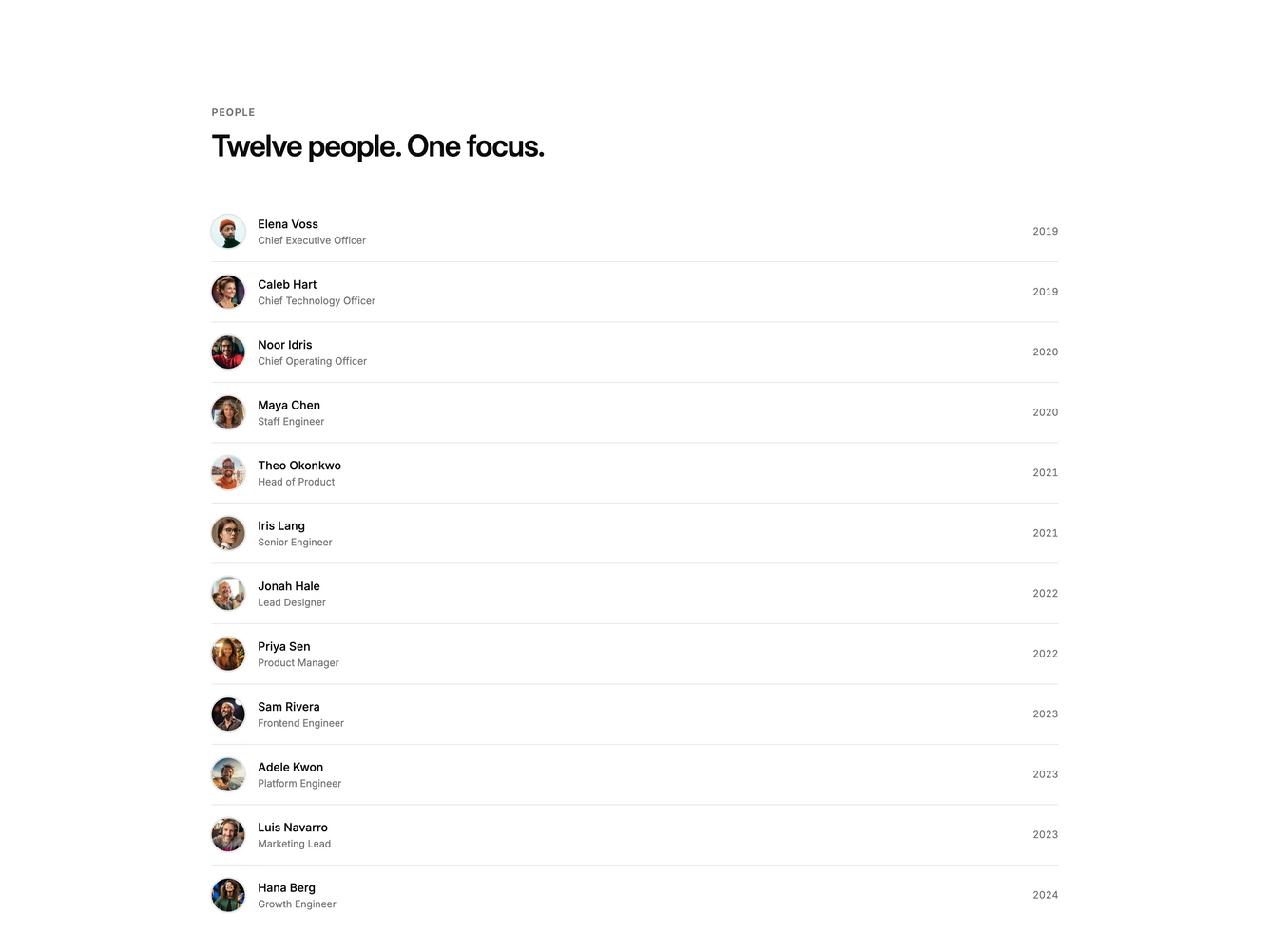
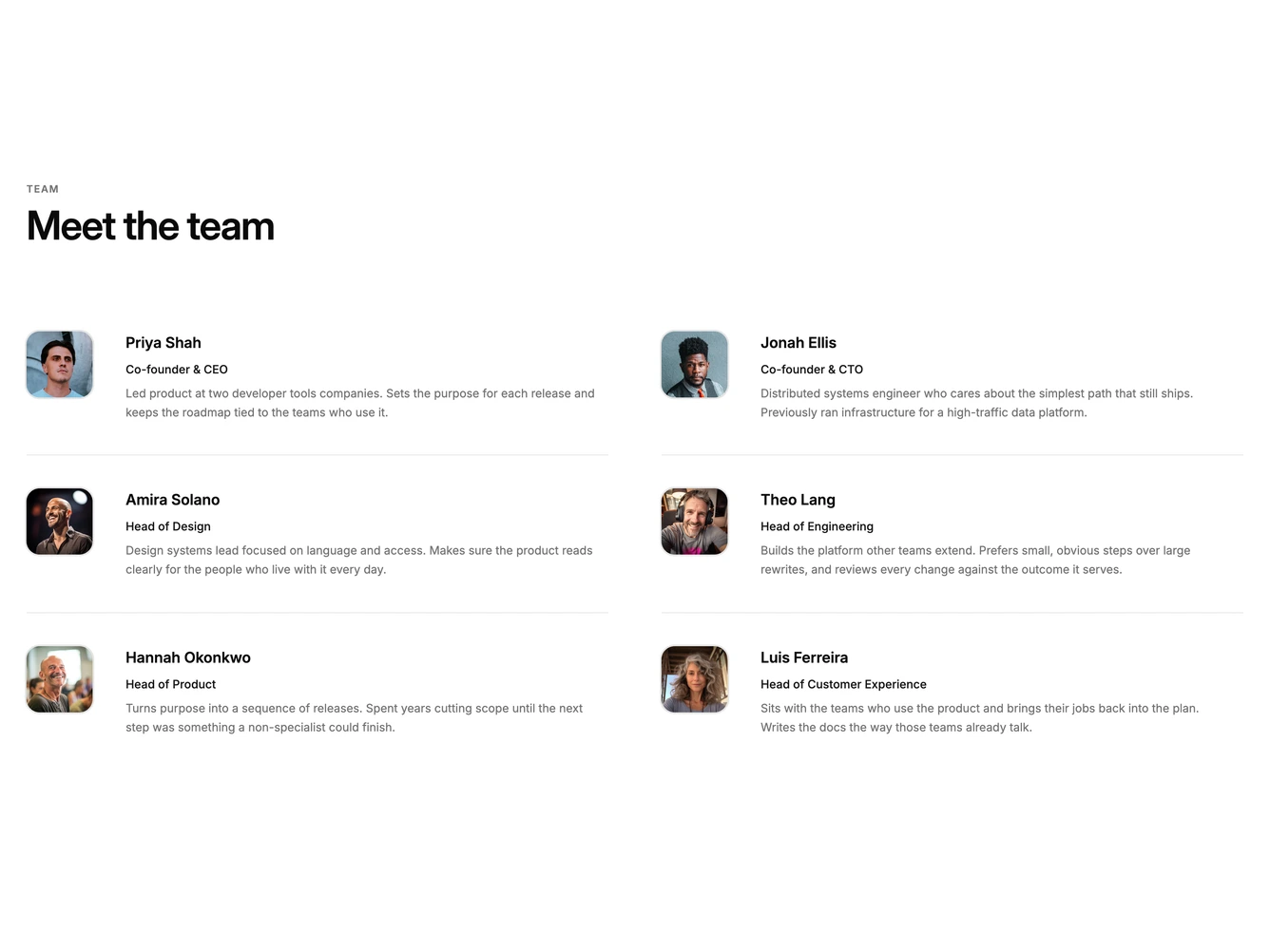
- Shadcn Team Directory - List and org-chart team layouts grouped by name, role, department, or join year.
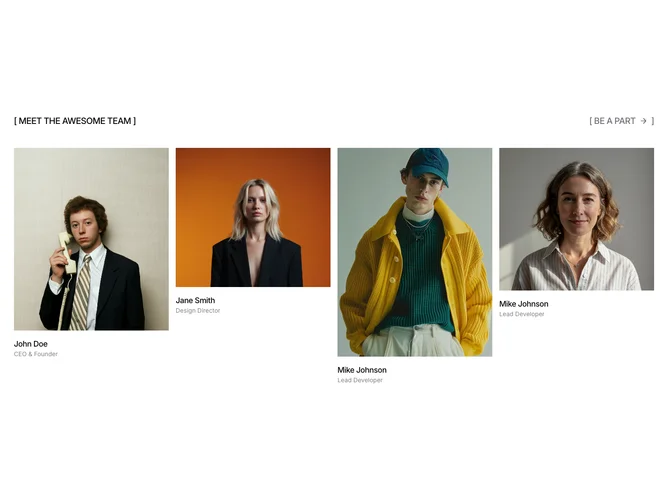
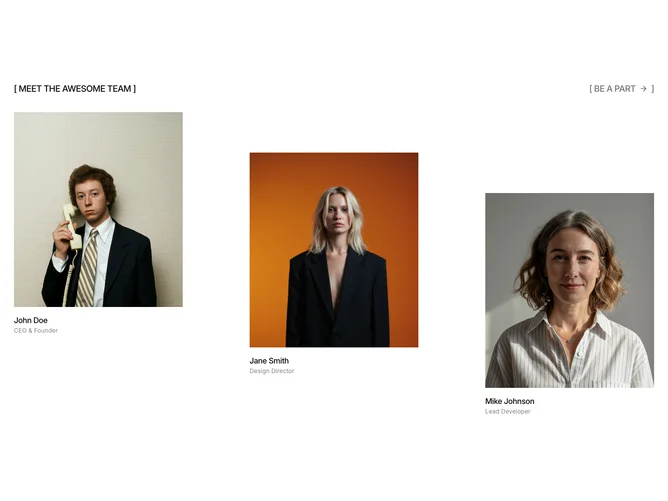
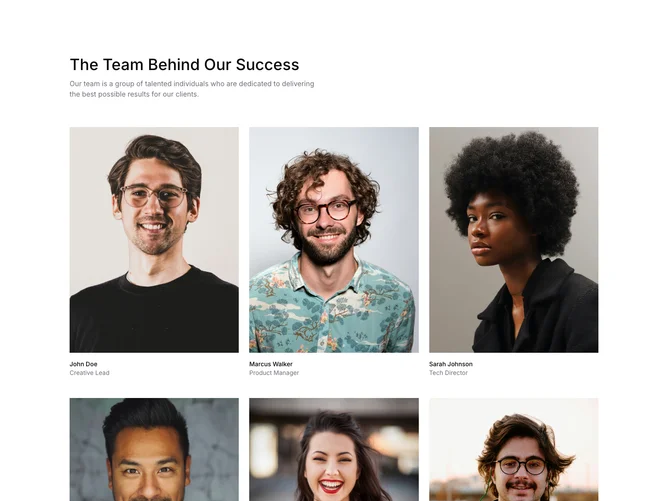
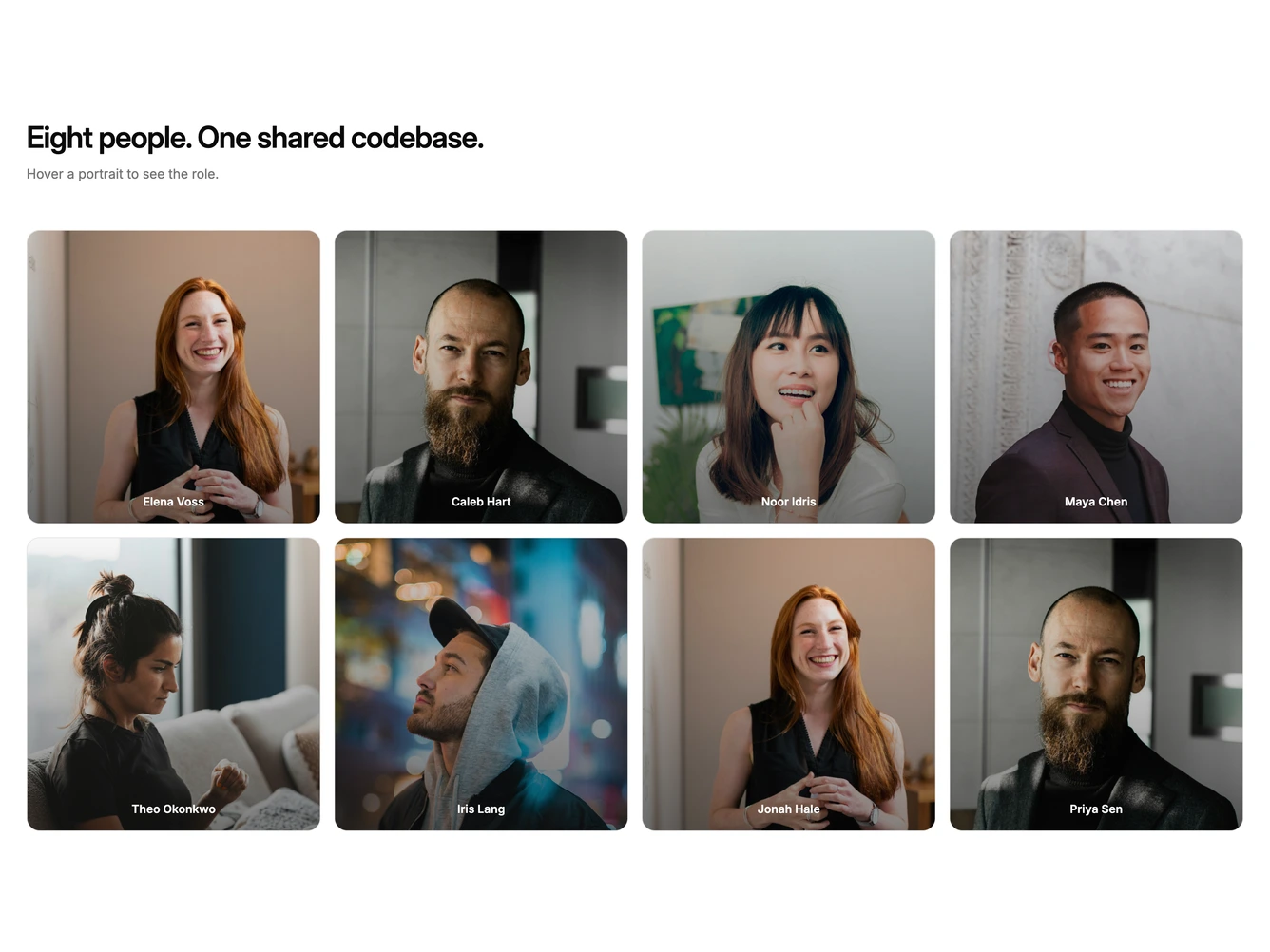
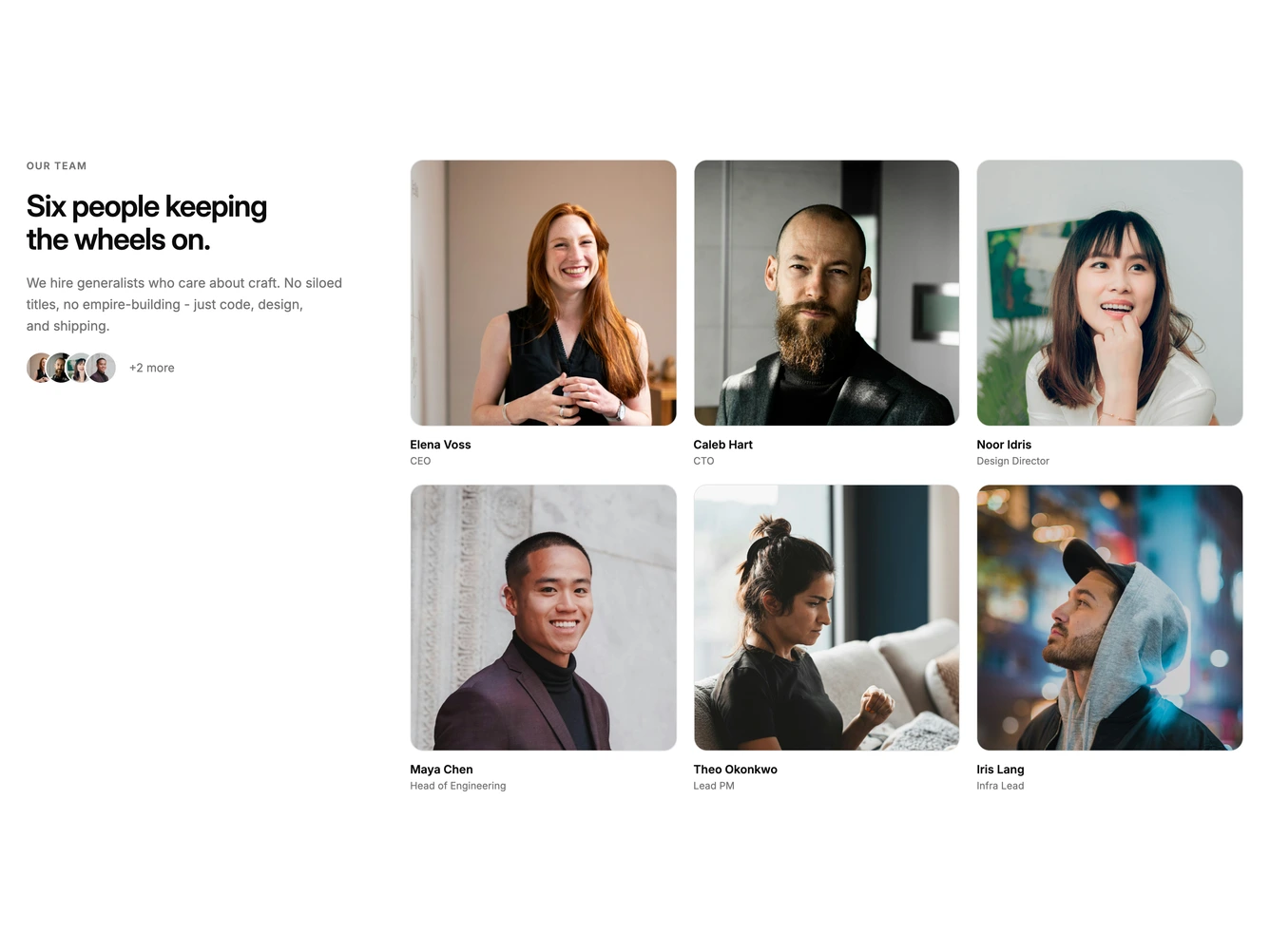
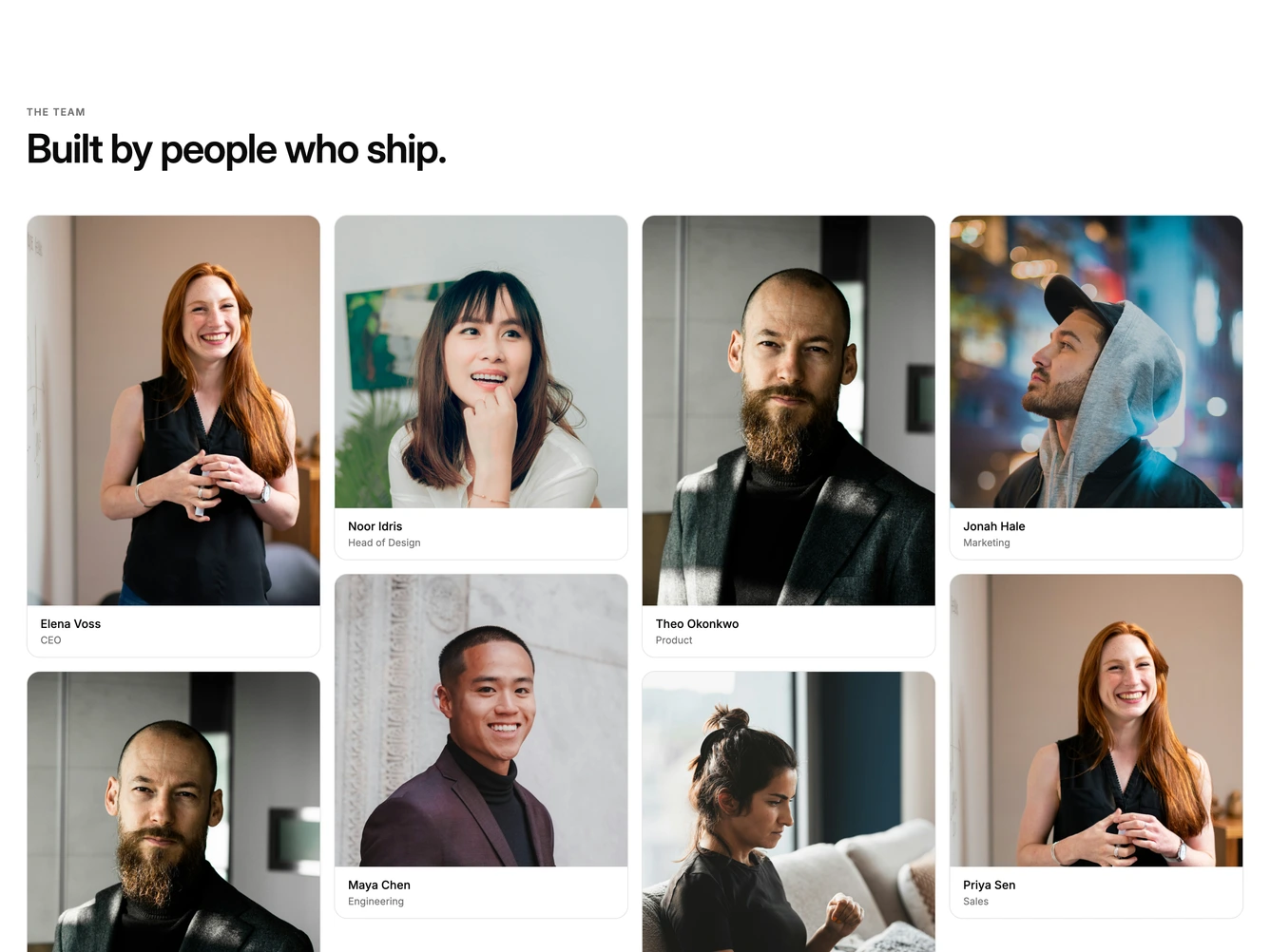
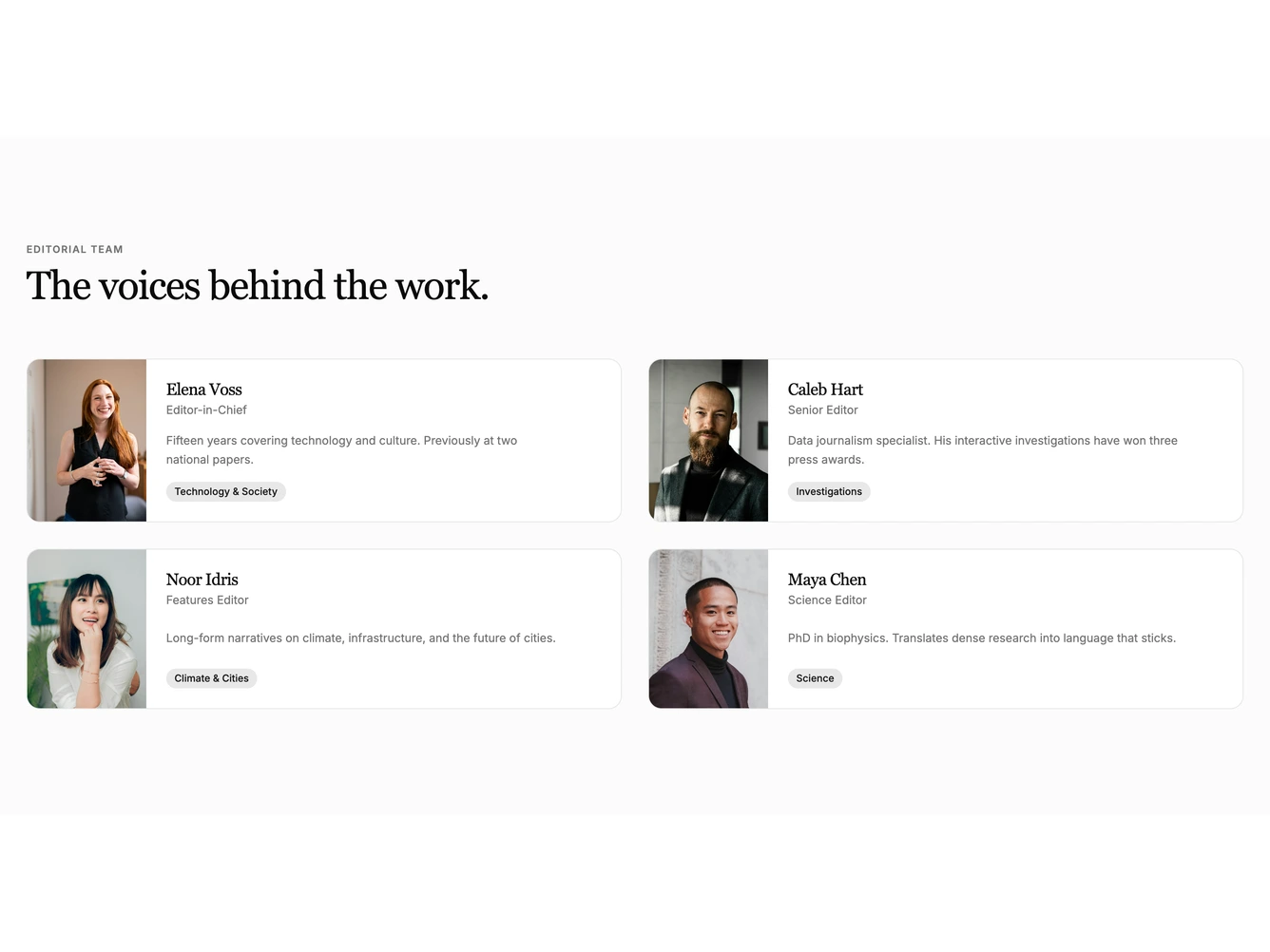
- Shadcn Team Portraits - Photo-led team sections with large square or tall portraits, masonry, and hover overlays.
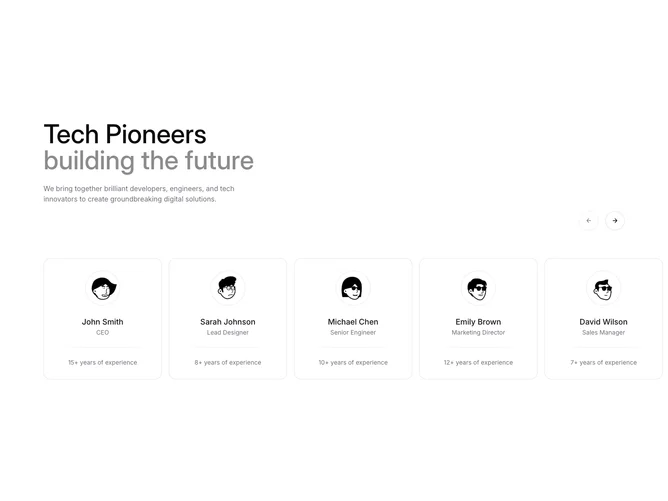
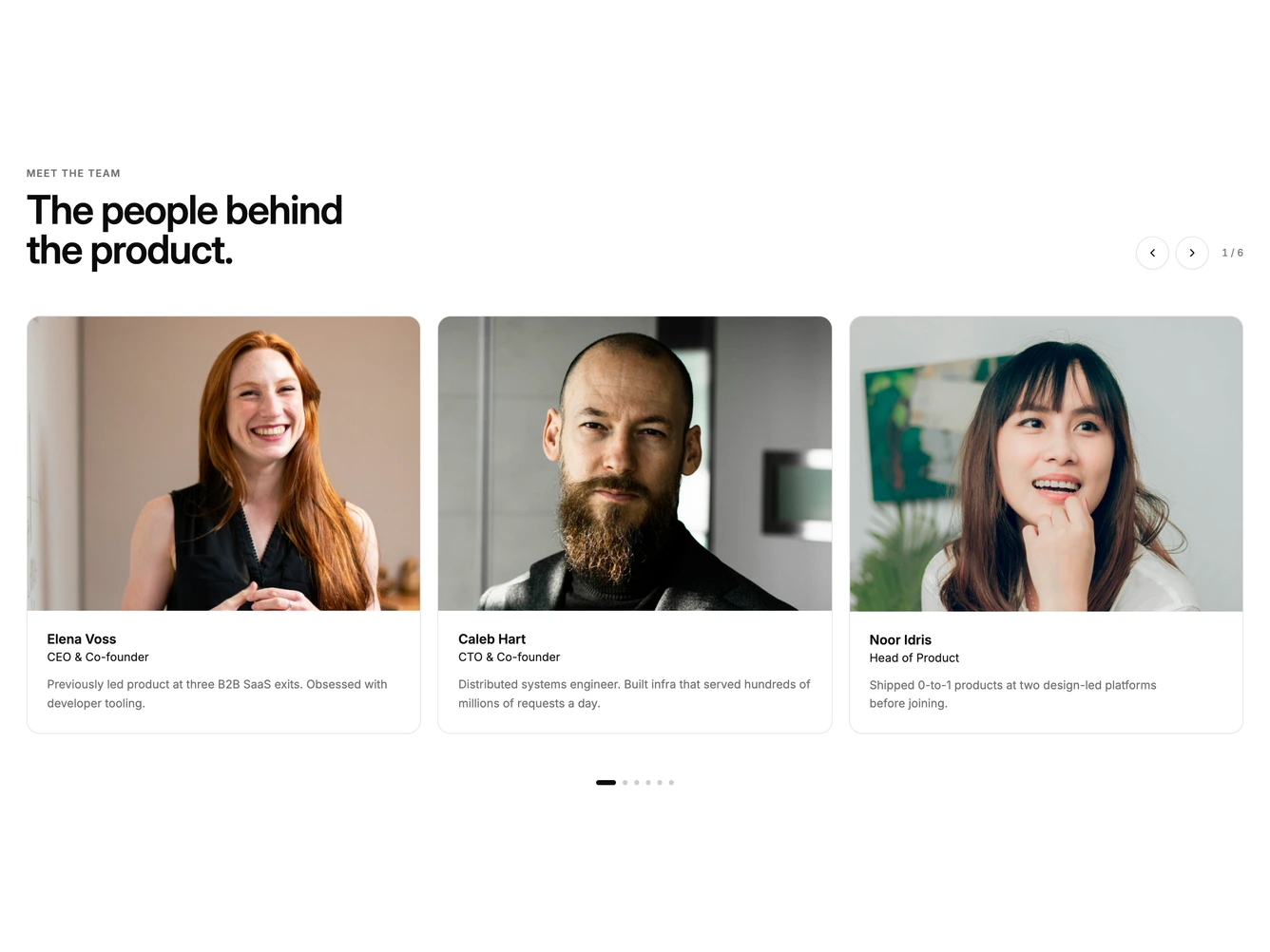
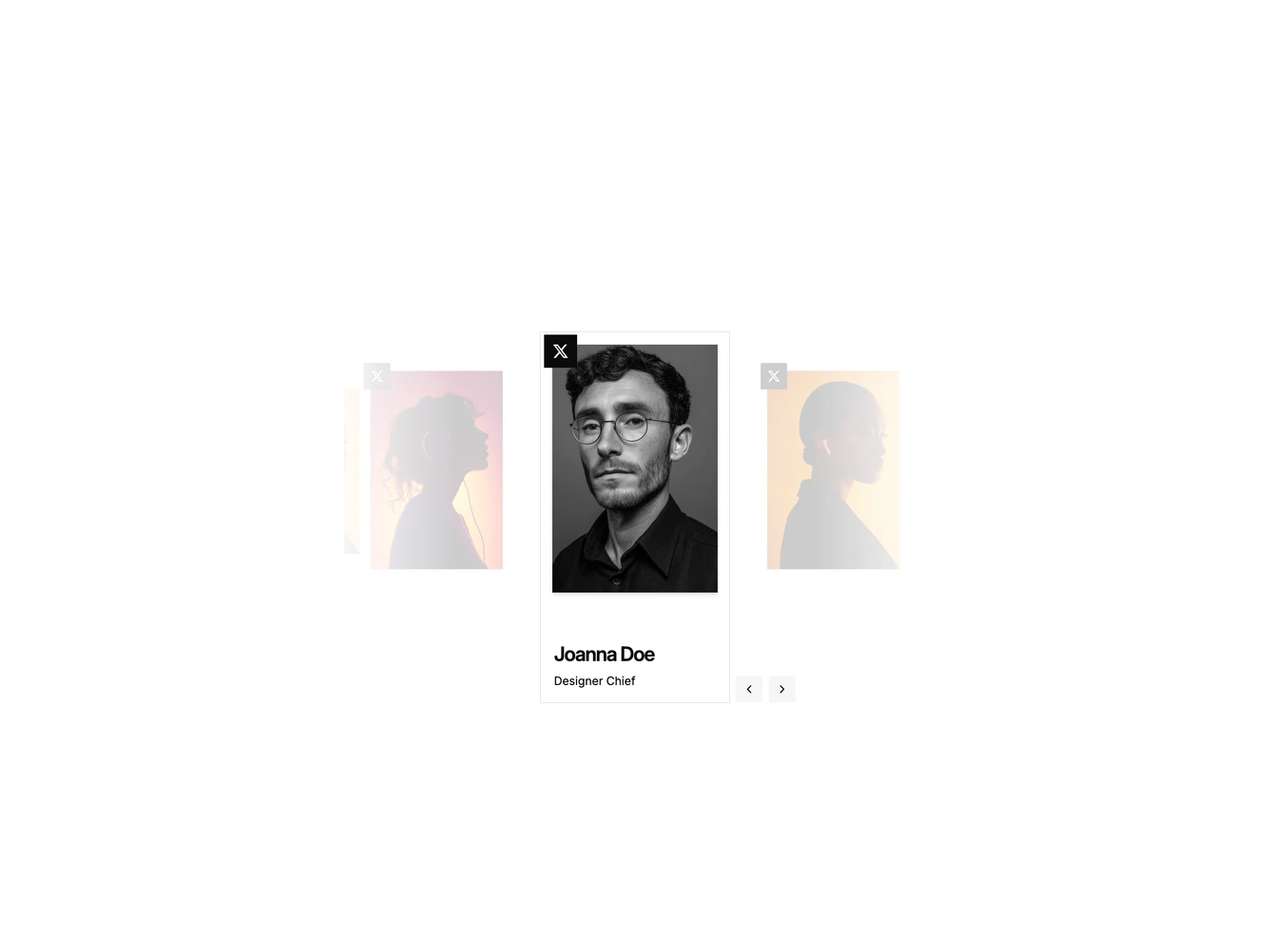
- Shadcn Team Carousel - Paged or swipeable team sliders that show a few people at a time.
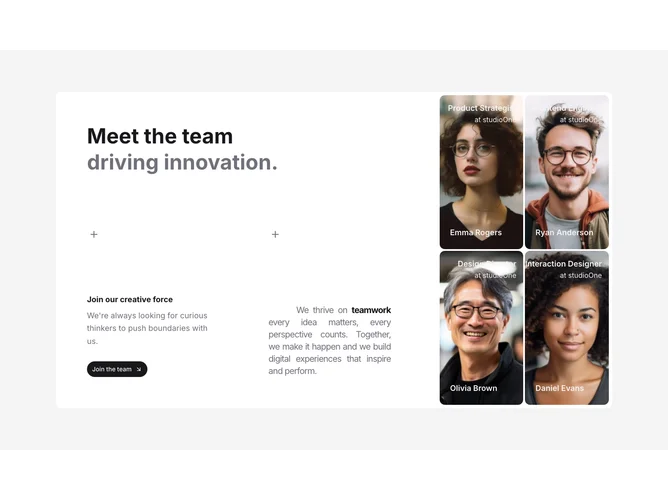
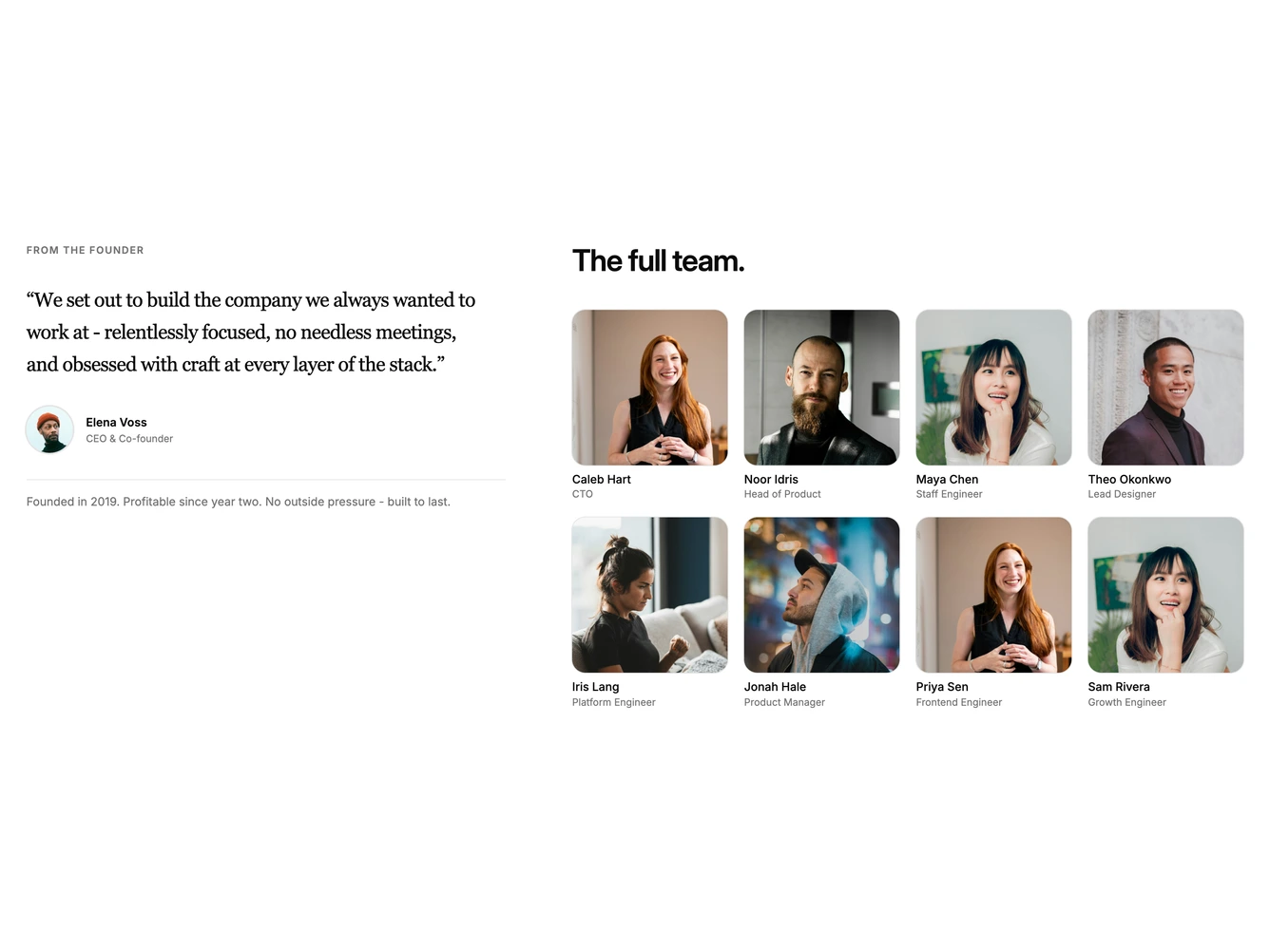
- Shadcn Team Split - Two-column team sections pairing a sticky story, quote, or hiring panel with a roster.
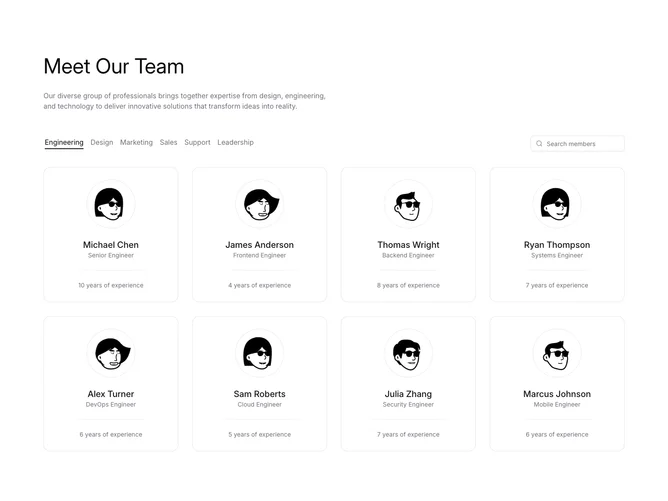
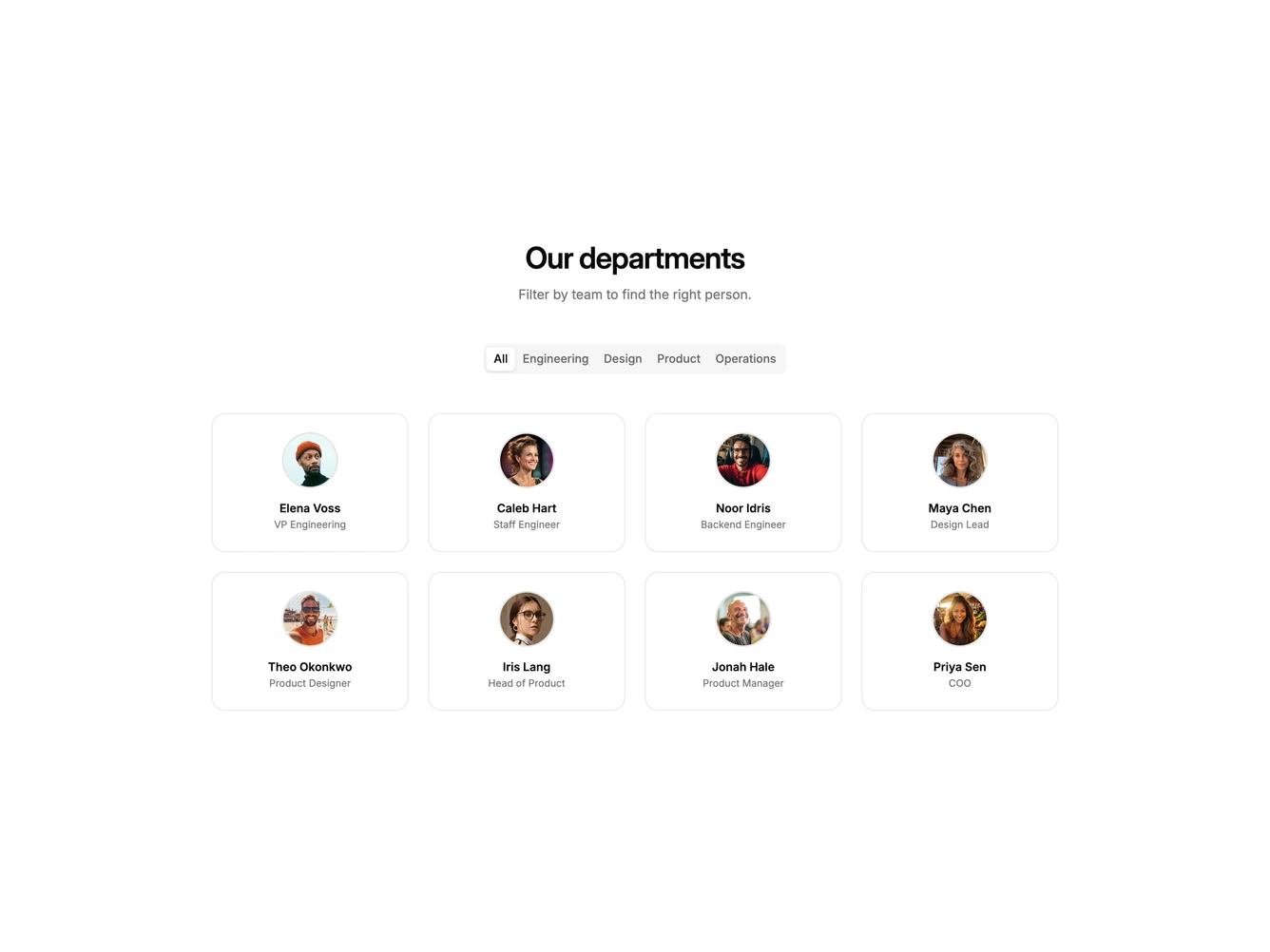
- Shadcn Team Filter - Team grids with department tabs or search that filter the visible people.