Shadcn Sidebar Blocks

Browse 21+ Shadcn UI Sidebar sections built with React, Tailwind CSS and shadcn/ui. Copy & paste the code or install via the shadcn CLI.

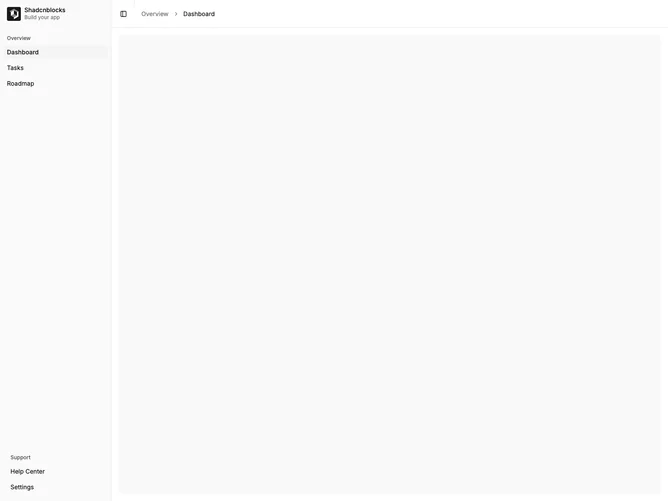
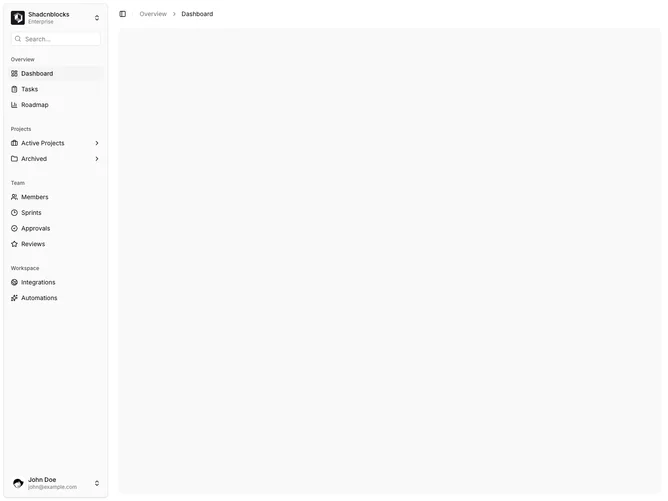
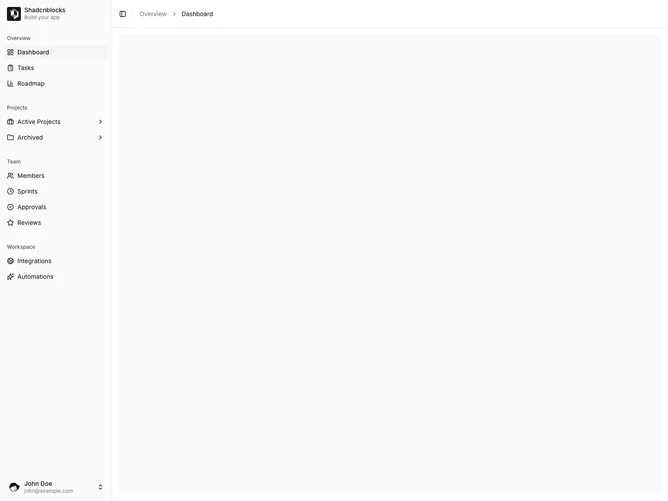
Shadcn Sidebar 1 - Basic Sidebar with Groups

Basic Sidebar with Groups

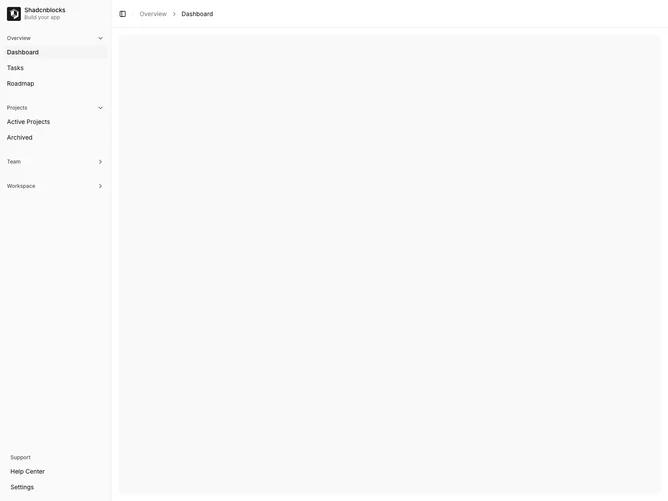
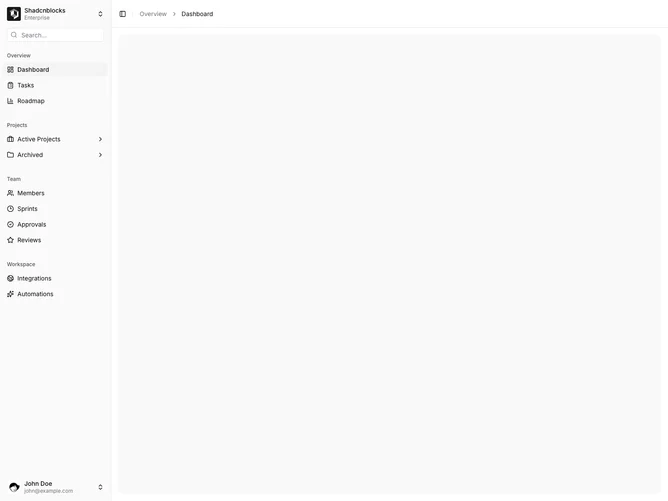
Shadcn Sidebar 2 - Sidebar with Collapsible Submenus

Sidebar with Collapsible Submenus

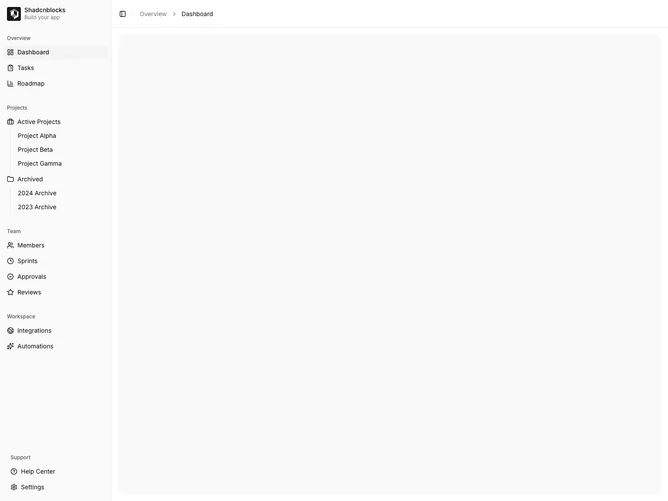
Shadcn Sidebar 3 - Sidebar with Multiple Groups

Sidebar with Multiple Groups

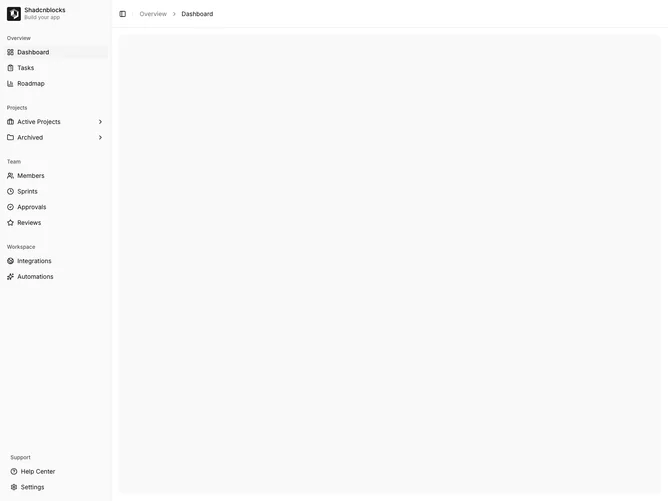
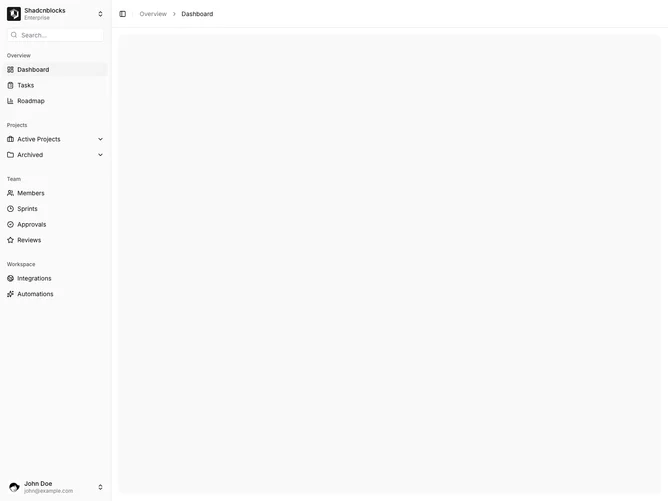
Shadcn Sidebar 4 - Sidebar with Collapsible Groups

Sidebar with Collapsible Groups

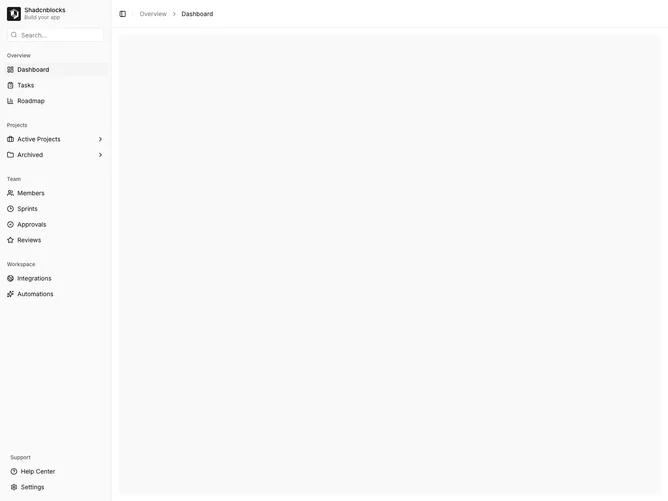
Shadcn Sidebar 5 - Sidebar with Search Input

Sidebar with Search Input

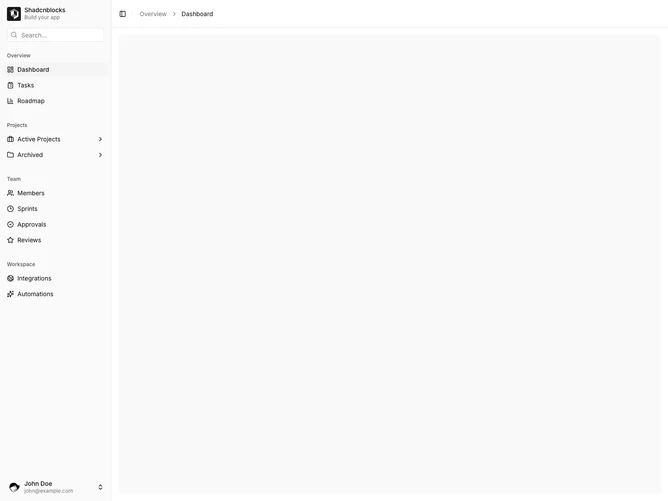
Shadcn Sidebar 6 - Sidebar with User Footer

Sidebar with User Footer

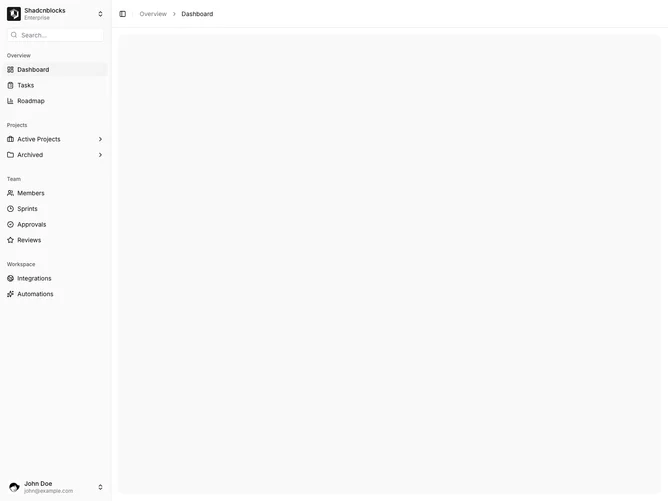
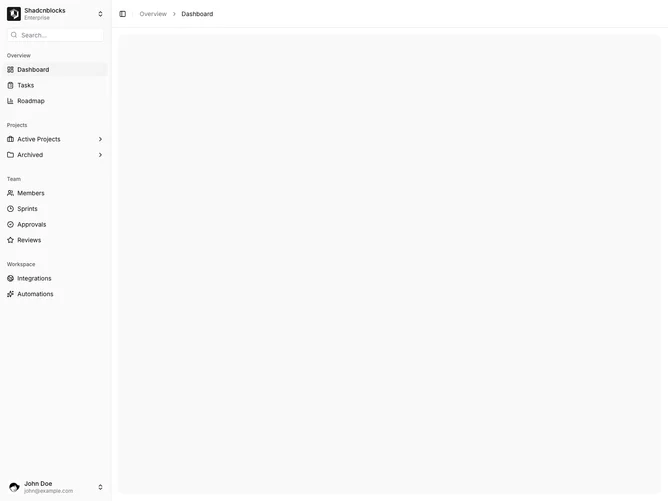
Shadcn Sidebar 7 - Sidebar with Workspace Switcher

Sidebar with Workspace Switcher

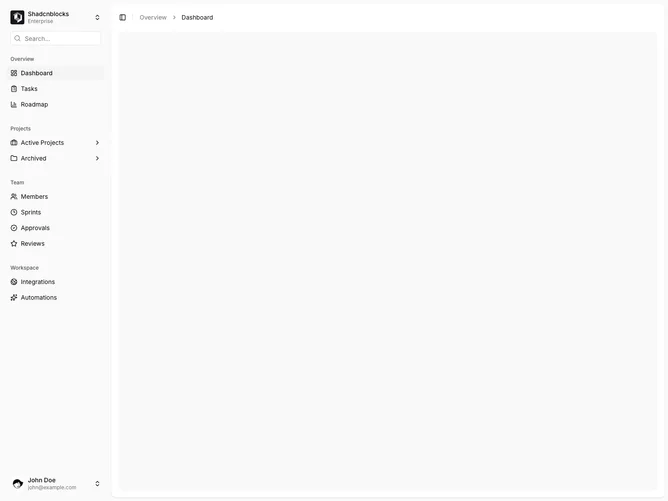
Shadcn Sidebar 8 - Sidebar Inset Variant

Sidebar Inset Variant

Shadcn Sidebar 9 - Floating sidebar with search input

Floating sidebar with search input

Shadcn Sidebar 10 - Inset sidebar with search input

Inset sidebar with search input

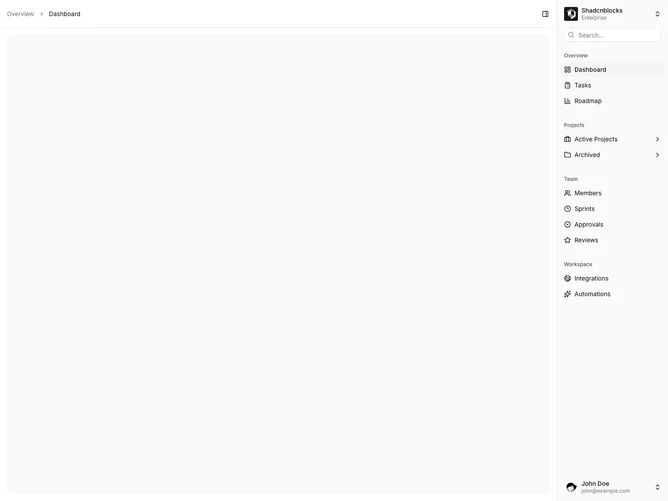
Shadcn Sidebar 11 - Right sidebar with search input

Right sidebar with search input

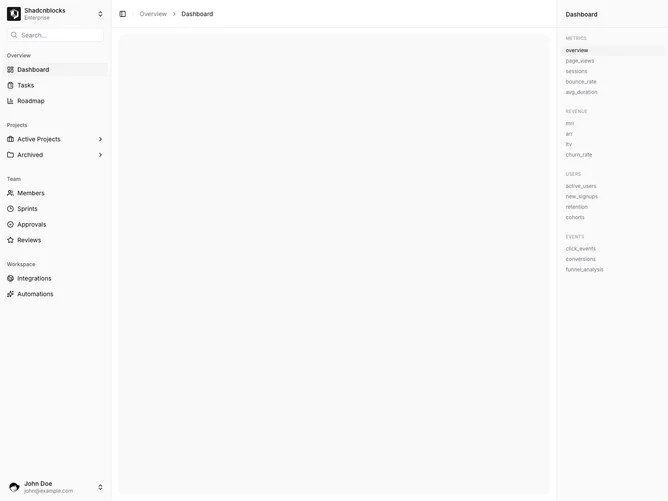
Shadcn Sidebar 12 - Dual sidebar with metrics panel

Dual sidebar with metrics panel

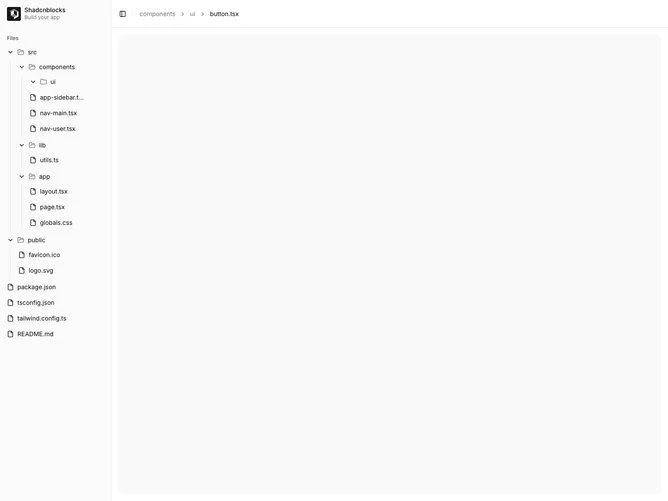
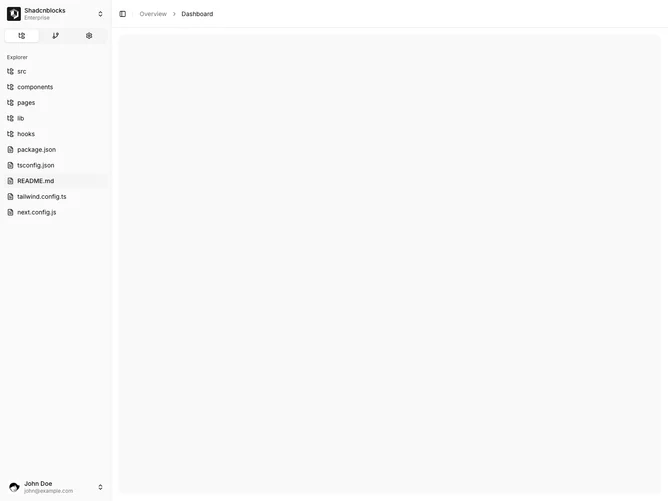
Shadcn Sidebar 13 - Sidebar with file tree

Sidebar with file tree

Shadcn Sidebar 14 - Sidebar with slide-out submenu

Sidebar with slide-out submenu

Shadcn Sidebar 15 - Sidebar with dropdown submenus

Sidebar with dropdown submenus

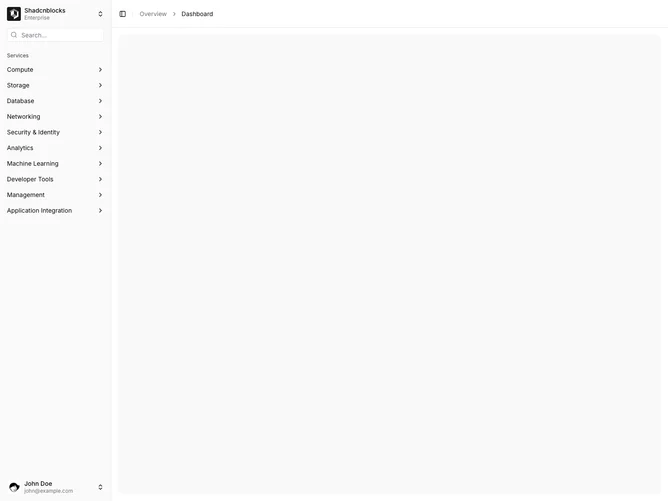
Shadcn Sidebar 16 - Sidebar with mega menu overlay

Sidebar with mega menu overlay

Shadcn Sidebar 17 - Sidebar with icon tabs

Sidebar with icon tabs

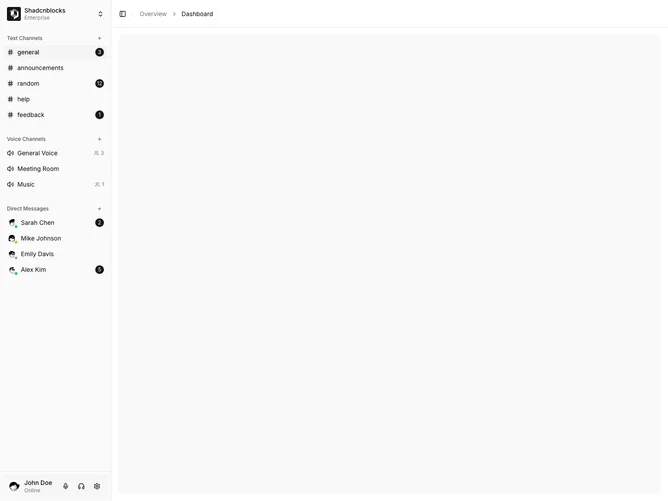
Shadcn Sidebar 18 - Sidebar with chat channels

Sidebar with chat channels

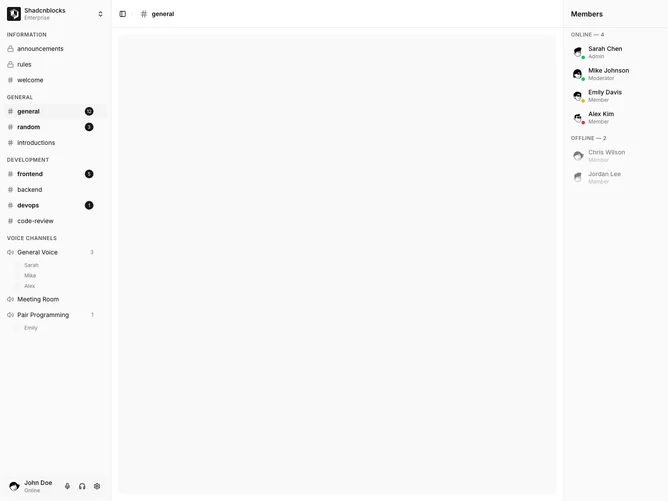
Shadcn Sidebar 19 - Dual sidebar with members list

Dual sidebar with members list

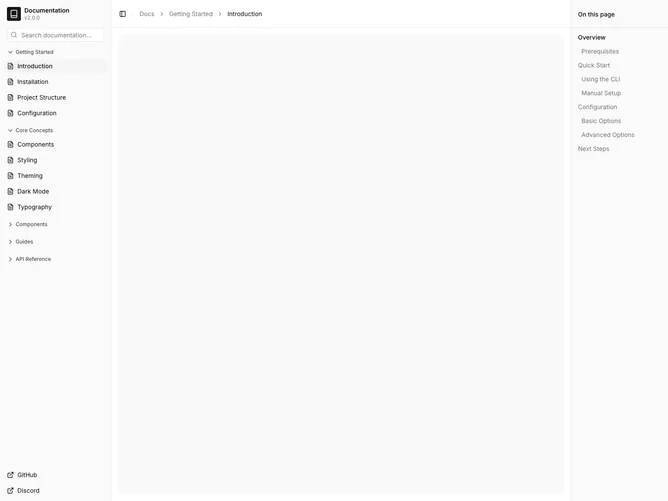
Shadcn Sidebar 20 - Documentation sidebar with table of contents

Documentation sidebar with table of contents

Shadcn Sidebar 21 - Sidebar with drill-down navigation

Sidebar with drill-down navigation

Shadcn UI Sidebar Blocks, Sections & Components

Sidebar blocks are dedicated sections of a webpage focused on sidebar content. They appear on landing pages, product pages, and marketing sites as key elements that communicate value and drive user engagement.

Each block is a self-contained React component which you can copy/paste the code or install via the shadcn CLI. You own the code and can modify however you like, or us AI and LLMS to quickly change the design.

Our sidebar blocks combine headlines, supporting text, images, icons, CTA buttons, and responsive layouts. Each block is designed with clear visual hierarchy and consistent spacing to integrate seamlessly into any page structure.

FAQs

What is a Shadcn Sidebar section?

A shadcn Sidebar section is a React block for a marketing page. Shadcnblocks Sidebar sections are built with Tailwind and shadcn/ui.

How do I install a Shadcnblocks Sidebar block?

Two ways. Copy and paste the code from the block page (in the code view), or install with the shadcn CLI. For example to install with the CLI run npx shadcn add @shadcnblocks/sidebar1 - See the installation docs for setting up shadcn/ui if your project isn't using it already.

Can I use Shadcnblocks Sidebar sections in Next.js or Astro?

Yes. Shadcnblocks work with any React project. That includes Next.js, Astro, Remix, and Vite.

Do Shadcnblocks Sidebar blocks work with Radix UI and Base UI?

Yes. Our blocks support both Base UI and Radix UI. They will use whatever primitive library you have defined in your project's components.json. You can find more info at Base UI or Radix UI .

Can I customize Shadcnblocks Sidebar sections?

Yes. You can customize every aspect of the code. Shadcnblocks are downloaded as components that live in your codebase (not npm modules), so editing the code is just like your own code.

How does theming work on Shadcnblocks Sidebar components?

Our blocks use shadcn/ui theme variables in Tailwind CSS. CSS variables cover light mode, dark mode, and the rest of the shadcn design tokens. You can install any theme from our Shadcn Themes page.

How do I choose the right Shadcn Sidebar section?

Use the subgroup list above. Start from the layout you already have assets for, then change the copy and the image.