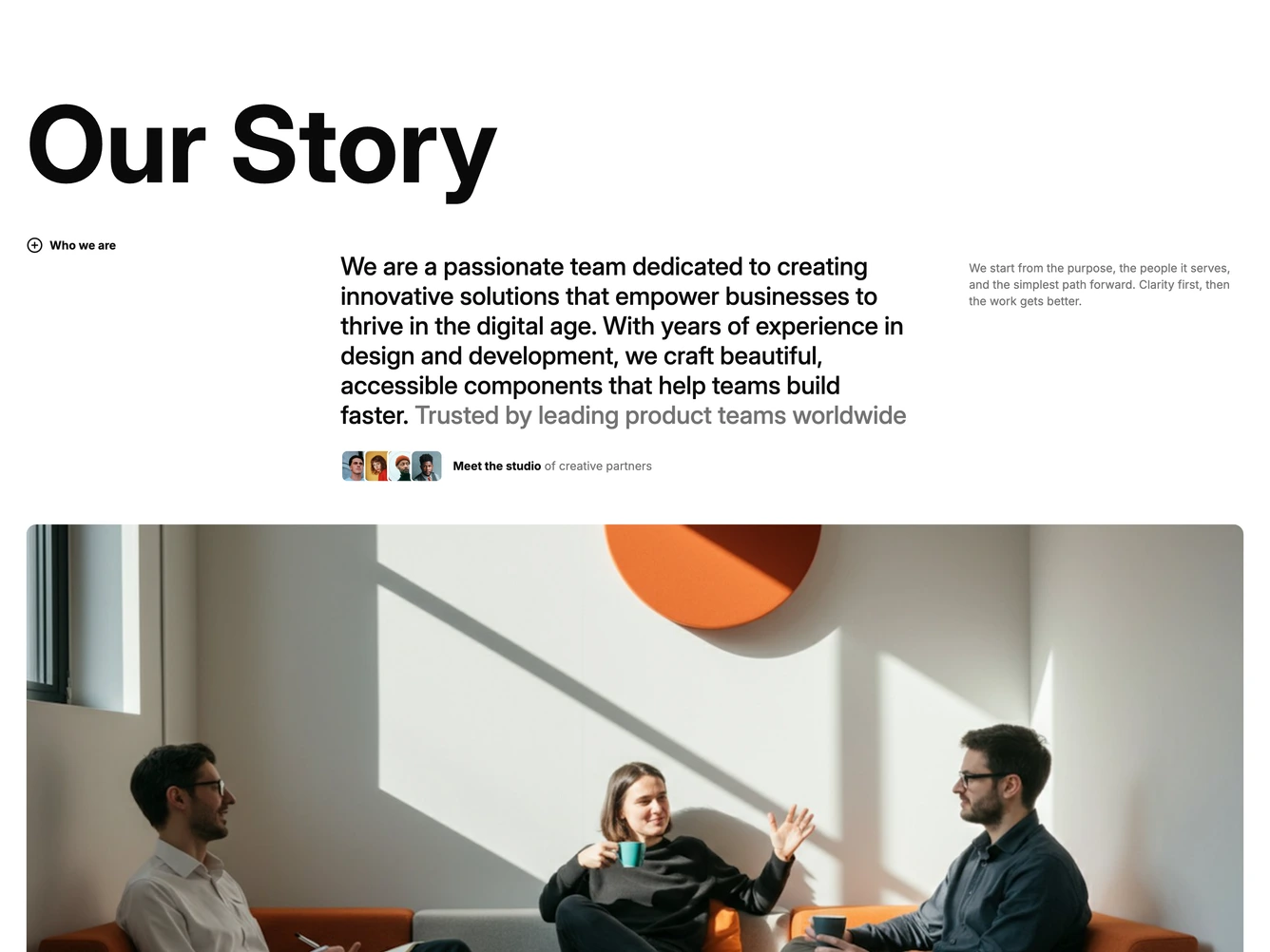
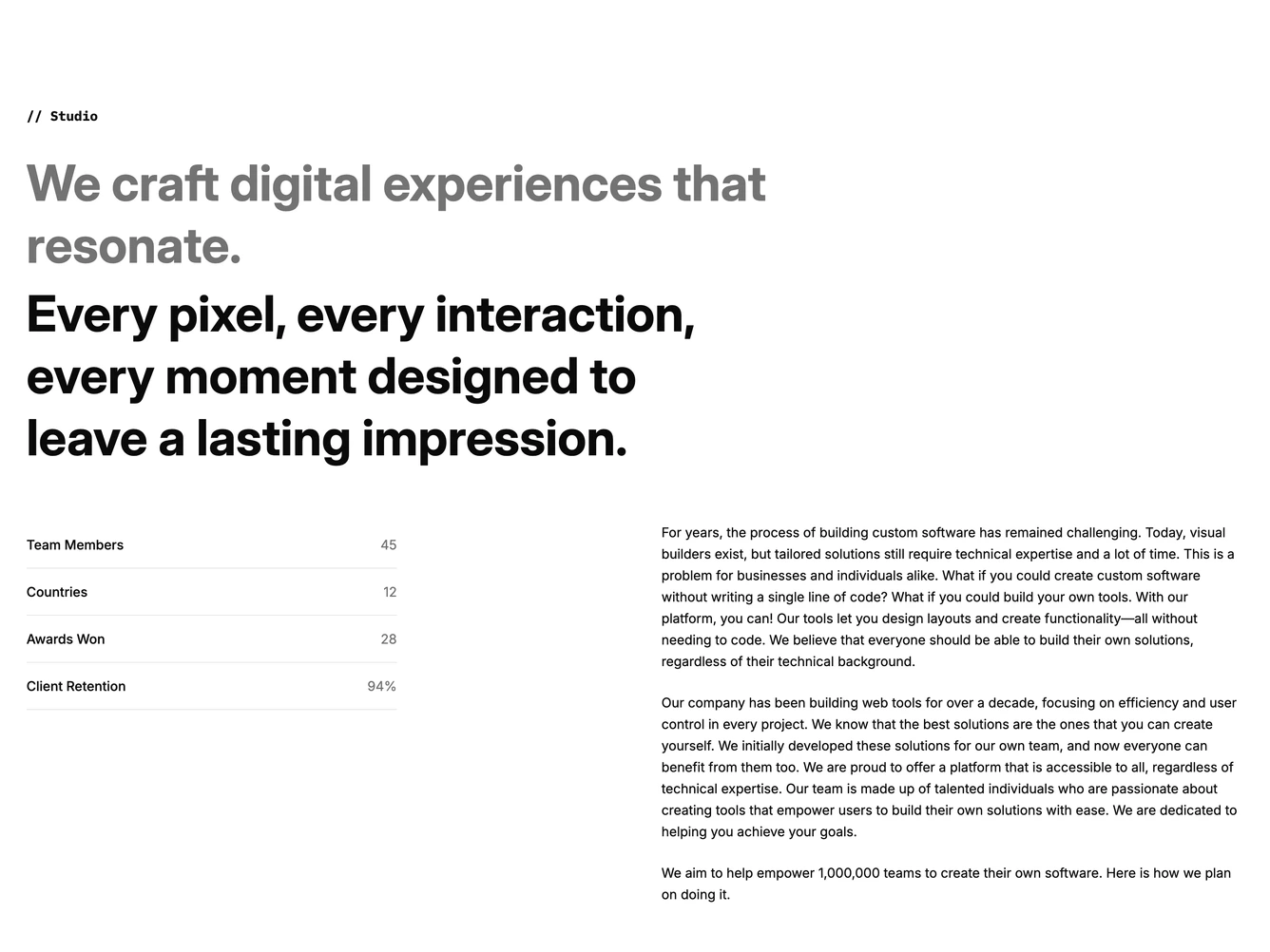
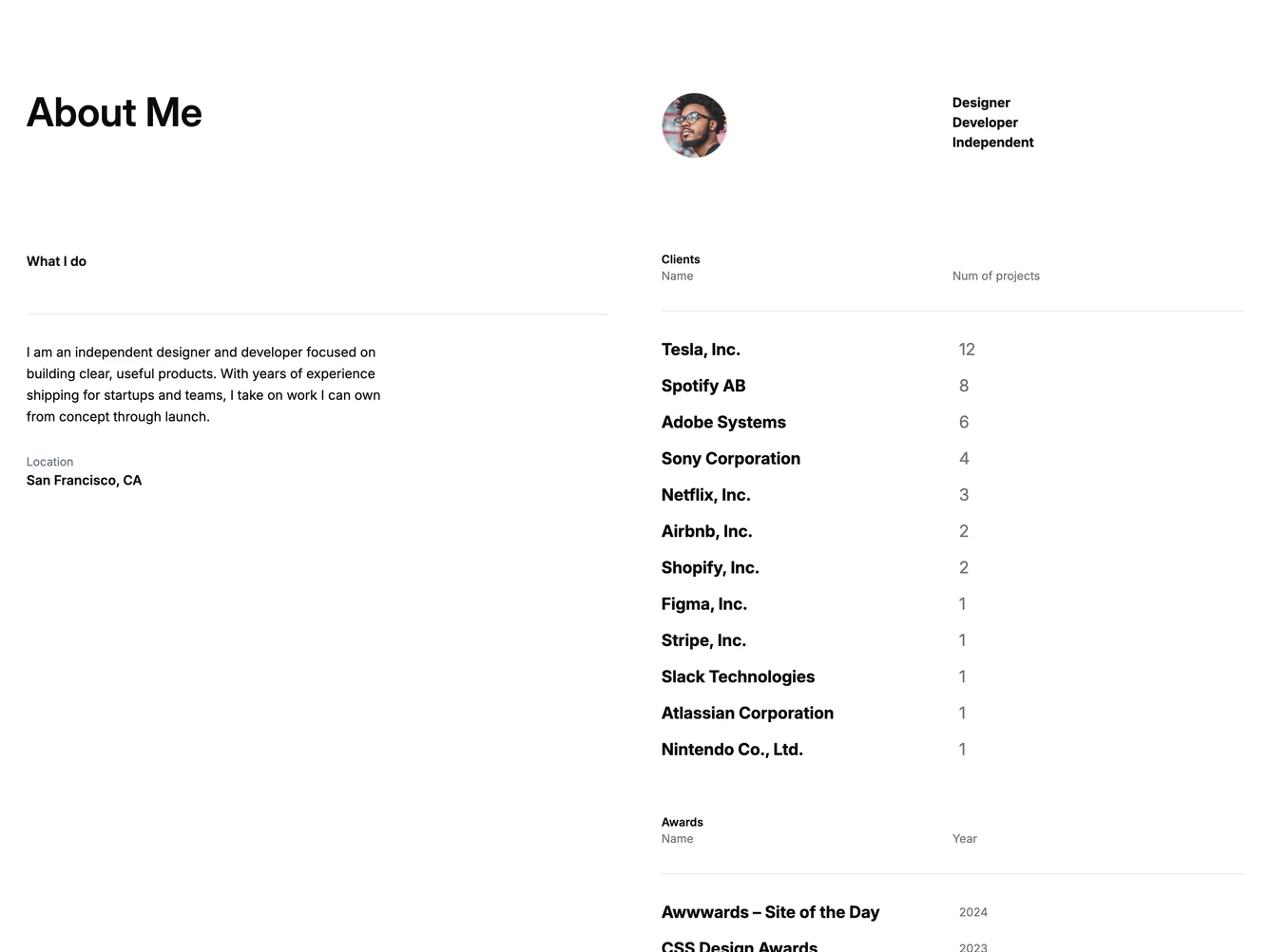
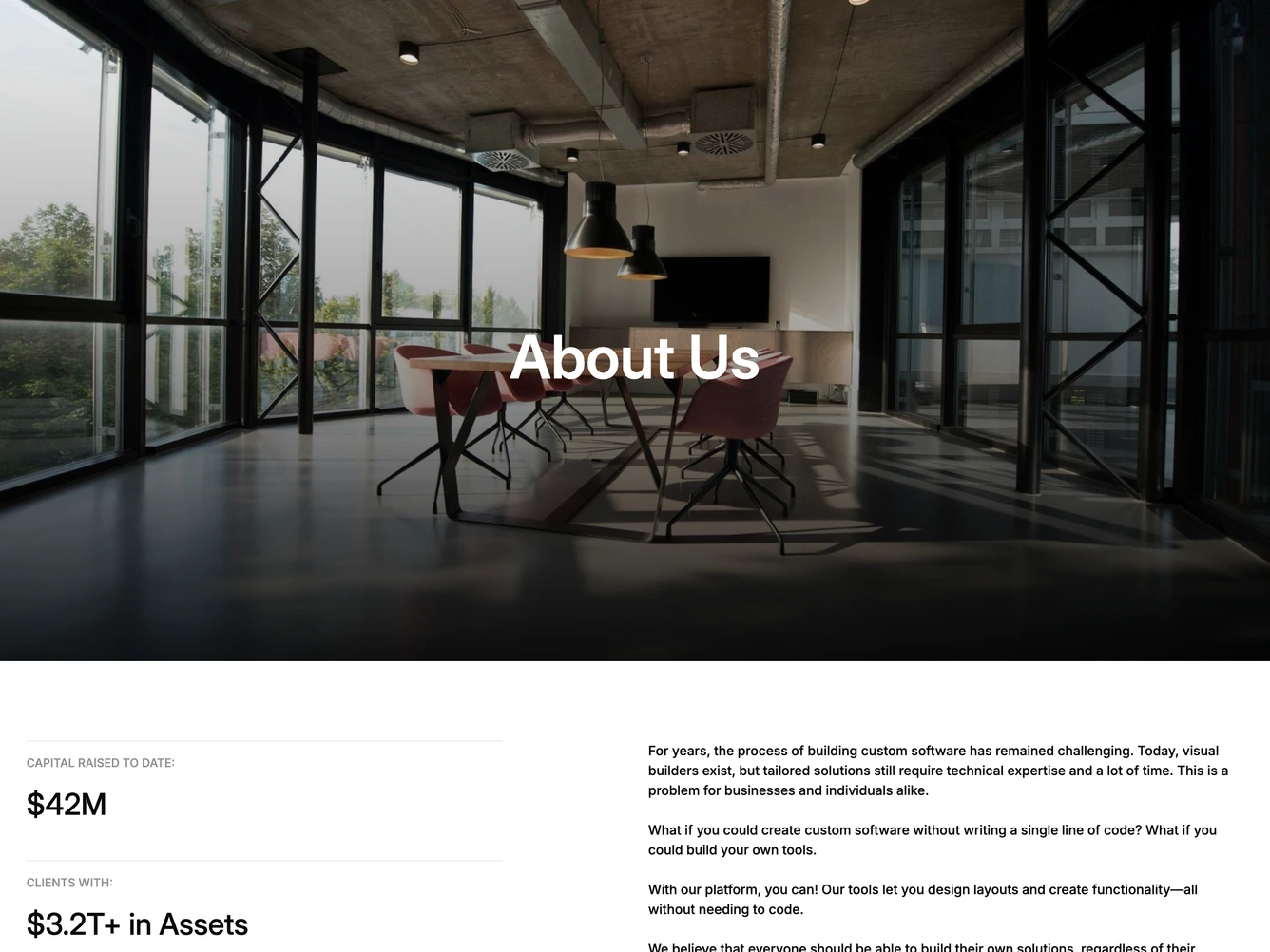
Shadcn UI About Blocks, Sections & Components
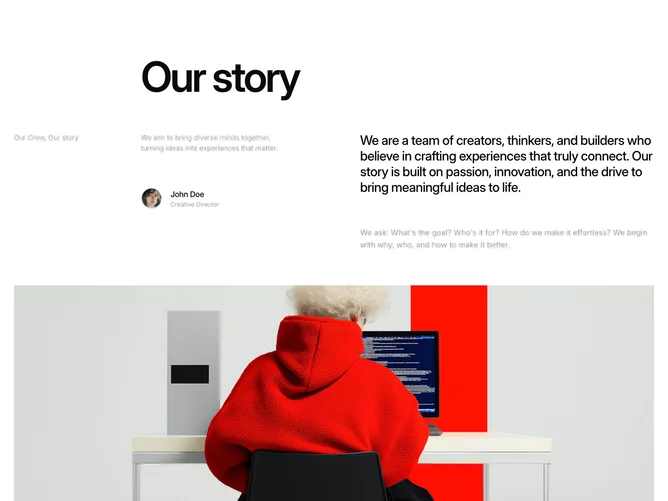
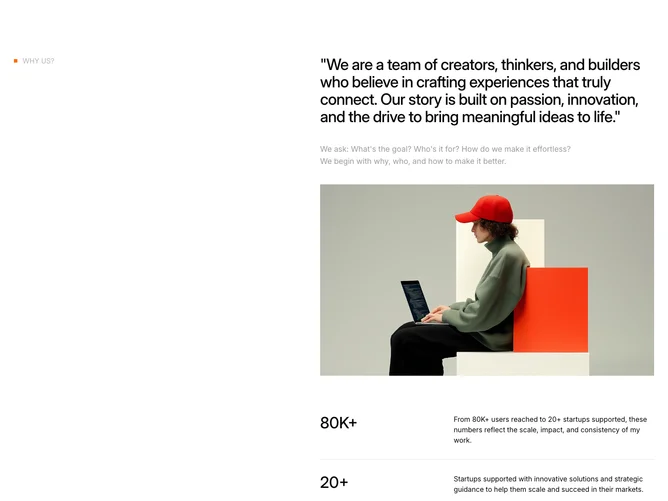
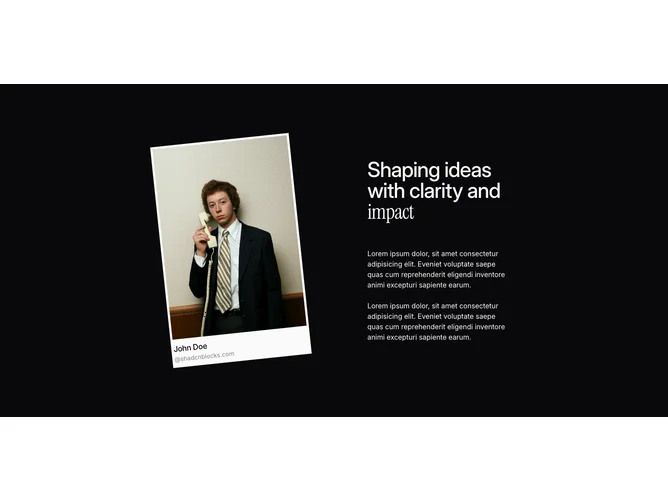
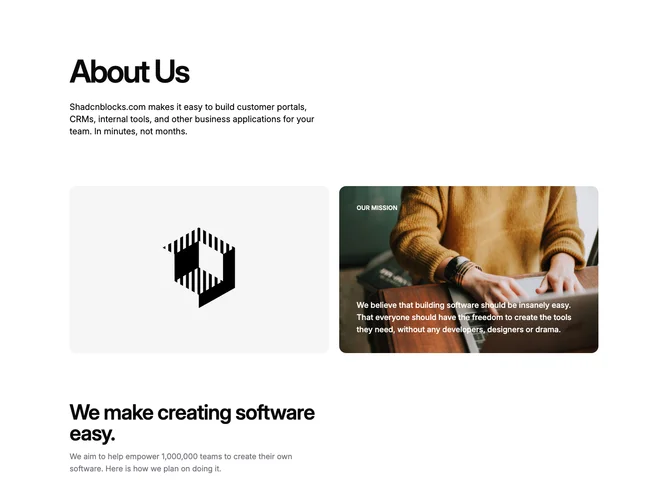
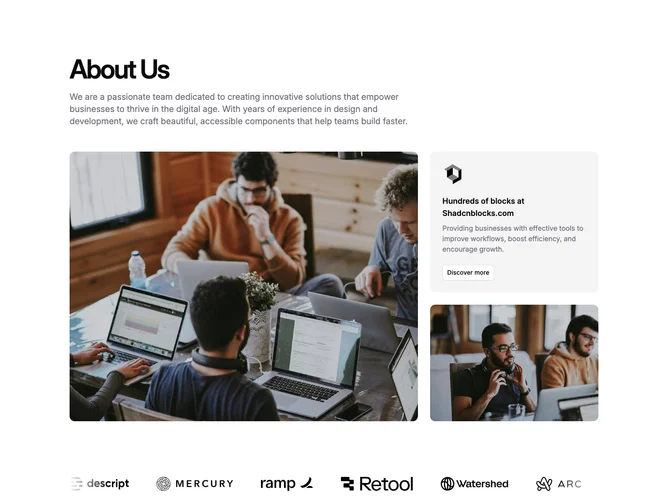
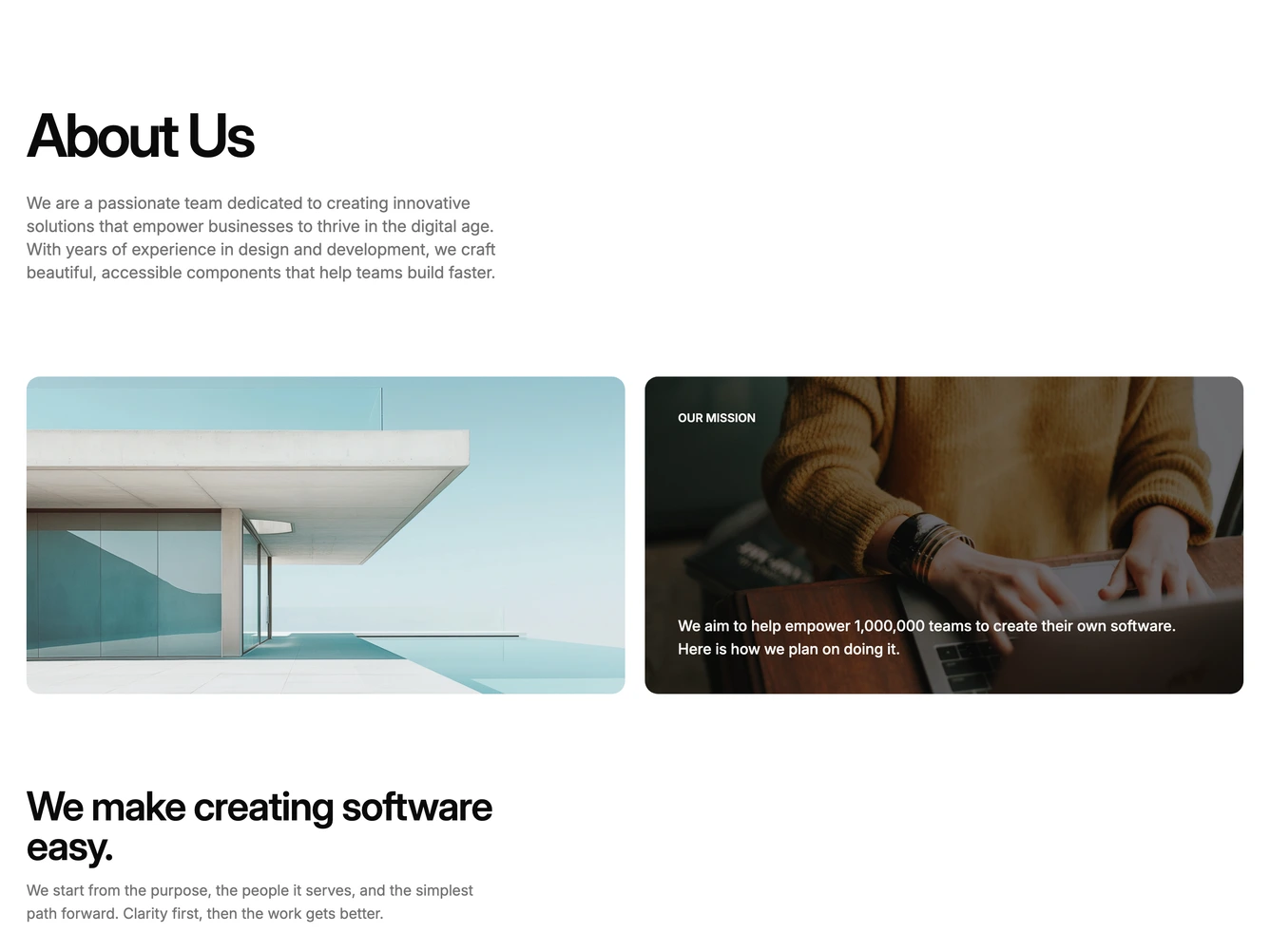
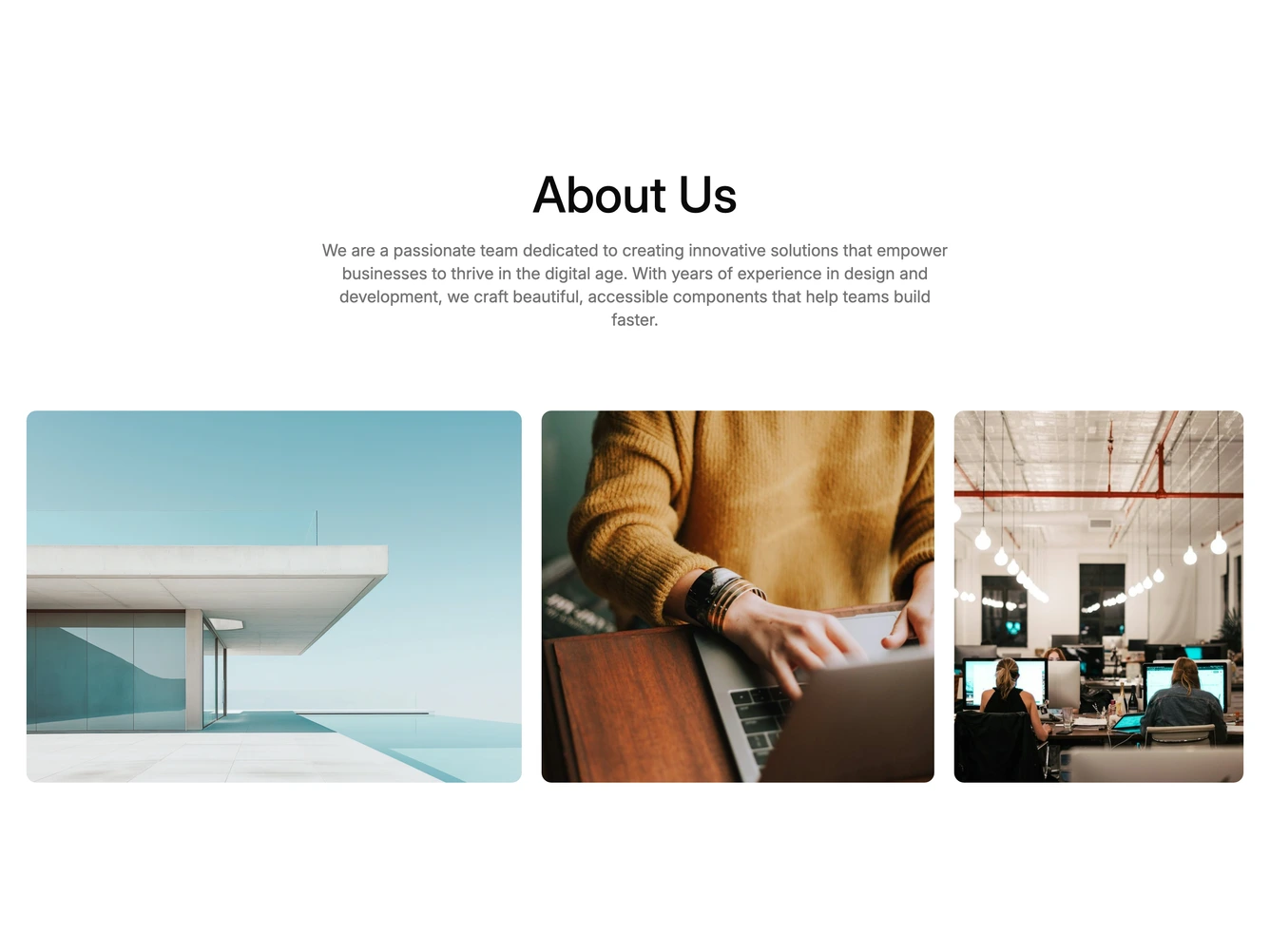
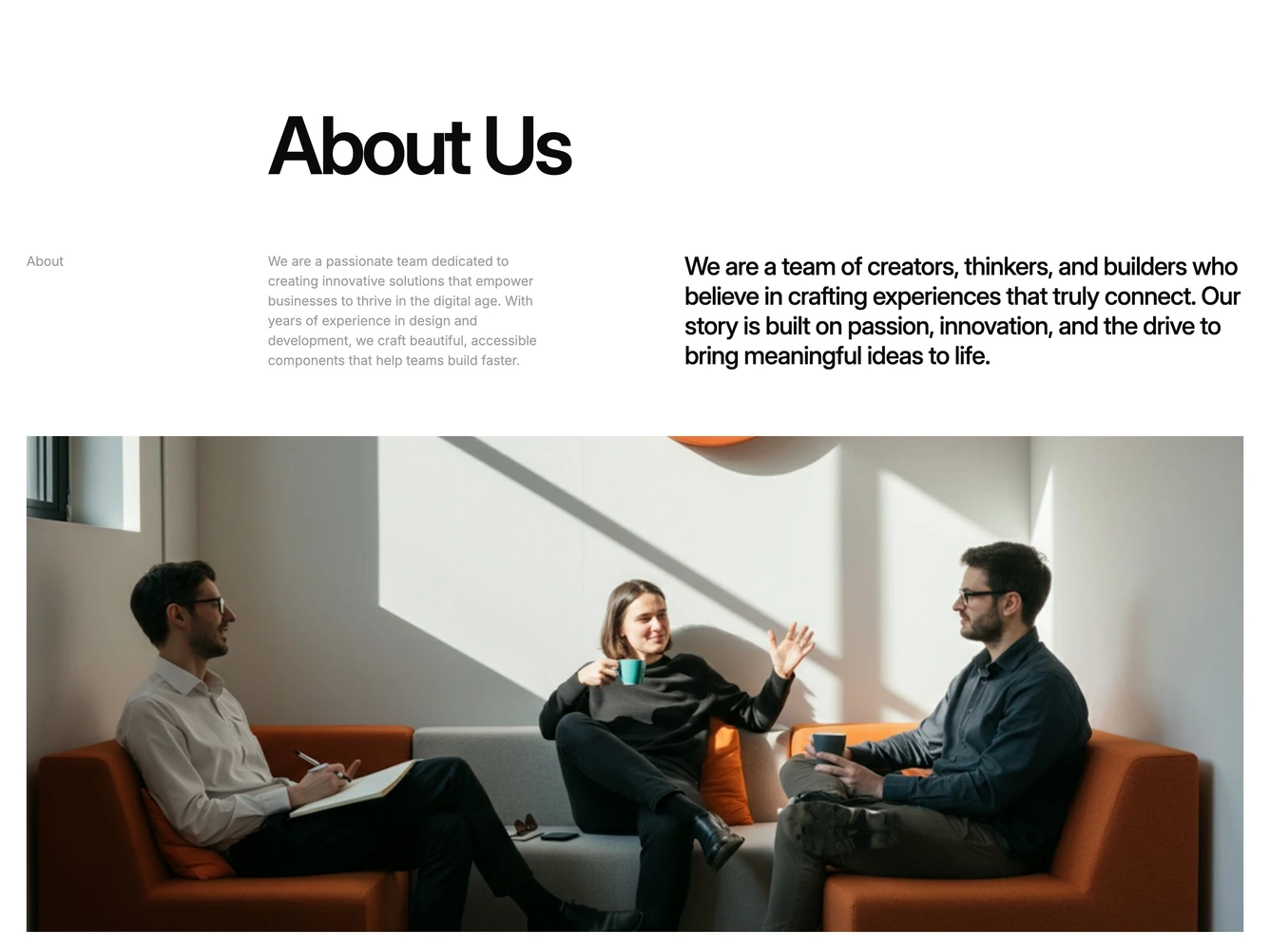
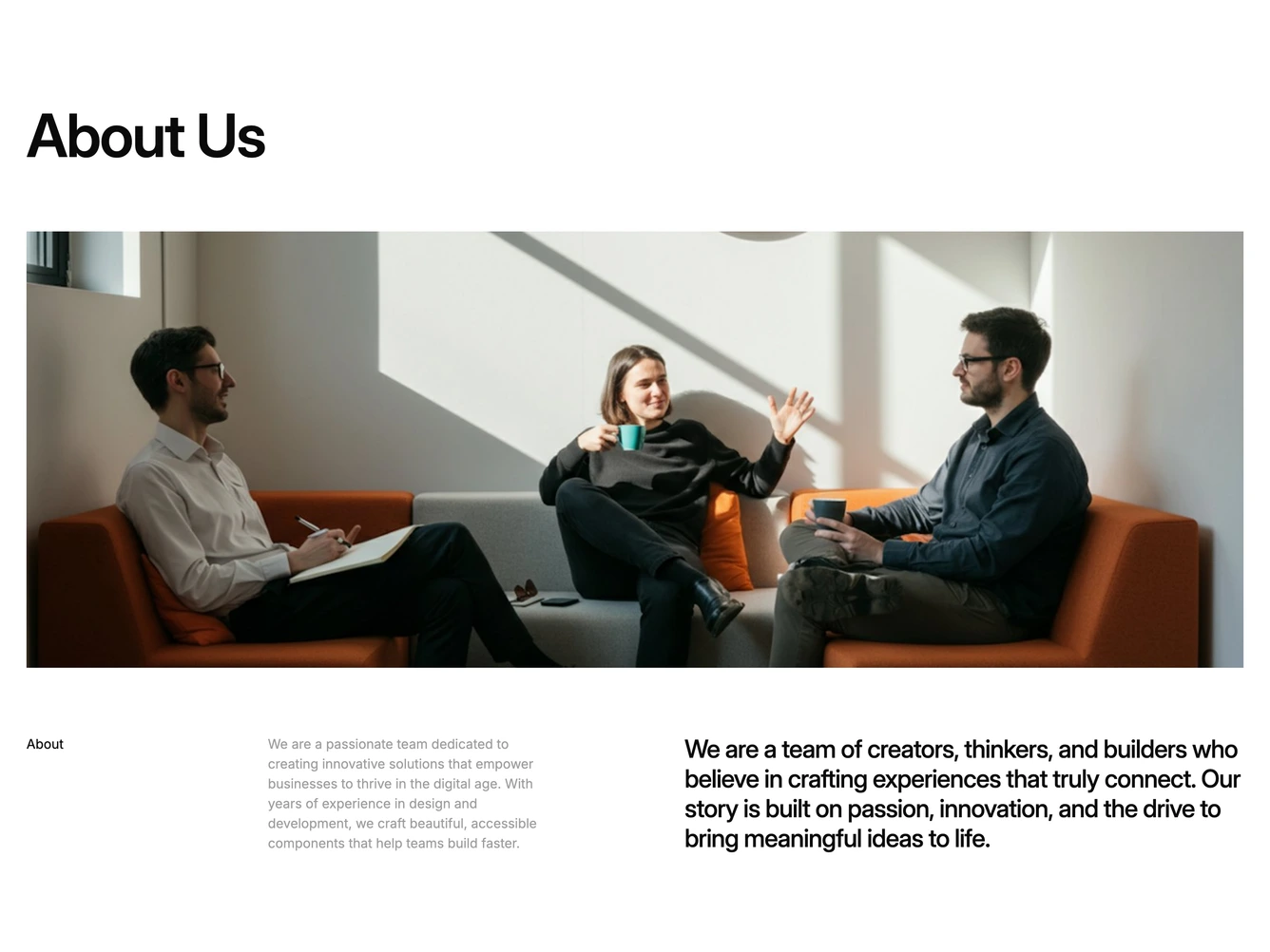
About blocks tell who you are on a marketing page. They sit below the hero with mission, values, photos, and proof so visitors know who they are buying from.
Each block is a self-contained React component which you can copy/paste the code or install via the shadcn CLI. You own the code and can modify however you like, or us AI and LLMS to quickly change the design.
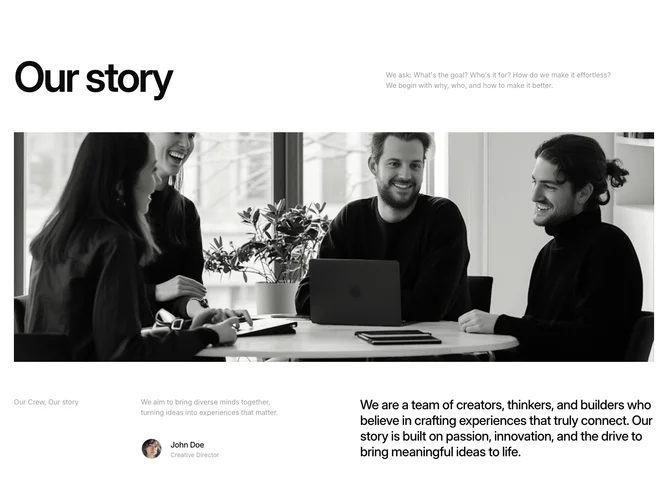
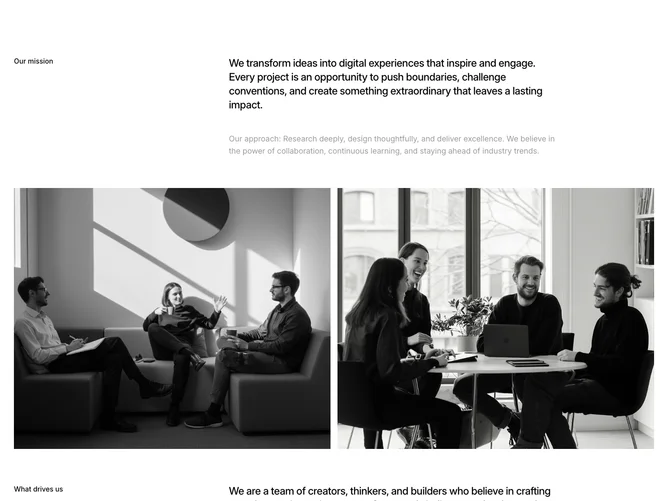
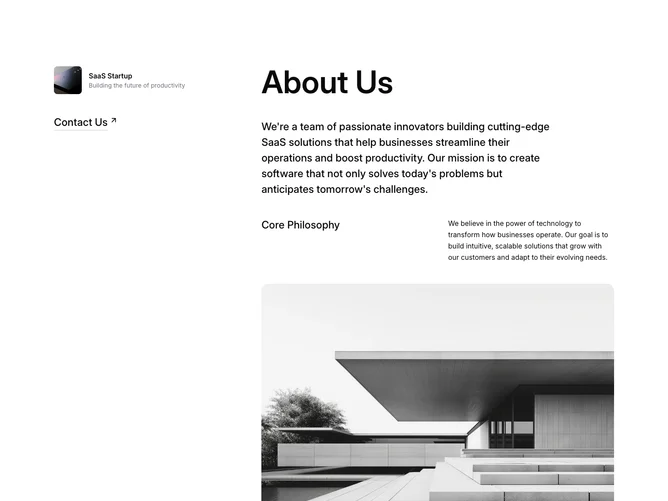
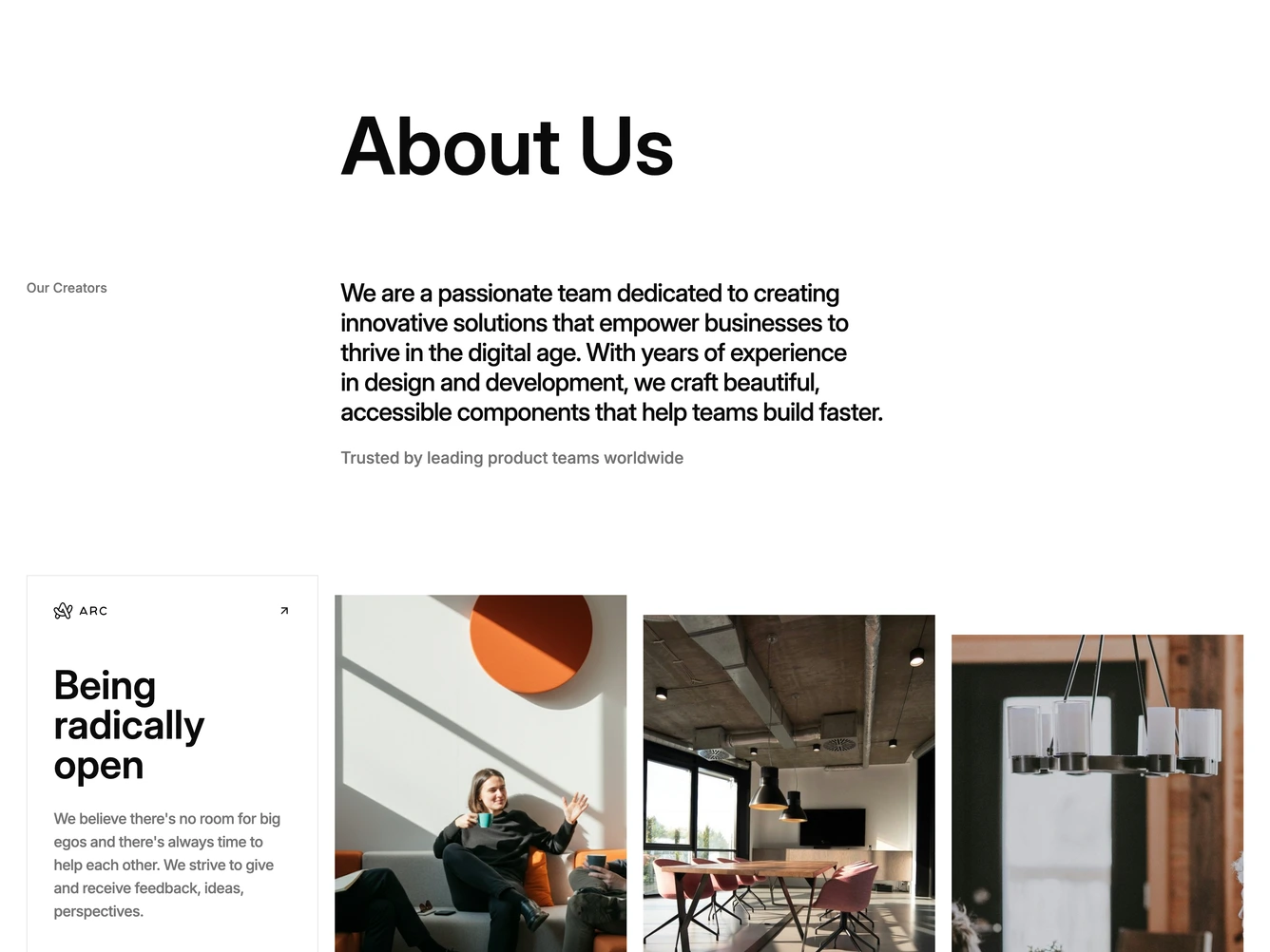
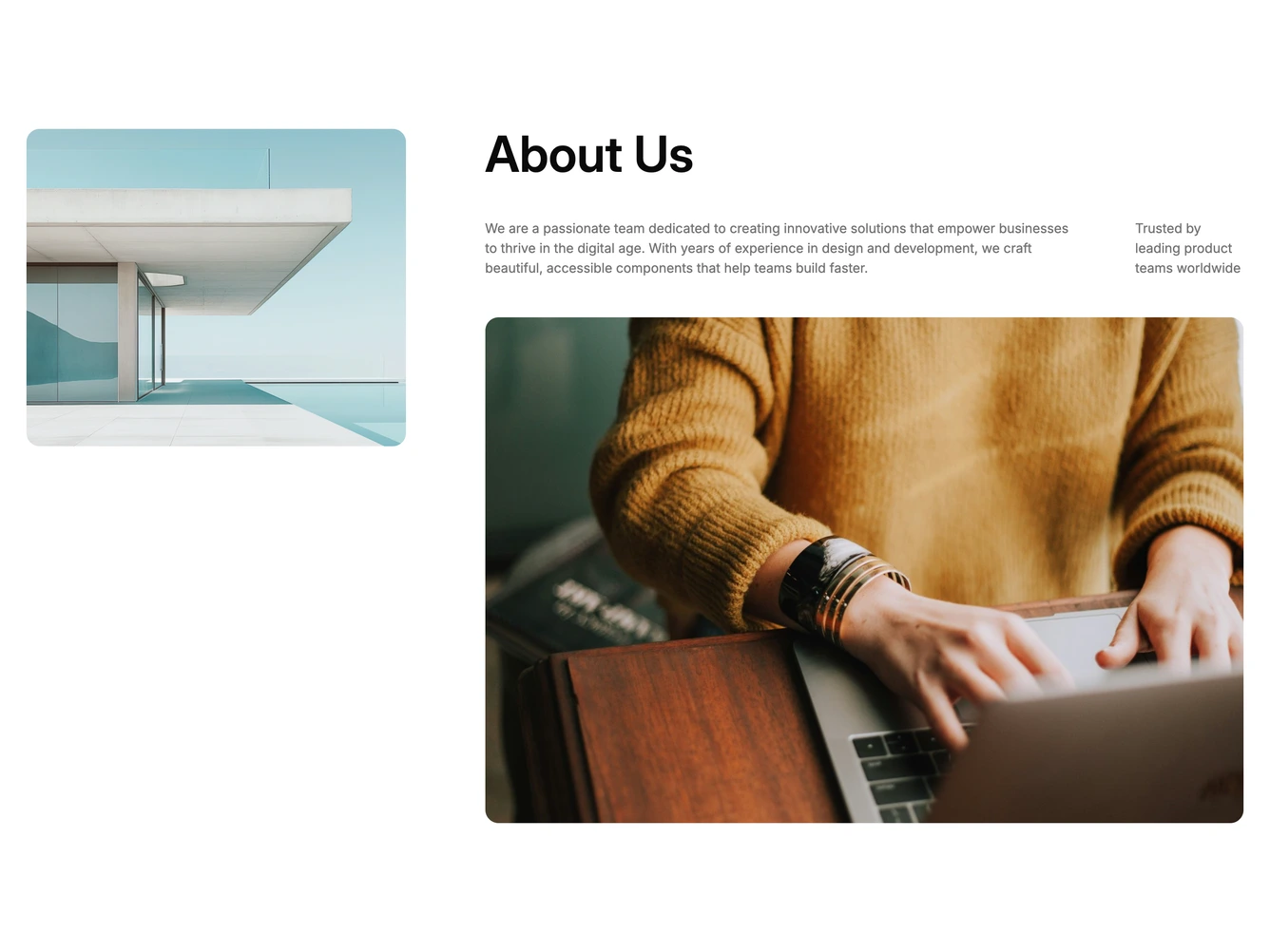
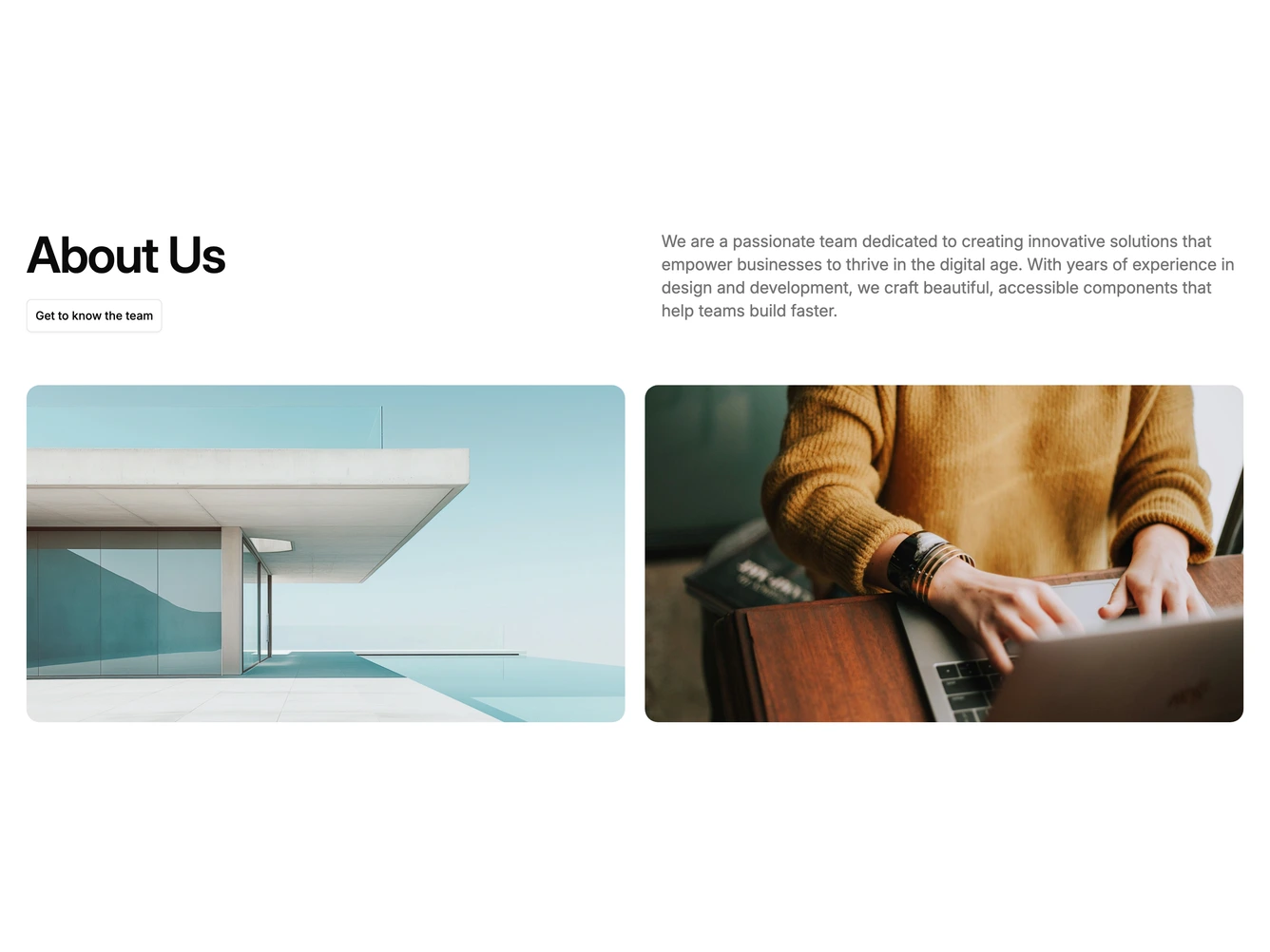
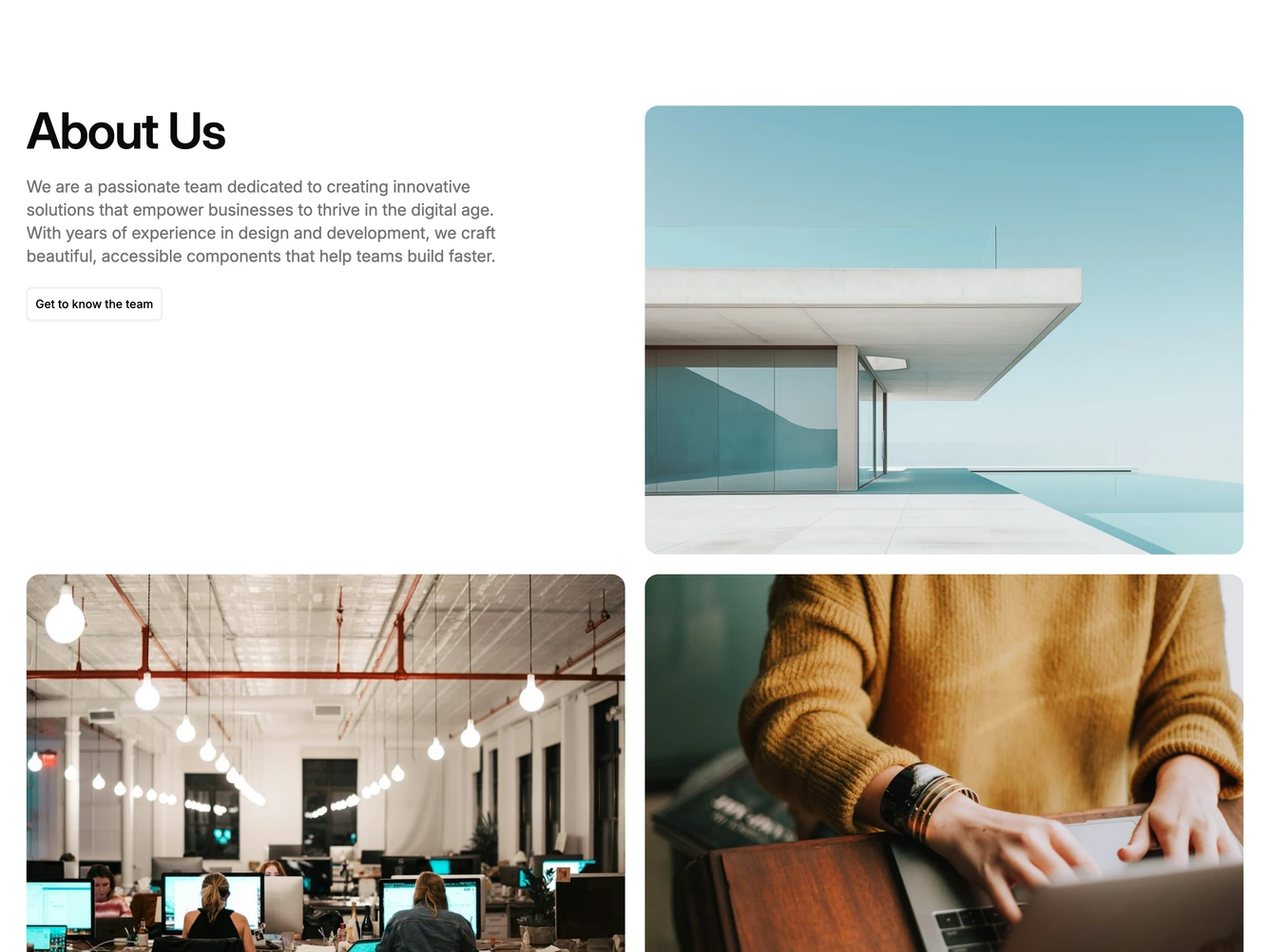
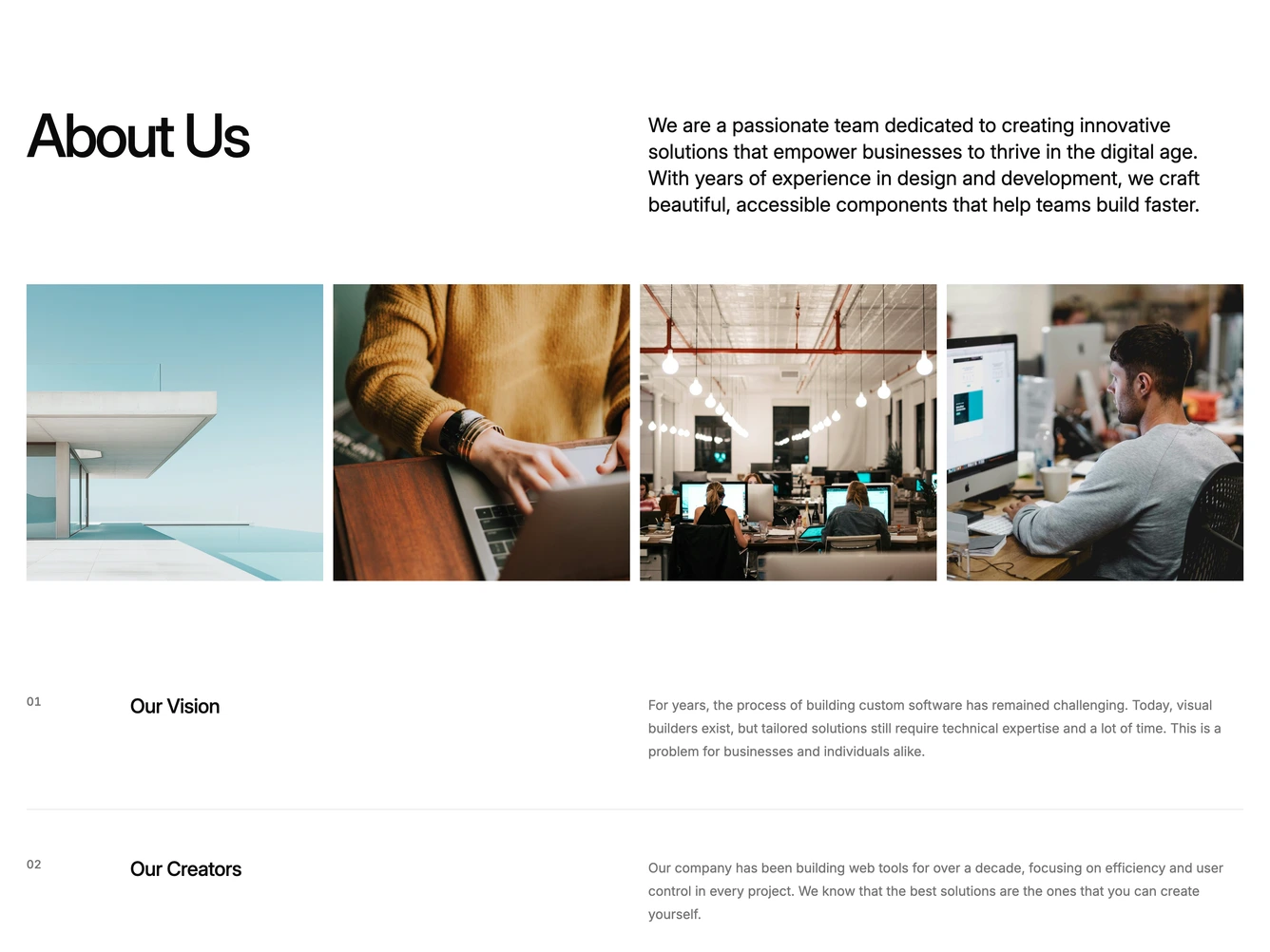
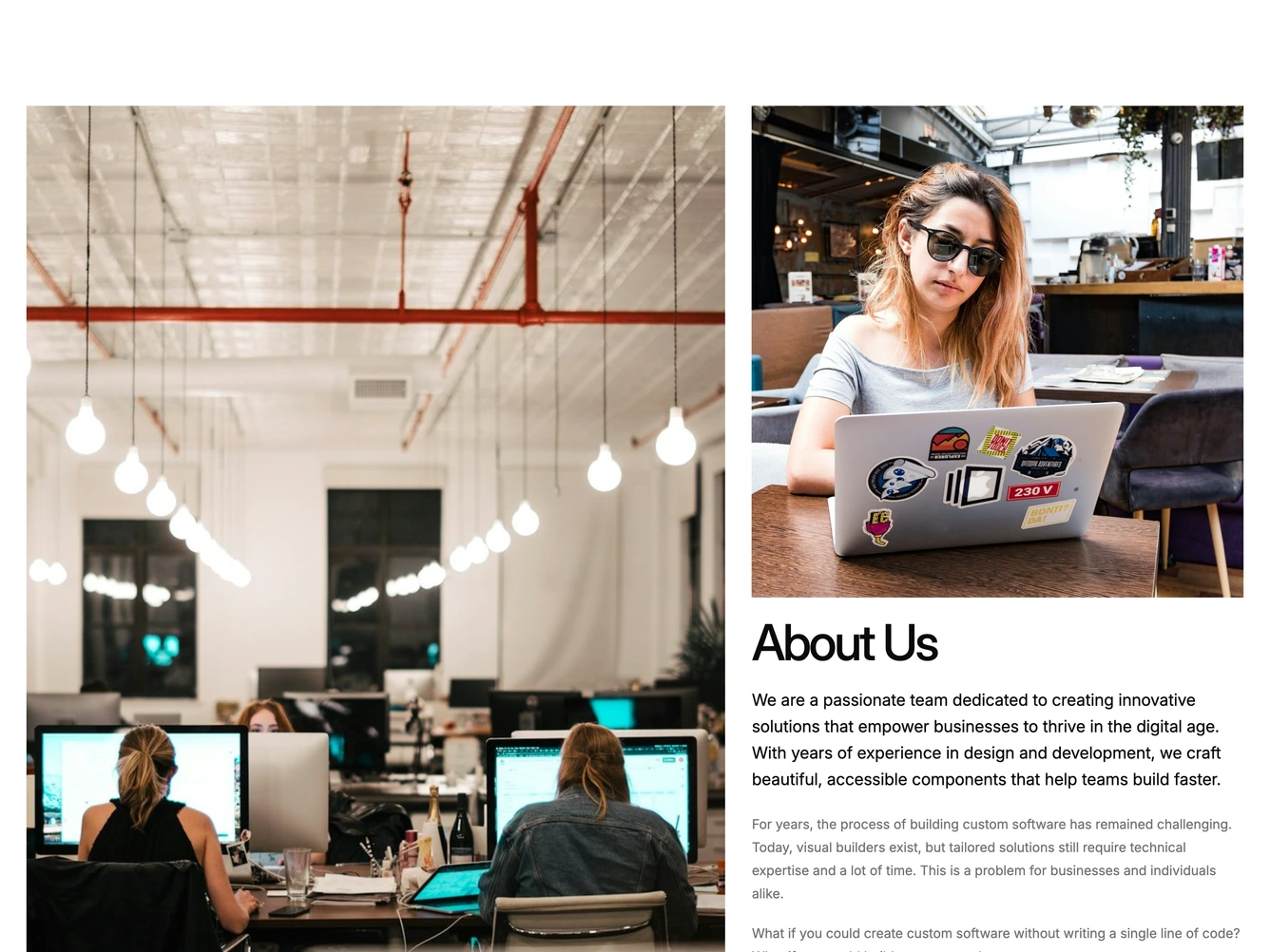
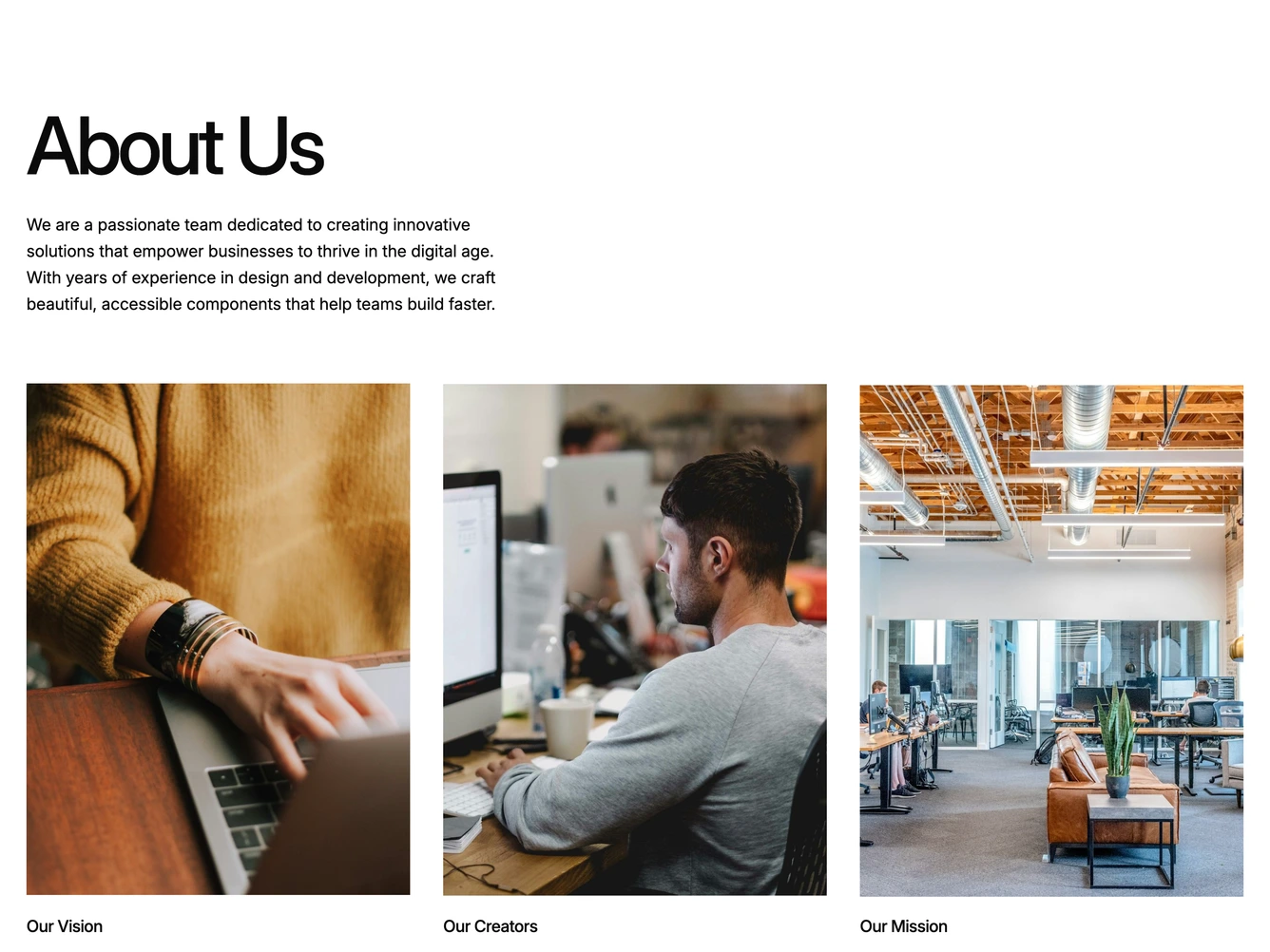
Our about blocks combine headlines, supporting text, images, icons, CTA buttons, and responsive layouts. Each block is designed with clear visual hierarchy and consistent spacing to integrate seamlessly into any page structure.
Choosing the Right About Section
Different goals call for different about sections. We’ve organized our about blocks into subgroups so you can find the right layout for your use case:
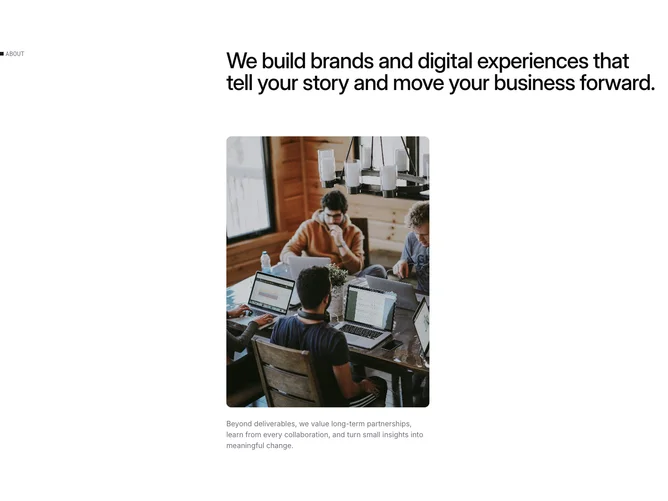
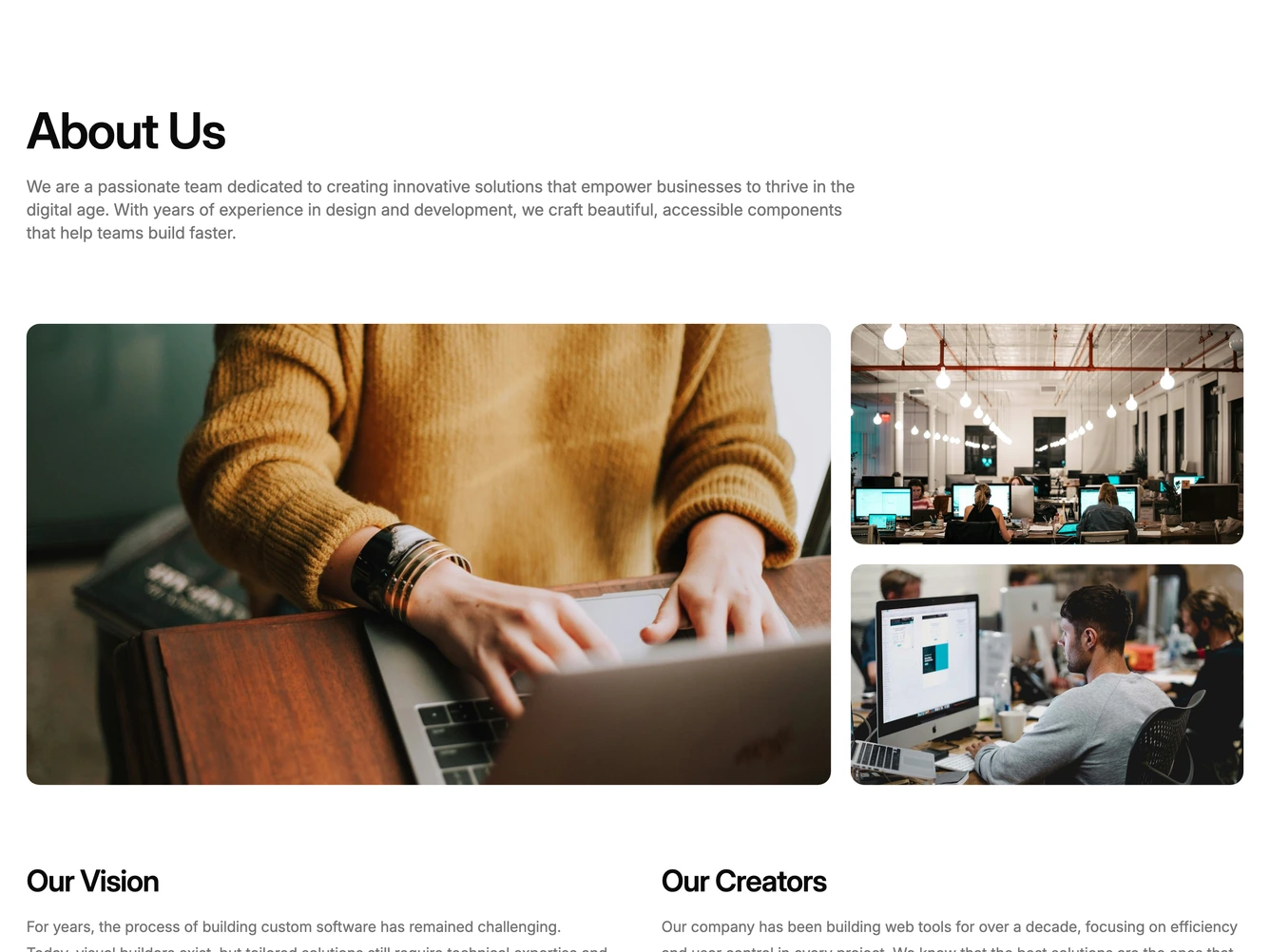
- Shadcn About Basic - Short, straightforward about layouts with heading, copy, and light media.
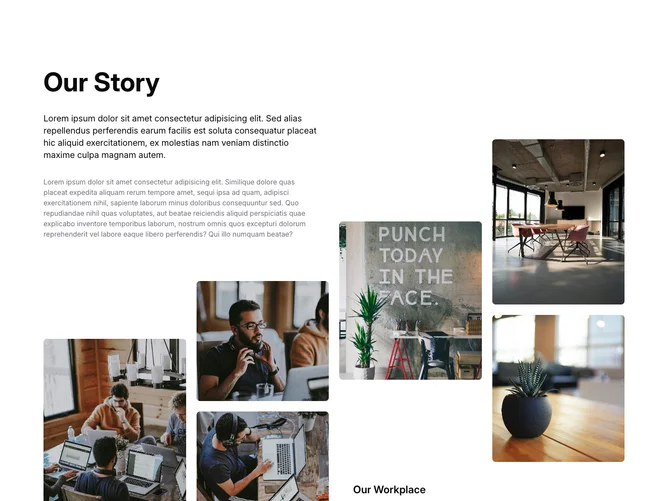
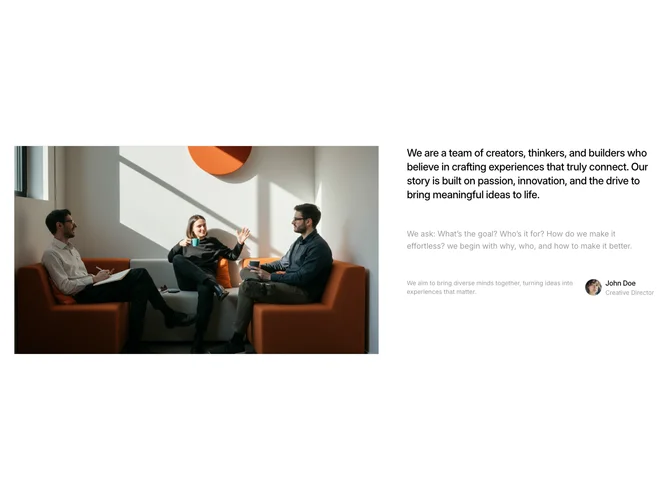
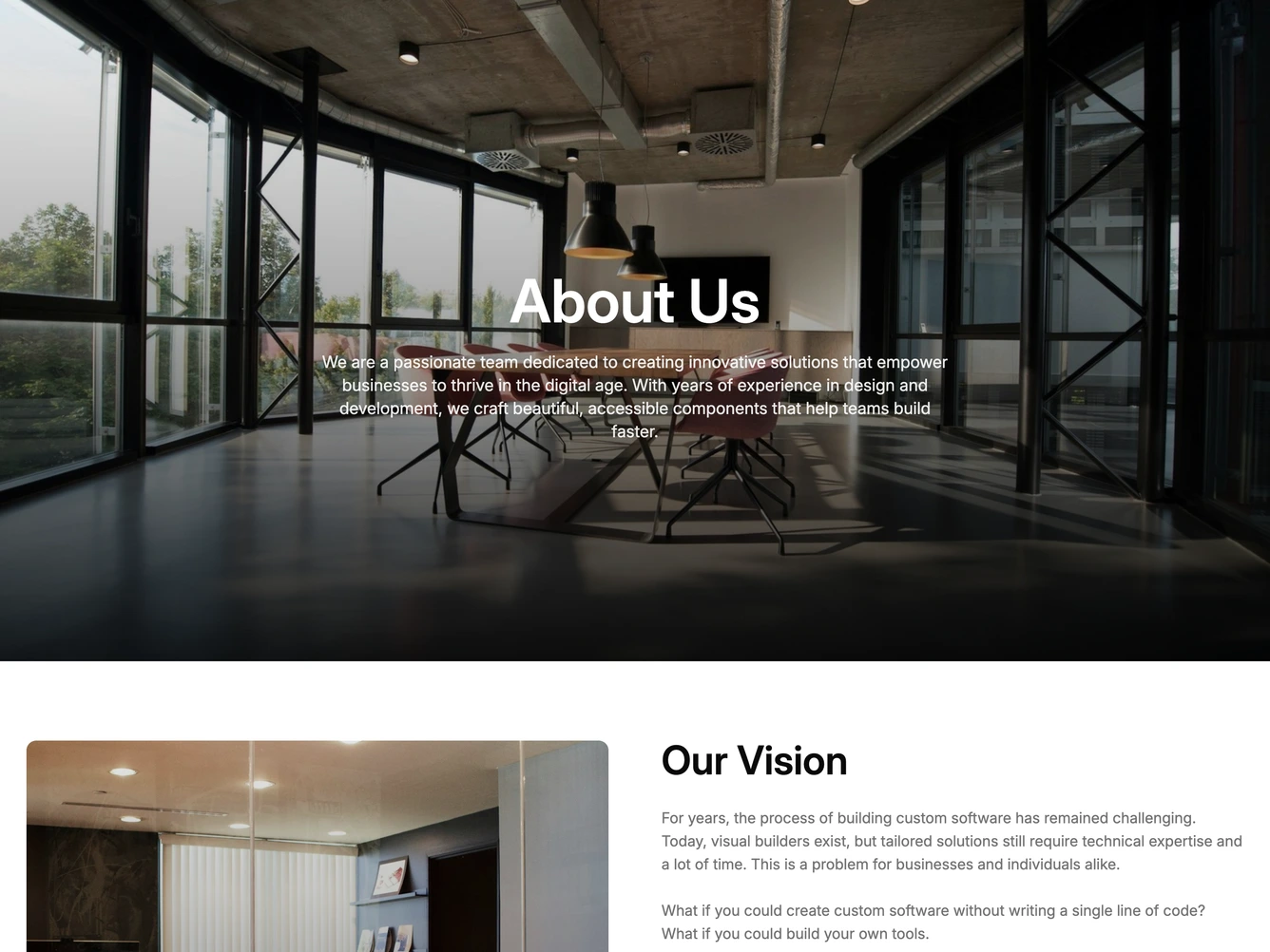
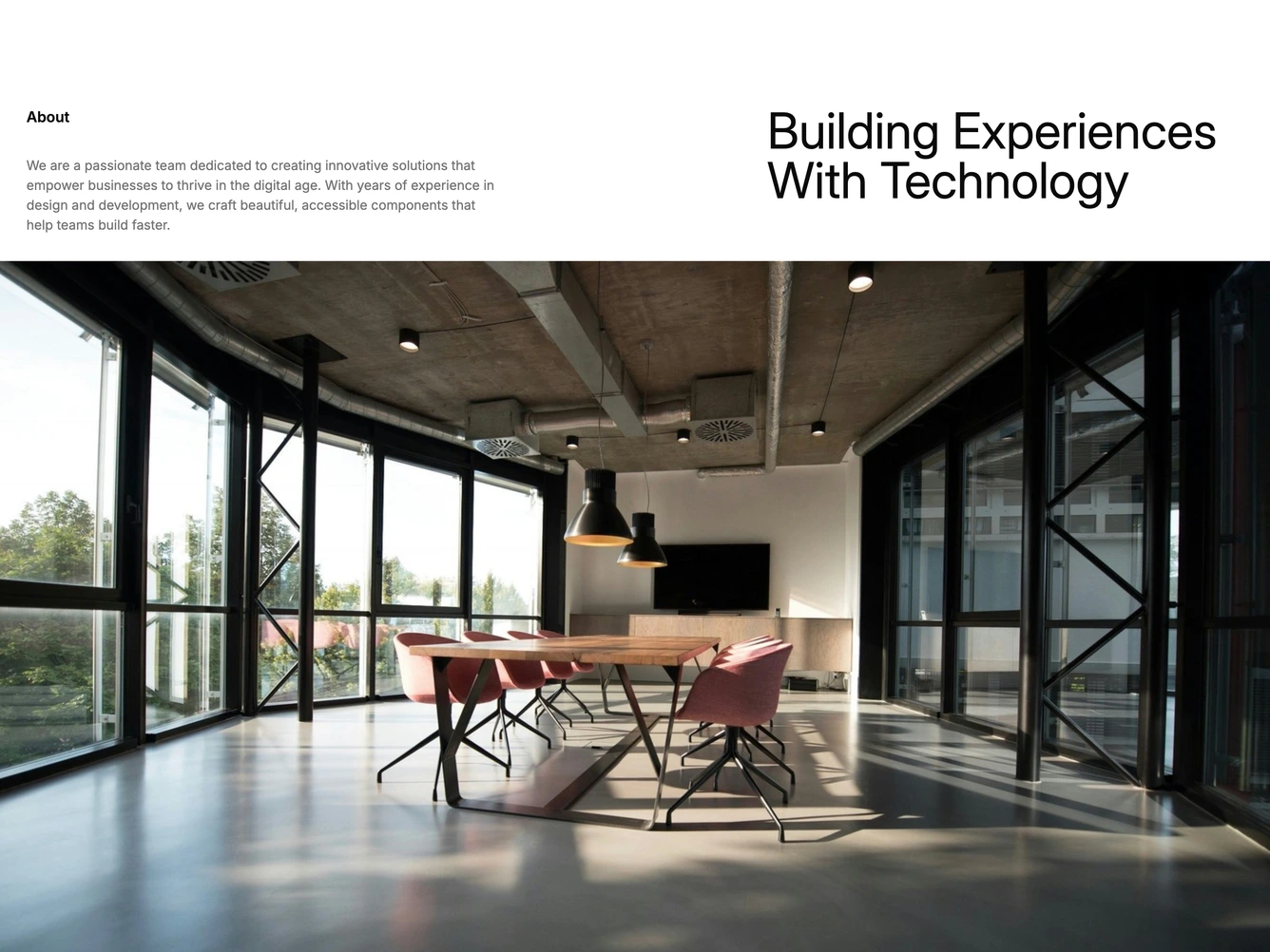
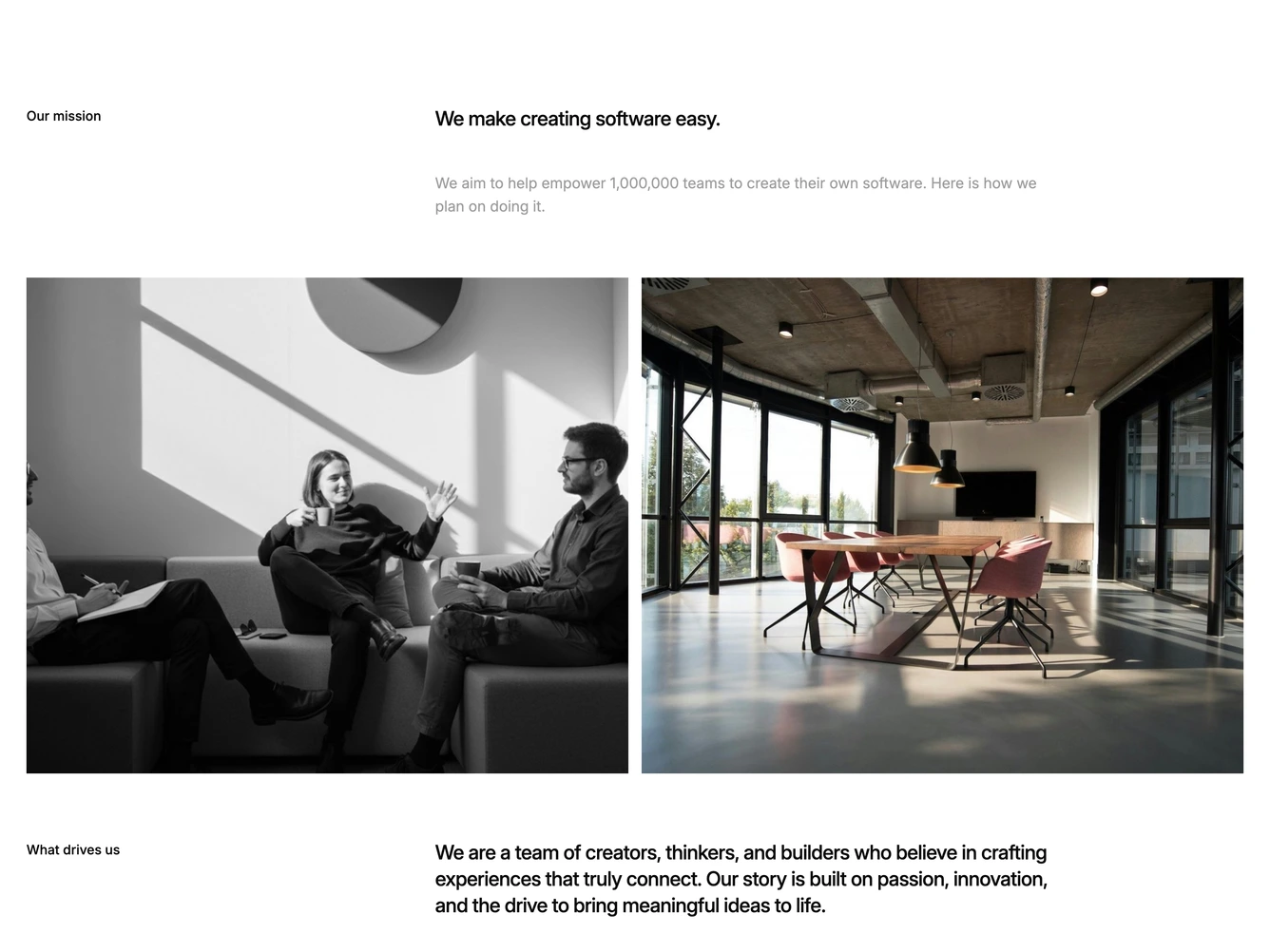
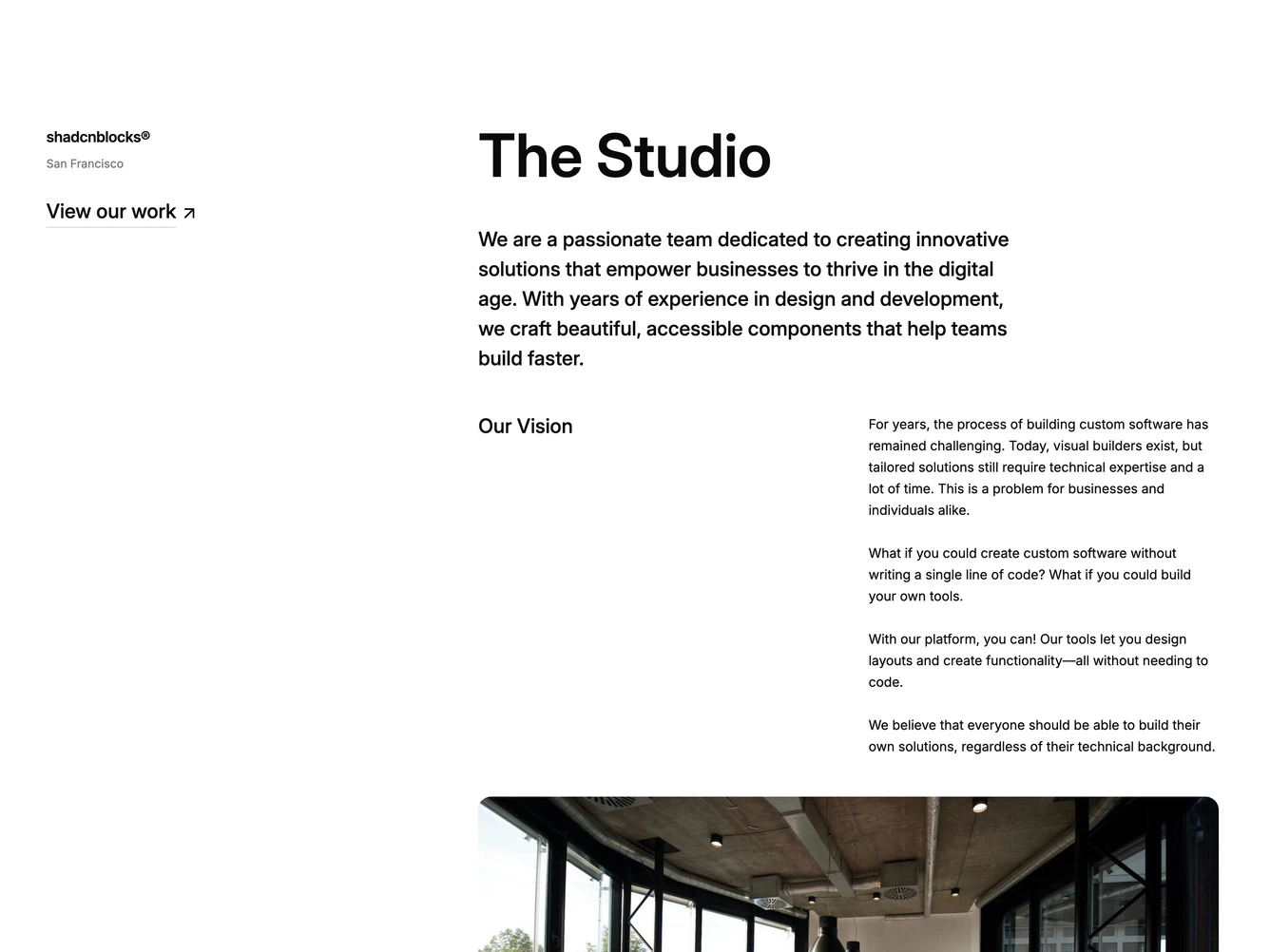
- Shadcn About Company - Longer corporate about pages with office photos and multi-section layouts.
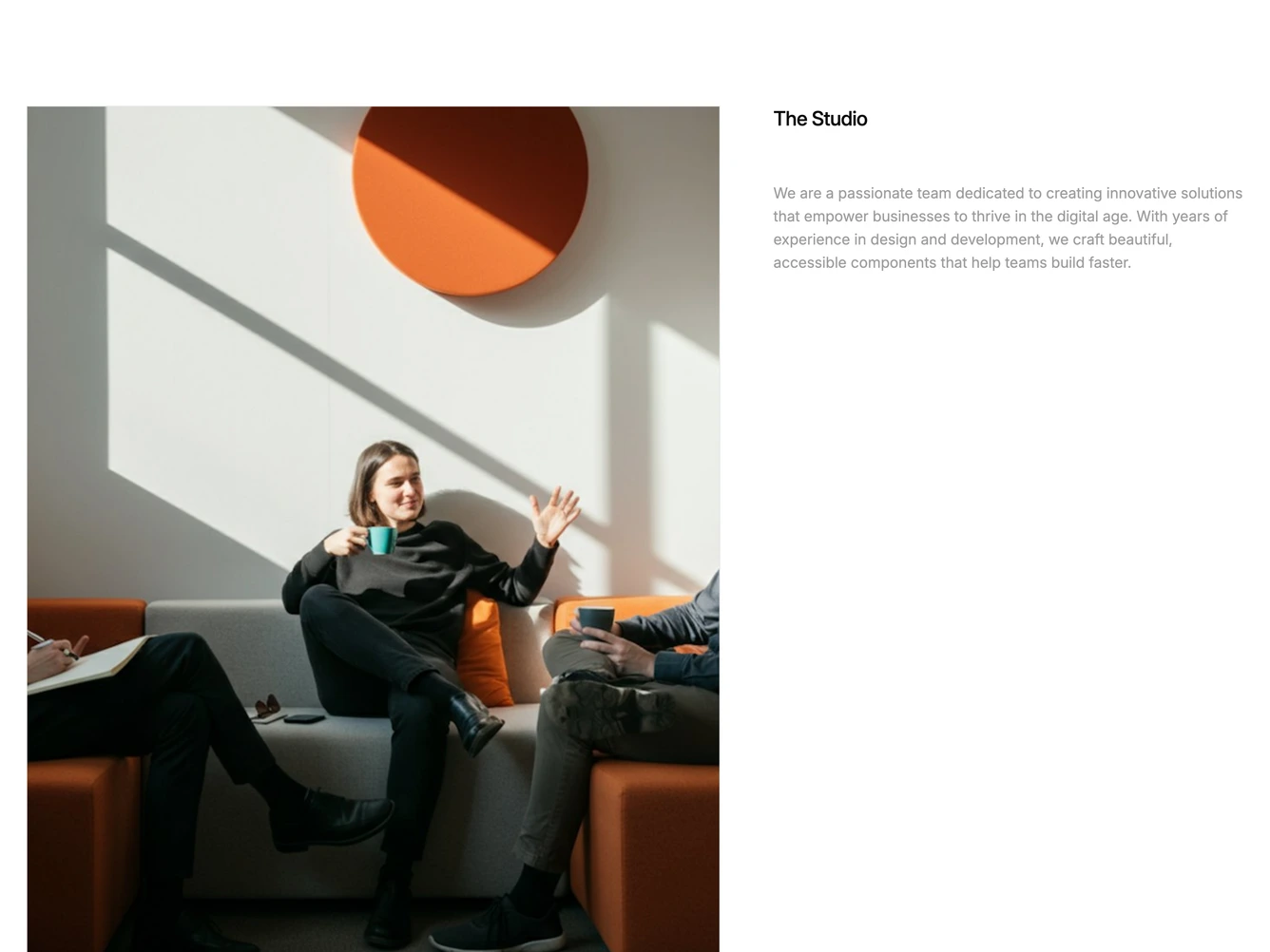
- Shadcn About Agency - Studio about layouts with process, awards, and client work.
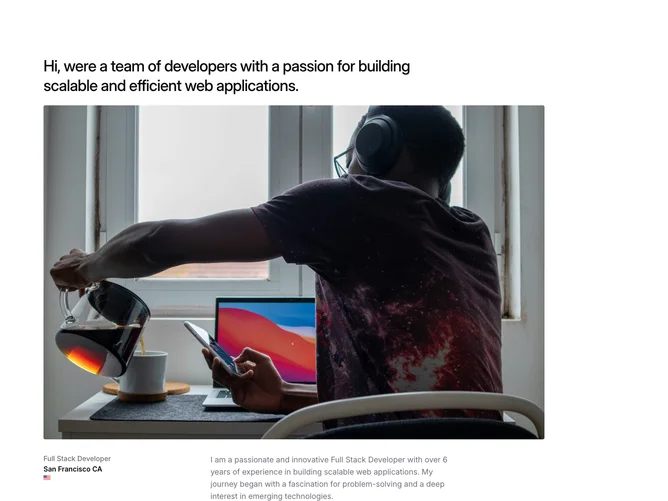
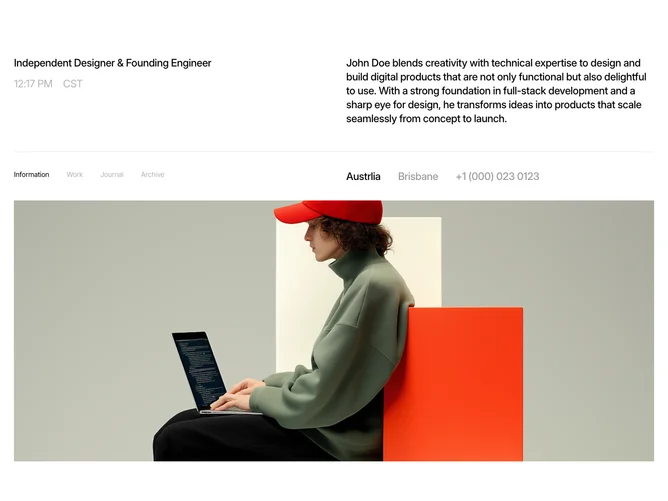
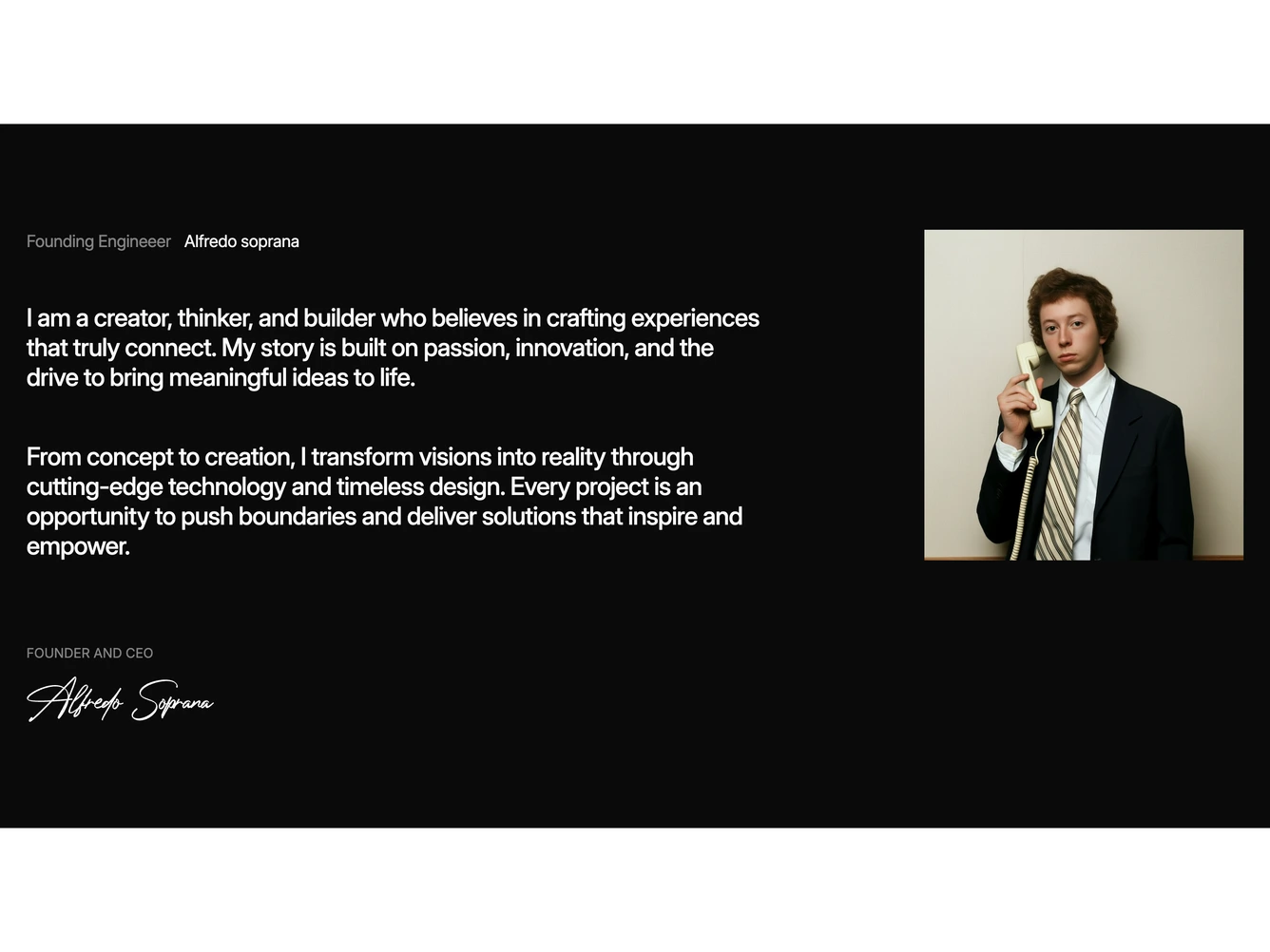
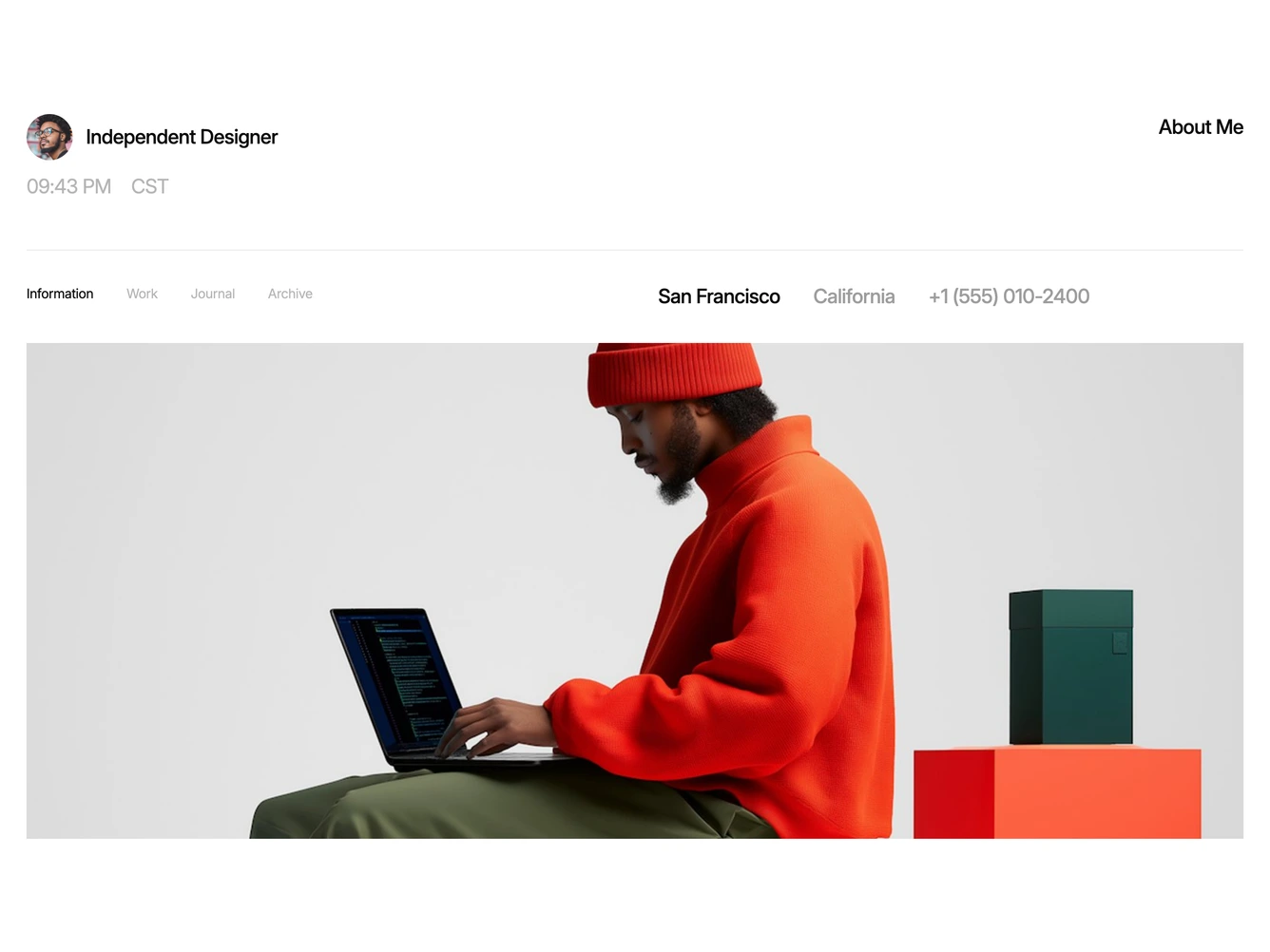
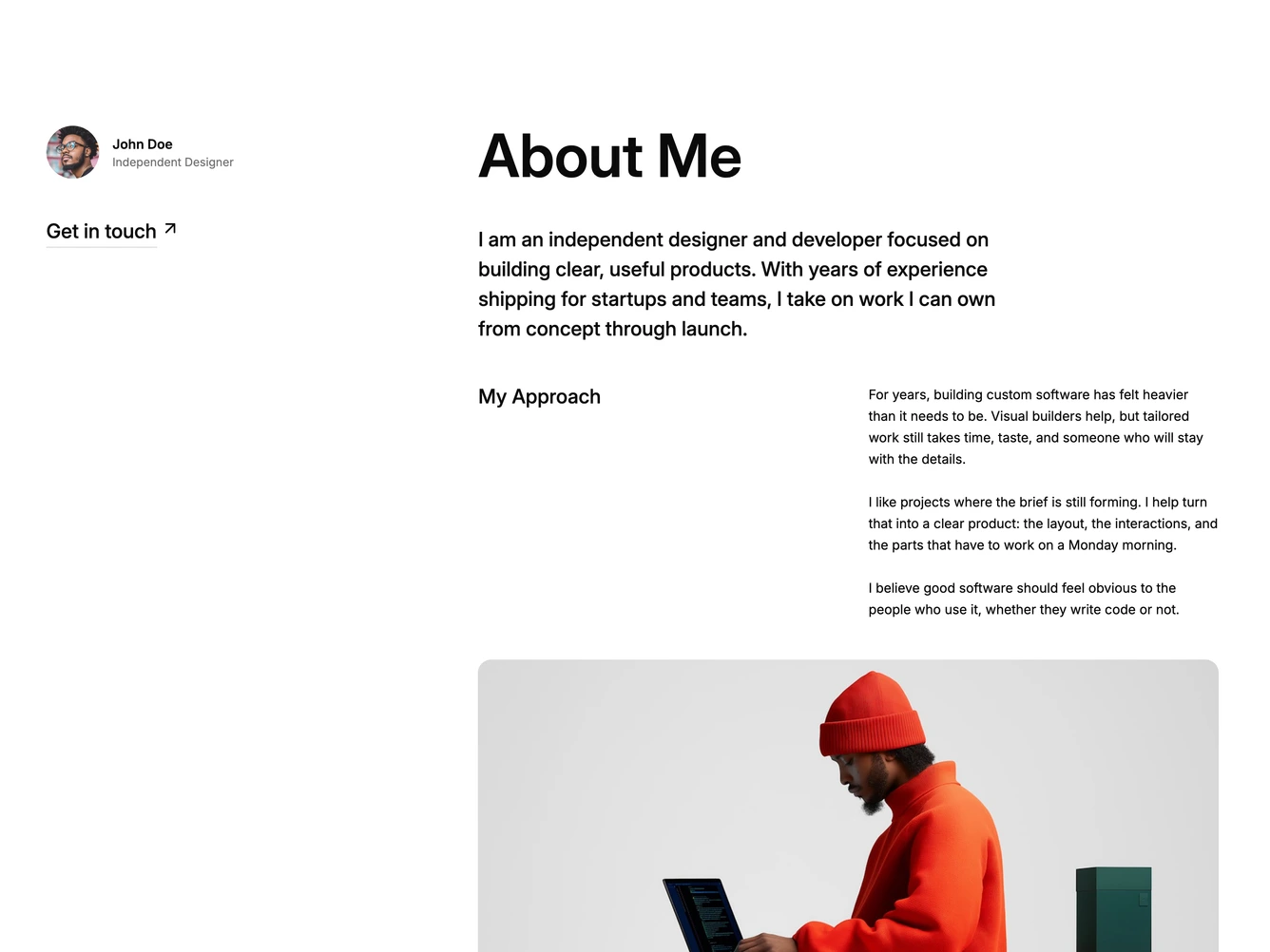
- Shadcn About Freelancer - Independent and personal about layouts with a byline, story copy, and photos.
- Shadcn About Signature - Personal about layouts that close with a handwritten signature.
- Shadcn About Editorial - Magazine-style about layouts with poster headlines, unrounded photos, and ruled grids.