Shadcn Calendar Blocks

Browse 26+ Shadcn UI Calendar sections built with React, Tailwind CSS and shadcn/ui. Copy & paste the code or install via the shadcn CLI.

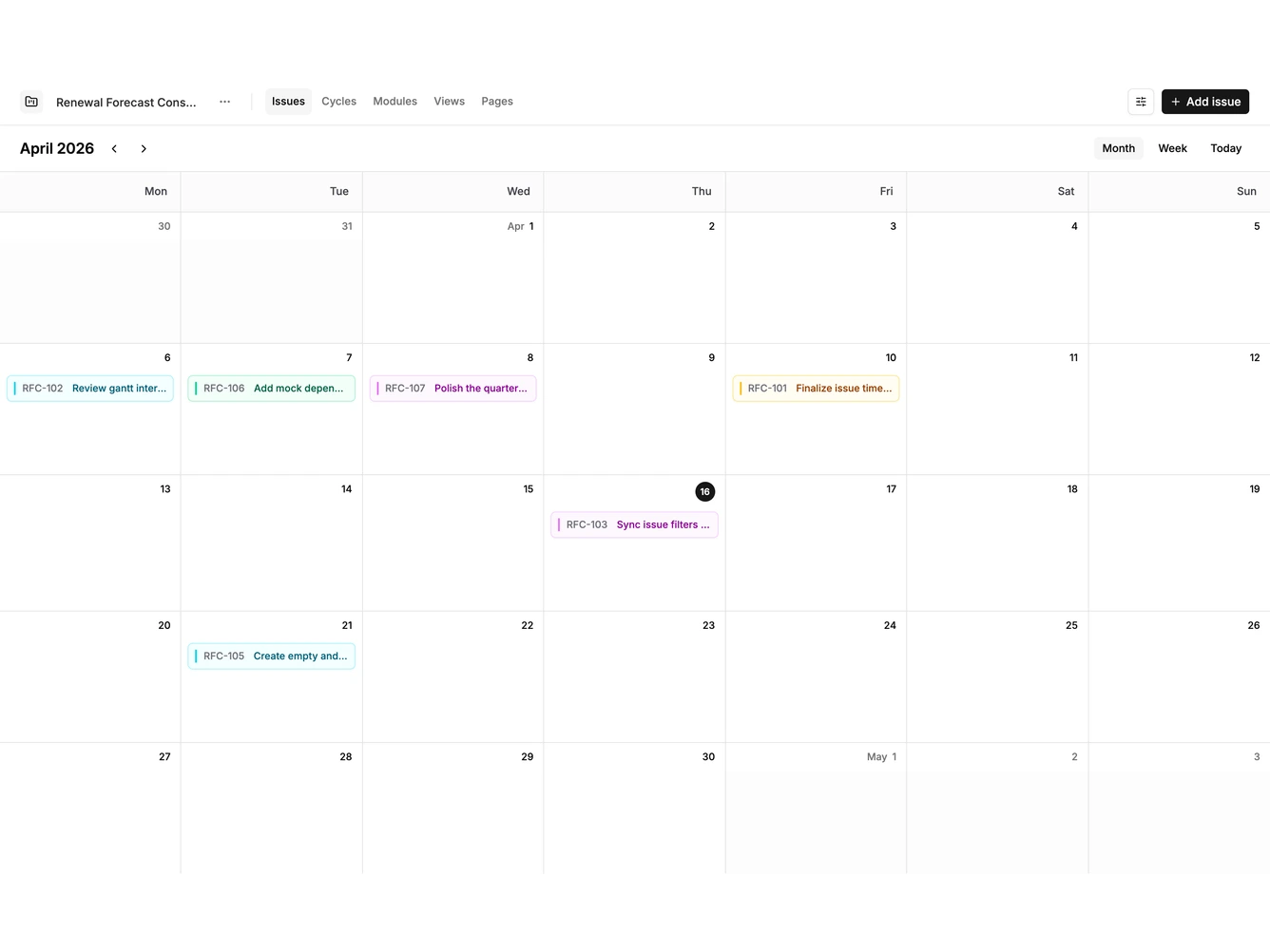
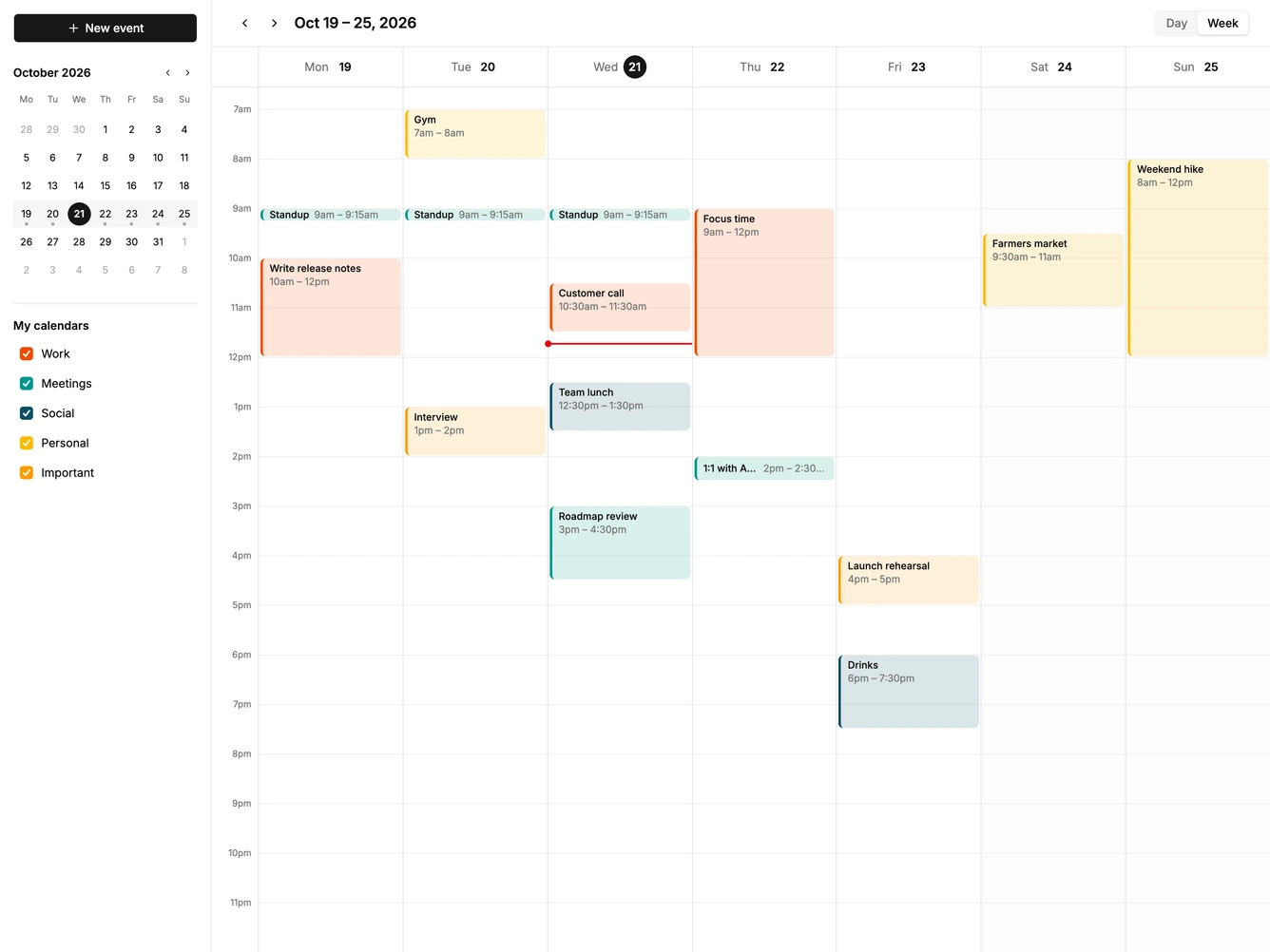
Shadcn Calendar 1 - Month and Week Calendar

Month and Week Calendar

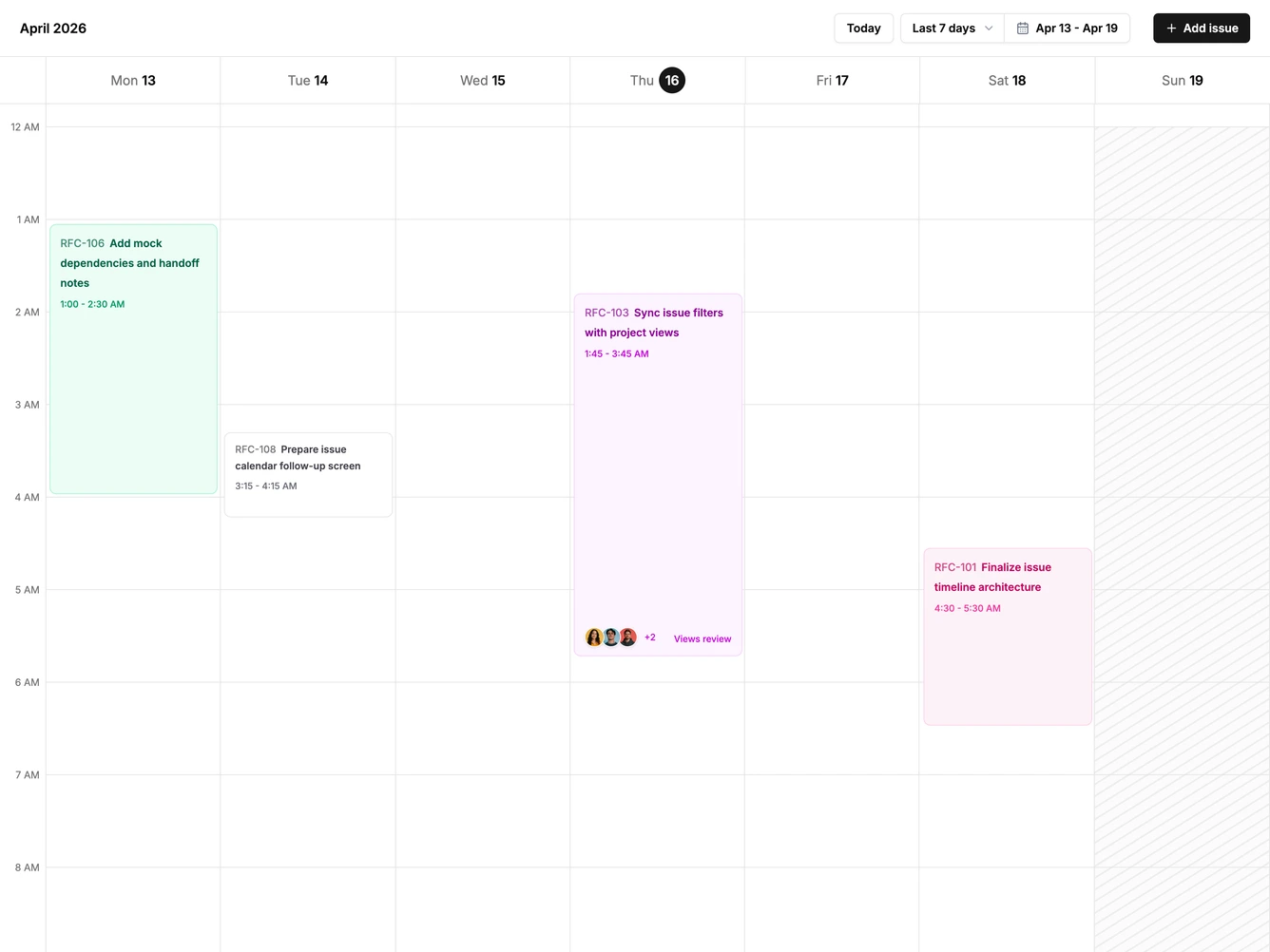
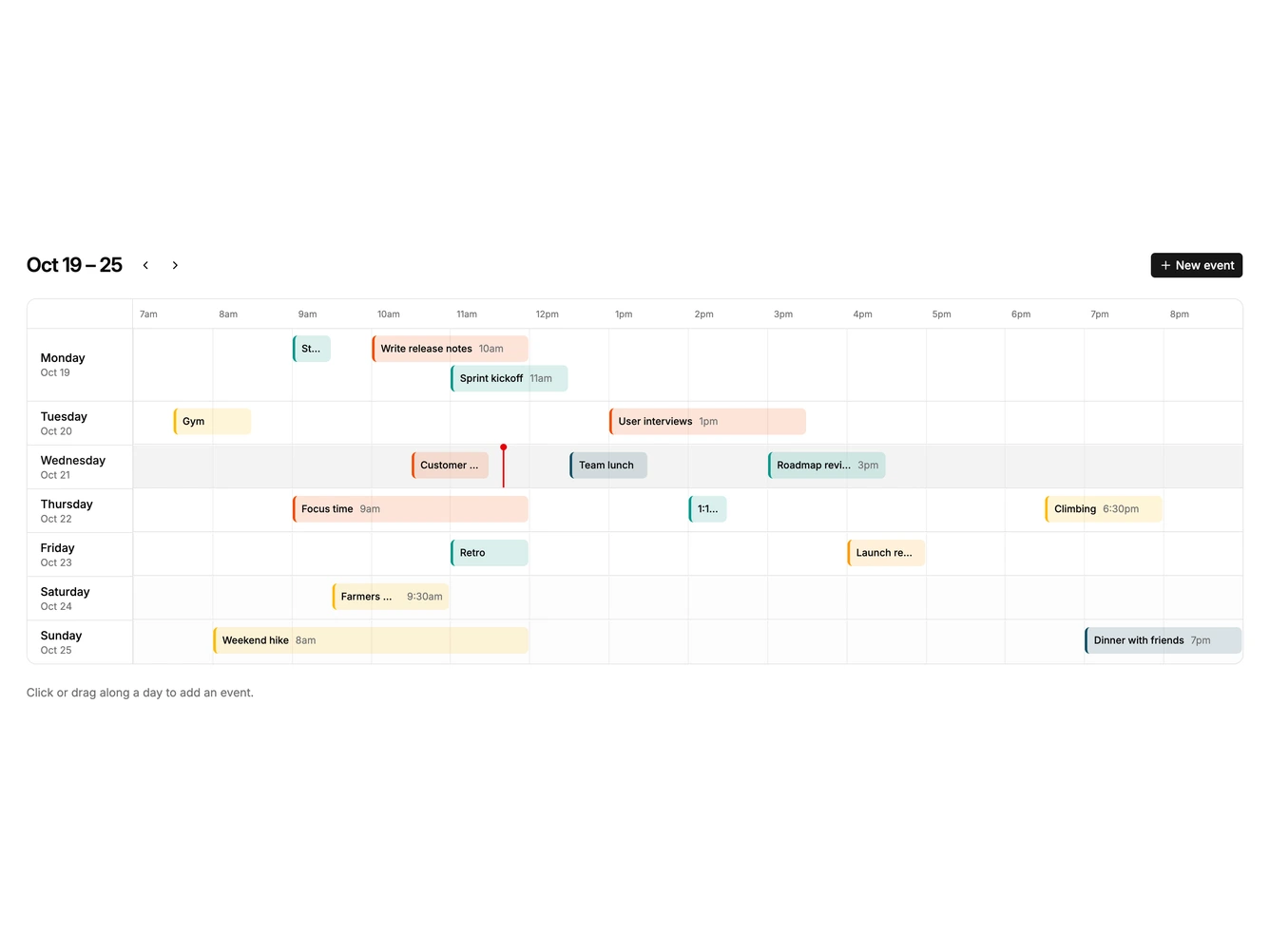
Shadcn Calendar 2 - Week Timeline Calendar

Week Timeline Calendar

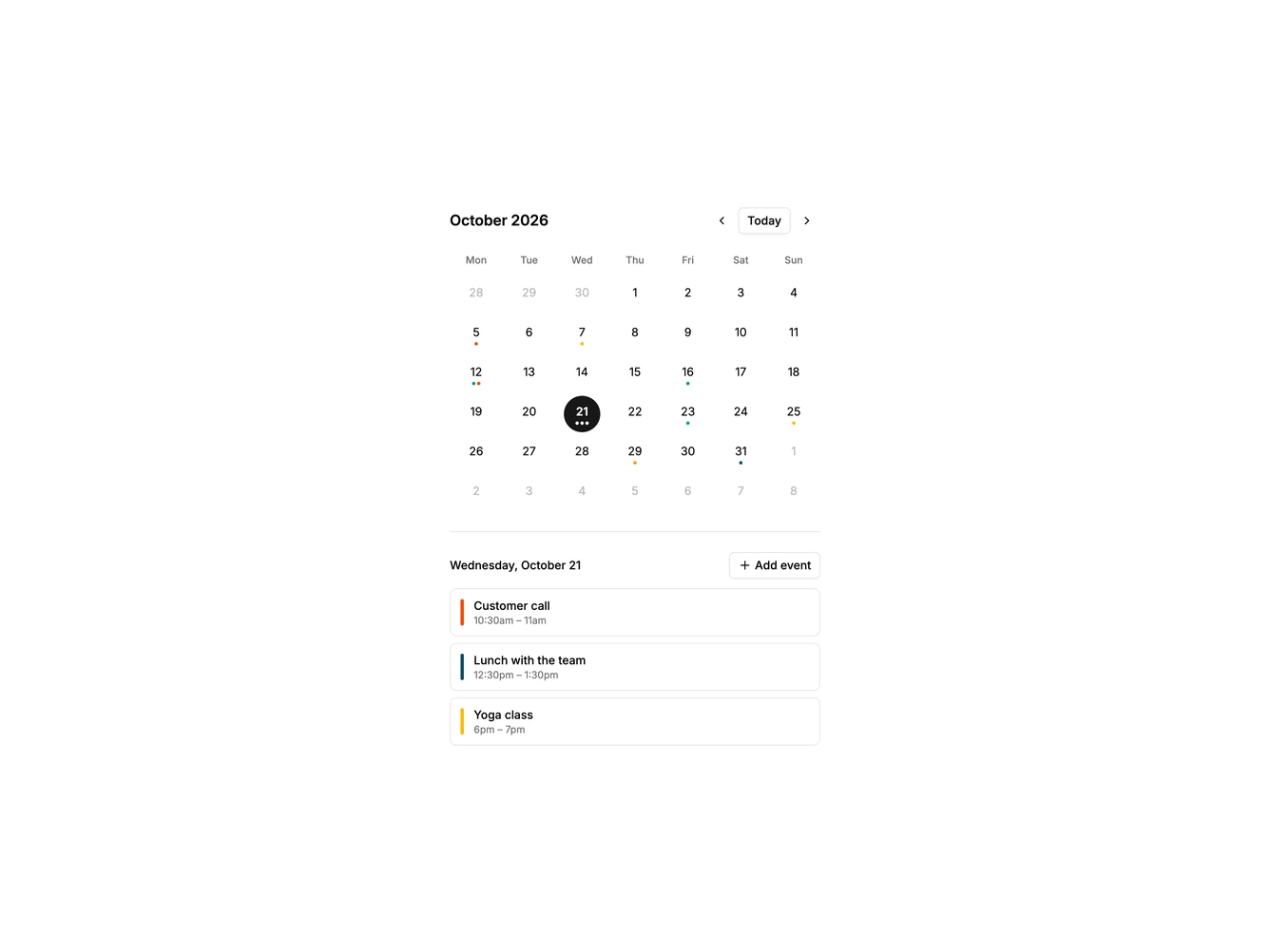
Shadcn Calendar 3 - Simple Month Calendar

Simple Month Calendar

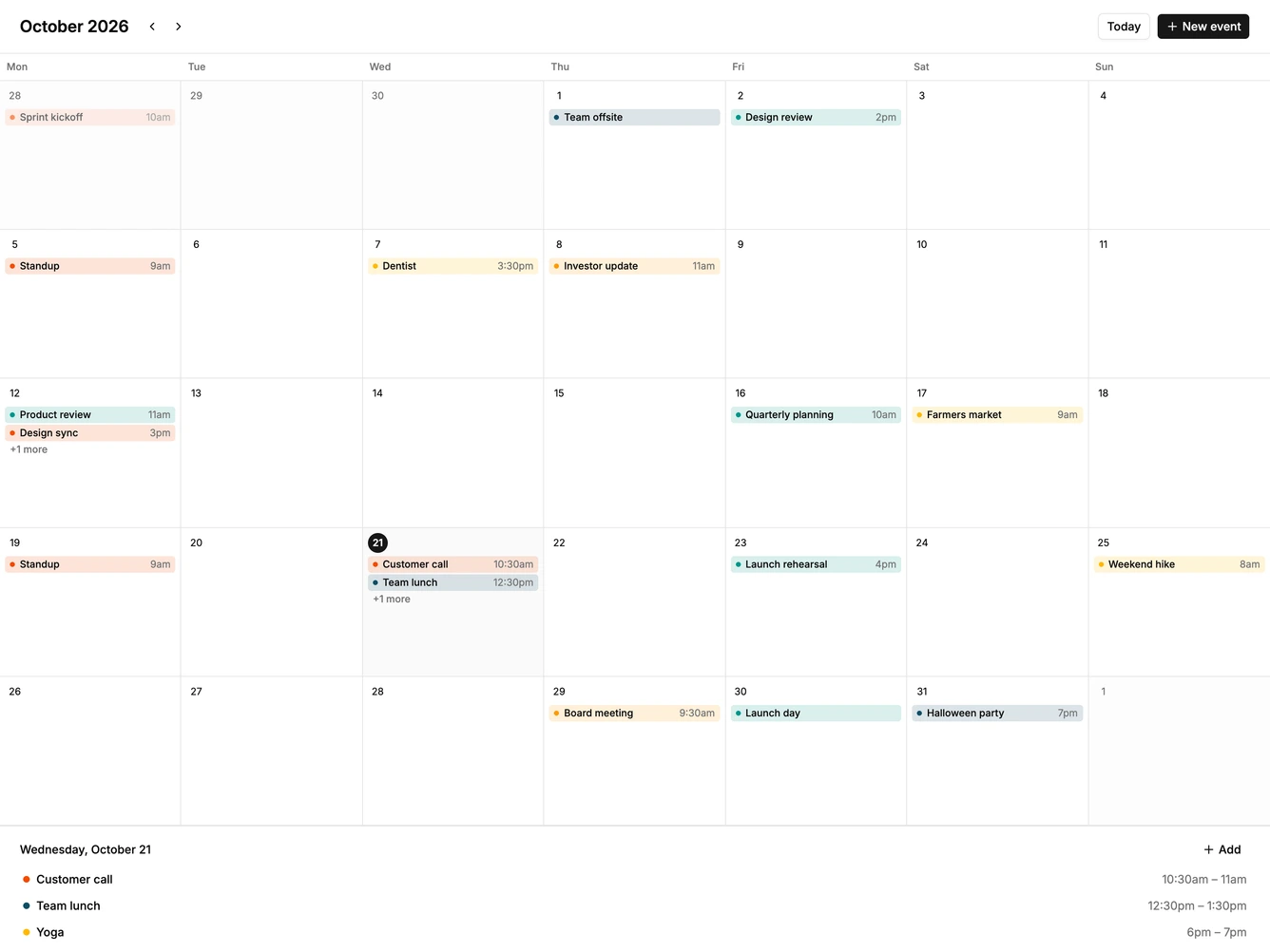
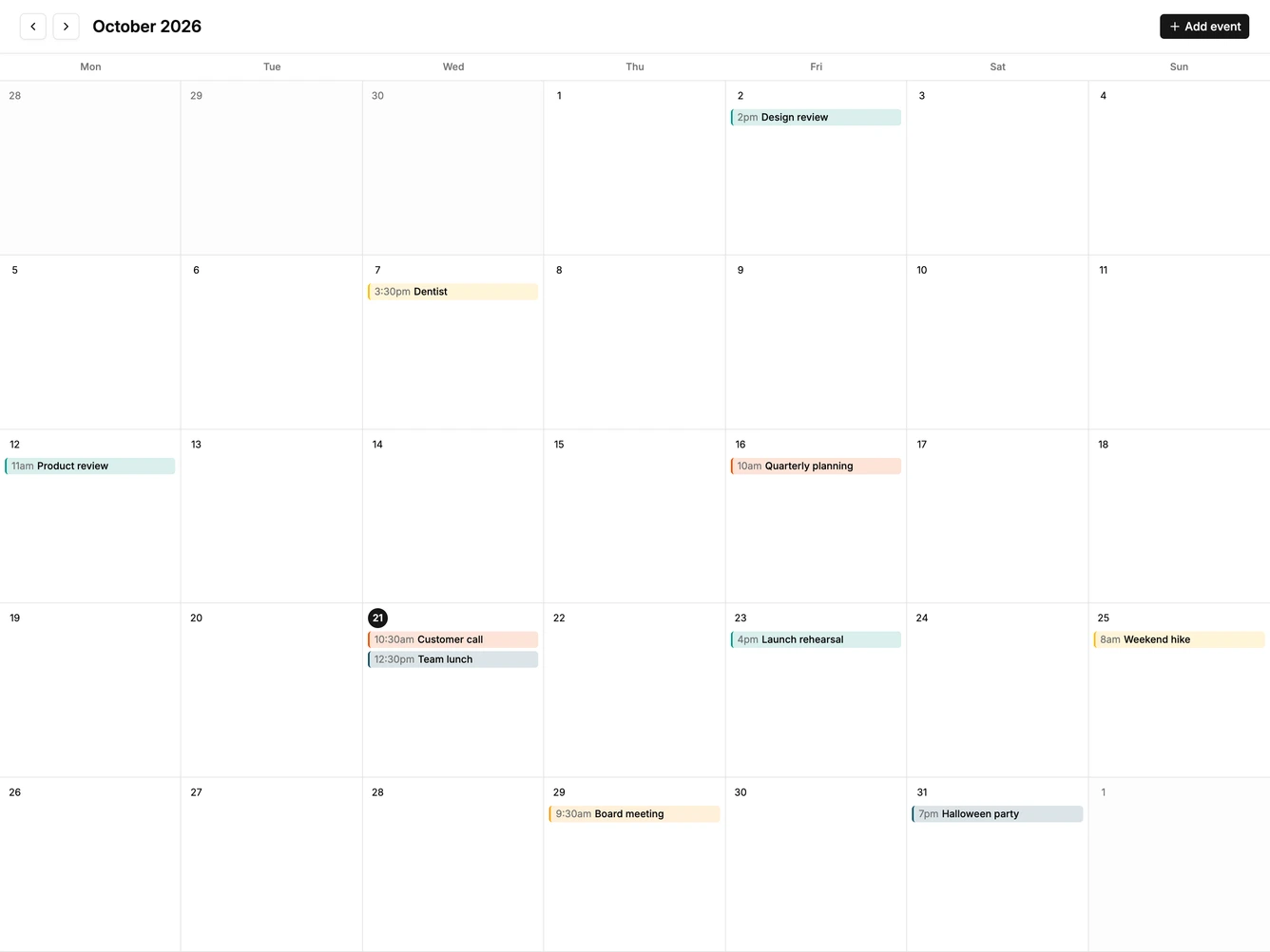
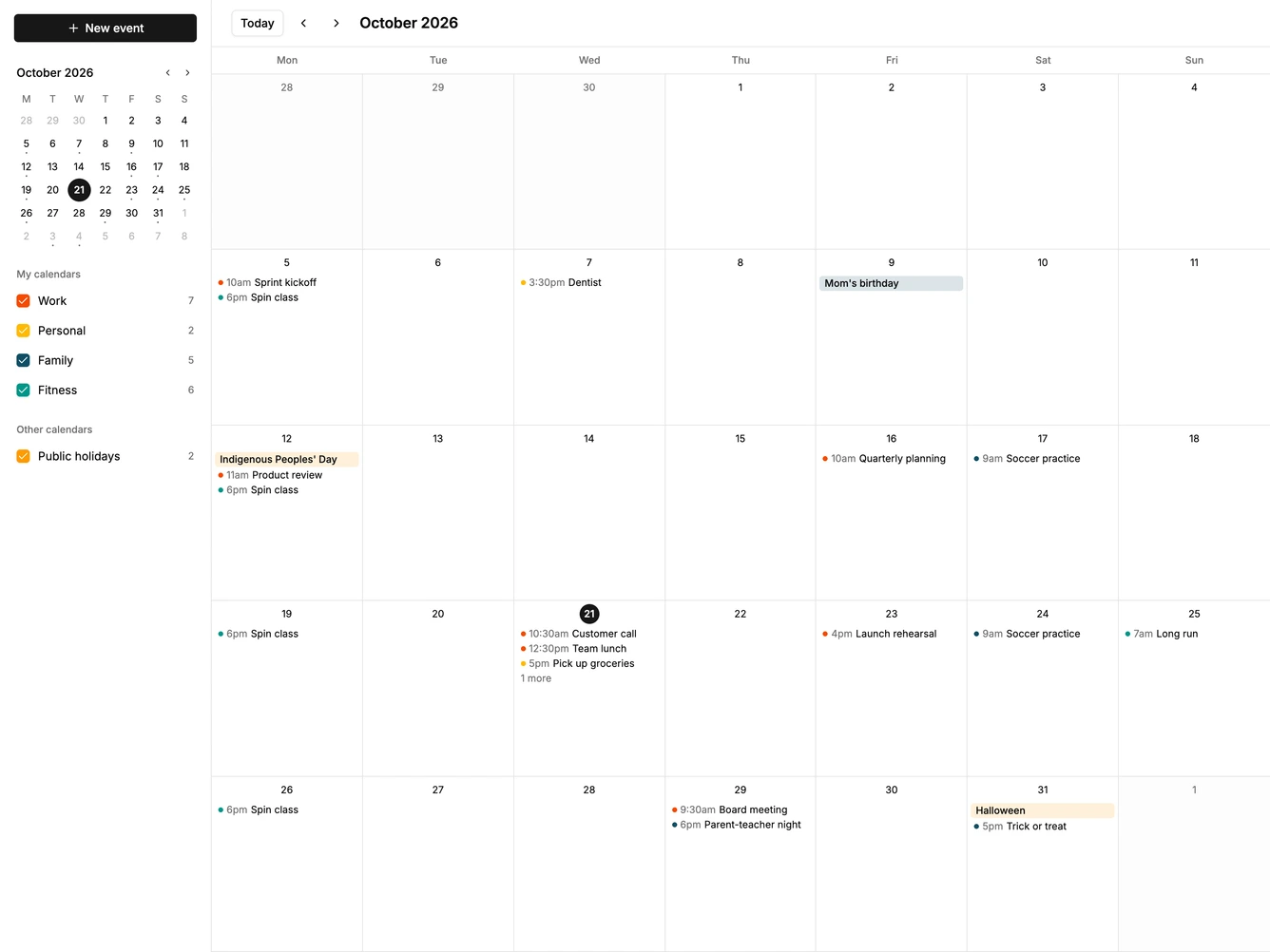
Shadcn Calendar 4 - Month Calendar With Events

Month Calendar With Events

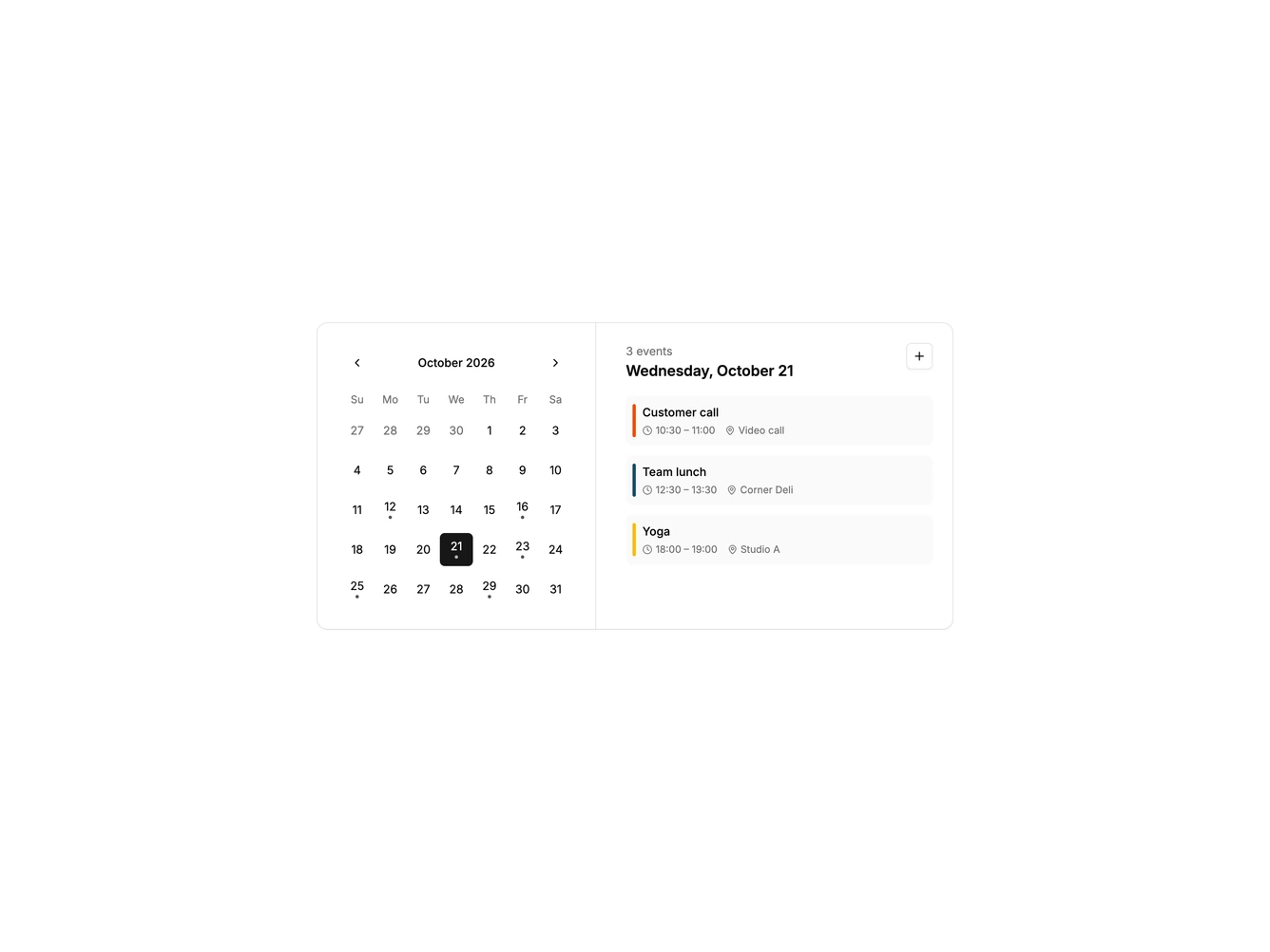
Shadcn Calendar 5 - Calendar Card With Day Events

Calendar Card With Day Events

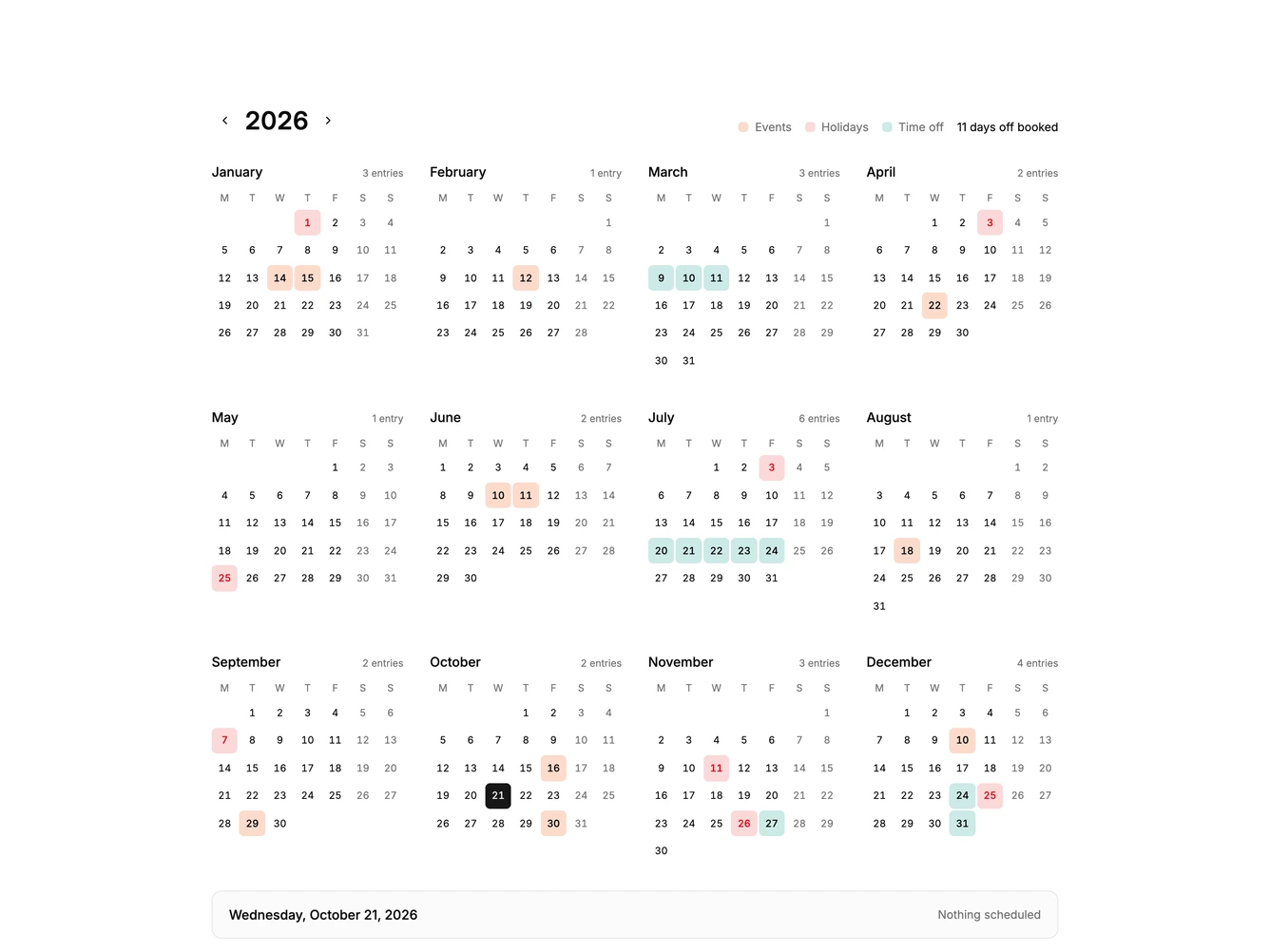
Shadcn Calendar 6 - Year Calendar Overview

Year Calendar Overview

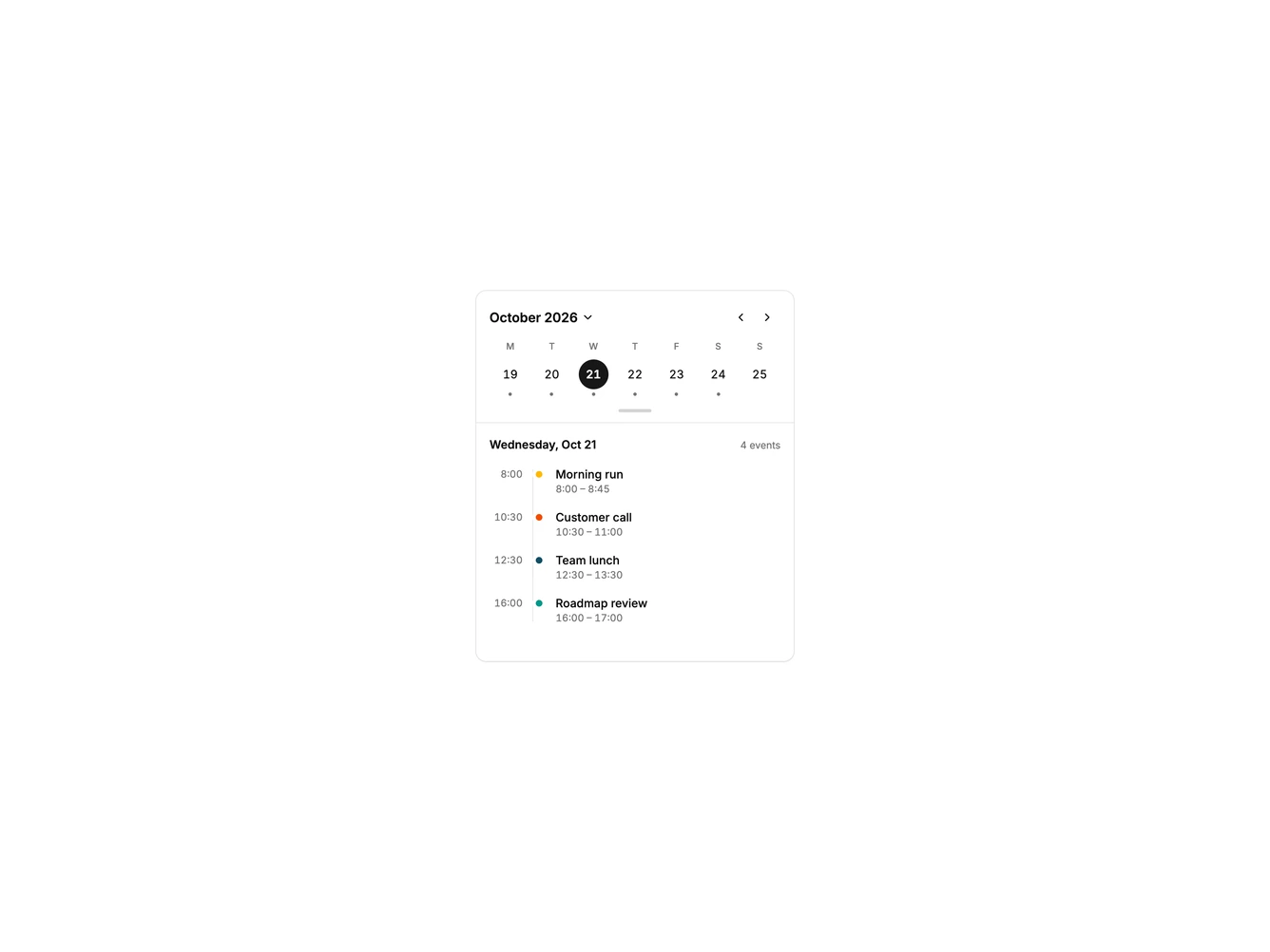
Shadcn Calendar 7 - Expandable Week Strip Calendar

Expandable Week Strip Calendar

Shadcn Calendar 8 - Month Calendar With Event Dialog

Month Calendar With Event Dialog

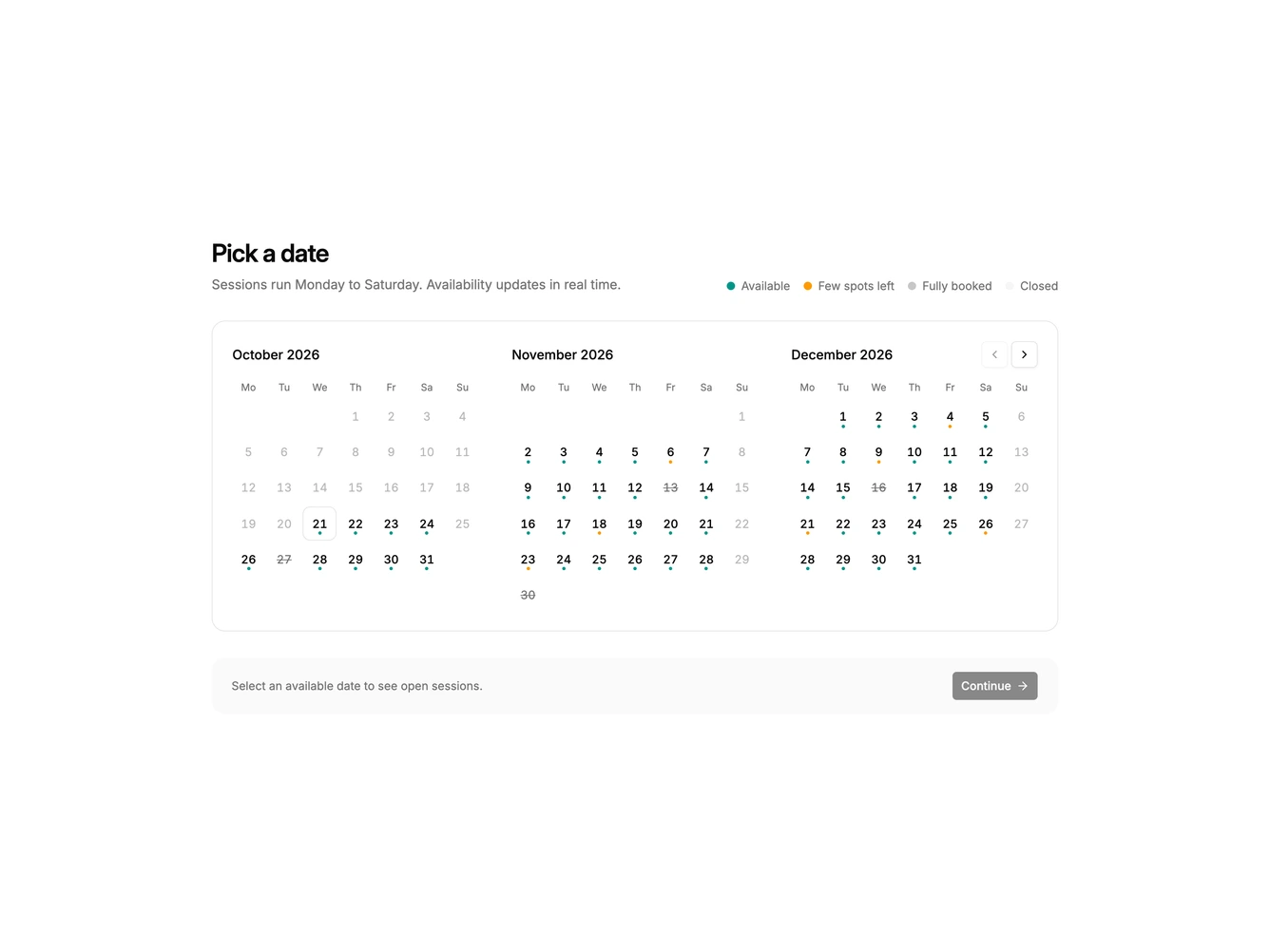
Shadcn Calendar 9 - Availability Date Picker

Availability Date Picker

Shadcn Calendar 10 - Month Calendar With Calendar List

Month Calendar With Calendar List

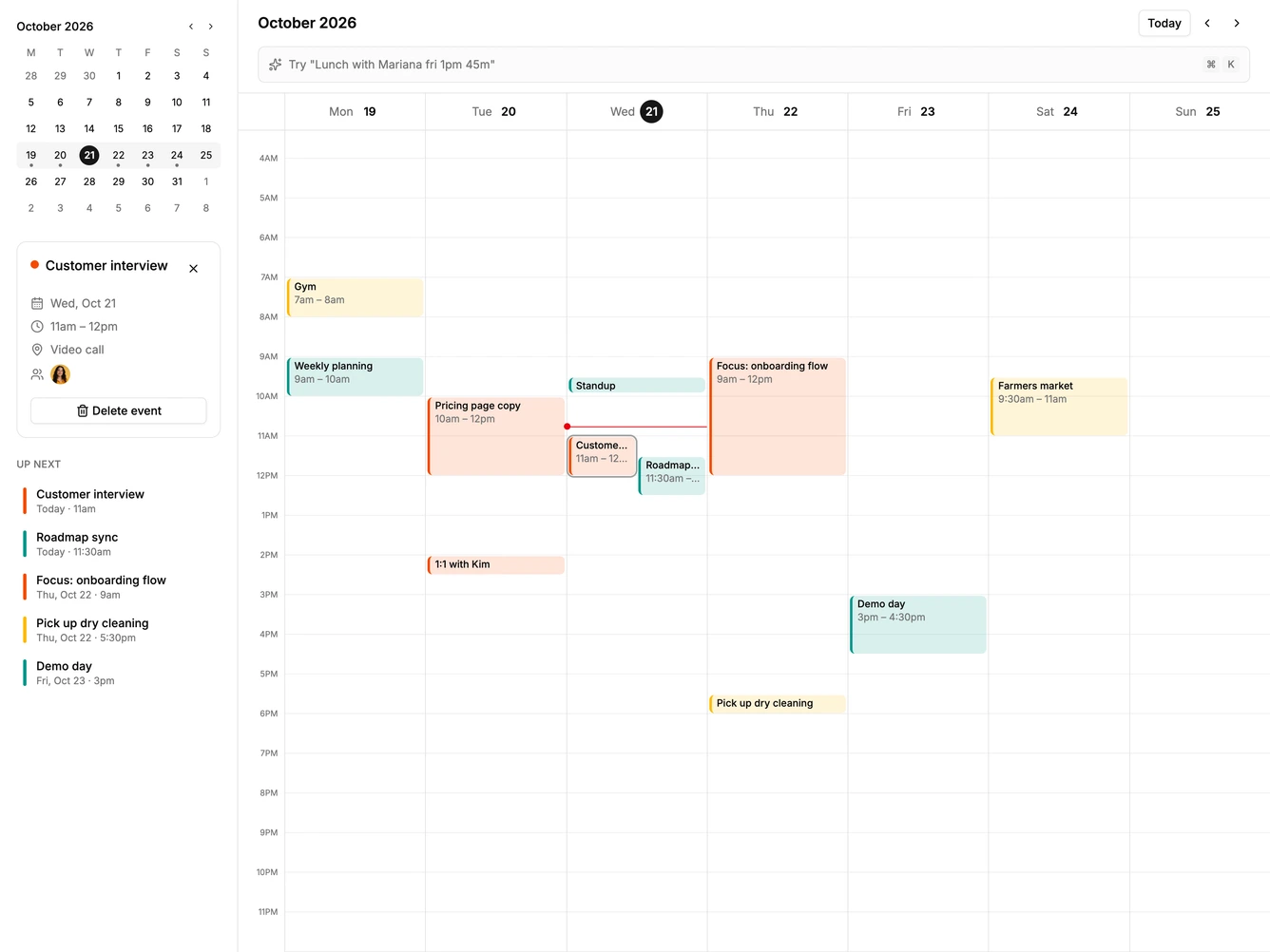
Shadcn Calendar 19 - Natural Language Week Calendar

Natural Language Week Calendar

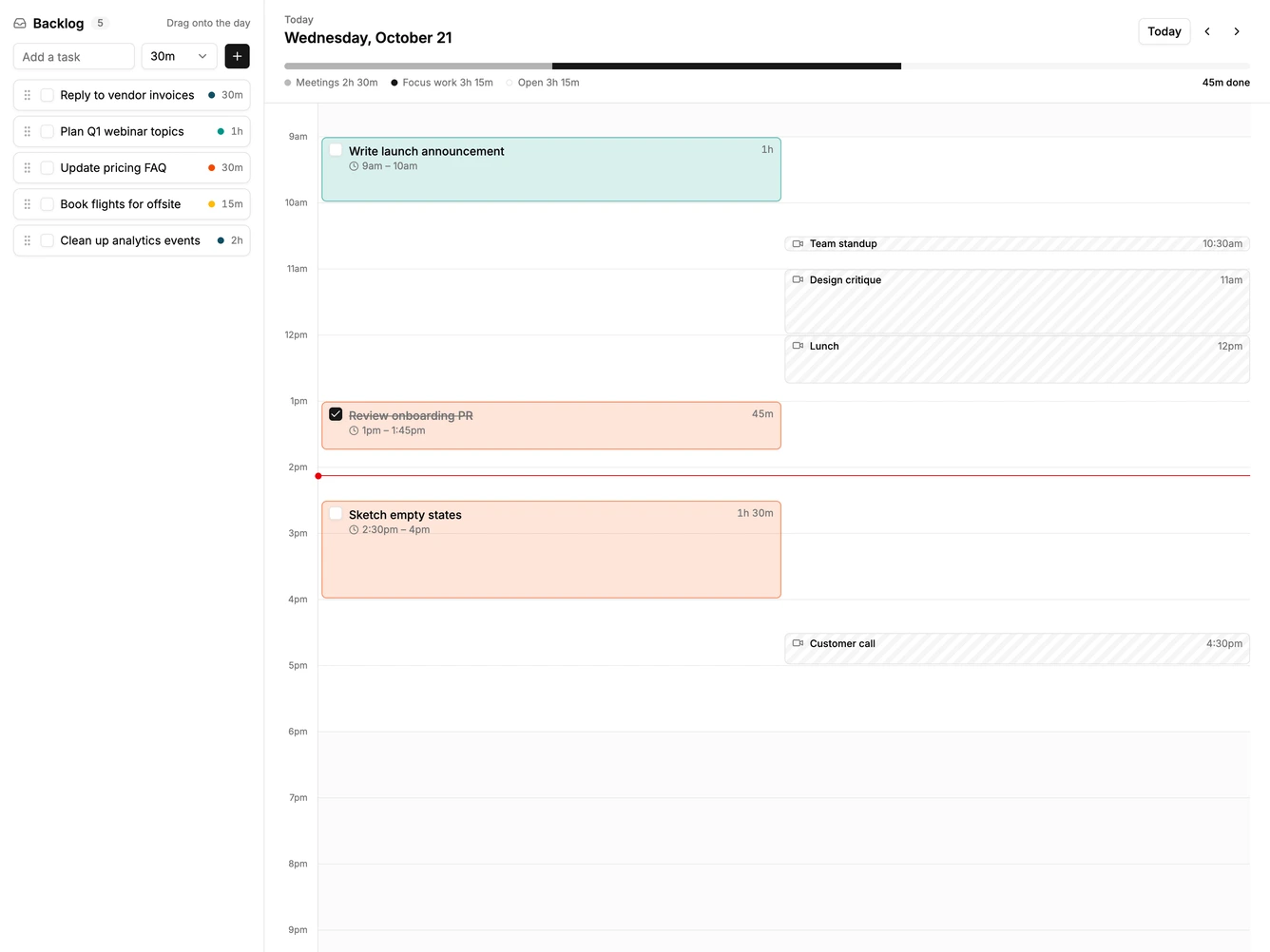
Shadcn Calendar 20 - Time Blocking Day Planner

Time Blocking Day Planner

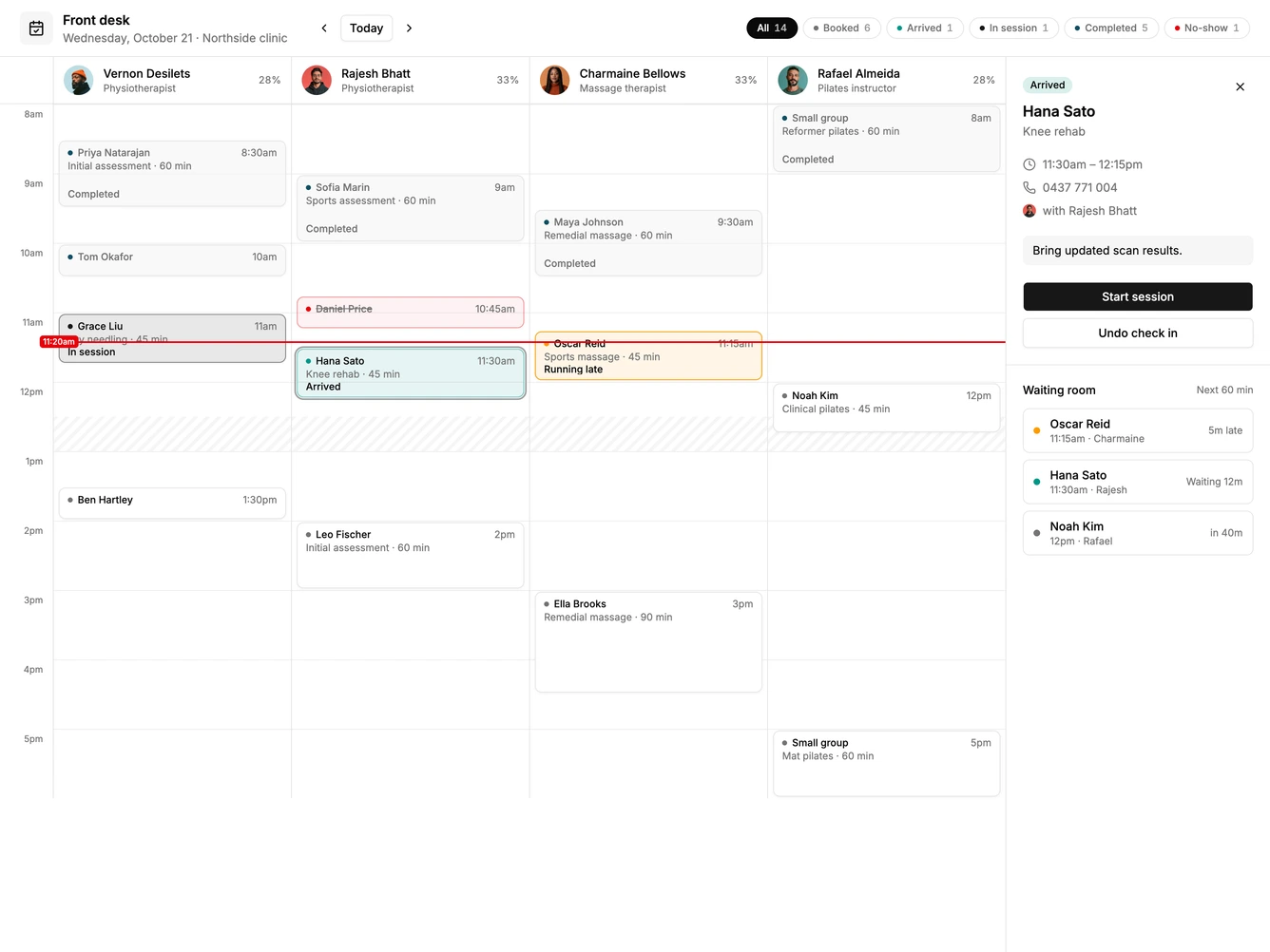
Shadcn Calendar 21 - Front Desk Day Schedule

Front Desk Day Schedule

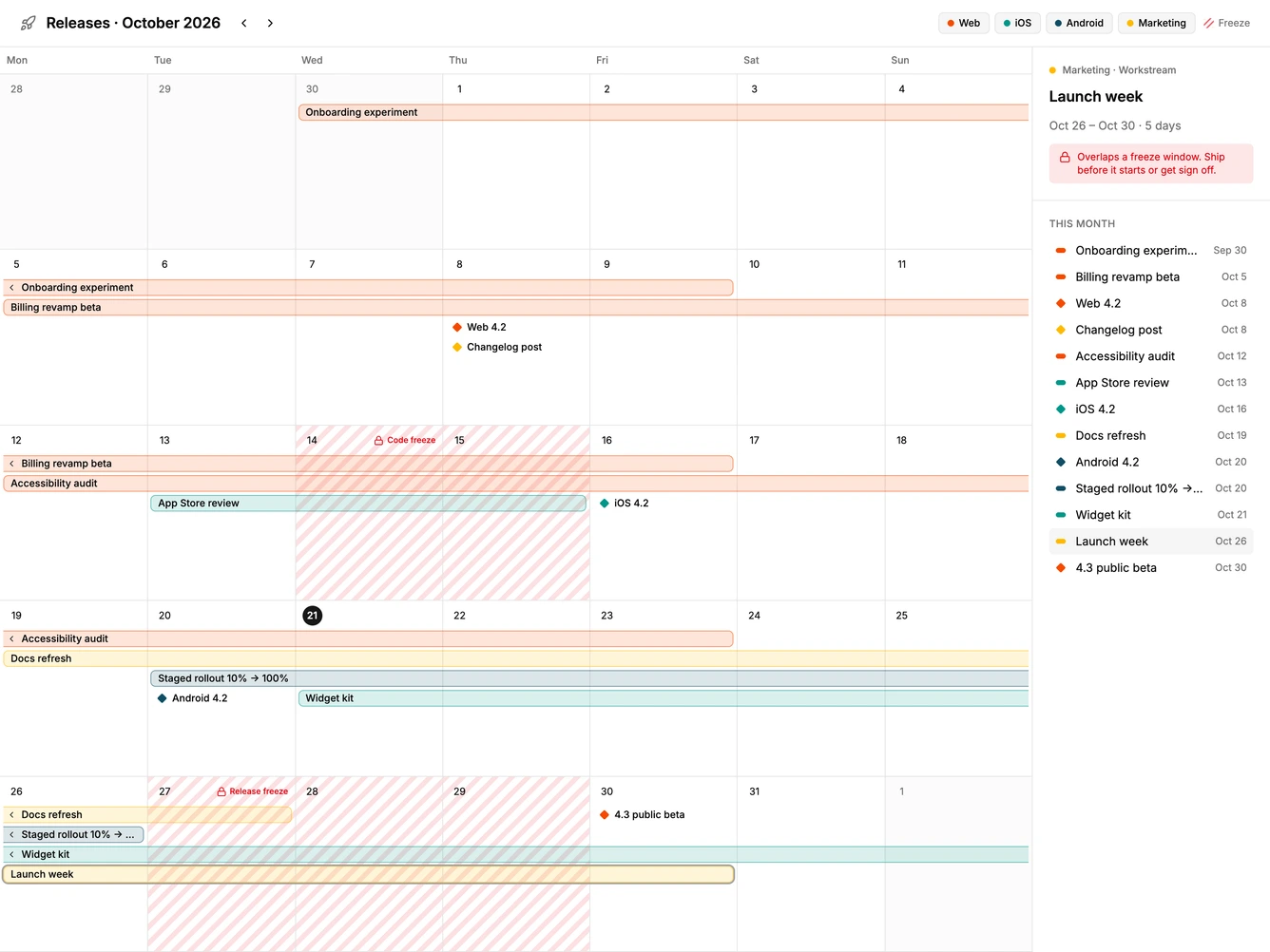
Shadcn Calendar 22 - Release Calendar With Freeze Windows

Release Calendar With Freeze Windows

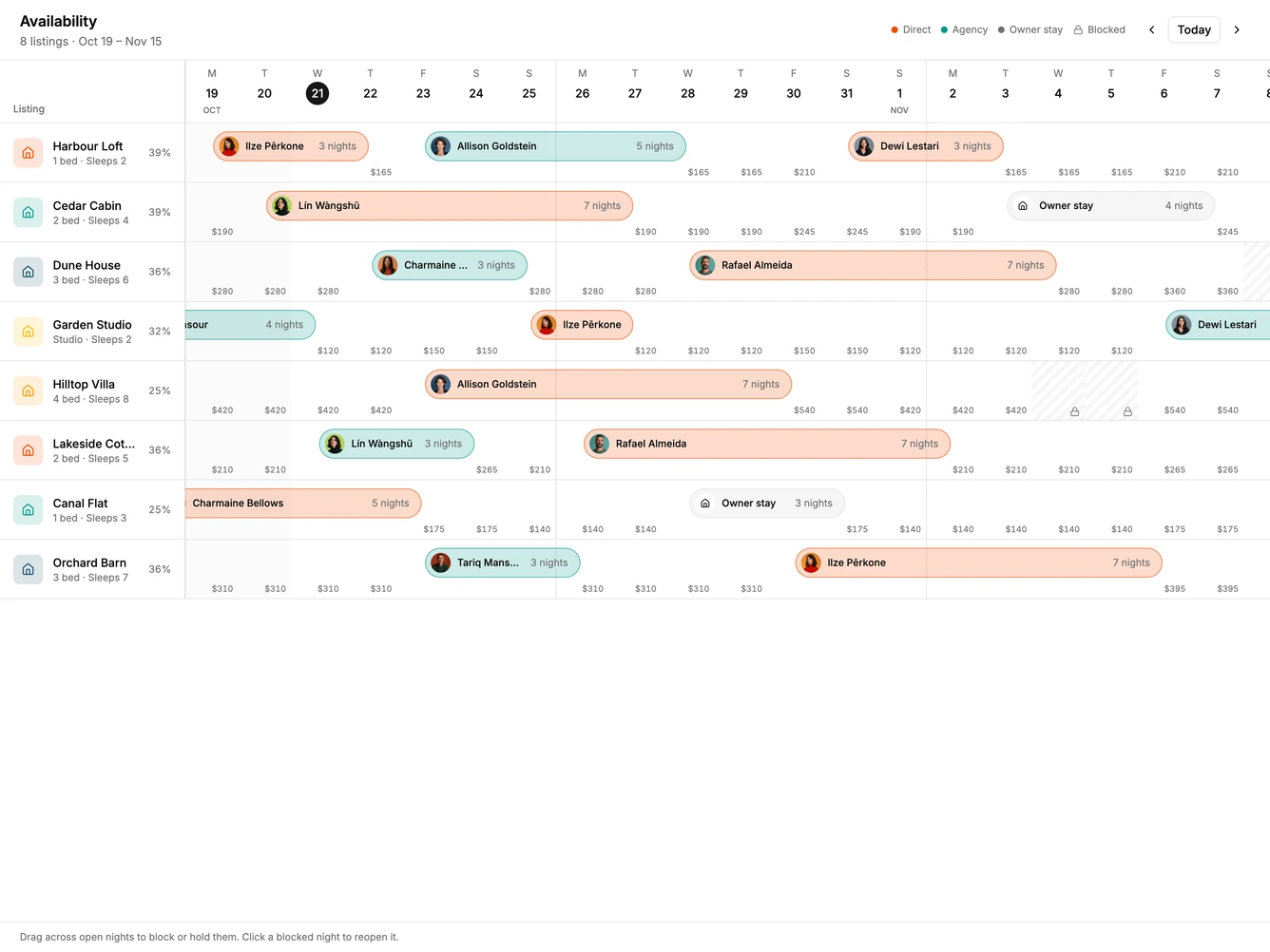
Shadcn Calendar 23 - Multi Listing Availability Calendar

Multi Listing Availability Calendar

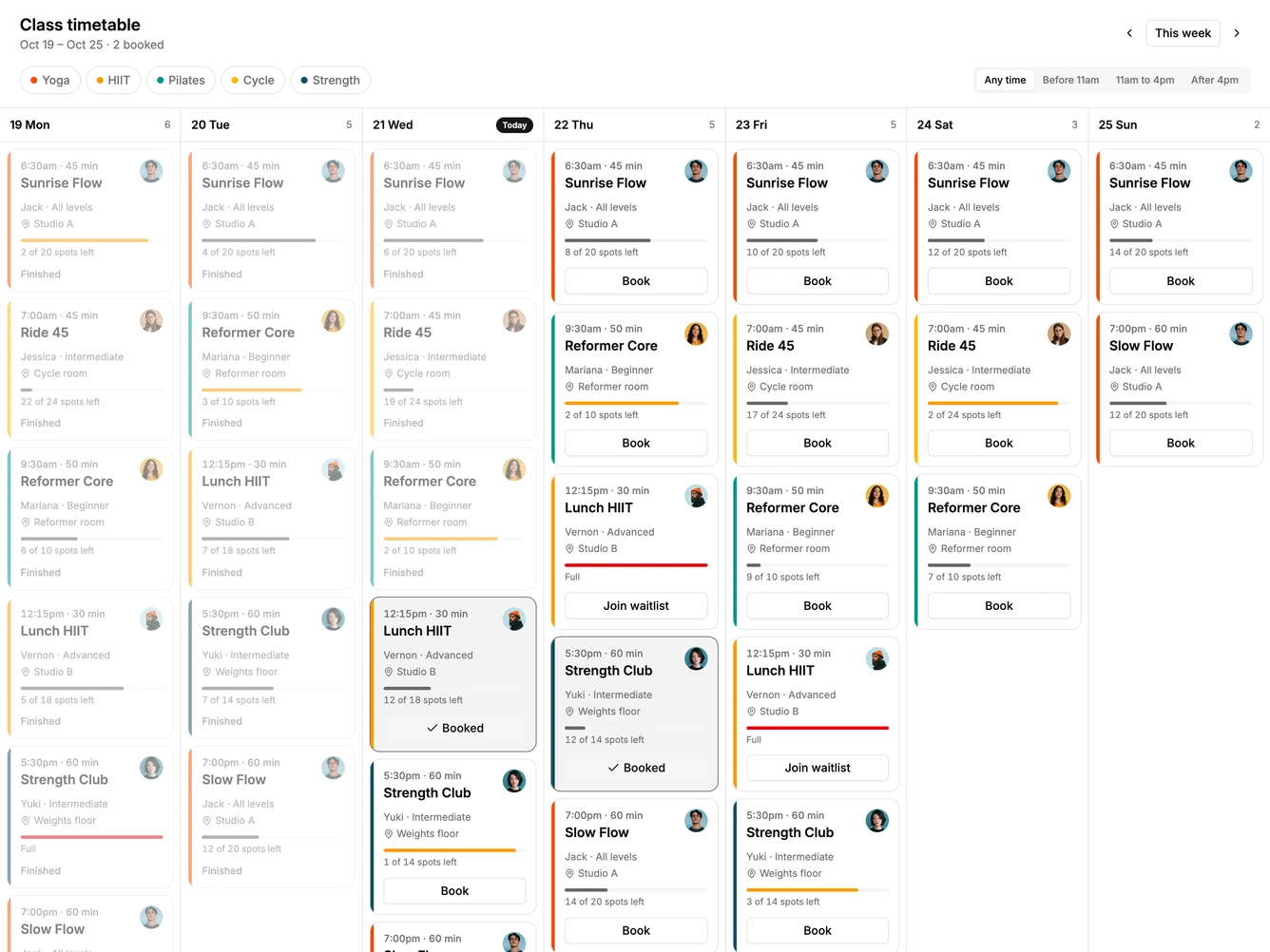
Shadcn Calendar 24 - Weekly Class Timetable

Weekly Class Timetable

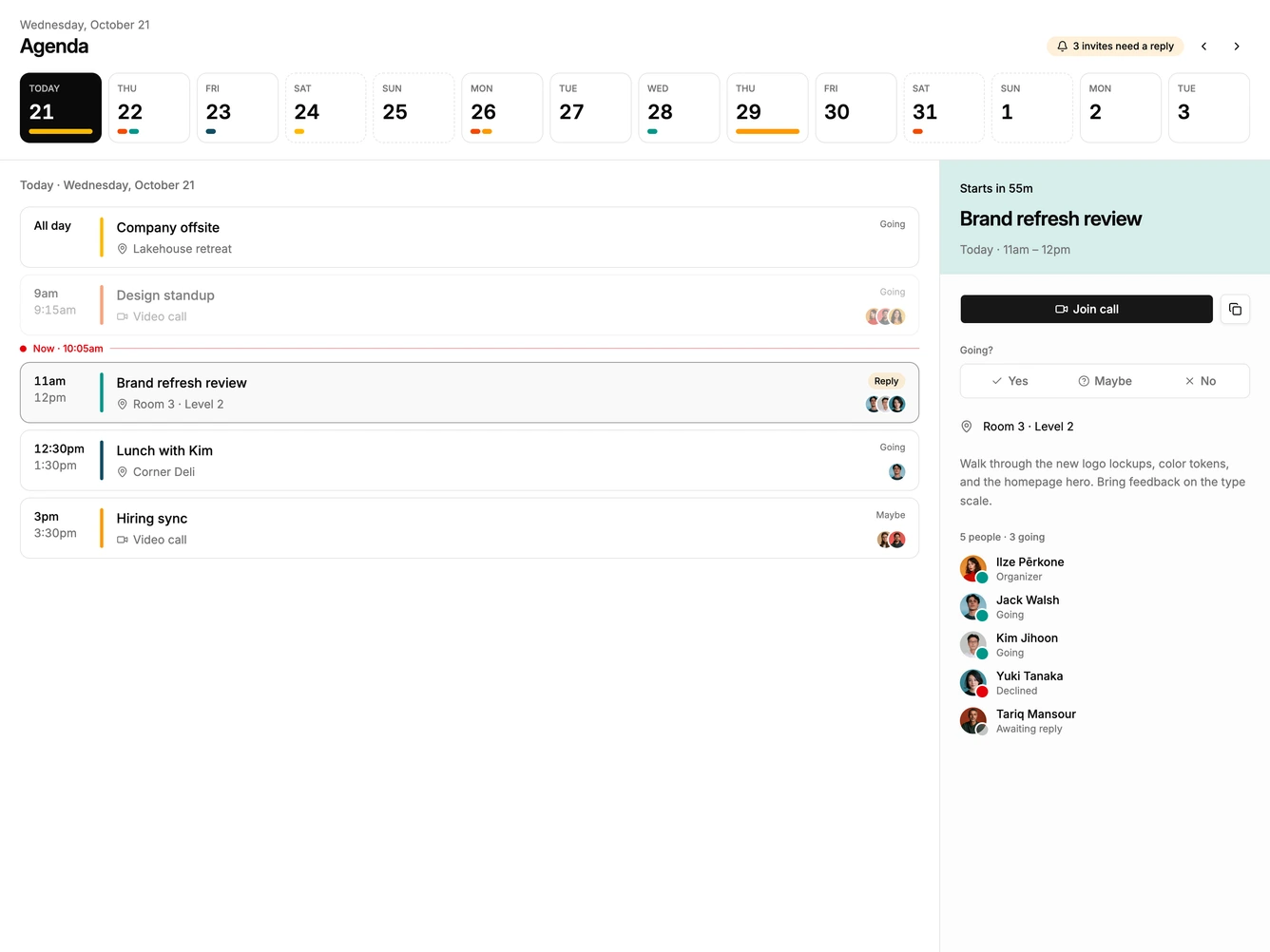
Shadcn Calendar 25 - Agenda With Day Strip

Agenda With Day Strip

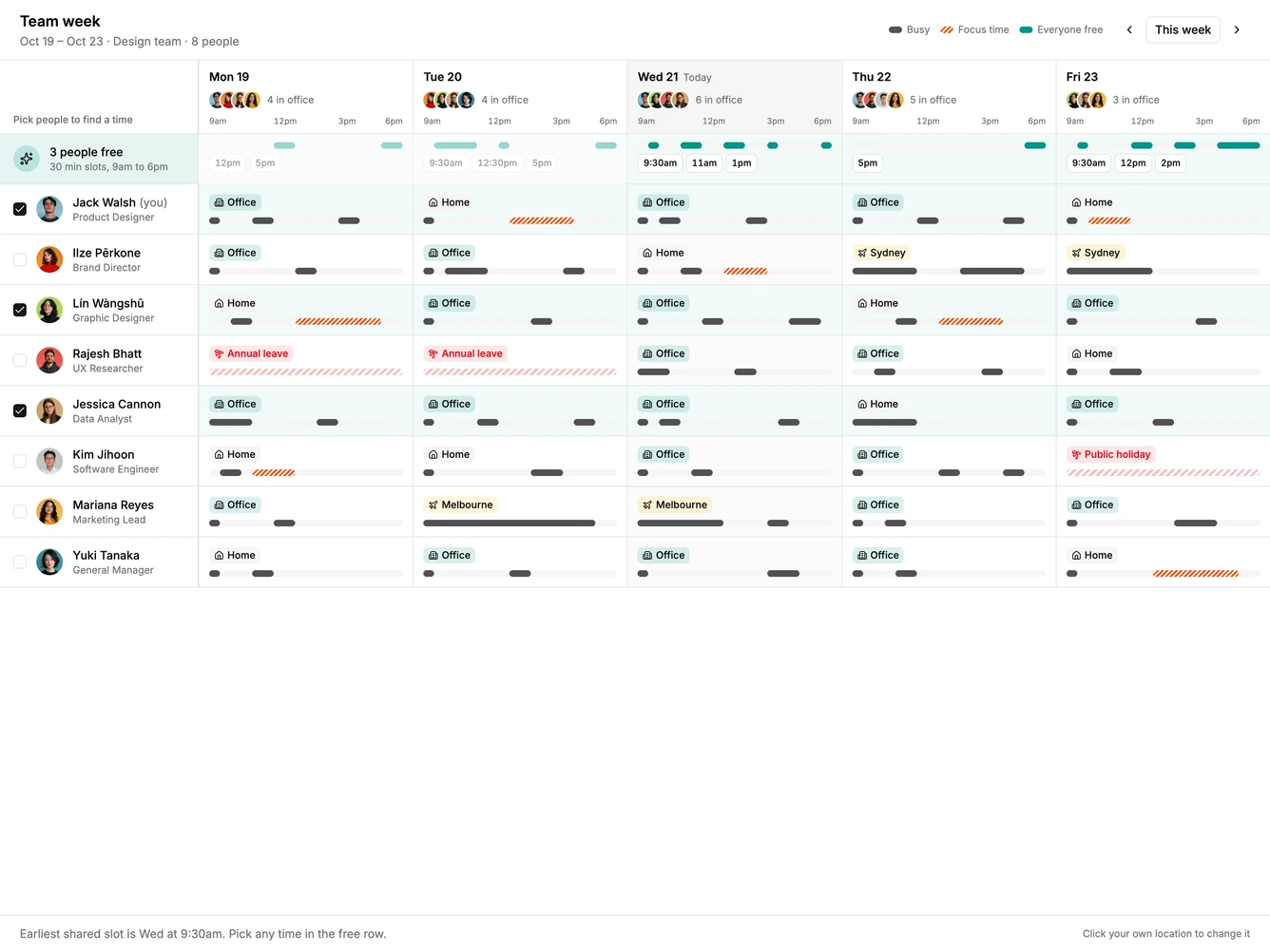
Shadcn Calendar 26 - Team Week With Free Time Finder

Team Week With Free Time Finder

Shadcn Calendar 11 - Simple Week Calendar

Simple Week Calendar

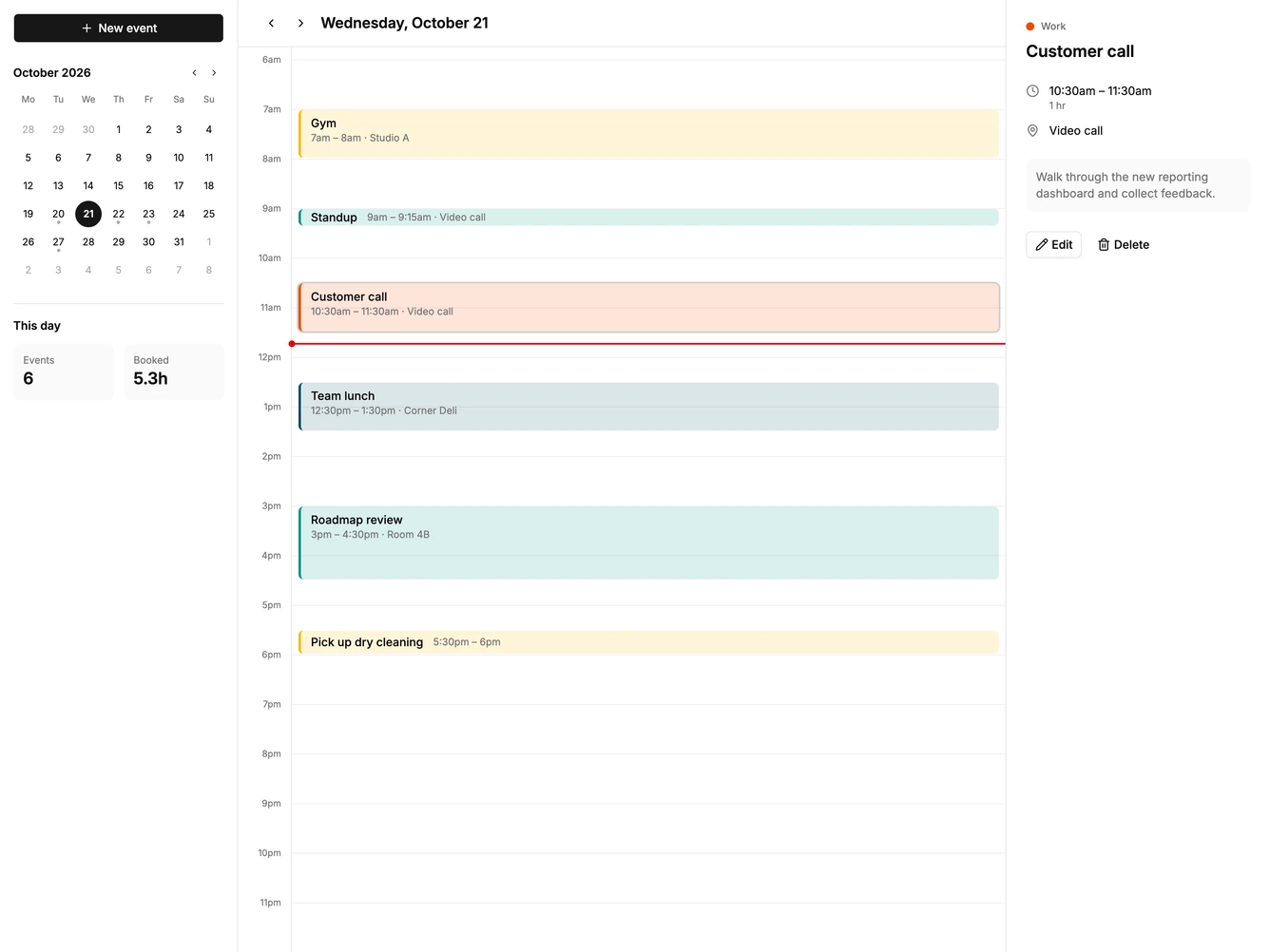
Shadcn Calendar 12 - Day View Calendar

Day View Calendar

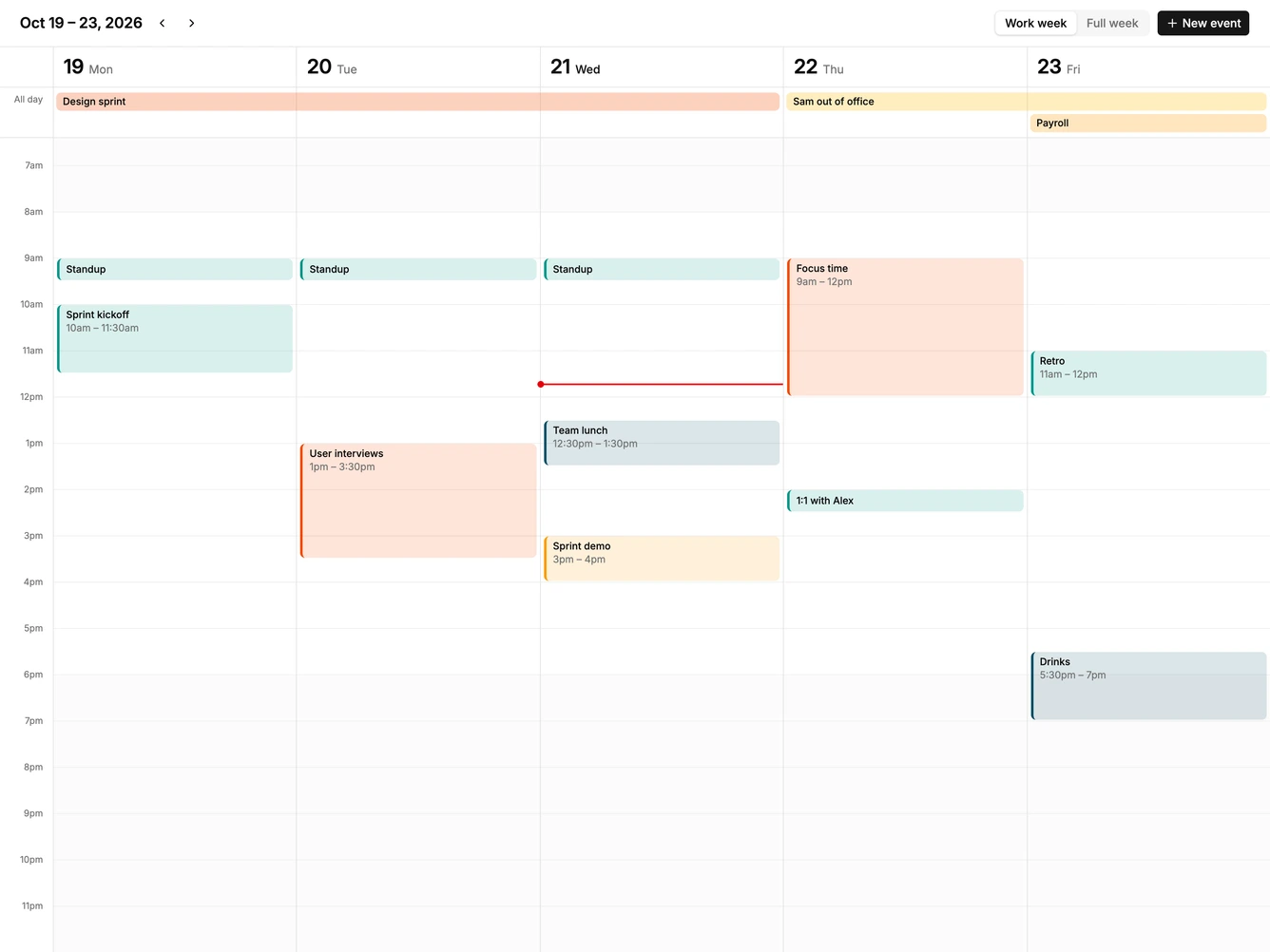
Shadcn Calendar 13 - Work Week Calendar

Work Week Calendar

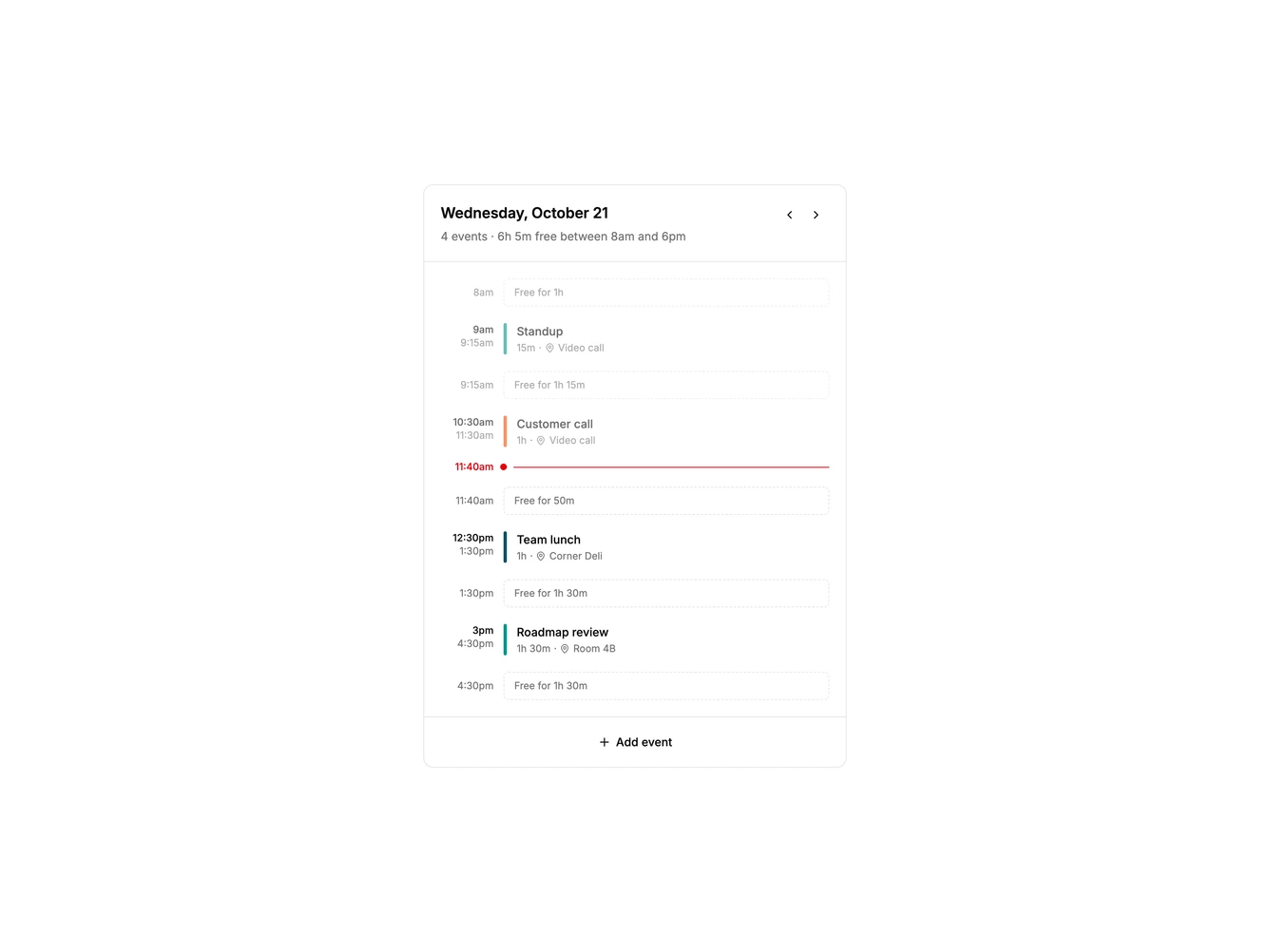
Shadcn Calendar 14 - Day Agenda Calendar

Day Agenda Calendar

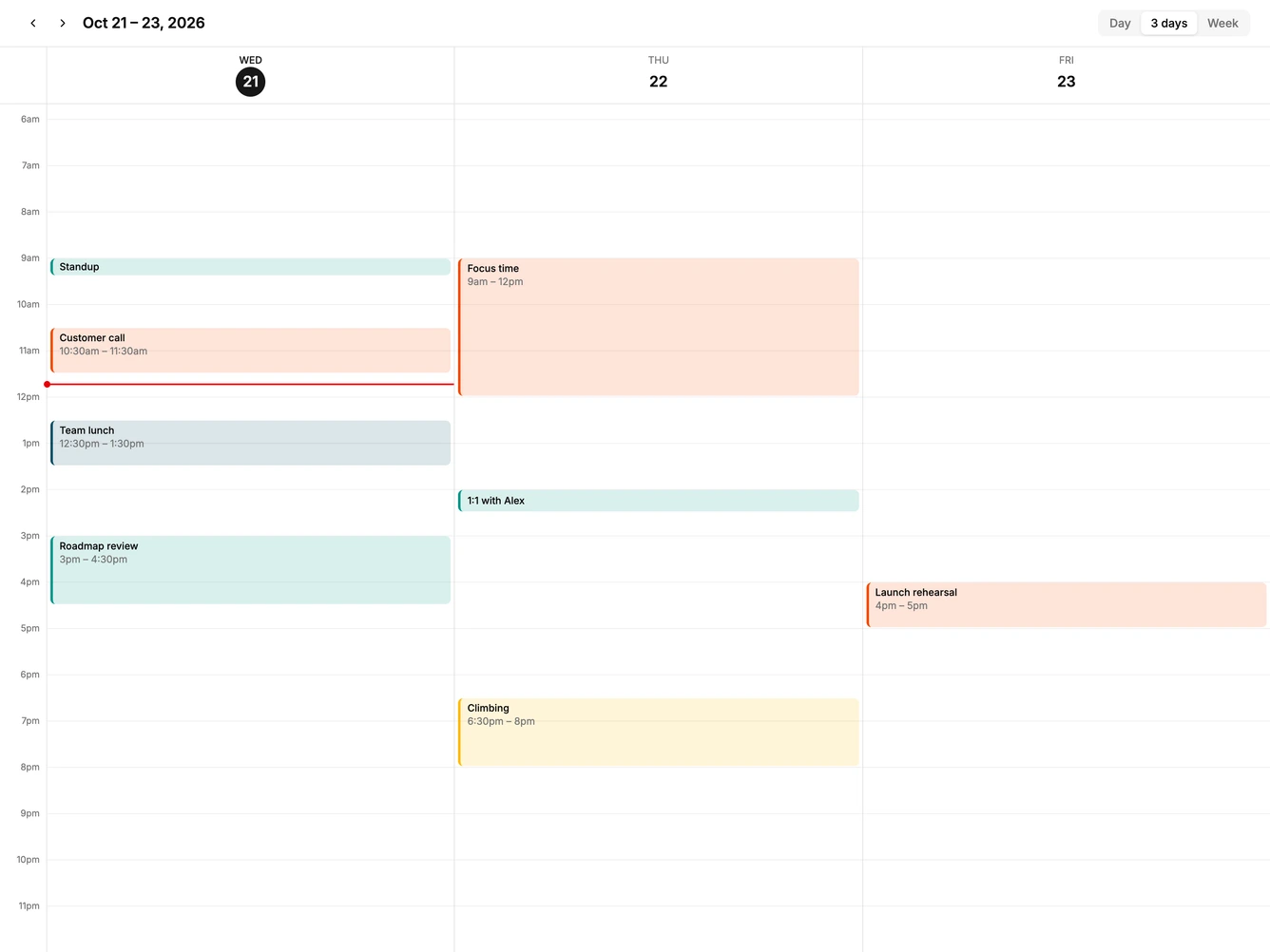
Shadcn Calendar 15 - Multi Day Calendar

Multi Day Calendar

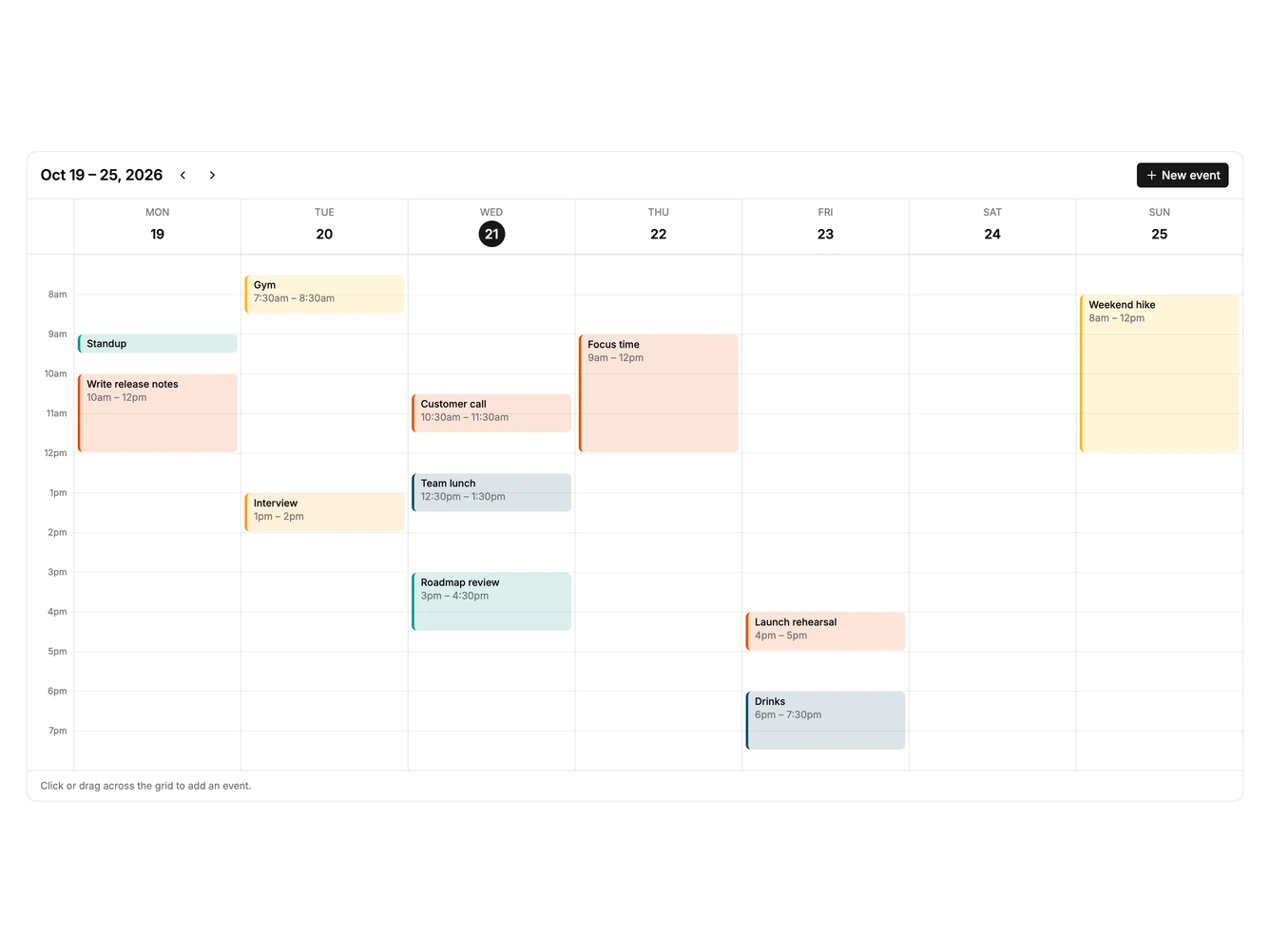
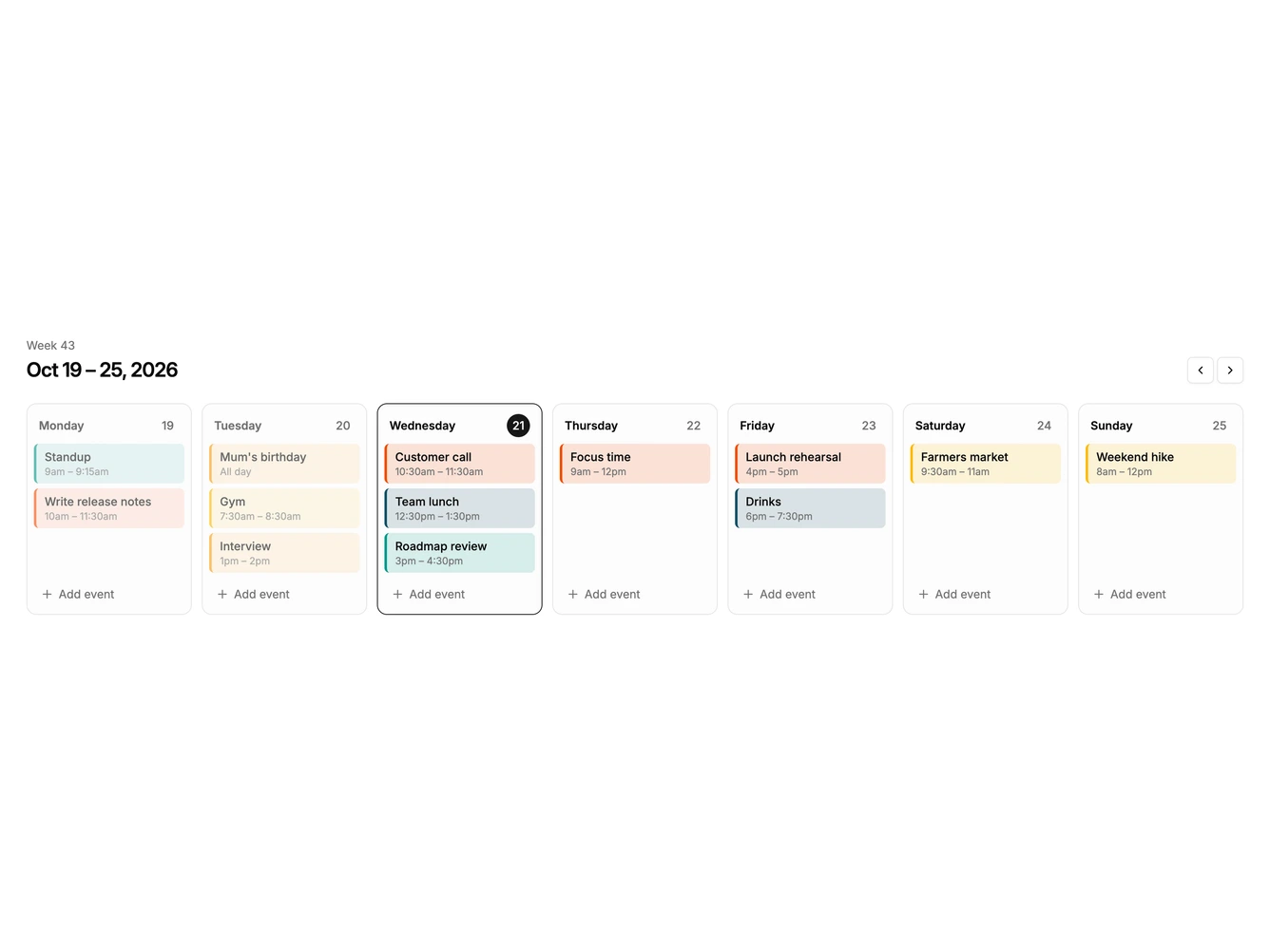
Shadcn Calendar 16 - Week Planner Calendar

Week Planner Calendar

Shadcn Calendar 17 - Horizontal Week Calendar

Horizontal Week Calendar

Shadcn Calendar 18 - Day and Week Scheduler

Day and Week Scheduler

Shadcn UI Calendar Blocks, Sections & Components

Calendar blocks are dedicated sections of a webpage focused on calendar content. They appear on landing pages, product pages, and marketing sites as key elements that communicate value and drive user engagement.

Each block is a self-contained React component which you can copy/paste the code or install via the shadcn CLI. You own the code and can modify however you like, or us AI and LLMS to quickly change the design.

Our calendar blocks combine headlines, supporting text, images, icons, CTA buttons, and responsive layouts. Each block is designed with clear visual hierarchy and consistent spacing to integrate seamlessly into any page structure.

FAQs

What is a Shadcn Calendar section?

A shadcn Calendar section is a React block for a marketing page. Shadcnblocks Calendar sections are built with Tailwind and shadcn/ui.

How do I install a Shadcnblocks Calendar block?

Two ways. Copy and paste the code from the block page (in the code view), or install with the shadcn CLI. For example to install with the CLI run npx shadcn add @shadcnblocks/calendar1 - See the installation docs for setting up shadcn/ui if your project isn't using it already.

Can I use Shadcnblocks Calendar sections in Next.js or Astro?

Yes. Shadcnblocks work with any React project. That includes Next.js, Astro, Remix, and Vite.

Do Shadcnblocks Calendar blocks work with Radix UI, Base UI and React Aria?

Yes. Our blocks support Radix UI, Base UI and React Aria (beta). They will use whatever primitive library you have defined in your project's components.json. You can find more info at Radix UI or Base UI or React Aria .

Can I customize Shadcnblocks Calendar sections?

Yes. You can customize every aspect of the code. Shadcnblocks are downloaded as components that live in your codebase (not npm modules), so editing the code is just like your own code.

How does theming work on Shadcnblocks Calendar components?

Our blocks use shadcn/ui theme variables in Tailwind CSS. CSS variables cover light mode, dark mode, and the rest of the shadcn design tokens. You can install any theme from our Shadcn Themes page.

How do I choose the right Shadcn Calendar section?

Use the subgroup list above. Start from the layout you already have assets for, then change the copy and the image.