
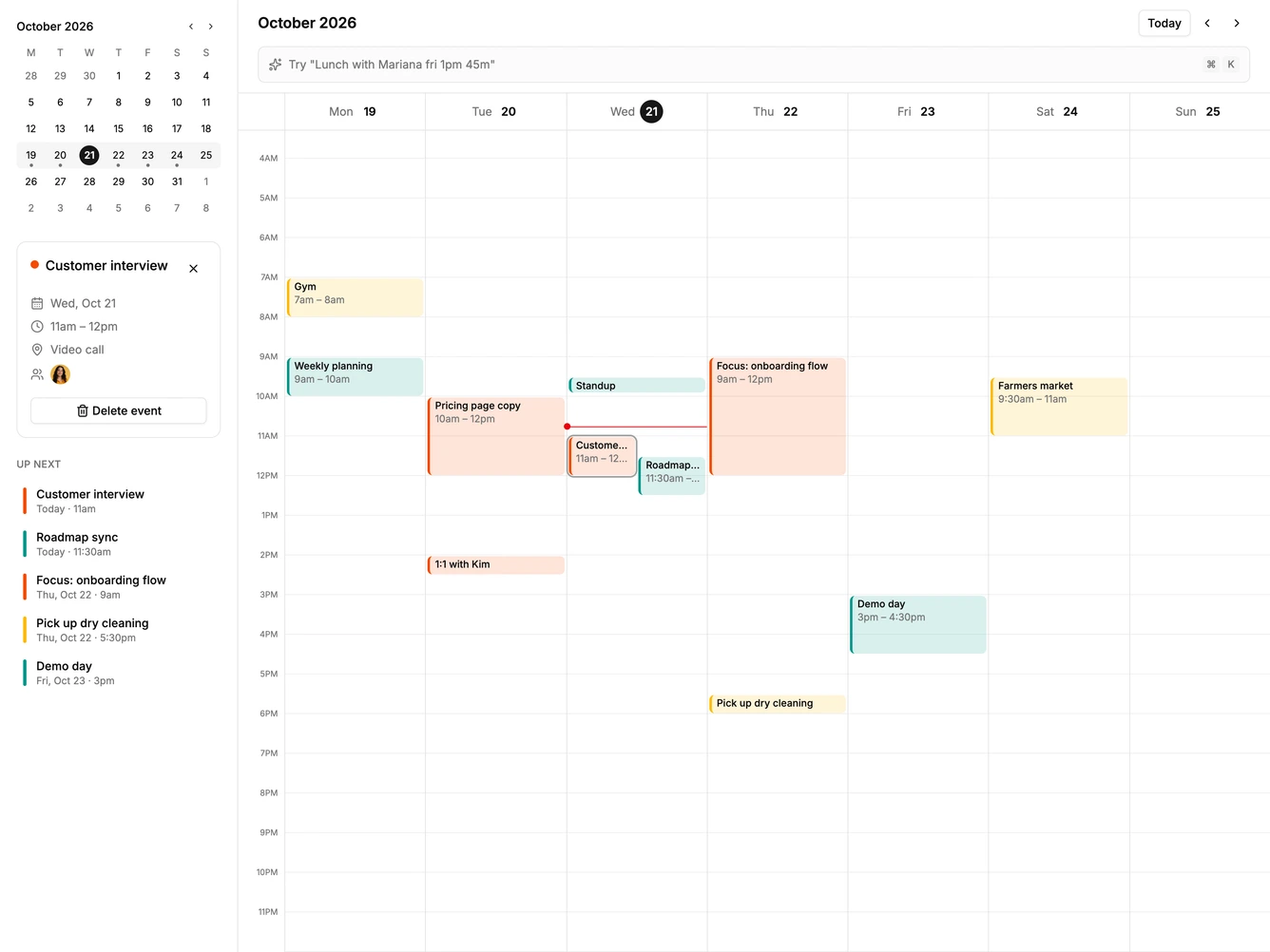
Calendar 19 block design & features
Calendar19 is a week calendar built around a quick-entry command bar, made with shadcn/ui Button, Avatar, and Kbd. A sidebar holds a mini month that highlights the visible week, a details card for the selected event, and an up next list. The main area has the month heading, week navigation, the command bar, and a seven day hour grid with color-coded events and a current time line.
Typing into the bar parses the day, time, duration, guests, location, and calendar tag as you type, shows each parsed part as a chip, and draws a dashed draft block on the grid at that slot. Pressing Enter adds the event and selects it. Clicking an empty hour fills the bar with that day and time, and the keyboard shortcut focuses the bar from anywhere.
The look is neutral and compact, with soft tinted event blocks, a thin colored edge per calendar, and hairline hour rules. Keyboard-first quick entry is the distinctive behavior and is less common in calendar blocks. Content-driven: it needs event titles, times, and a few people.
On a narrow screen the sidebar hides and the week grid scrolls sideways.