


Shadcn Careers Listings Blocks

Browse and download 15+ Shadcn UI Careers Listings blocks. Built with React, Tailwind and shadcn/ui. These shadcn components are ready to download, copy and paste or install with the shadcn registry.

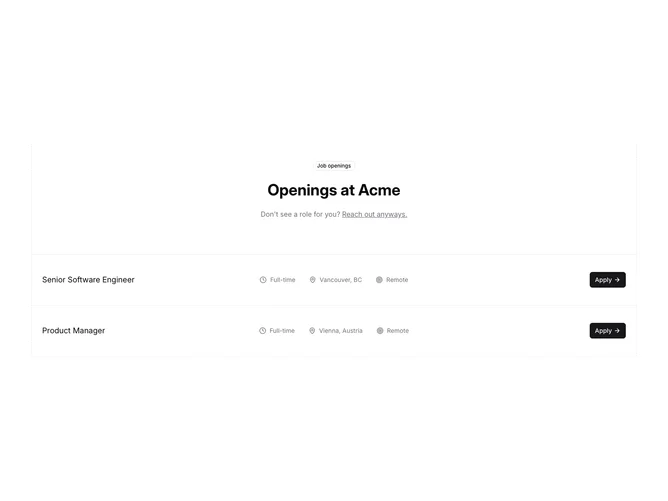
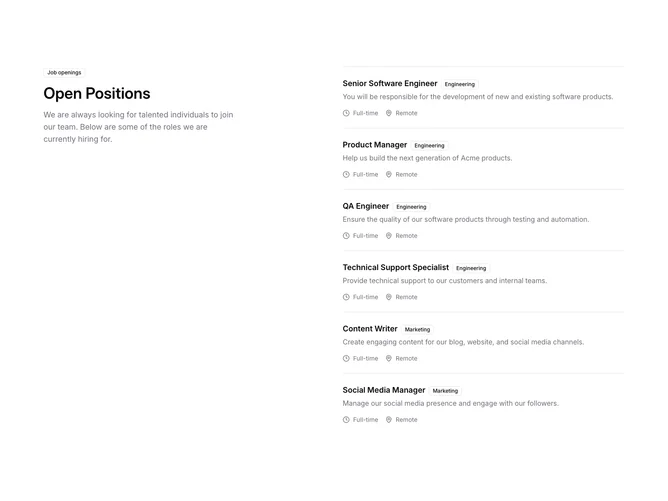
Shadcn Careers 2 - Job openings grid with dashed frame

Job openings grid with dashed frame

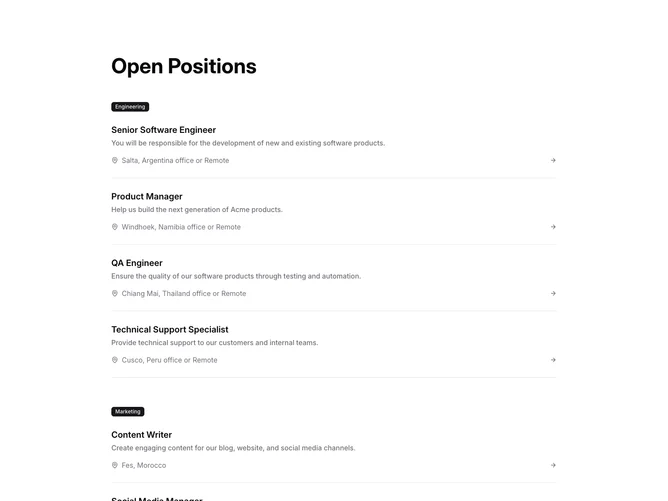
Shadcn Careers 3 - Categorized job openings with badges

Categorized job openings with badges

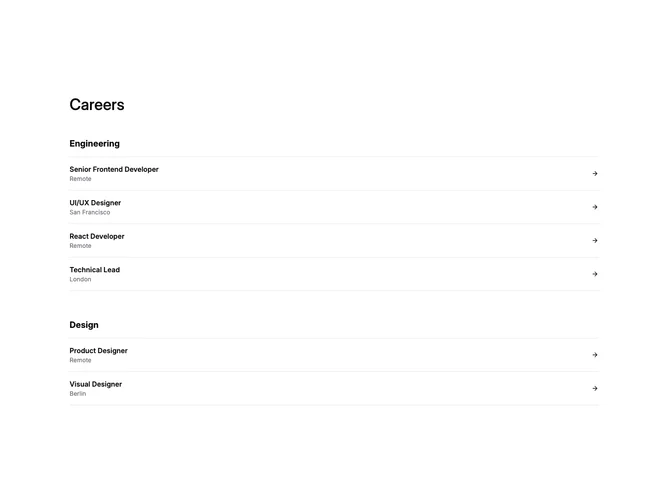
Shadcn Careers 4 - Simple careers heading with category sections

Simple careers heading with category sections

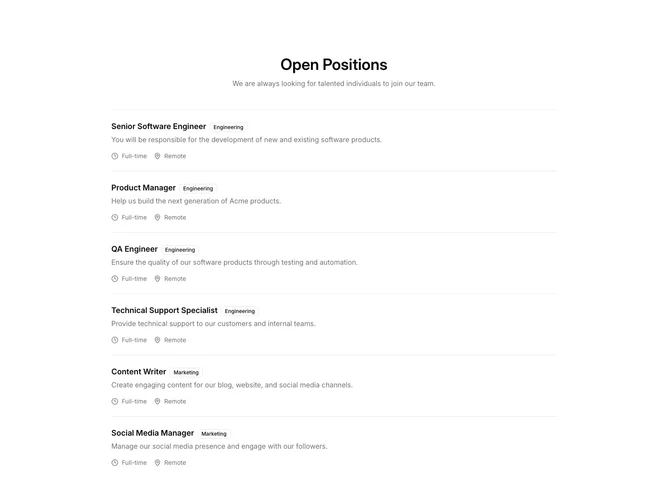
Shadcn Careers 5 - Centered careers title with full-width job stack

Centered careers title with full-width job stack

Shadcn Careers 6 - Careers page with stats header and job cards

Careers page with stats header and job cards

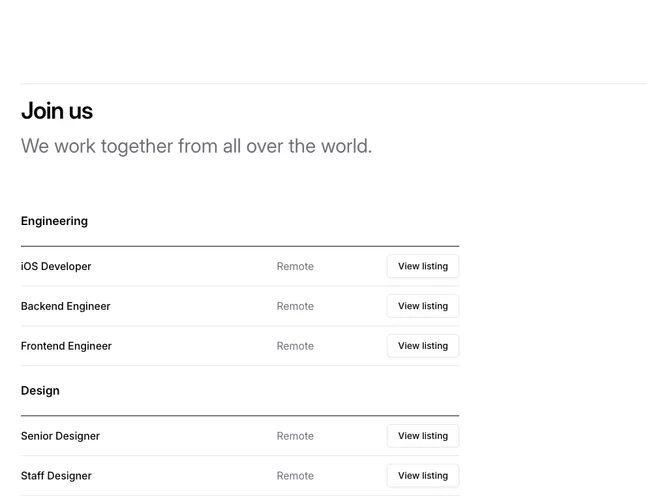
Shadcn Careers 7 - Grouped careers listings with row actions

Grouped careers listings with row actions

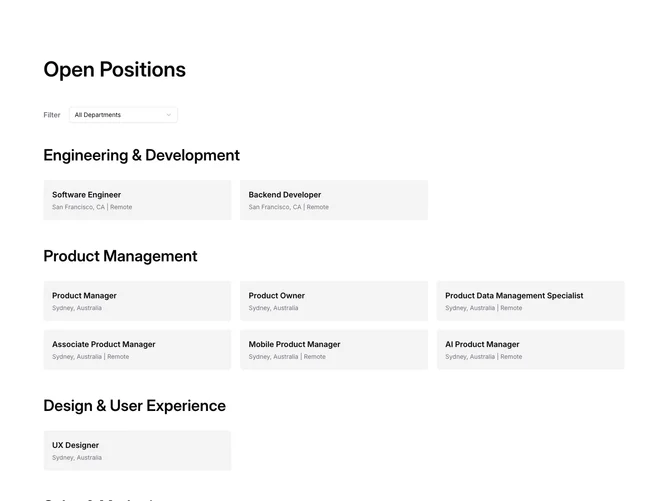
Shadcn Careers 8 - Filterable open positions by department

Filterable open positions by department

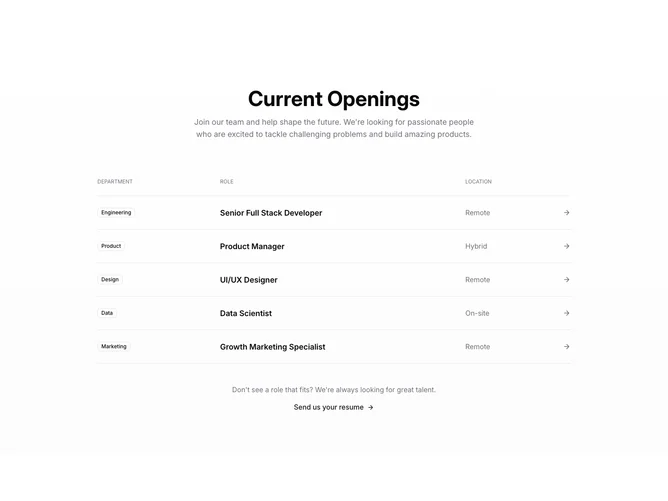
Shadcn Careers 9 - Careers openings grid with general application link

Careers openings grid with general application link

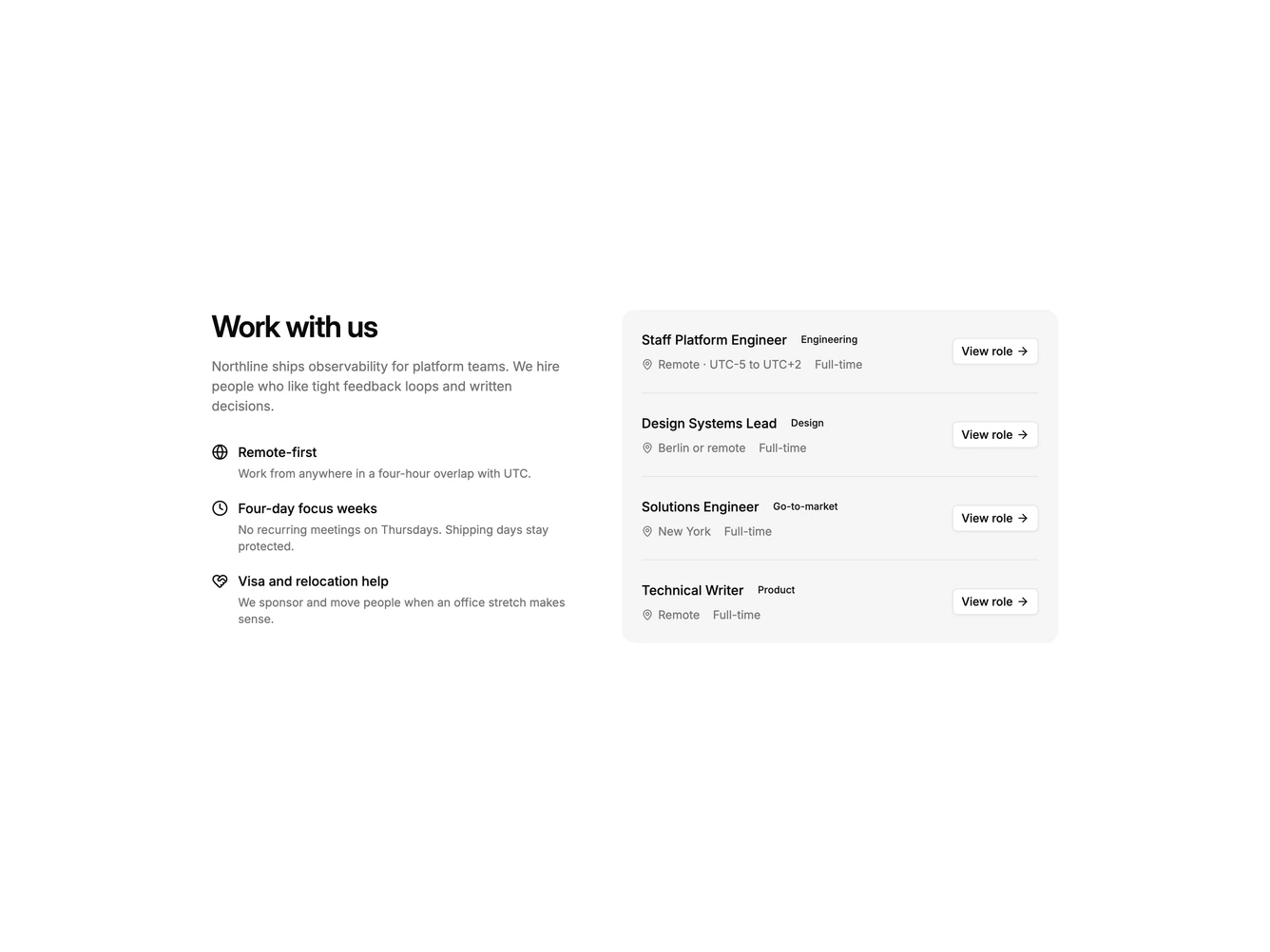
Shadcn Careers 10 - Sticky culture column with job rows

Sticky culture column with job rows

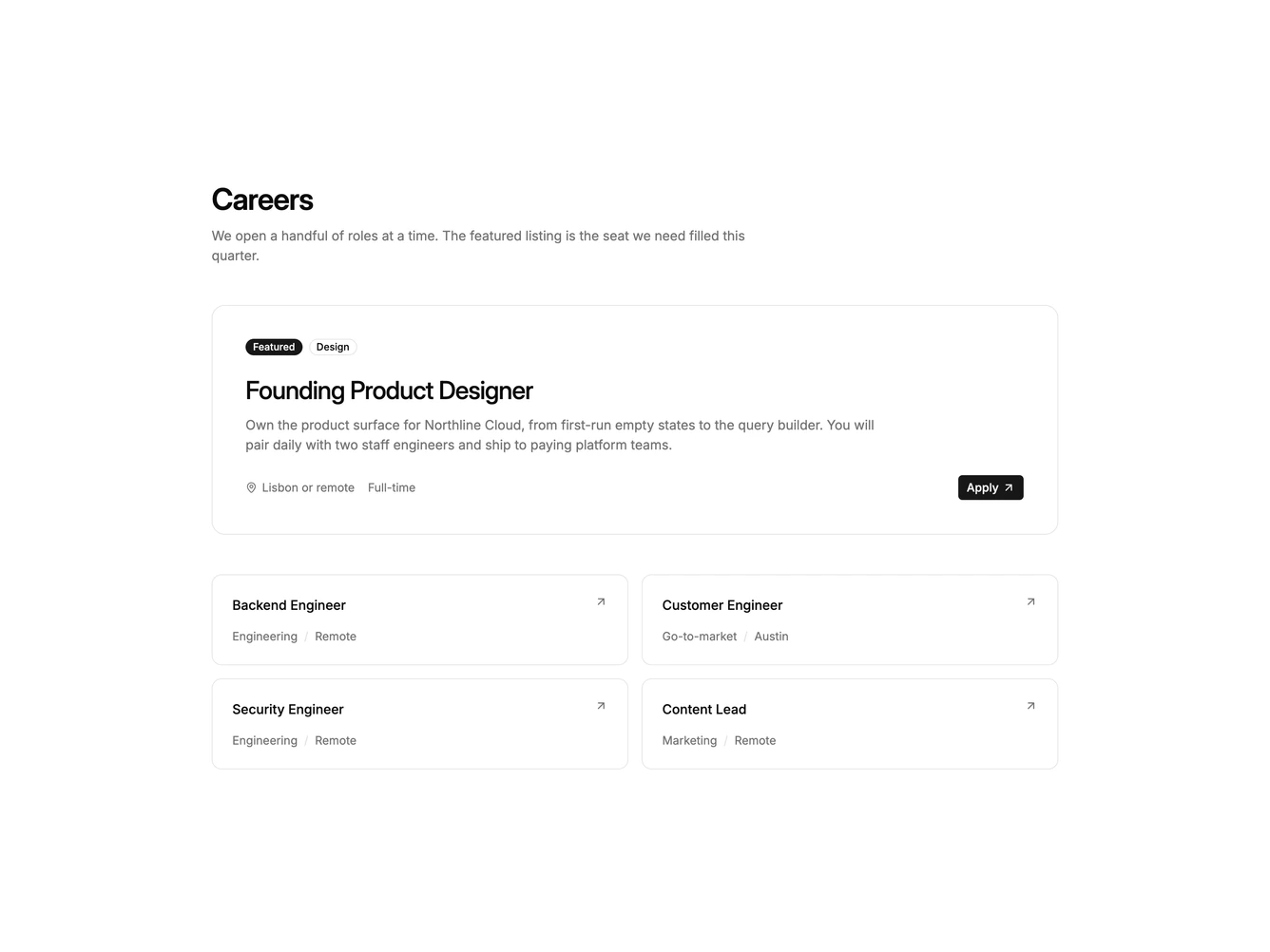
Shadcn Careers 11 - Featured opening with supporting roles

Featured opening with supporting roles

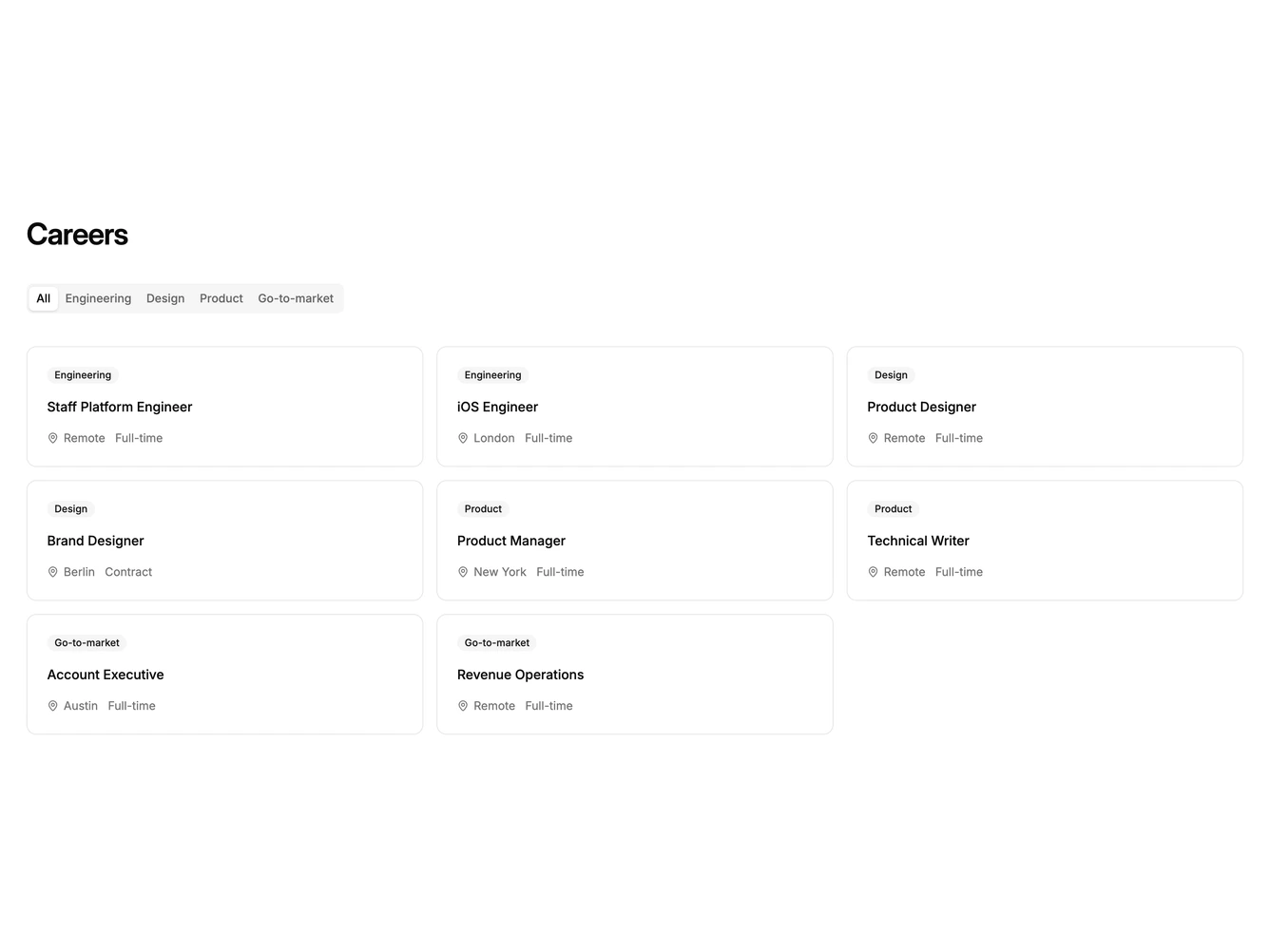
Shadcn Careers 12 - Department tabs over a job card grid

Department tabs over a job card grid

Shadcn Careers 13 - Split Featured Opening

Split Featured Opening

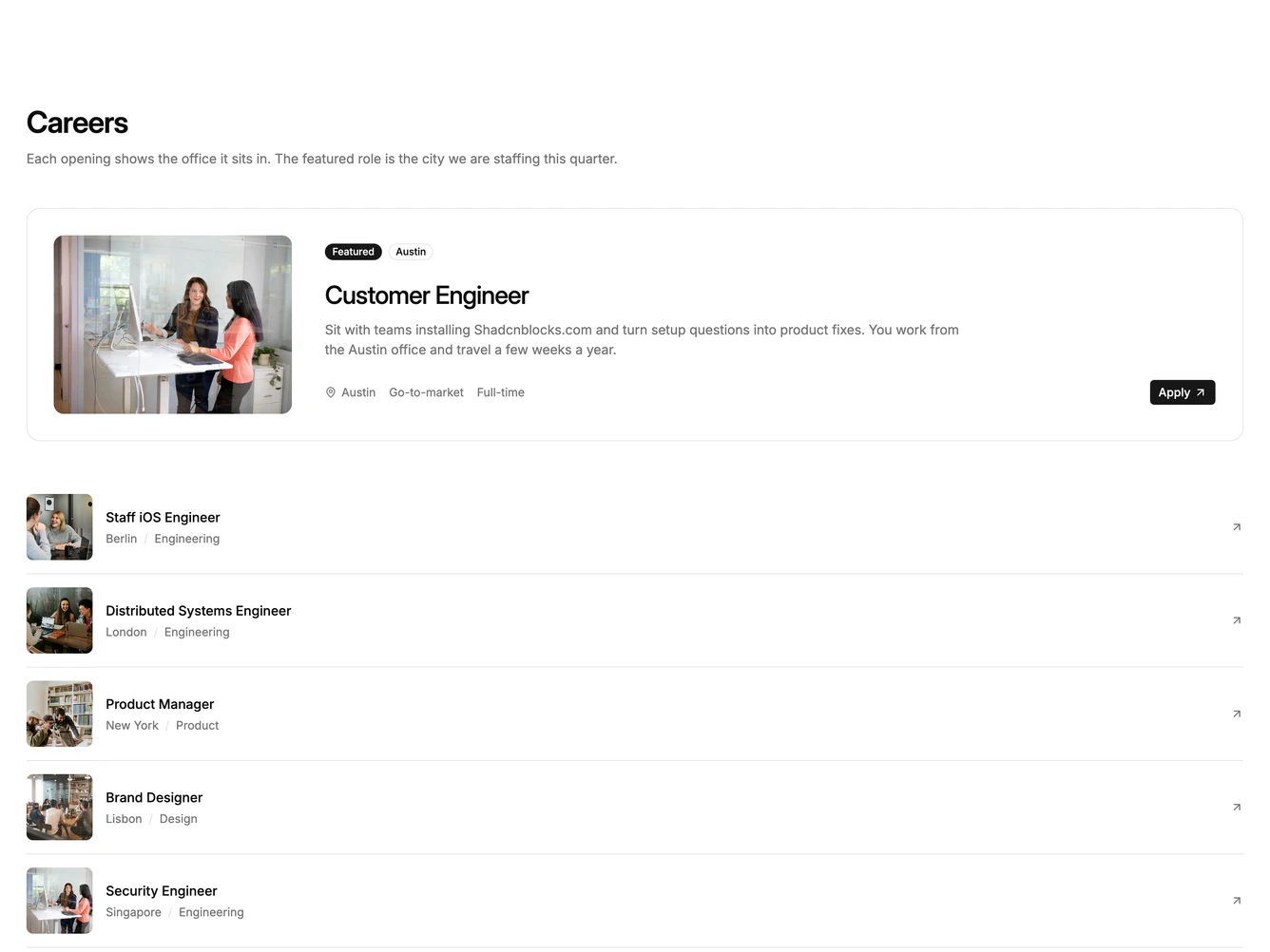
Shadcn Careers 14 - Banner Opening With Category Photos

Banner Opening With Category Photos

Shadcn Careers 15 - Listings With Location Photos

Listings With Location Photos

Shadcn Careers 16 - Openings Grouped By Category

Openings Grouped By Category

Shadcn Careers Listings Blocks, Sections & Components

A shadcn careers listings block provides a specialized careers layout focused on the listings pattern. It appears on landing pages, product pages, and marketing sites where careers content needs a distinct visual treatment.

Each block is a self-contained React component which you can copy/paste the code or install via the shadcn CLI. You own the code — customize the layout, content, and styling using Tailwind utility classes.