Shadcn Application Shell Top Navigation Blocks

Browse and download 12+ Shadcn UI Application Shell Top Navigation blocks. Built with React, Tailwind and shadcn/ui. These shadcn components are ready to download, copy and paste or install with the shadcn registry.

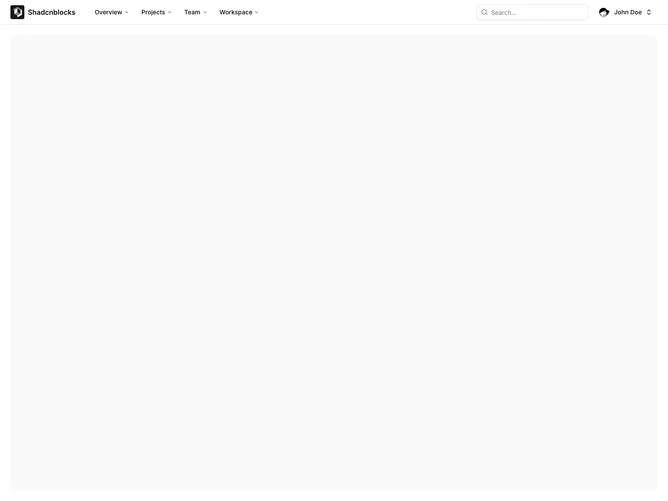
Shadcn Application Shell 3 - Top Navigation Bar Shell

Top Navigation Bar Shell

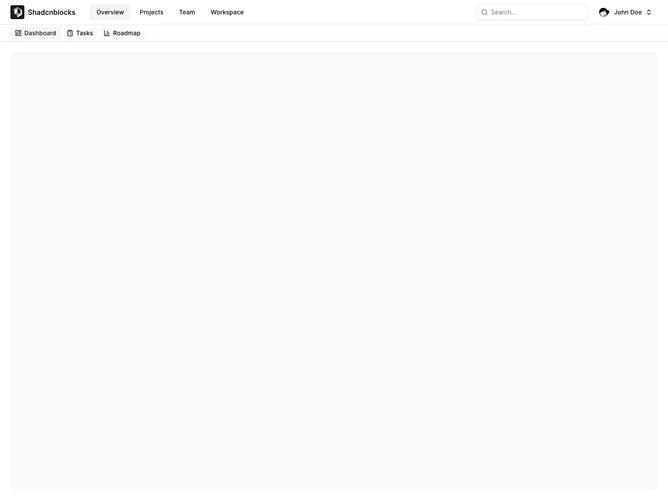
Shadcn Application Shell 4 - Top Navigation with Tabs

Top Navigation with Tabs

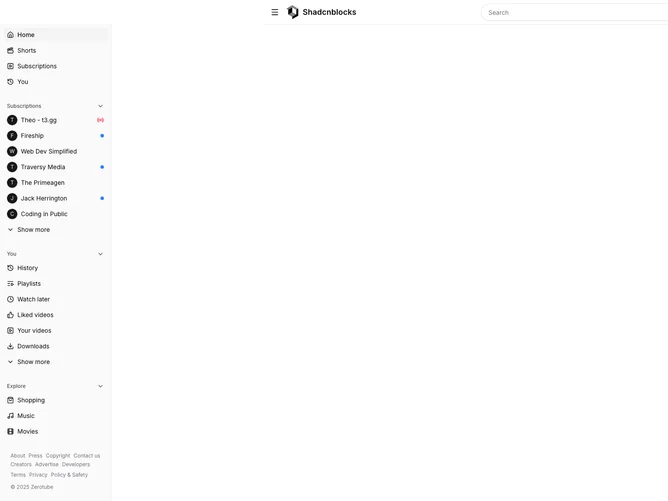
Shadcn Application Shell 11 - Video Platform Shell

Video Platform Shell

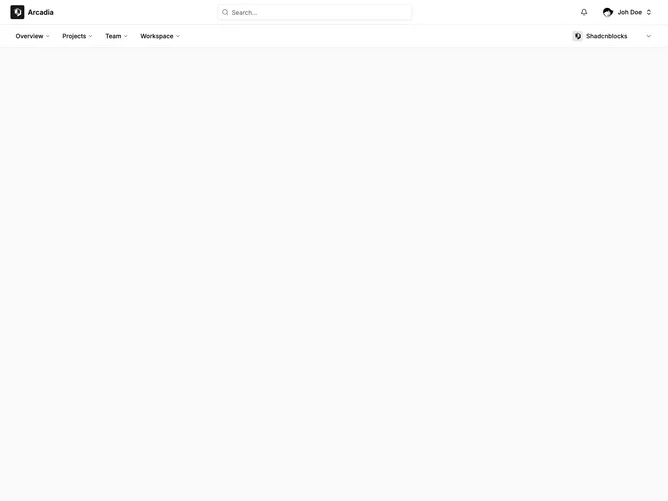
Shadcn Application Shell 13 - Top navigation shell with dropdown menus and mobile sheet

Top navigation shell with dropdown menus and mobile sheet

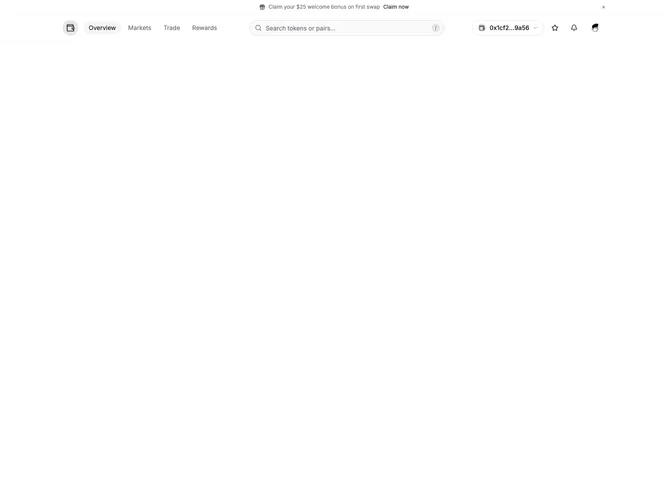
Shadcn Application Shell 14 - Crypto exchange shell with wallet and token menus

Crypto exchange shell with wallet and token menus

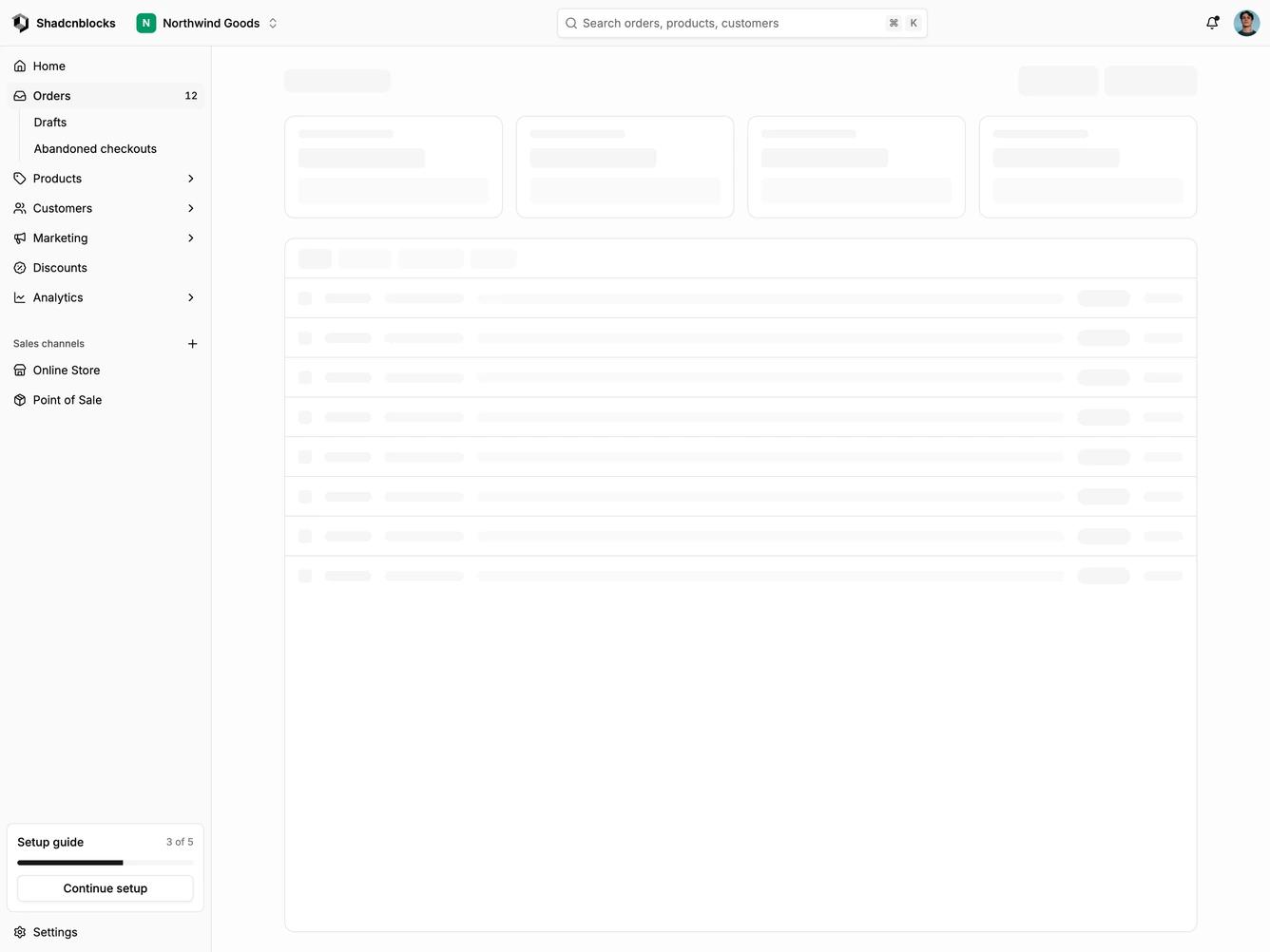
Shadcn Application Shell 26 - E-commerce admin shell with a full-width top bar

E-commerce admin shell with a full-width top bar

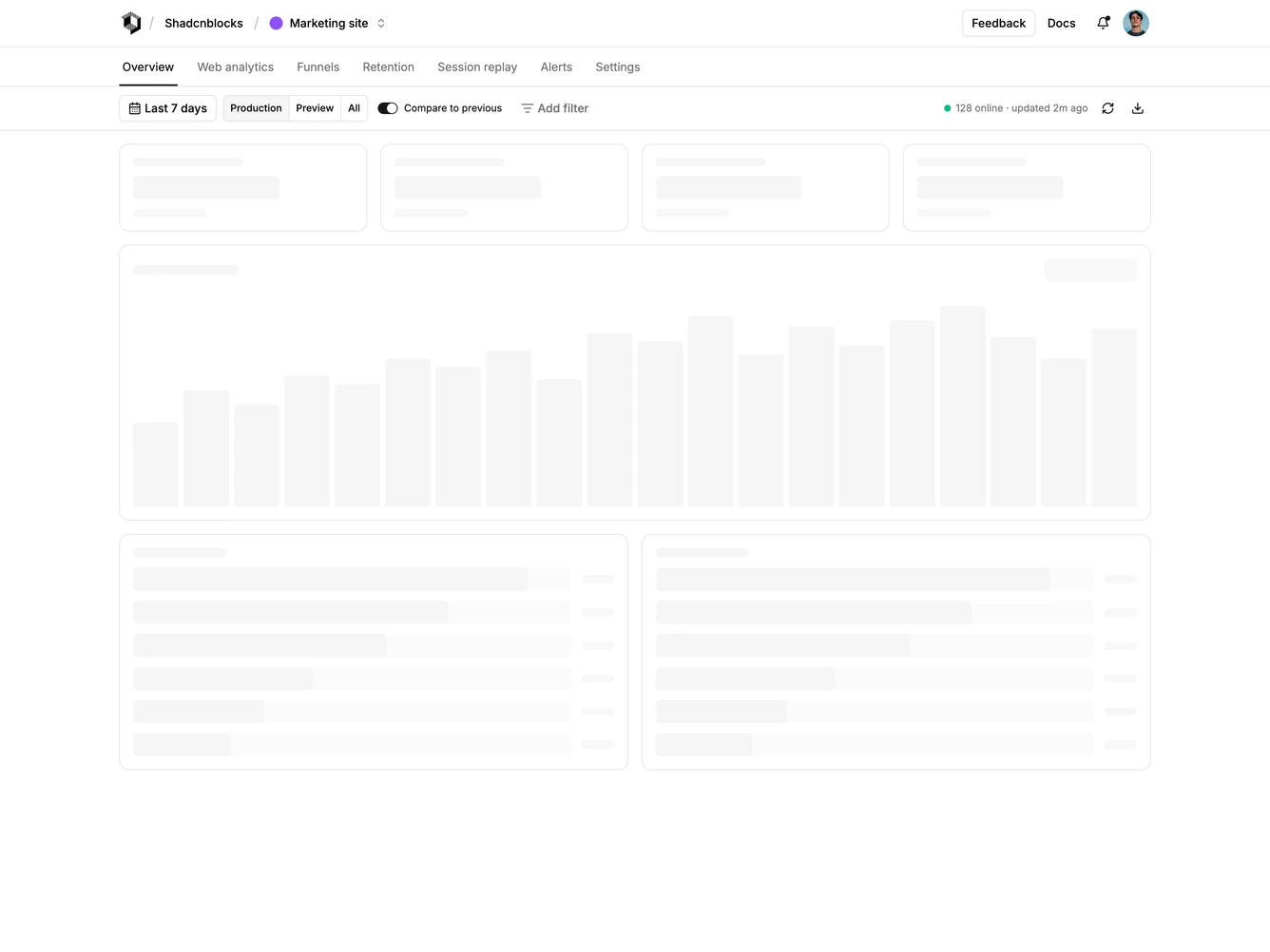
Shadcn Application Shell 32 - Analytics shell with a sticky filter bar

Analytics shell with a sticky filter bar

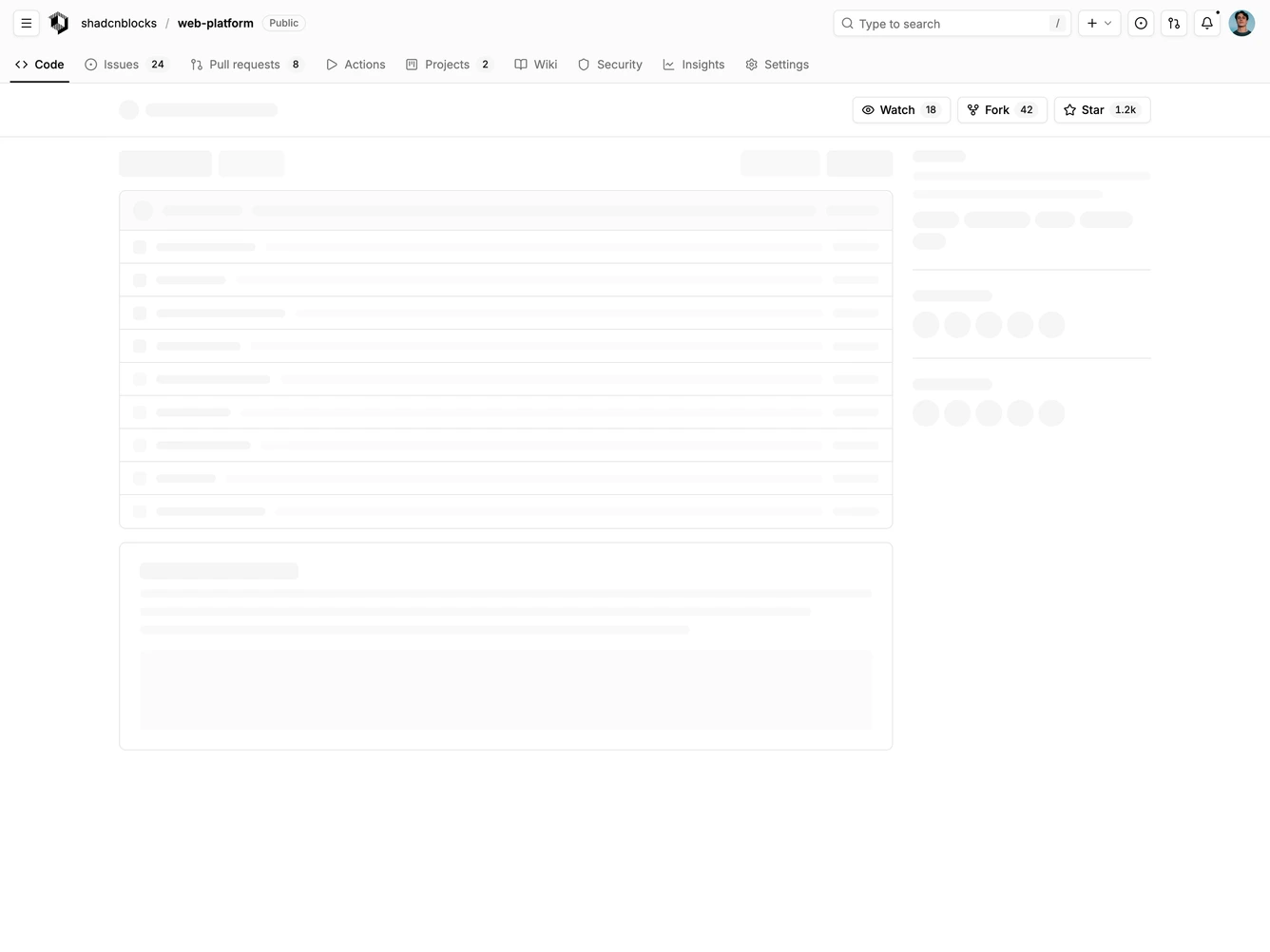
Shadcn Application Shell 33 - Code repository shell with a two-row header

Code repository shell with a two-row header

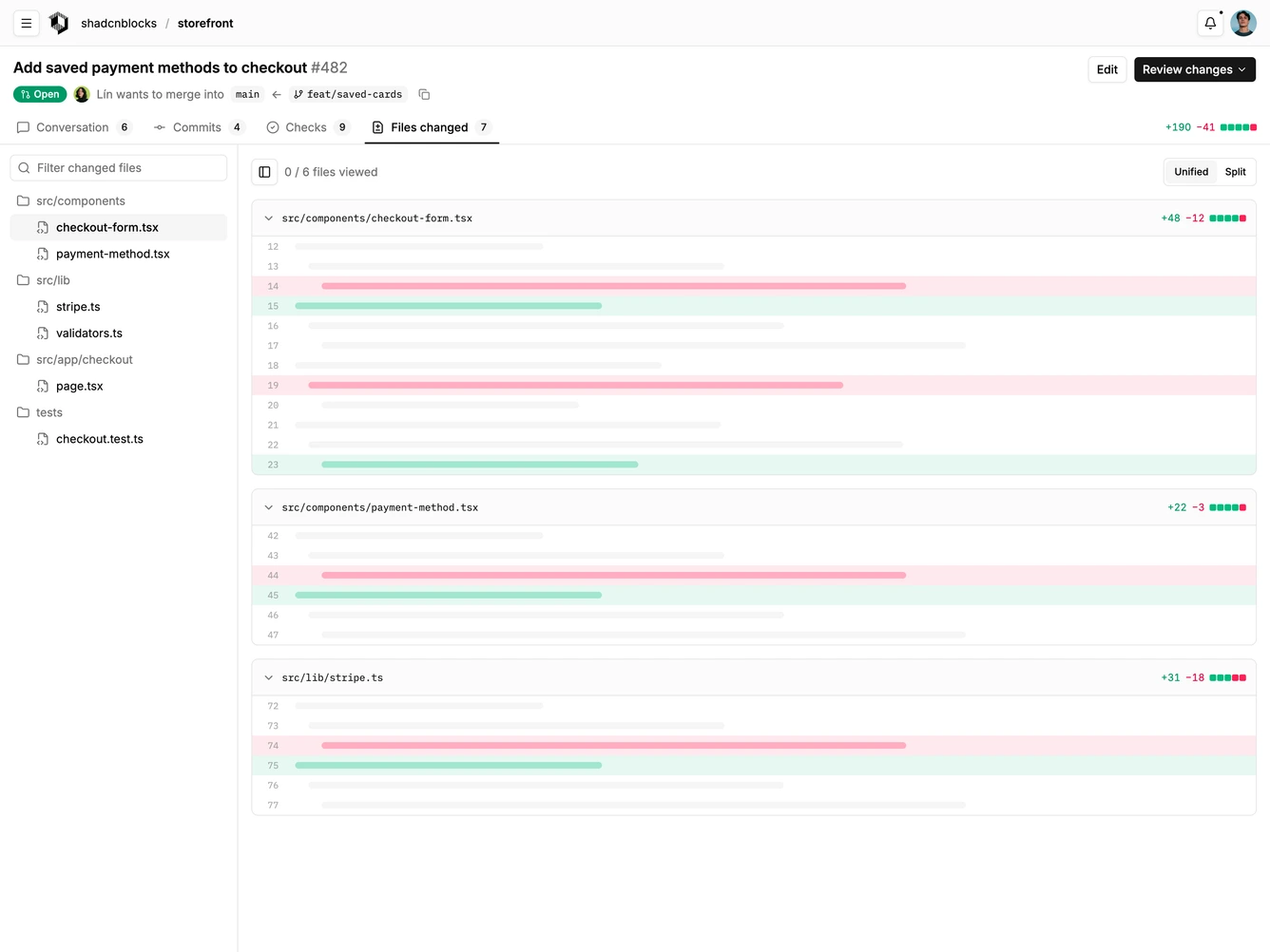
Shadcn Application Shell 38 - Pull request review shell with a sticky header

Pull request review shell with a sticky header

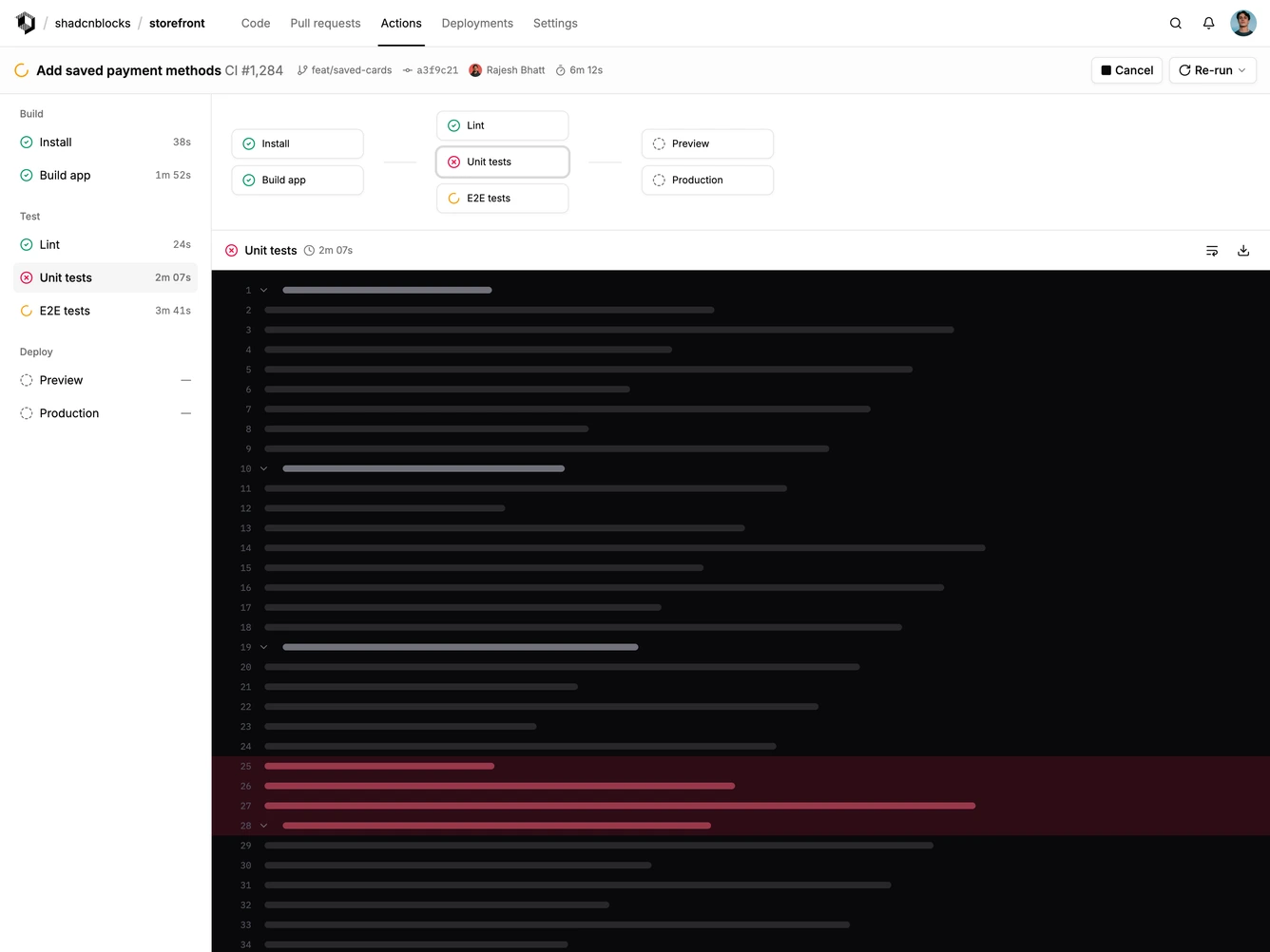
Shadcn Application Shell 39 - CI pipeline shell with job list and log viewer

CI pipeline shell with job list and log viewer

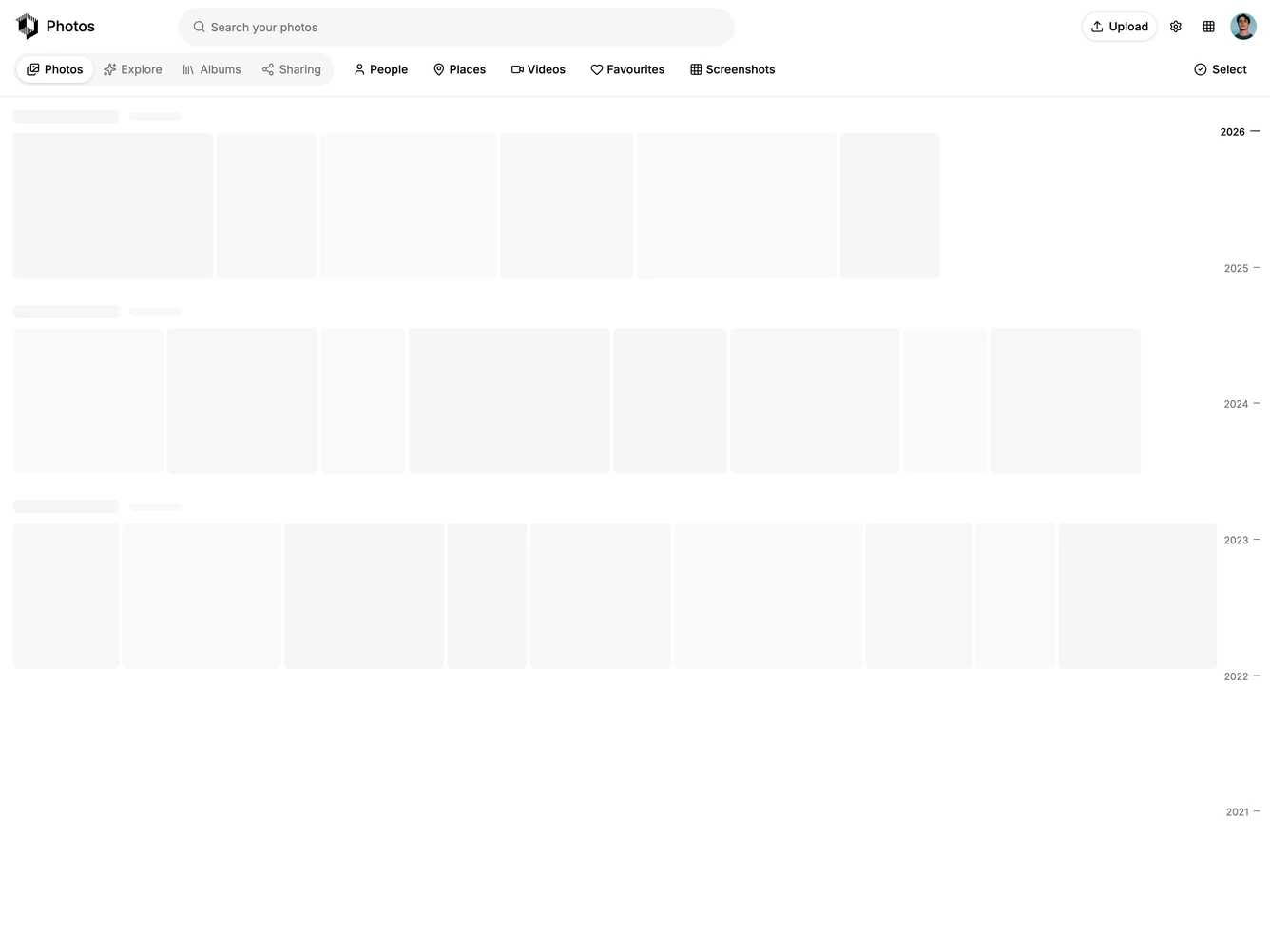
Shadcn Application Shell 46 - Photo library shell with selection mode and timeline

Photo library shell with selection mode and timeline

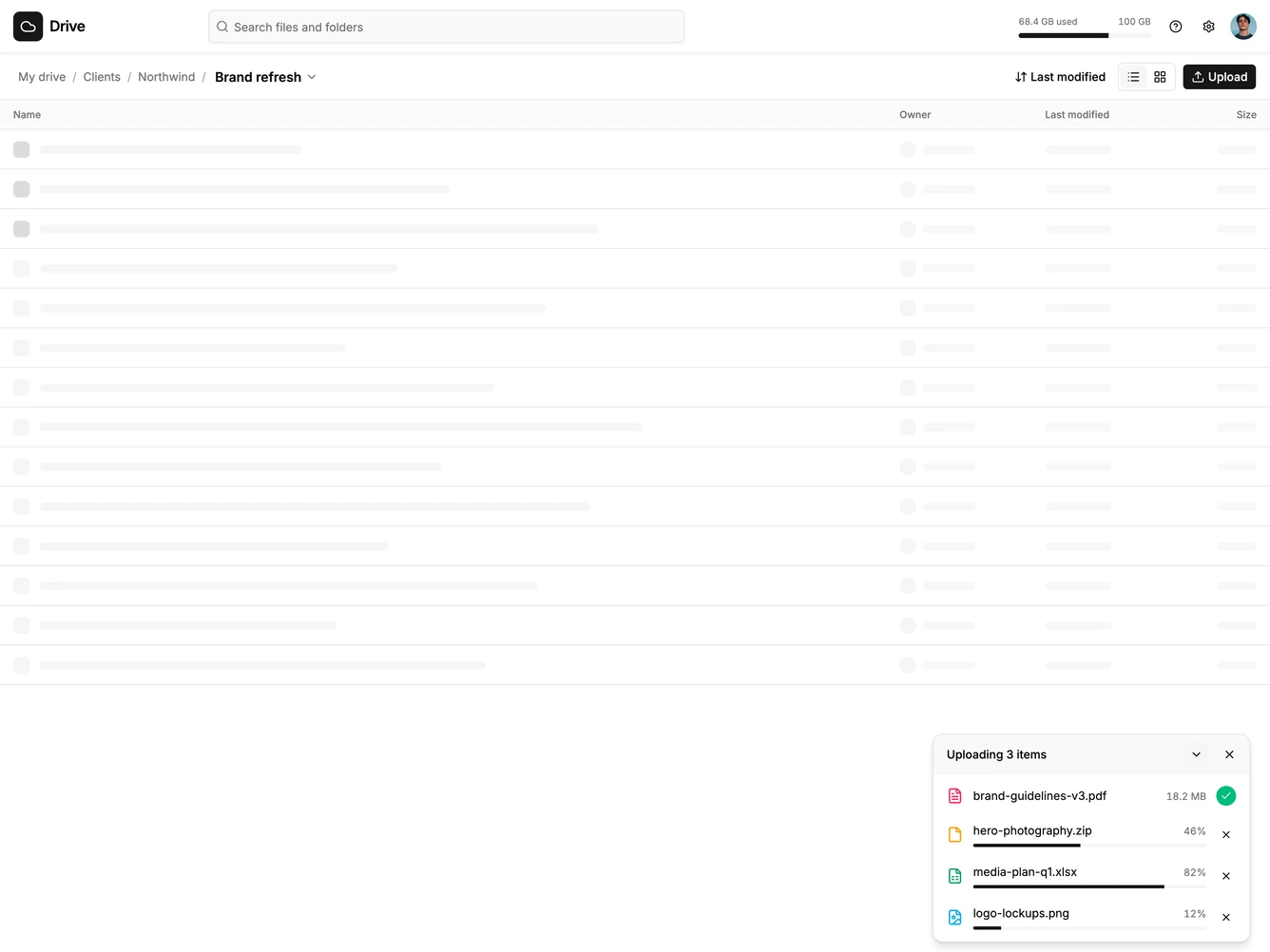
Shadcn Application Shell 47 - Cloud storage shell with an upload tray

Cloud storage shell with an upload tray

Shadcn Application Shell Top Navigation Blocks, Sections & Components

A shadcn application shell top navigation block provides a specialized application shell layout focused on the top nav pattern. It appears on landing pages, product pages, and marketing sites where application shell content needs a distinct visual treatment.

Each block is a self-contained React component which you can copy/paste the code or install via the shadcn CLI. You own the code — customize the layout, content, and styling using Tailwind utility classes.