
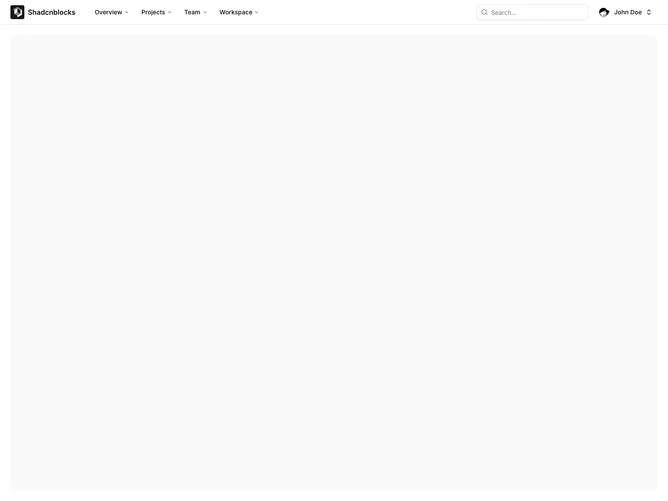
Application Shell 3 block design & features
ApplicationShell3 is a top-navigation layout with a sticky header bar and full-width content area below. The header contains a logo, horizontal navigation with dropdown menus for each section, a search input field, and a user profile dropdown on the right. On mobile, a hamburger menu opens a sheet with the full navigation structure.
Light background with a bordered header that stays fixed on scroll. Navigation dropdowns show grouped items with icons and support nested children. The search input has a search icon prefix. The user dropdown displays avatar, name, and email with account and logout options. Mobile navigation uses a slide-in sheet from the left.
This is a traditional top-navigation pattern common in marketing sites and simpler applications. The horizontal layout works well for apps with fewer navigation sections. A straightforward shell without the complexity of a full sidebar.