
Integration 39 block design & features
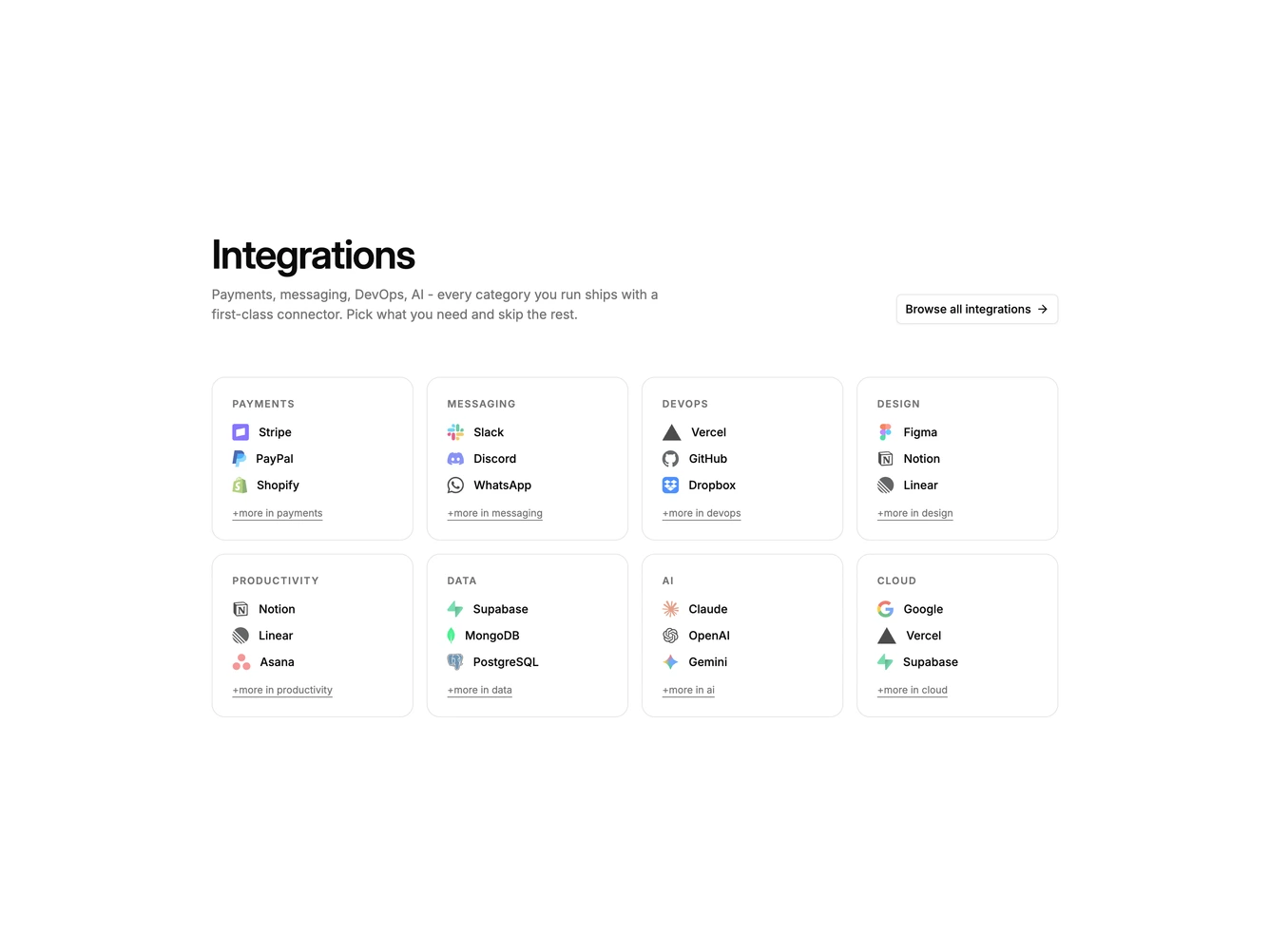
Integration39 is a category directory built with Shadcn UI Dialog, Radio Group, Label, and Button. A heading and supporting paragraph sit beside an outline browse action. Below, eight bordered cards group partners by category. Each card has an uppercase label, three logo-and-name rows, and a more link. Clicking a row opens a dialog with that tool's logo, import export or both sync options as bordered rows, and cancel or connect actions.
Cards share a muted hover fill. Logos sit slightly faded next to medium-weight names. The browse action and category more-links stay as text links. The dialog is a single column with a small bordered logo tile above the title.
This is a taxonomy catalog rather than a single logo cloud. Complexity is moderate and content-driven: each category needs a label and three partners, plus a working connect form.
On small screens cards stack. At small-medium they are two columns, then four.