
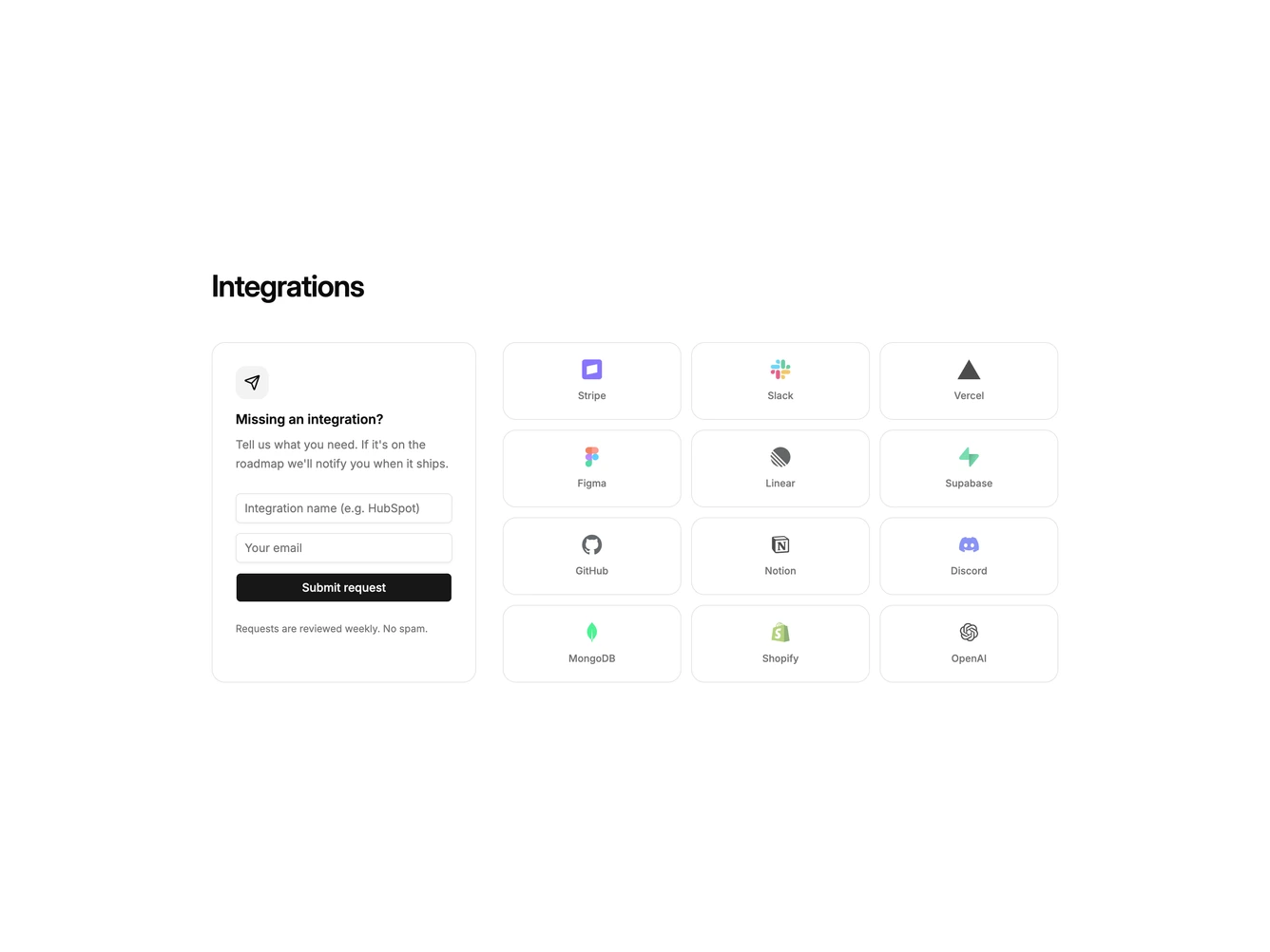
Integration 38 block design & features
Integration38 is a request-plus-catalog layout built with shadcn/ui Dialog, Input, Label, Switch, and Button. A heading introduces a split: a bordered form card on the left and a named logo grid on the right. The form has an icon, title, supporting copy, name and email fields, a submit action, and a small footnote. Grid tiles show a logo and name. Clicking a tile opens a dialog with that tool's logo, an account ID field, a share-usage switch, and cancel or connect actions.
The form card is quieter and more padded than the grid. Logos sit slightly faded. Submit is a full-width primary button. The dialog is a single column with a small bordered logo tile above the title.
This is a conversion-oriented catalog rather than a static logo cloud. Complexity is moderate and mixed: a working request form plus a partner grid with a connect dialog.
On small screens the form stacks above a two-column grid. At large breakpoints the grid spans two of three columns.