
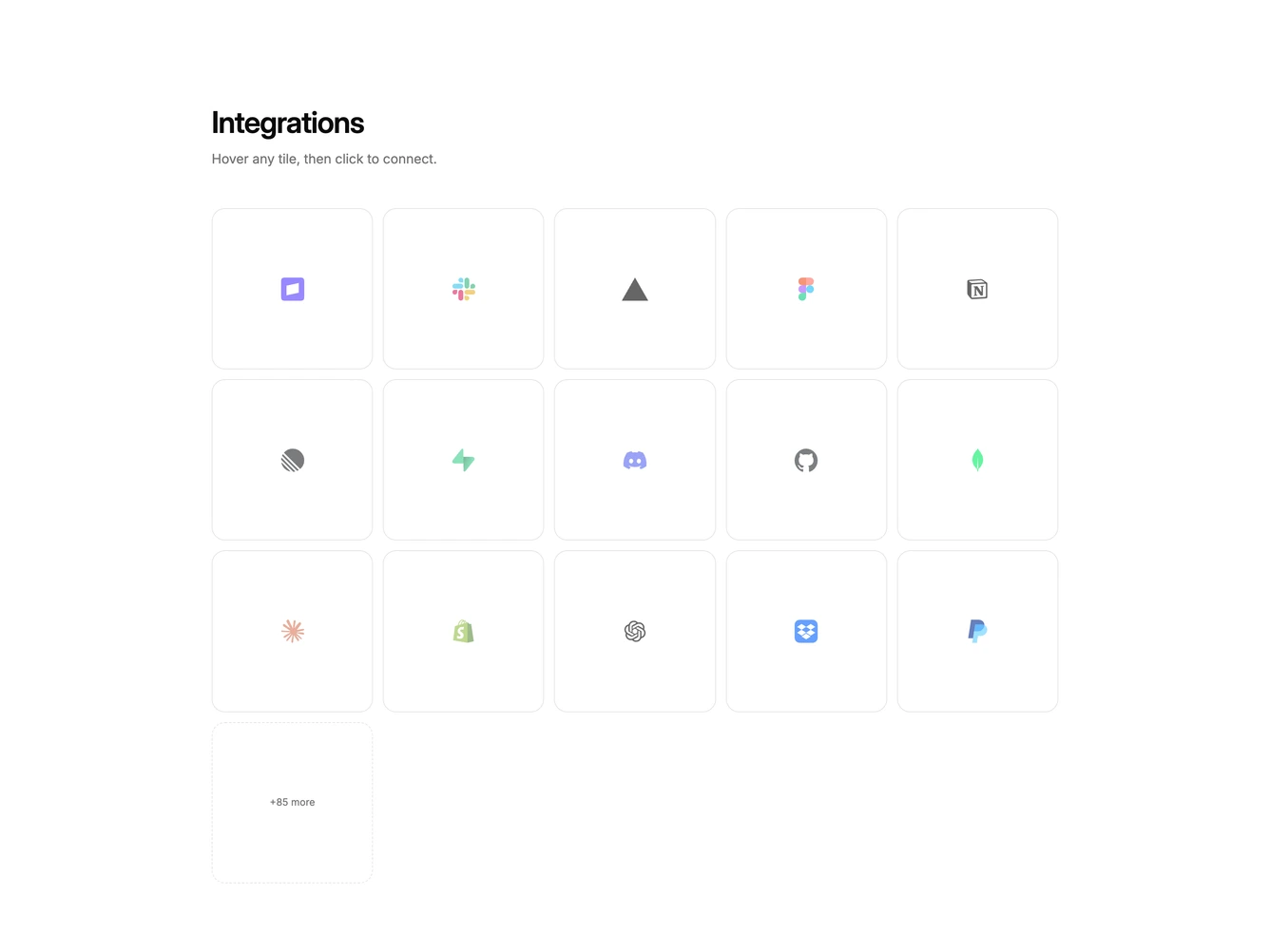
Integration 36 block design & features
Integration36 is a hover-connect grid built with Shadcn UI Dialog, Switch, and Button. A heading and supporting line introduce a grid of square tiles. Each tile shows a faded logo. On hover the logo fades out and a plus icon with a connect label appears. Clicking a tile opens a dialog with that tool's logo, a grant-access switch in a bordered muted row, and cancel or connect actions. A dashed cell at the end reads as a plus-more count.
Tiles are equal squares with a quiet border that strengthens on hover. The overlay is a light foreground wash rather than a full color fill. After connecting, the hover label reads as connected. The dialog is a single column with a small bordered logo tile above the title.
This is an interactive logo cloud rather than a static trust strip. Complexity is moderate and mixed: CSS hover plus a one-toggle connect form for each partner mark.
On small screens the grid is three columns, then four, then five.