
Integration 35 block design & features
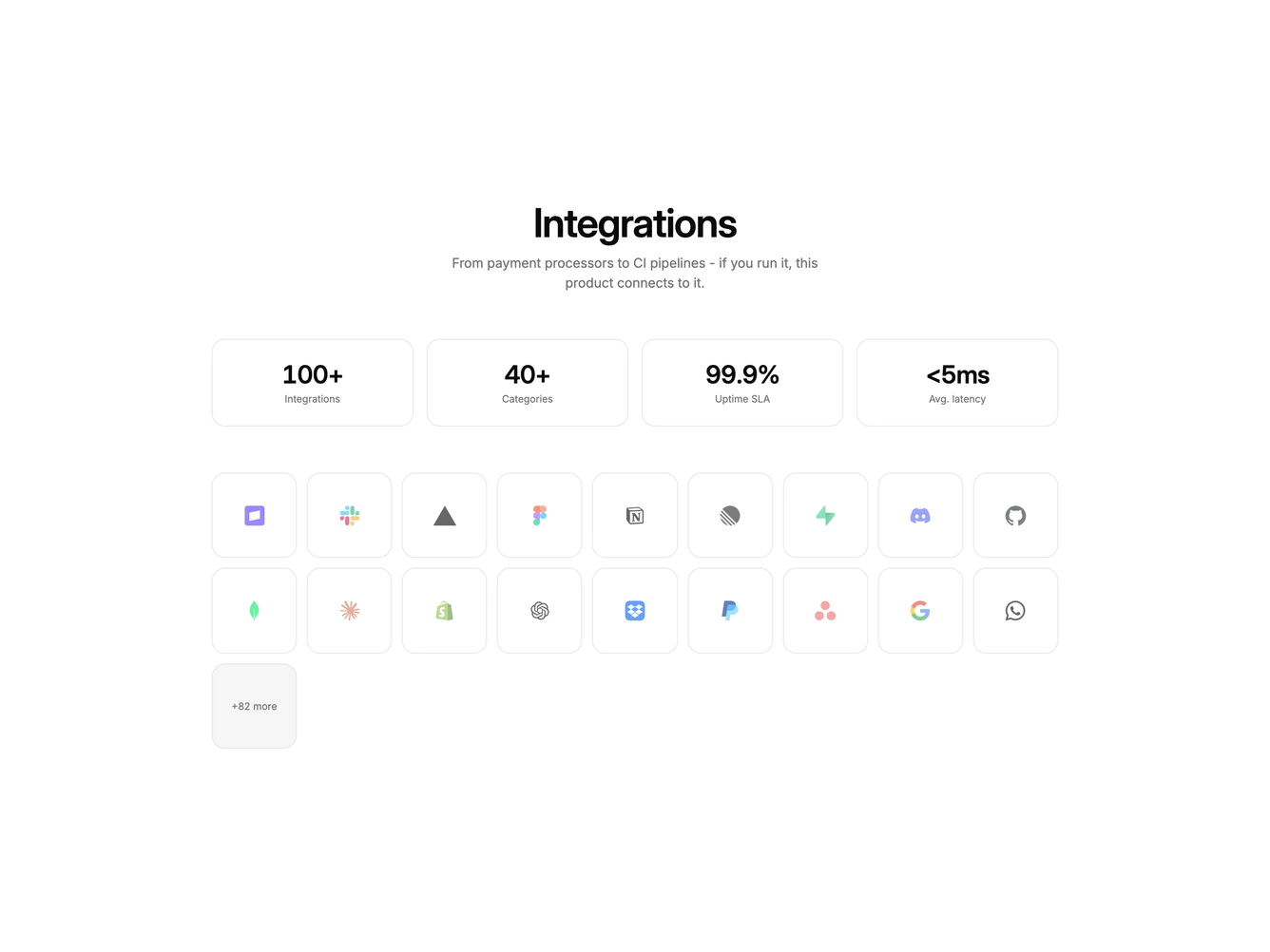
Integration35 is a stats-plus-grid section built with shadcn/ui Dialog, RadioGroup, Label, and Button. A centered heading and supporting line sit above four bordered stat cards, then a dense grid of square logo tiles. The last tile is muted and reads as a plus-more count. Clicking a logo tile opens a dialog with that tool's logo, a support choice of standard or priority as two bordered rows, and cancel or connect actions.
Stat values are large and tabular. Logo tiles are equal squares with slightly faded marks. The plus-more tile is not clickable. The dialog is a single column with a small bordered logo tile above the title. After connecting, the footer switches to disconnect and done.
This is a scale claim with a logo cloud and a connect step rather than a static catalog. Complexity is low and mixed: image-driven tiles plus a per-tool support tier.
On small screens stats are two columns and logos are three. At larger breakpoints stats are four columns and logos go up to nine.