
Integration 30 block design & features
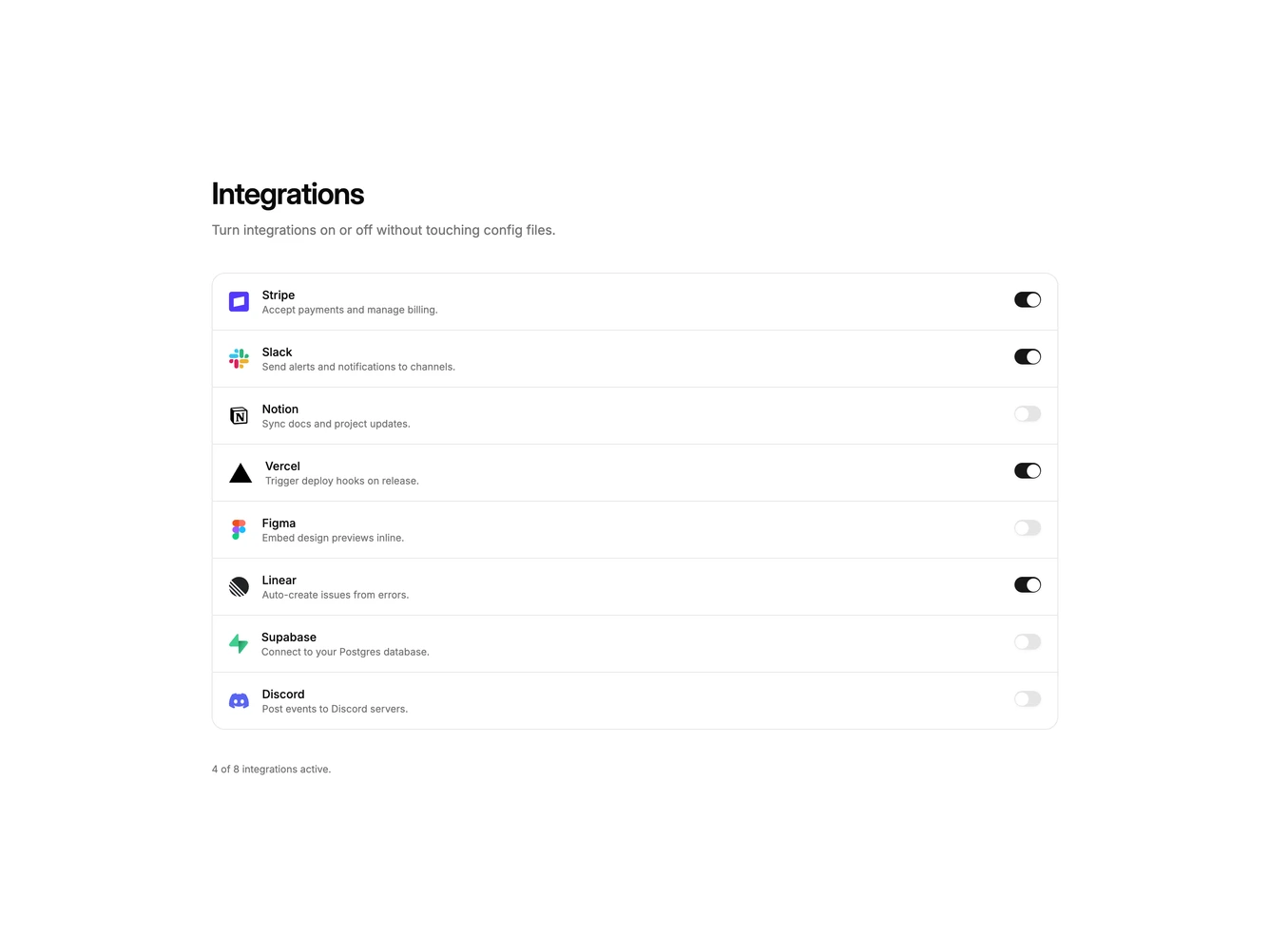
Integration30 is a settings-style enable list built with Shadcn UI Switch, Button, Dialog, Input, and Label. A heading and supporting line introduce a single bordered list. Each row pairs a logo and short description with a switch. Clicking the logo and name opens a dialog with that tool's mark, the row description, a notification email field, a retry-failed-jobs switch, and cancel or connect actions. Connecting enables the row switch; disconnecting turns it off. A live count under the list reports how many integrations are on.
Rows share one rounded shell with hairline dividers. Row switches stay on the right and do not open the dialog. Copy truncates so the toggle stays aligned. The dialog is a single column with a small bordered logo tile above the title. After connecting, the footer switches to disconnect and done.
This is an app-settings pattern rather than a marketing logo cloud. Complexity is moderate and interaction-driven: each row needs a name, blurb, and default enabled state, plus per-tool email and retry settings.
On small screens the description still truncates so the switch remains reachable. The dialog stays a single column.