
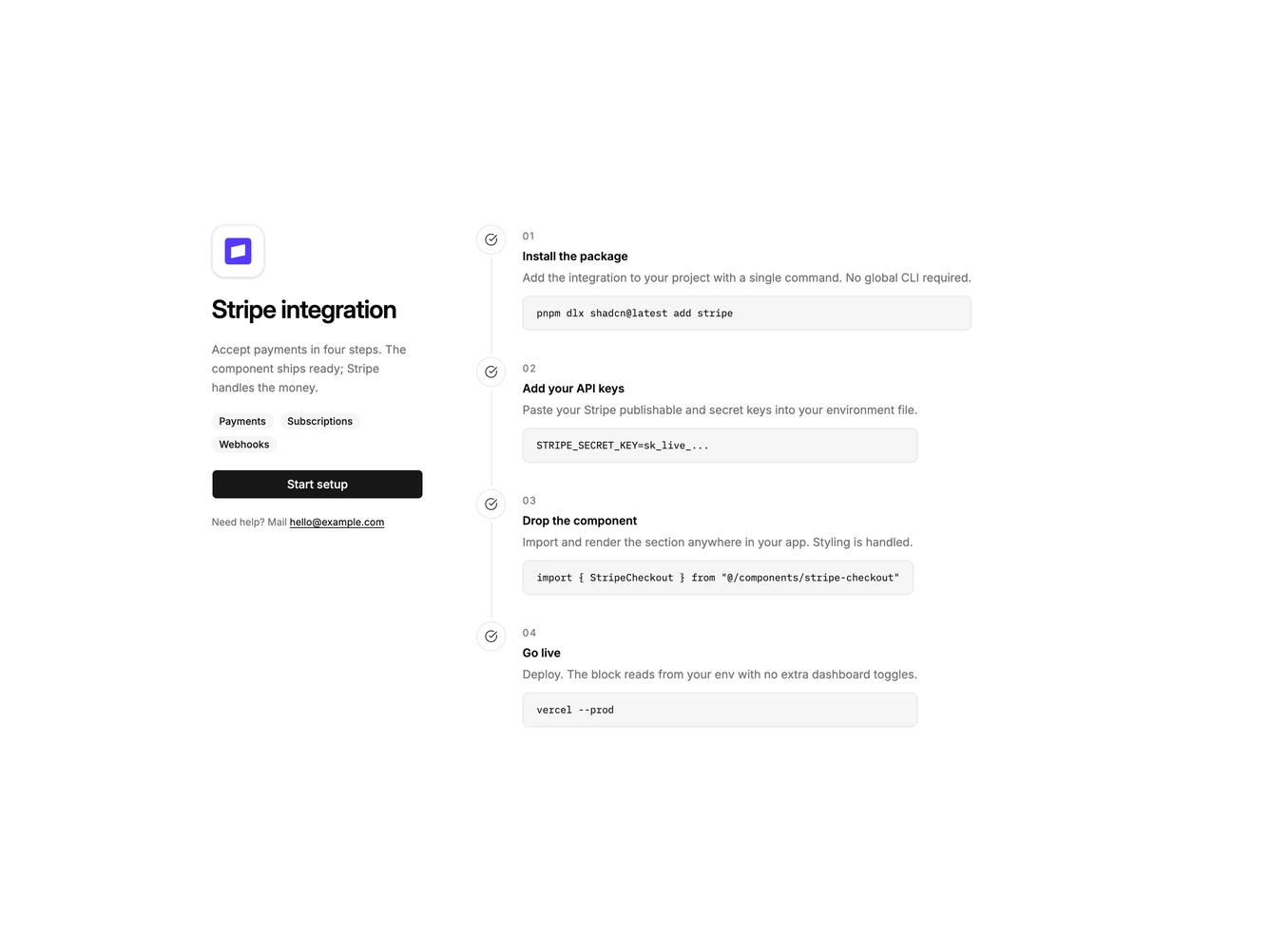
Integration 28 block design & features
Integration28 is a single-integration setup guide built with Shadcn UI Badge, Button, Dialog, Input, and Label. The left column is sticky on large screens: logo tile, heading, supporting copy, secondary tags, a full-width start-setup action, and a help email. Clicking start setup opens a dialog with the partner logo, a publishable key field, a secret key field, and cancel or connect actions. The right column is a four-step timeline with check icons, numbered labels, titles, descriptions, and bordered code snippets.
The identity column is quiet and branded. Steps use a vertical hairline and muted code wells. There is no multi-partner grid. The dialog is a single column with a small bordered logo tile above the title. After connecting, the action switches to a connected state and the dialog can disconnect.
This is a documentation-style setup page rather than a marketplace. Complexity is moderate and content-driven: you need a partner logo, tags, and four real install steps, plus the connect form for that partner.
On small screens the identity column stacks above the timeline and loses the sticky behavior. The dialog stays a single column.