
Integration 19 block design & features
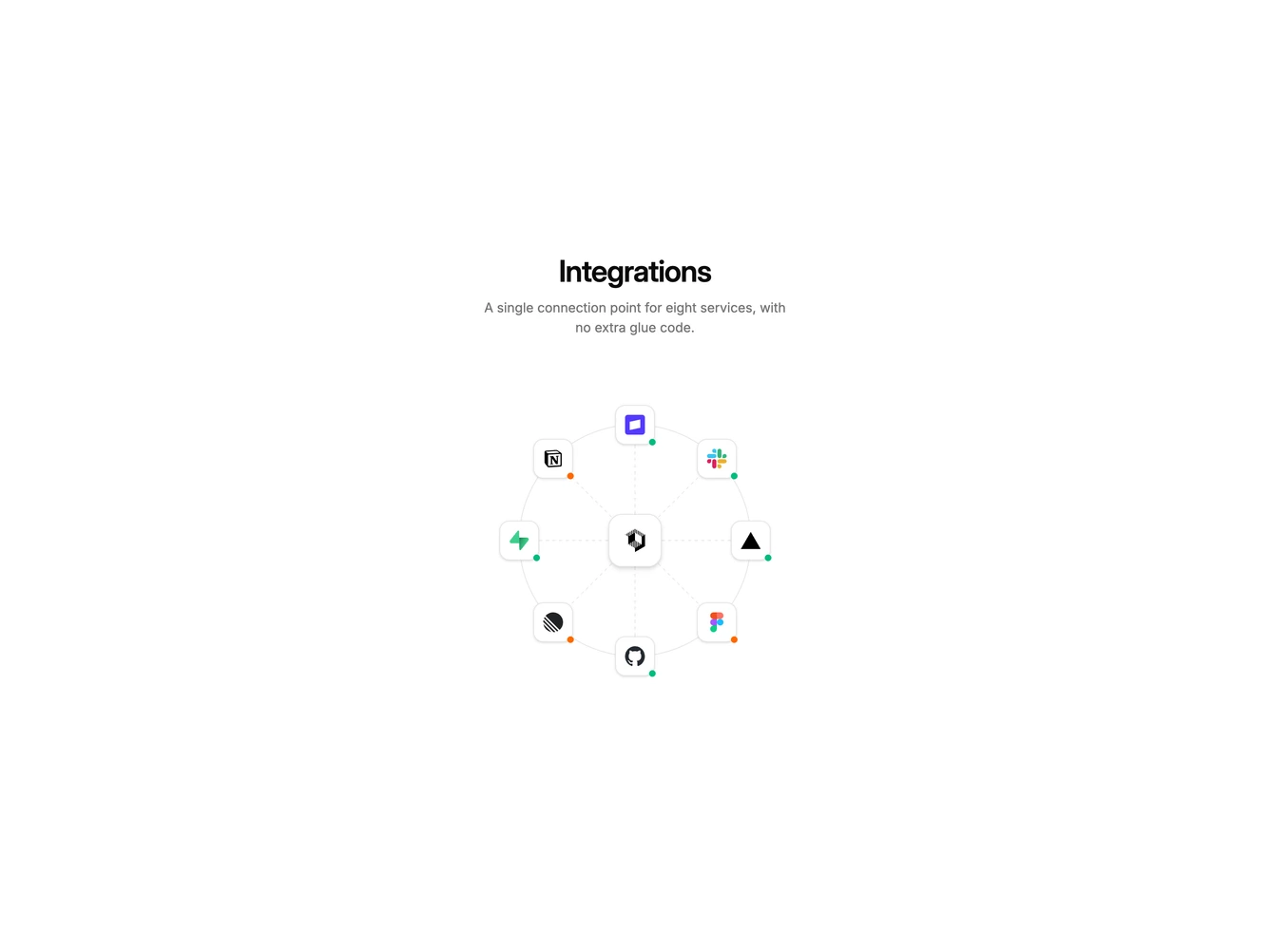
Integration19 is an interactive hub-and-spoke diagram built with Shadcn UI Dialog, Switch, Select, Label, and Button. A centered heading and short paragraph sit above a circular chart. A product icon occupies the middle card. Eight partner nodes sit on the ring, each with a live or idle status dot. Hover scales a node, solidifies its spoke, and shows the name. Click opens a settings dialog with an enable switch, a sandbox or production environment select, and disconnect or save actions.
Surfaces are bordered cards on a plain background. The diagram is CSS-positioned over dashed SVG spokes. The active spoke becomes a solid foreground line. Status dots use green for live and orange for idle.
This is a distinctive visual map rather than a directory. Complexity is moderate and mixed: the geometry is code-driven while click and hover state is interaction-driven.
The diagram scales down with the section width on small screens. The dialog stays a single column.