
Integration 16 block design & features
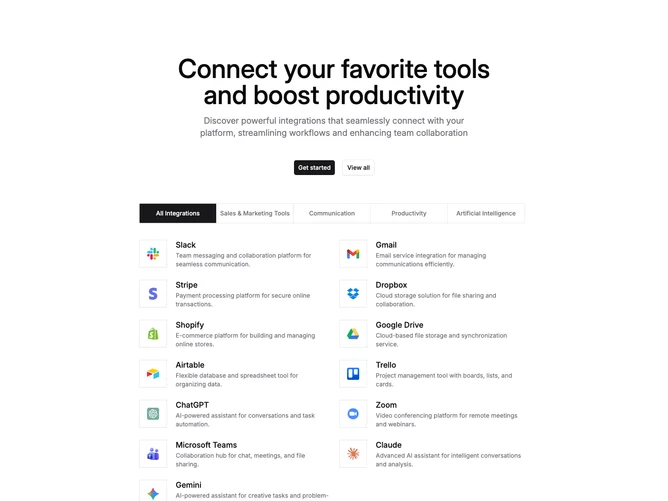
Integration16 is a categorized integrations directory built with shadcn/ui tabs, select, and button components. A centered headline and supporting paragraph sit above primary and outline CTAs. Below, category filters cover all integrations plus sales and marketing, communication, productivity, and artificial intelligence. Each result row pairs a bordered icon tile with a name and short description. Desktop uses a five-column tab bar; mobile swaps that for a full-width select.
Light background with strong centered marketing type and a denser directory below. Active tabs fill with primary color against a hairline tab rail. Cards are borderless list rows with underline on name hover. Interaction is filter-driven rather than animated.
This reads as a documentation-style integration catalog under a marketing header. Moderate to elaborate complexity and content-driven: many tools, categories, descriptions, and links. The dual filter UI for desktop tabs and mobile select is the main practical distinction.
The result grid is one column on small screens and two columns from medium breakpoints up, while the filter control switches between select and tabs at the medium breakpoint.