

Feature 87 block design & features
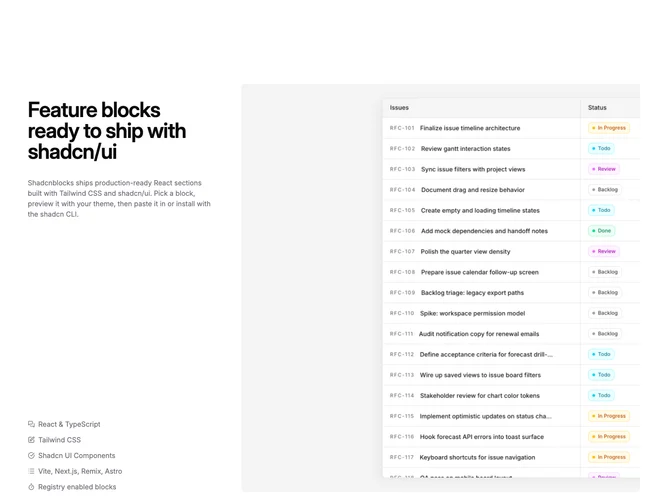
Feature87 is a three-column section built with shadcn/ui. The left column stacks a large two-line heading where the second line renders in muted foreground, a body paragraph, a vertical list of up to five features each preceded by a Lucide icon, and an outline button at the bottom. The right two columns hold a muted-background panel with left and top padding that frames a large image. The image overflows to the right edge and carries a subtle offset shadow.
The image panel uses a rounded container with a muted fill and no right padding, letting the screenshot bleed past the visible boundary. A thin border outlines the image itself, and a soft directional shadow gives depth without heaviness. Typography in the left column steps from a large semibold heading to small muted feature labels. Icons in the feature list are rendered at a small consistent size in muted foreground.
The composition feels product-focused and modern, using the oversized screenshot as its primary visual weight while the left column keeps text restrained and scannable. Complexity is moderate because you supply heading, accent text, description, features array, an image, and a button target.
On smaller screens the columns stack vertically with the text column appearing above the image panel, and the image container gains visible padding on all sides instead of bleeding off-edge.