Feature 425 block design & features
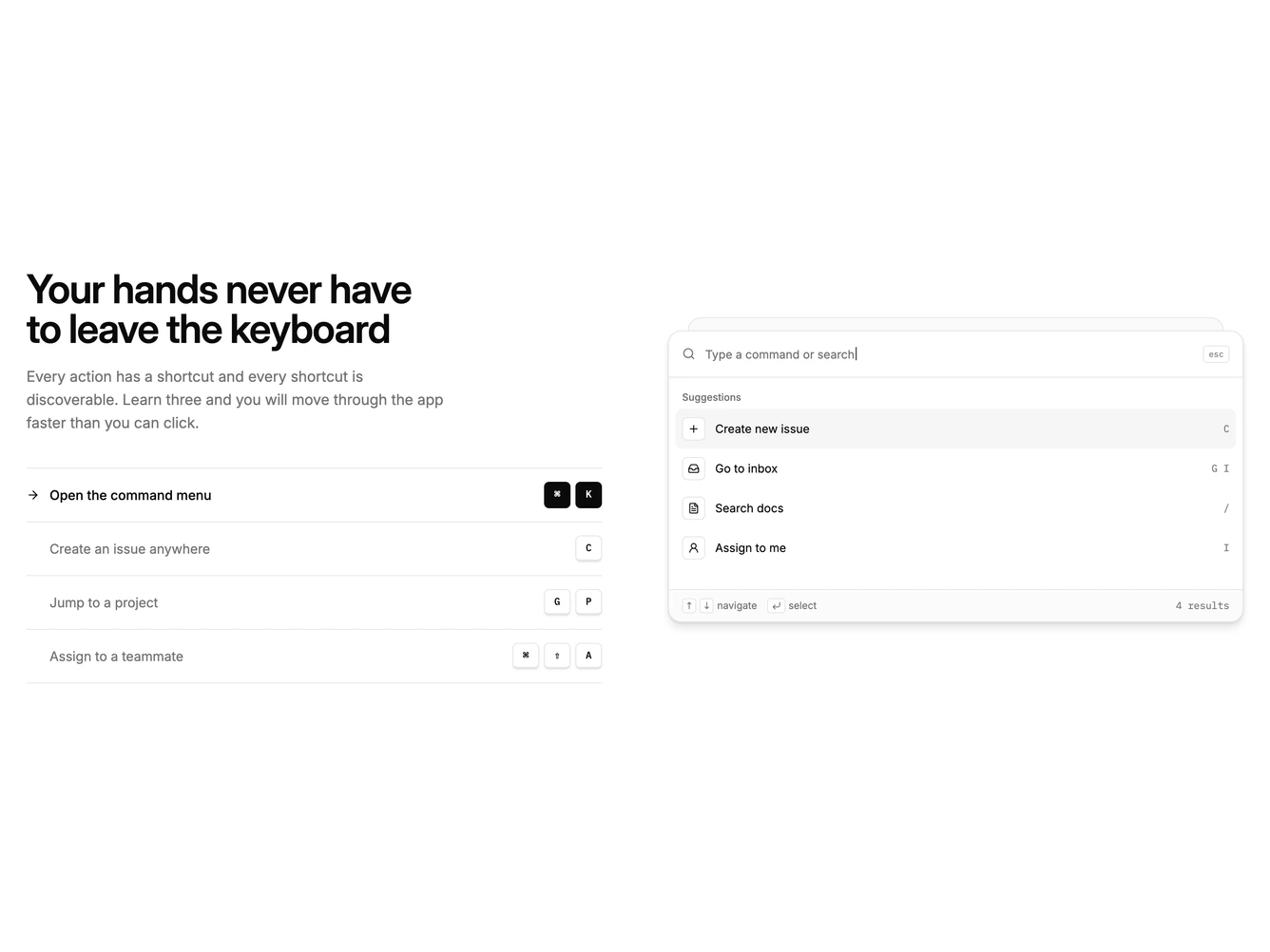
The block places a heading, paragraph and a list of keyboard shortcuts on the left, beside a command palette mock on the right. Each shortcut row shows its action and a set of keycaps with a thicker bottom border, like real keys.
The block cycles through the shortcuts on its own. The keys of the active row light up one after another, then the palette types the matching query and shows its results with the top match highlighted. Hovering the list pauses the cycle, and clicking or focusing a row jumps to it.
The palette has a search field with a blinking caret, a grouped result list with icon tiles and mono hints, and a footer of navigation hints. Everything is greyscale theme tokens, and the loop stops for visitors who prefer reduced motion.
On mobile the palette stacks below the shortcut list.