
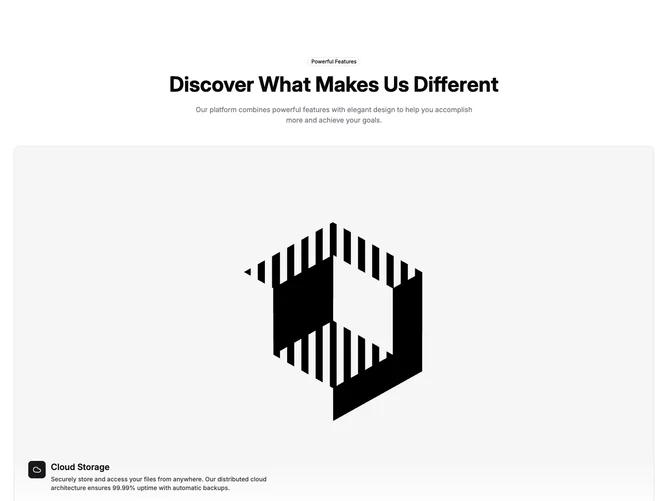
Feature 370 block design & features
The block opens with a heading on the left and a short line on the right. Below sits a muted rounded panel holding a Shadcn UI Carousel of wide product screenshots, framed in white with rounded top corners and cropped by the bottom edge of the panel, with separate light and dark images.
Under the panel, a row of four text tabs names each view, with a title and one line of description. A thin line above each tab fills from left to right while its slide is showing, and the carousel moves to the next slide when the line is full. Clicking a tab jumps to its slide.
Autoplay pauses while the pointer is over the section or focus is inside it, and is off entirely for visitors who prefer reduced motion. The tabs use tab roles with aria-selected, and swiping the carousel updates the active tab.
On mobile the tabs sit two to a row under the screenshot.