
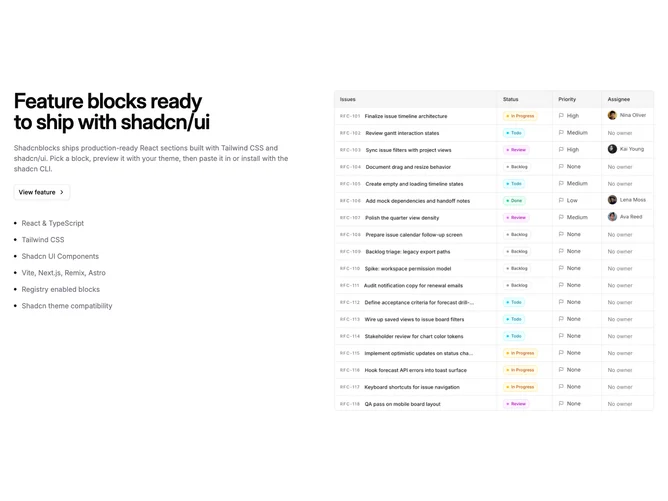
Feature 345 block design & features
This Shadcn UI block is a split feature section built with a flex row that reverses on medium breakpoints so the photograph sits on the right and the text stack on the left. The copy column includes a large balanced heading, muted supporting paragraph, an outline button with a chevron, and a short checklist where each row pairs a circular check icon with a single line of text.
The layout uses generous vertical padding and a max-width container. The image is rounded with fixed max height on desktop, and the checklist wraps into a horizontal flow on wider viewports while staying readable on small screens.
Visually this follows a calm product-marketing rhythm: one hero image, one narrative column, and icon-backed bullets without extra chrome. It is a common pattern with a clear emphasis on scannable bullets next to the visual.
On mobile the column stacks with the image above the text block; from the medium breakpoint the row reverses so the image moves to the right.