
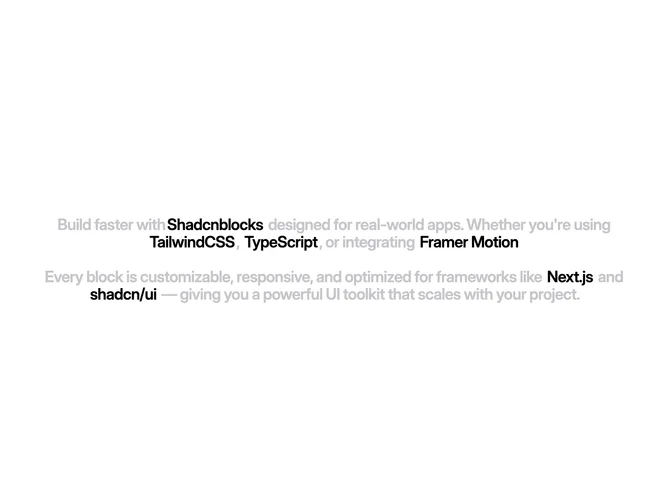

Feature 288 block design & features
Feature288 keeps everything in one centered column built with shadcn/ui typography rhythm and inline link-preview chips where URLs appear inside the paragraph. The layout reads like a tight editorial block: a headline, then flowing prose where framework and tooling names expand into hoverable previews instead of plain anchors.
Light surfaces with understated separators keep focus on the inline previews, which add thumbnail cards or badges depending on the preview implementation. Line length stays comfortable on desktop and reflows naturally when the column narrows. Interaction concentrates on those embedded previews rather than separate buttons or grids.
This block suits developer-facing pages that want to name a toolchain without dumping a logo wall. It is moderately interactive because each preview must resolve destination metadata. You supply the sentences plus the destinations you want surfaced as previews.
Smaller breakpoints preserve the single-column story and let previews wrap or stack according to the preview component rules without introducing side columns.