

Feature 209 block design & features
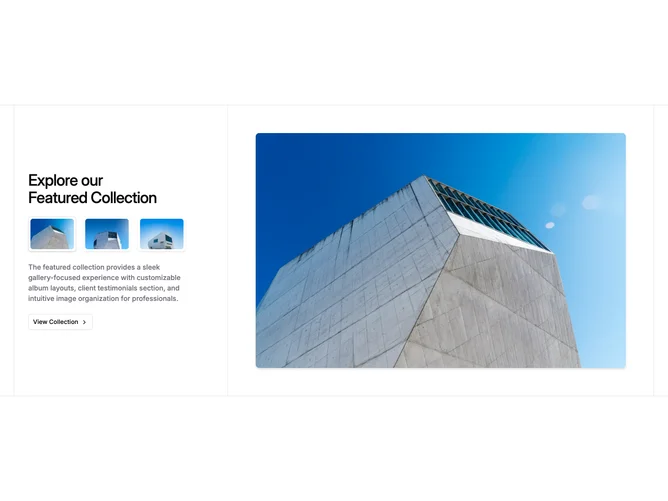
This interactive gallery uses shadcn/ui buttons and separators inside a bordered, box-framed layout. On wide screens the text column holds a headline, a row of thumbnail buttons that set local state, supporting copy, and an outline call to action with a chevron. The opposite half shows the selected image inside a fixed-height frame while inactive images sit stacked underneath with opacity and scale transitions.
The frame uses a light checker texture behind the photo for depth without competing with the content. Thumbnails pick up a border and shadow when active. The large preview eases between images over a few hundred milliseconds. Interaction is limited to thumbnail clicks and standard control hover states.
The aesthetic is structured and gallery-like, with an editorial border treatment around the whole section. It is more elaborate than a static two-column feature because of the stateful image swap and layered framing. You need multiple images of similar aspect ratio plus short copy and labels to make it feel intentional.
Below the extra-large breakpoint the layout stacks with the gallery area reversing under the text column so the story reads before the visual.