
Cta 65 block design & features
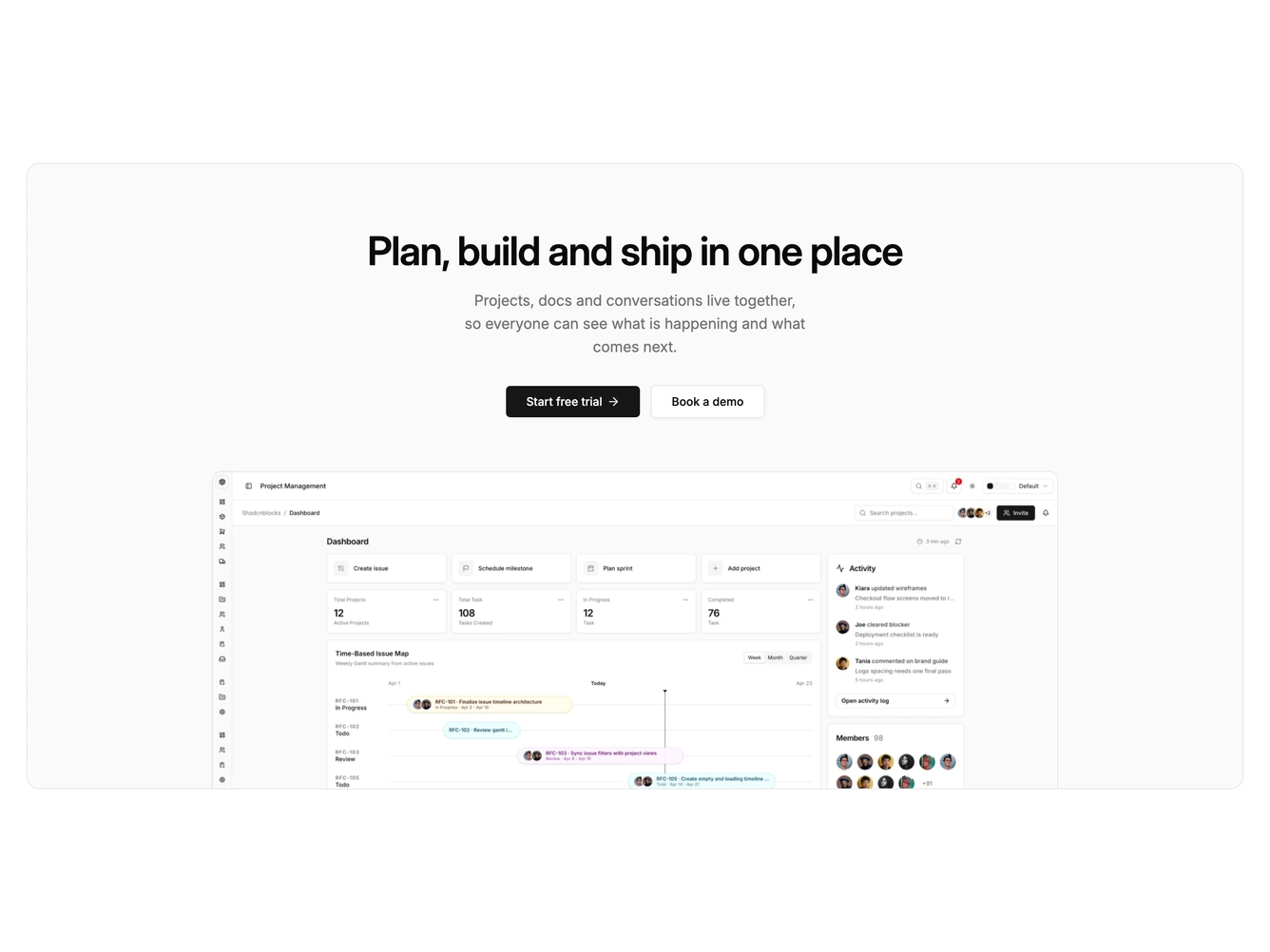
The block is one muted, bordered panel.
At the top sit a centred heading, one supporting line and two buttons: a primary button with an arrow and an outline button.
Below, a wide product dashboard screenshot sits in a white frame with rounded top corners. It rises from the bottom edge of the panel and is cropped by it, showing just the top of the interface. The screenshot is a prop.
On mobile the screenshot keeps a fixed width and is cropped on the right, so the interface stays legible.