
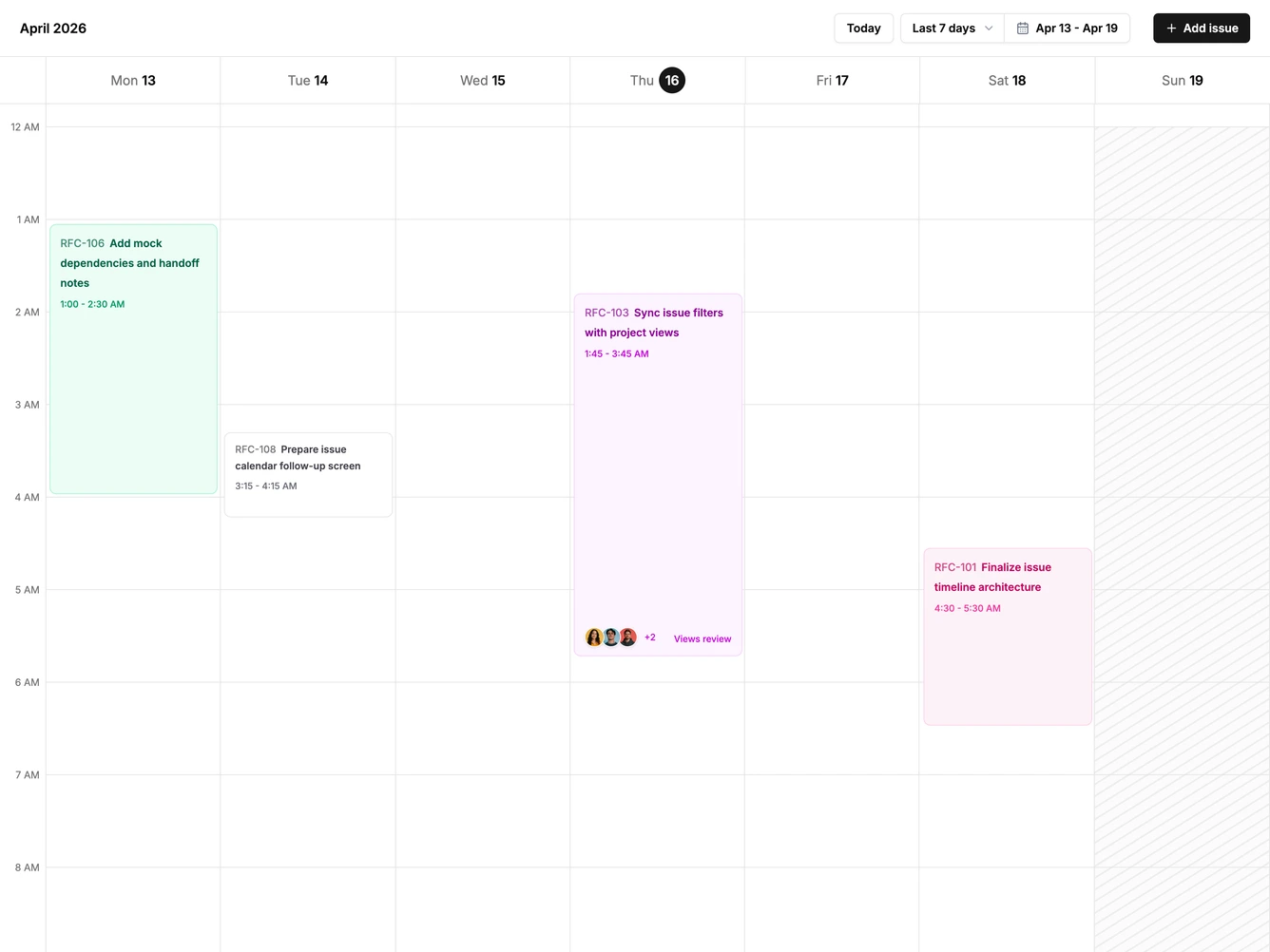
Calendar 2 block design & features
Calendar2 is a week timeline calendar built with shadcn/ui Button, Dropdown Menu, Sheet, Avatar, and Field. The header shows the visible date range with arrows that step seven days, a range menu for the last seven days, this week, or the next seven days, and a new event button. Seven day columns run across a full day hour grid that opens scrolled to the morning, with a current time line on today and lightly shaded weekends.
Hovering an open slot previews a quarter hour placeholder, and clicking it opens a side sheet with the day, start, and end time filled in. Events show as tinted blocks with a colored edge, title, time range, and attendee avatars on longer events, and overlapping events sit side by side. Dragging an event moves it to a new day and time with a dashed preview of where it will land, and clicking it opens the sheet to edit or delete it.
Colors come from the theme chart palette, so the timeline follows light, dark, and custom themes. This is a schedule rather than a month grid, and the hour scale with click to create is the distinctive structure. Content-driven: it needs event titles, times, and a few attendees.
On a narrow screen the day columns scroll sideways and the hour grid scrolls vertically.