
Blogpost 40 block design & features
Blogpost40 is a blog post article built with shadcn/ui and Tailwind CSS. The left column holds the category, date and read time, the title, a short standfirst and the author, followed by the article. The right column holds a single tall figure that stays in view while you read.
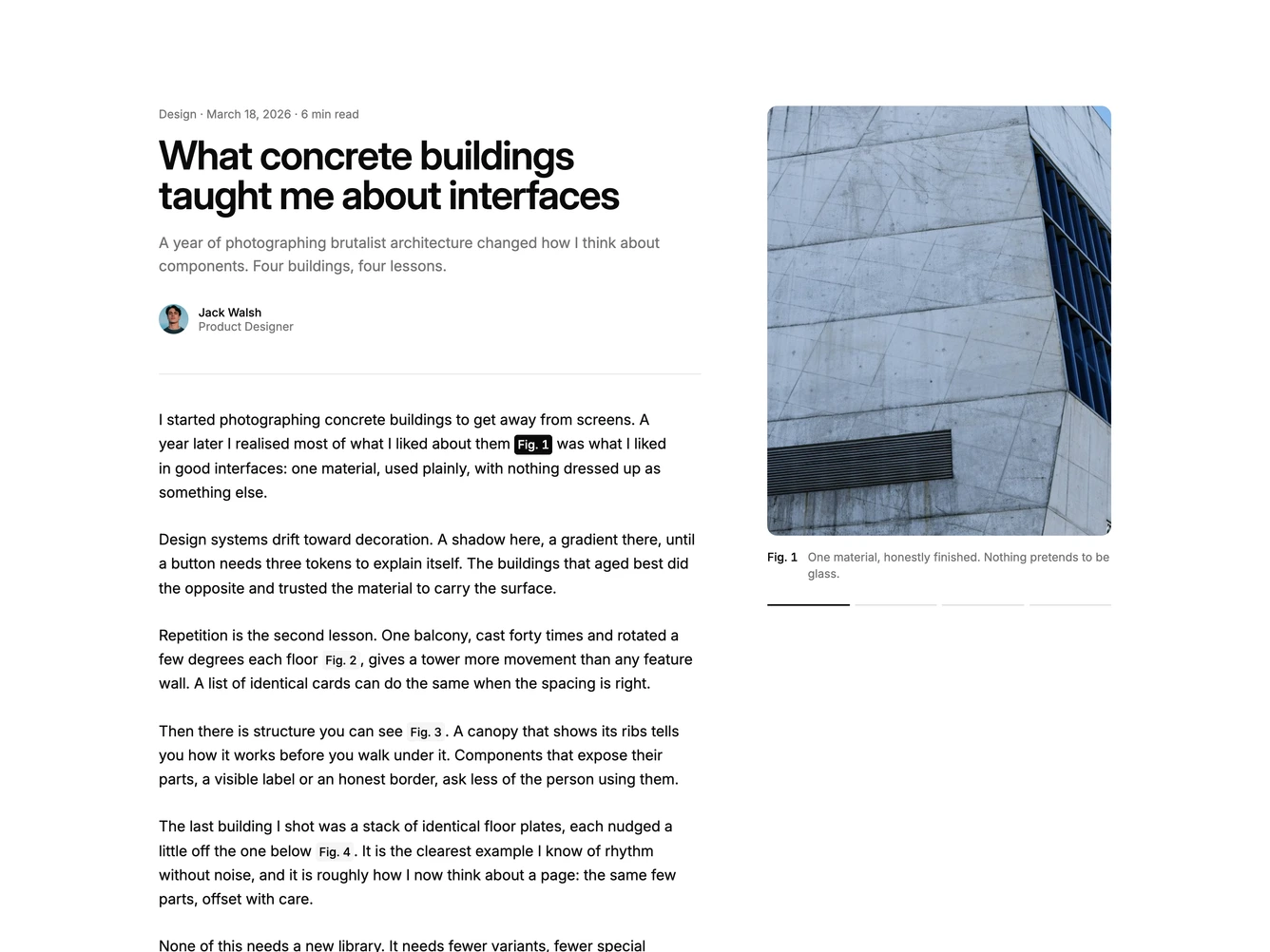
Each paragraph is tied to one of four photographs. As a paragraph crosses the middle of the screen, the figure crossfades to its photo and the caption below changes to match. Inline Fig. references in the text preview their photo while the pointer is over them, and the reference for the photo on show turns solid. A row of thin ticks under the figure shows which photo is up, and clicking a tick scrolls back to the paragraph that introduces it. On small screens the sticky panel is replaced by each photo inline after the paragraph that first mentions it.
It suits photo essays, case studies and long reads where the pictures carry part of the argument. It needs a few photographs with short captions and paragraphs that point to them.