
Blogpost 19 block design & features
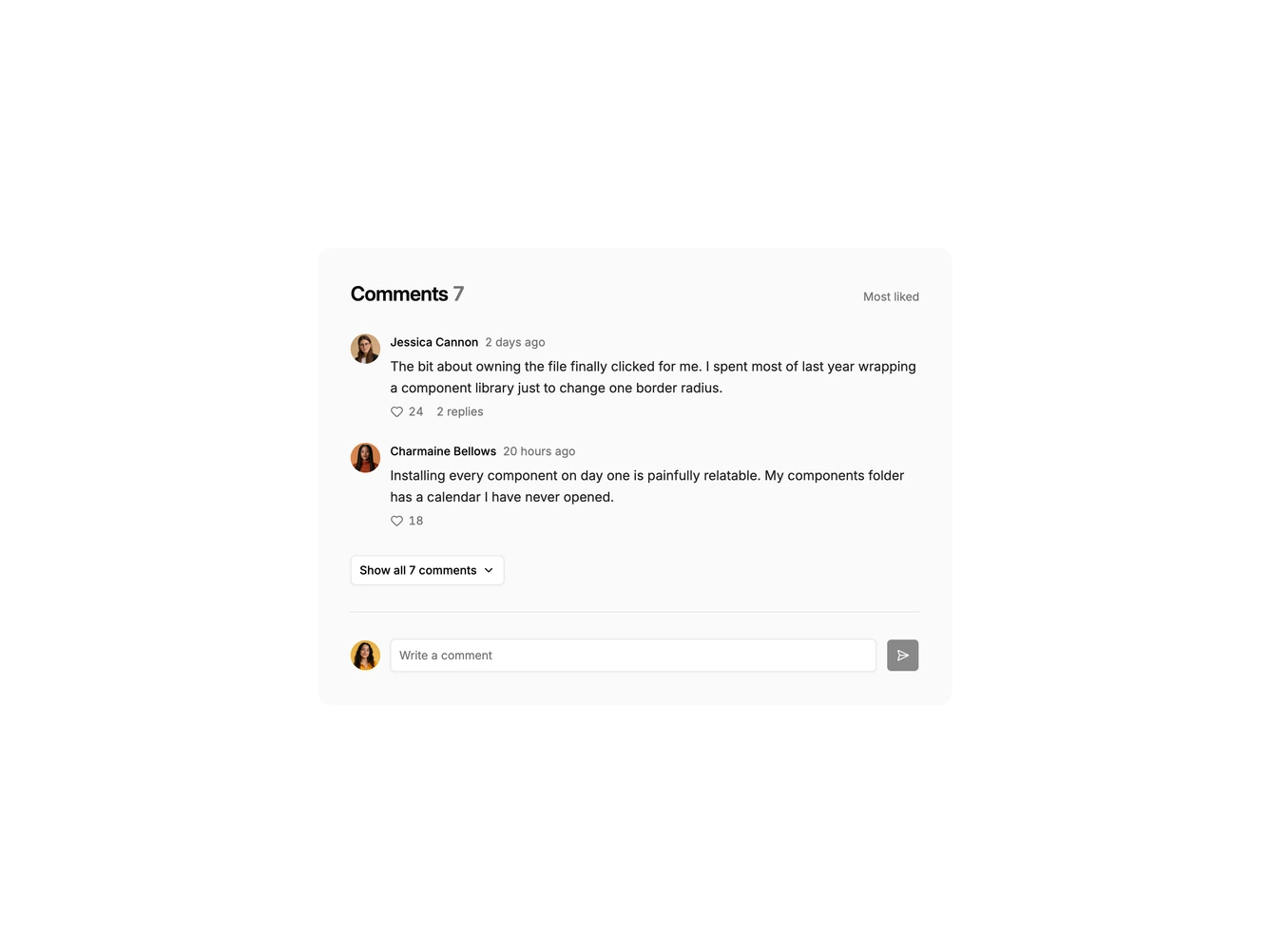
Blogpost19 keeps article comments short until a reader asks for more, built with Shadcn UI Avatar, Badge, Button, and Input components. A rounded panel on a muted background shows the heading and total count, then the two most liked comments with avatars, names, times, like buttons, and a reply count. A "Show all comments" button expands the full thread with nested replies, and a one-line input with a send button closes the panel.
The panel is soft and contained. It uses a tinted surface instead of borders, buttons and the input sit on the page background so they stand out, and the expand button's chevron flips when the thread is open. Posting a comment opens the full thread so the new comment is visible.
This is a lighter take on comments that keeps the end of an article tidy. Complexity is low to moderate, with local state for the preview, likes, and new comments.
The panel keeps its single-column layout on every screen size, so it works well under narrow article columns.