Blog 137 block design & features
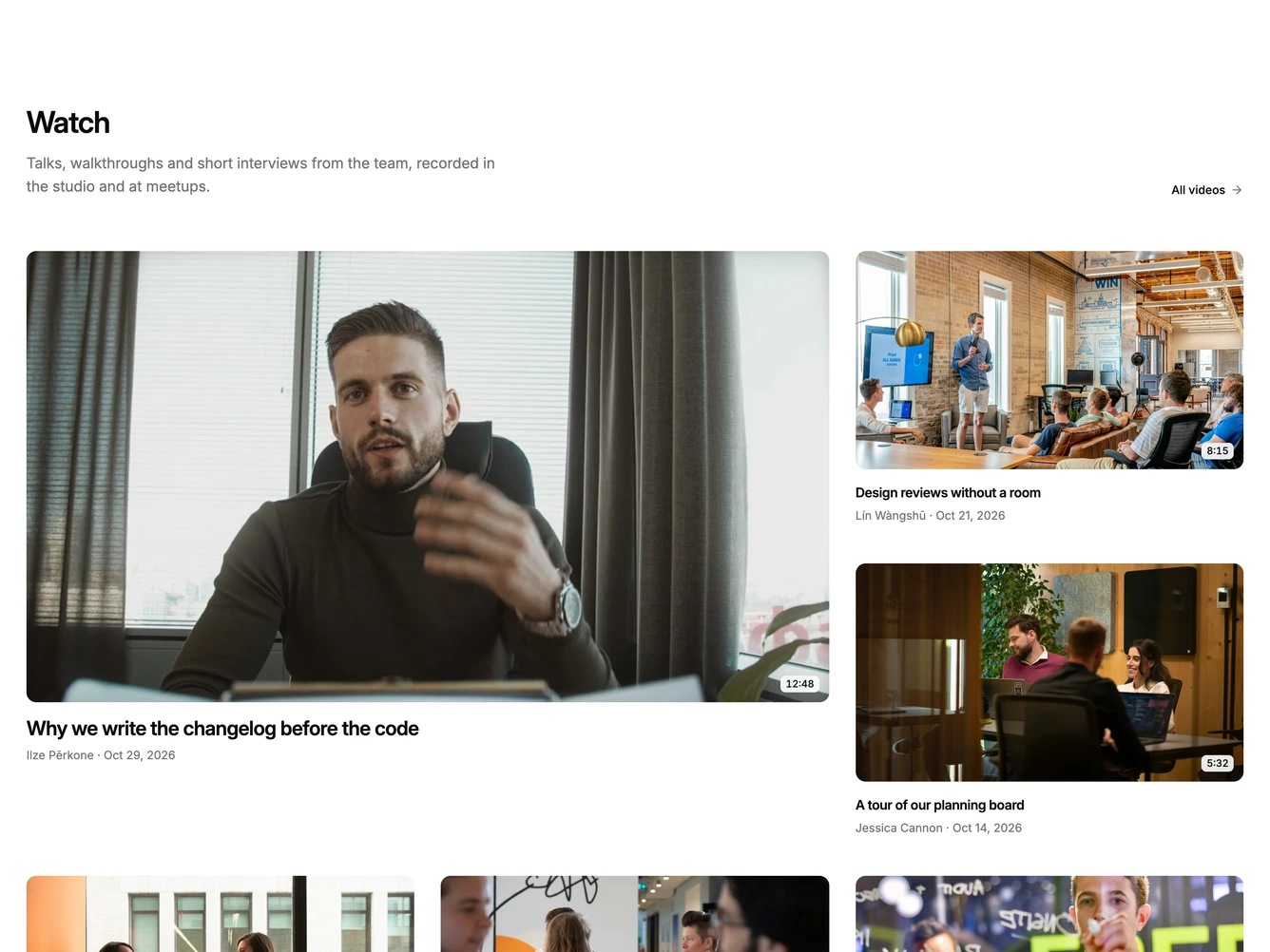
The block opens with a heading, a short description and an "All videos" link.
A large featured video sits beside two smaller cards, with a row of three more below. Every poster shows its running time in the corner, and each card has the title, speaker and date underneath.
Hovering the featured card crossfades the poster into a muted preview clip and draws a thin progress line along the bottom edge that follows the clip. Hovering the other cards fades in a small play button and runs the same thin line across the poster. Leaving a card resets it. With reduced motion the preview clip and progress line are turned off.
On tablet the side cards sit two to a row, and on mobile everything stacks into a single column.