
Application Shell 36 block design & features
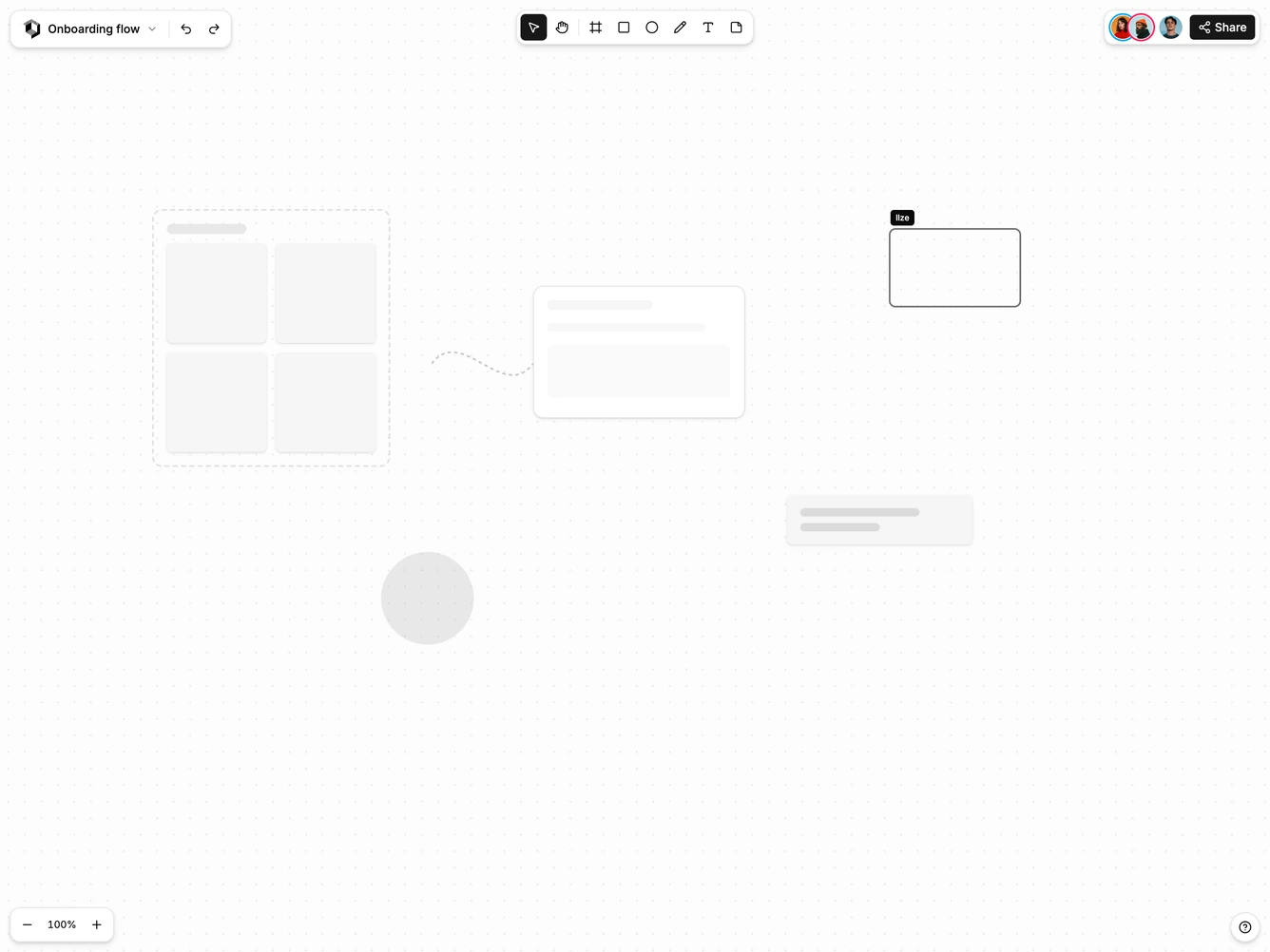
ApplicationShell36 is a canvas application shell built with Shadcn UI for whiteboards and design tools. There is no fixed header. Floating bars sit over a dotted canvas instead.
At the top left, a file bar has the logo, the board name with a file menu, and undo and redo. A tool bar in the centre has select, hand, frame, rectangle, ellipse, pen, text and sticky note tools, and the active tool is highlighted. At the top right are collaborator avatars and a Share button.
Zoom controls at the bottom left scale the canvas, and a help button sits at the bottom right. The canvas holds skeleton frames, sticky notes, shapes and a collaborator's selection. On small screens the tool bar moves to the bottom of the screen.