
Application Shell 20 block design & features
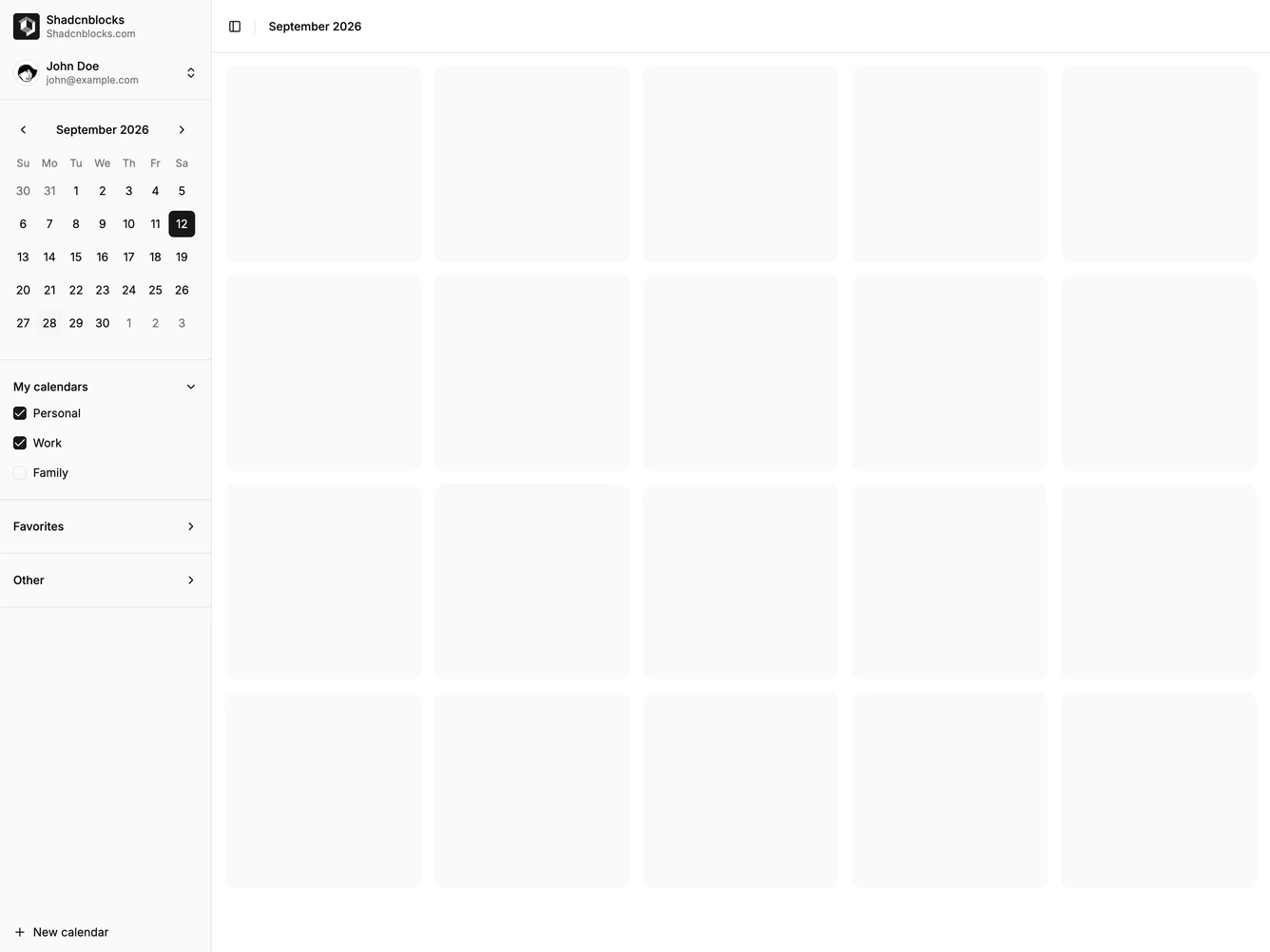
ApplicationShell20 is a full application shell built with Shadcn UI. The left sidebar starts with the Shadcnblocks logo and name, then the signed-in user, a month calendar with a selected day, and collapsible groups of calendars with checkboxes. A new-calendar action sits in the footer. The main column has a sticky month label in the header and a grid of square day placeholders.
The sidebar is a full-height surface divided by hairlines between the calendar and each group. Checked calendars mark a small square in the sidebar primary color. The day grid uses even muted tiles on the page background, five across on wider screens. The header stays pinned while the grid scrolls.
This is a moderate calendar shell in the usual shadcn sidebar style. The calendar inside the rail is what sets it apart from a link-only sidebar. It is content-driven: a developer needs the Shadcnblocks name, a user, a selected date, and named calendars grouped into lists.
On small screens the sidebar closes off-canvas, and the day grid drops to a single column under the month header.