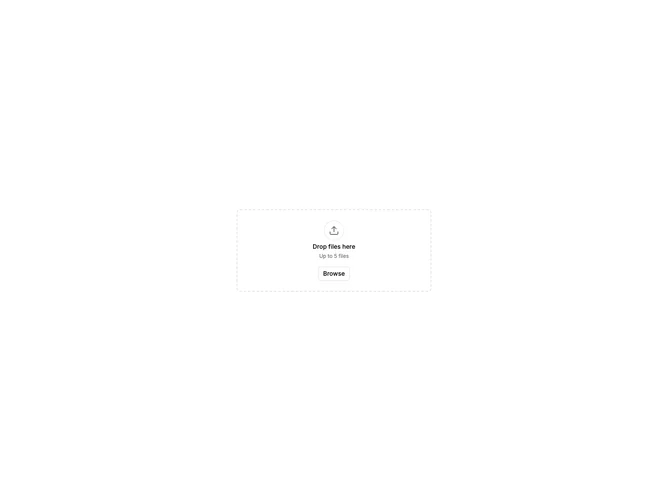


File Upload List 1 component design & features
This file upload example uses the diceui FileUpload component with FileUploadList set to vertical orientation, which is the default. It demonstrates files displayed in a vertical stack with preview thumbnails, metadata, and delete buttons arranged horizontally within each file item. The vertical layout provides clear separation between files.
Vertical file lists are the standard layout for most file upload interfaces, providing clear visual hierarchy and easy scanning of multiple files. This pattern works well in forms, document management interfaces, or any scenario where file details need to be easily readable.