
Every shadcn theme now ships with a portable DESIGN.md — brand guidelines written for humans and coding agents. Copy it into your project root (or .agents/) so Cursor, Claude, and other AI tools stay on-brand while they generate UI.
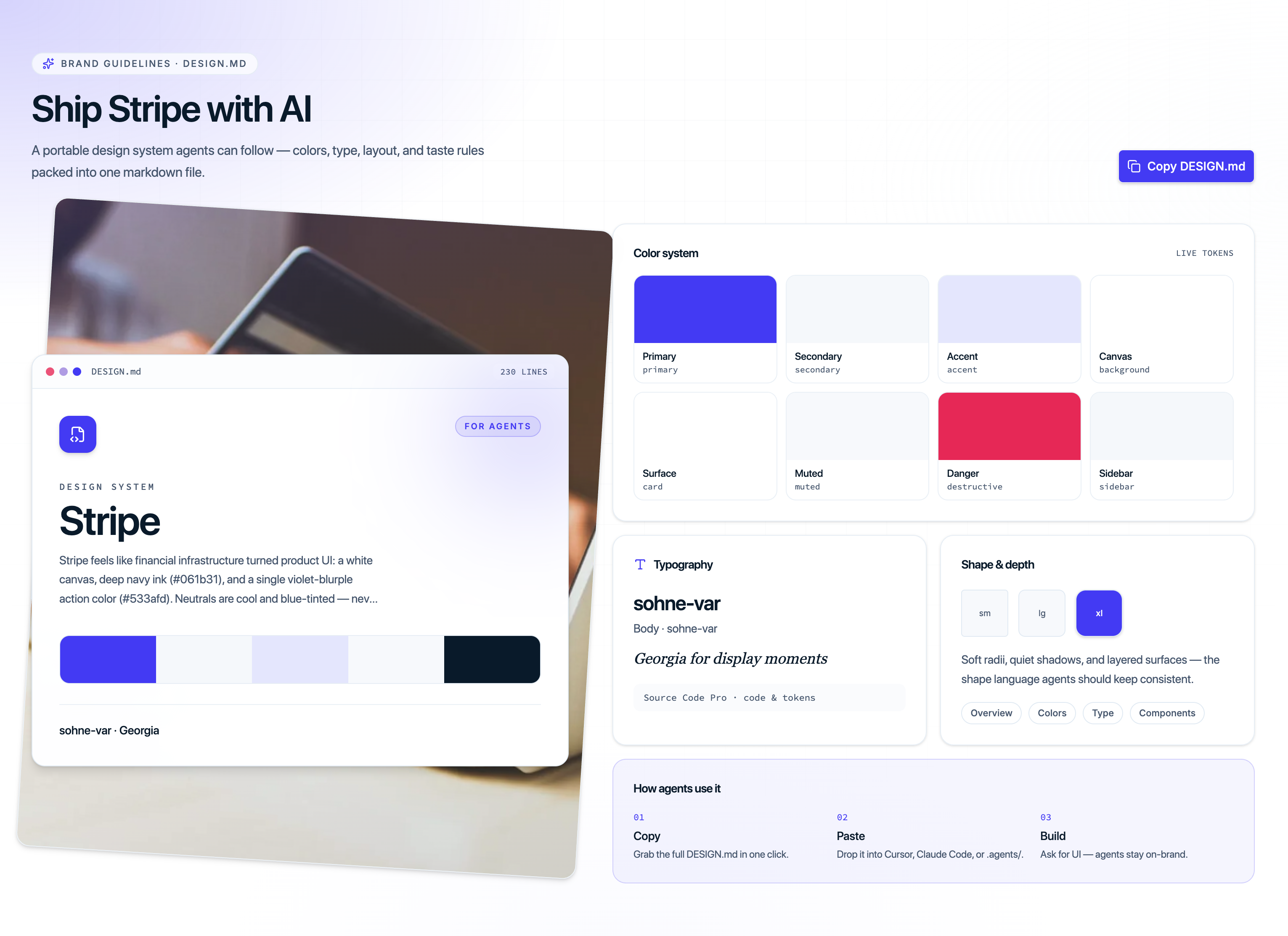
What’s inside each DESIGN.md
- Colors — primary, secondary, surfaces, sidebar, charts, and dark-mode pairs as official shadcn CSS variables
- Typography — display, body, label, and mono stacks with size/weight guidance
- Layout & spacing — rhythm, gutters, radius tokens, and section pacing
- Taste rules — what the theme is for, what to avoid, and how agents should apply it
How to use it
- Open any theme page (e.g. Alpine or Vercel)
- Scroll to the Brand guidelines · DESIGN.md section
- Click Copy DESIGN.md and paste into your repo
- Install the theme tokens with the CLI:
npx shadcn@latest add @shadcnblocks/theme/alpineTokens style your app; DESIGN.md tells agents how to design with them.