
You can now save blocks, components, and pages into named collections and install a whole set with one shadcn CLI command.
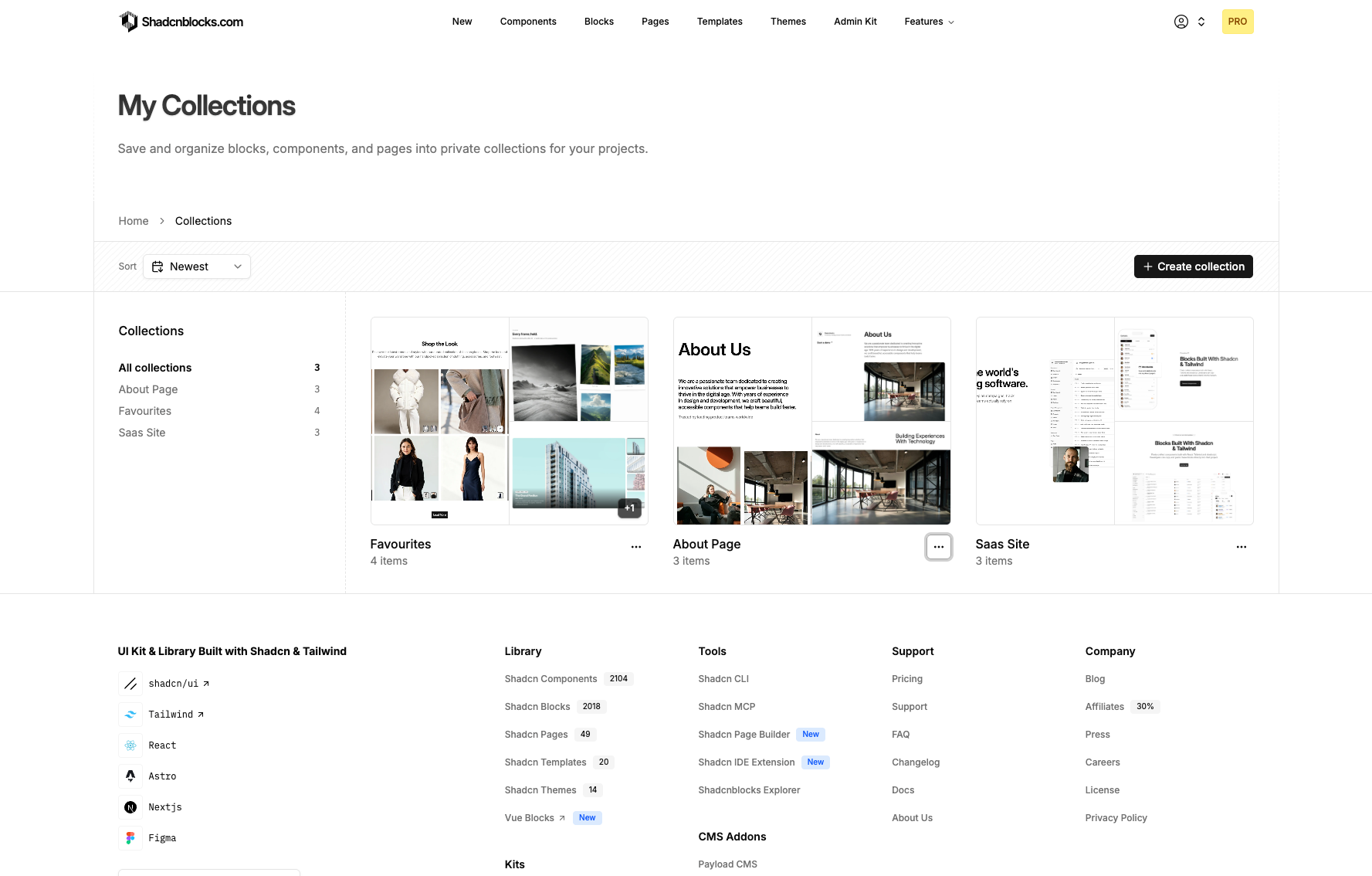
Bookmark items from any block, component, or page detail view, then open My Collections to organize them.
What you can do
- Create collections — Name a collection, add a short description, and edit or delete it later.
- Save as you browse — Use the bookmark control to add or remove an item from a collection.
- Mix types — Keep blocks, components, and pages in the same collection.
- Install with the CLI — Copy a single shadcn command from a collection. Items you do not have access to stay out of the command until you upgrade.