
Todo 3 block design & features
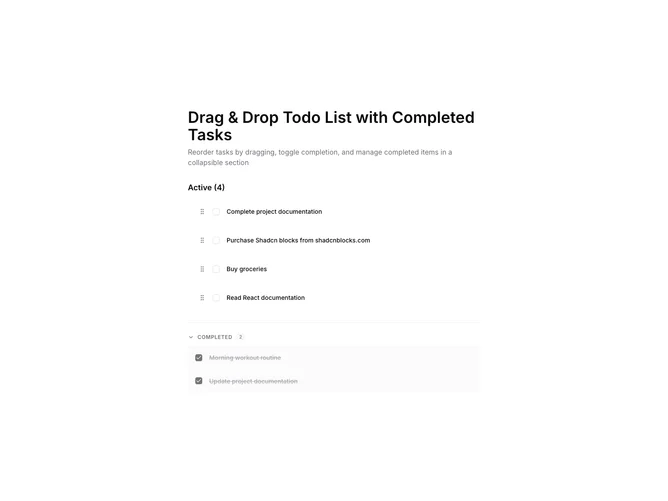
The component provides an interactive to-do list interface that enables users to manage tasks effectively through features like drag-and-drop reordering and easy toggling of task completion status. With a layout centered around user interactivity, it allows tasks to be sorted dynamically, providing an intuitive user experience. The mixture of a visible list of active tasks alongside a collapsible list of completed tasks ensures a streamlined way of organizing tasks, keeping focus on what's important while retaining a record of completed items.
Built utilizing a comprehensive shadcn UI, this shadcn component stands out through its merging of smooth animations and conditional styling to indicate task states. Each task entry features a unique draggable handle, reinforcing its capability as a sortable list. Notably, the integration of a checkbox for toggling completion and the use of animations differentiates it from standard to-do lists. The collapsible section for completed tasks enhances usability further, providing efficient space management and prioritization. Overall, this component serves as a flexible task management tool, combining essential productivity features within an engaging layout.