

Timeline 7 block design & features
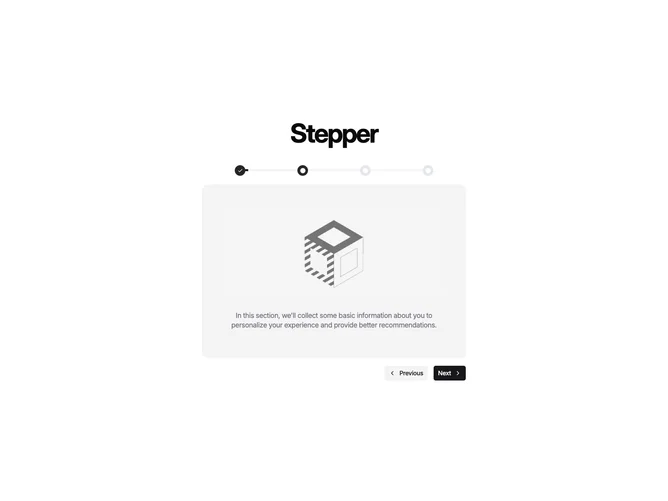
Timeline7 is a centered interactive stepper built with shadcn/ui. A large Stepper heading sits above a four-dot progress bar. Completed dots show a checkmark. The current and upcoming dots show a circle. Connecting bars fill as you advance. Below that, a muted rounded panel shows the current step's image and description. Previous and Next buttons with chevrons sit under the panel. Sample steps are Introduction, Personal Information, Address Details, and Review & Submit.
Completed dots fill dark with white checks. Upcoming dots are light gray. The content panel is a muted, generously padded rounded rectangle with the image centered and the description in muted type underneath. The image fades and slides in when the step changes. Next is a filled primary button. Previous is quieter. The gap between each label and its chevron widens on hover.
This reads as a wizard or onboarding stepper more than a dated timeline. The animated progress bar and step panel make it more interactive than a static process list. Complexity is moderate and mixed: four titles, descriptions, and images, plus Previous and Next that update the bar and panel. You would need real step copy and illustrations to use it as a product flow.
The layout stays a narrow centered column. The nav buttons sit on the right of their row.