Timeline 2 block design & features
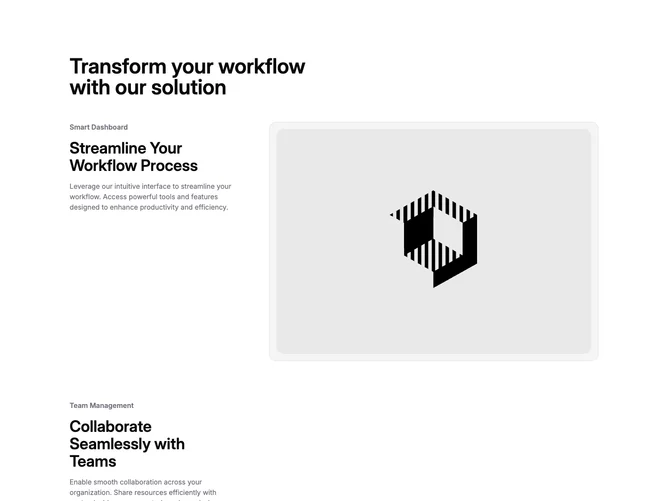
Timeline2 is a two-column timeline built with Shadcn UI. A large page heading sits above the columns. The left column stacks four tall steps, each with a small muted subtitle, a large title, and a supporting paragraph. The right column keeps a rounded, bordered image panel stuck in place, fading between screenshots as the nearest step crosses the middle of the viewport. Sample steps cover Smart Dashboard, Team Management, Advanced Analytics, and Automation Tools.
On the page you see a light surface, muted image wells, rounded corners, and a light border around the sticky frame. Headlines are large and semibold. Step subtitles are smaller and muted. Desktop steps are given a lot of vertical room so scrolling can drive the image change. The swap uses a short opacity fade rather than a slide.
The pattern is a familiar sticky-scroll product walkthrough, more interactive than a static vertical list. The scroll-synced image is the distinctive piece. Complexity is moderate and mixed: four titles, subtitles, descriptions, and images, plus scroll tracking for the active step. Placeholder screenshots would need to be replaced with real product shots.
On desktop the image column stays put while the copy scrolls. On smaller screens the sticky column hides and each step becomes a stacked card with its image first.