
Shop The Look 10 block design & features
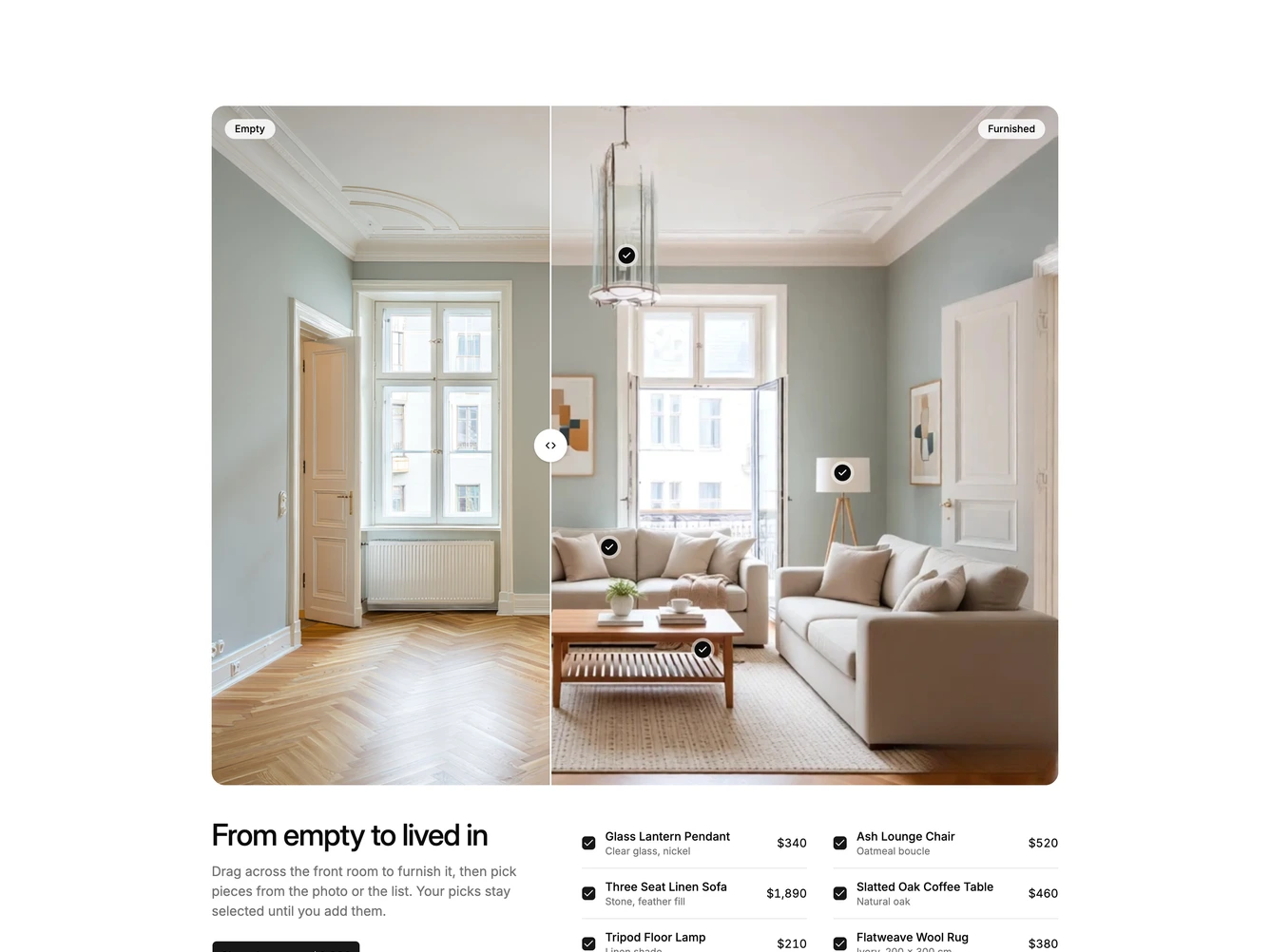
Dragging the divider, or using the arrow keys on it, slides the furnished photo across the empty one, and pins appear once the furnished side covers them. Each pin and each row in the list toggles the same piece: picked pieces show a filled pin with a check and a checked row, unpicked ones show a plain pin, a muted name and a struck-through price. Hovering a row highlights its pin and shows a small card with the name and price, and if that piece is still on the empty side the divider glides over to reveal it. The button reads Shop the room while everything is picked, and otherwise counts and totals the selection.
The block feels calm and transformative, turning a familiar comparison slider into a way to shop a whole room or just a few pieces. It relies on two aligned photos of the same space taken empty and furnished, along with a name, detail, price and pin position for each piece. The frame keeps the photo's ratio so pins stay on their furniture at any width, and on small screens the list drops to a single column.