

Settings Profile 6 block design & features
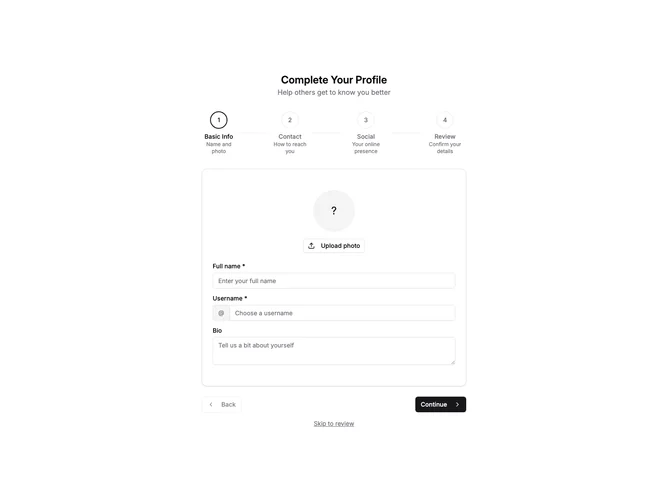
SettingsProfile6 is a multi-step profile setup wizard with four stages: Basic Info, Contact, Social, and Review. A horizontal progress indicator at the top shows numbered steps with titles and descriptions, highlighting completed and current steps.
Each step presents a focused set of fields. Step 1 handles avatar upload, name, username, and bio. Step 2 collects email, phone, and location. Step 3 gathers website and social media links. Step 4 displays a summary of all entered information for review before final submission.
Navigation buttons at the bottom allow moving between steps with Back and Continue buttons. The final step shows a "Complete Setup" button. A "Skip to review" link lets users jump ahead if they want to skip optional fields. Completed steps show a checkmark icon instead of the step number.
This block works well for onboarding flows where new users need to complete their profile in a guided manner. The wizard approach reduces cognitive load by breaking the form into digestible chunks.