
Settings Members 5 block design & features
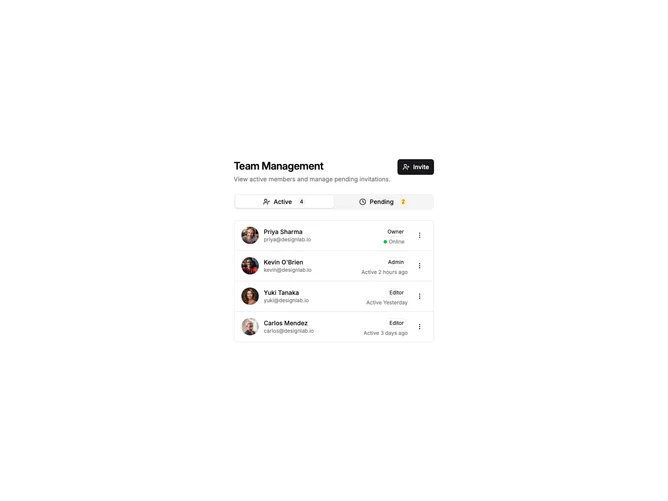
SettingsMembers5 uses tabs to separate active members from pending invitations. The Active tab shows members with avatars, names, roles, last active times, and online status indicators. The Pending tab shows invitations with email, role, sent date, and expiration countdown with resend and cancel actions.
Light background with tabs switching between Active Members and Pending Invites views. Active members show green dots for online status and clock icons for last active. Pending invites show send icon for sent date and expiration time. Each row has a dropdown menu for actions like change role, resend, or remove.
This variant provides clear separation between current team members and outstanding invitations. The expiration tracking for invites helps manage stale invitations. The online status and last active indicators add useful context for team activity.