
Settings Members 4 block design & features
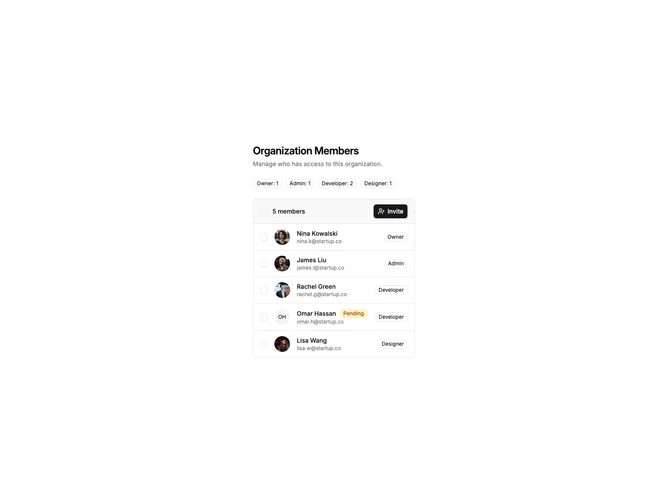
SettingsMembers4 displays organization members in a compact list with bulk selection capabilities. The header shows role count badges for quick statistics and an invite button. Each member row has a checkbox, avatar, name, email, role, and pending status badge. A bulk remove button appears when members are selected.
Light background with member rows as bordered list items. Checkboxes enable multi-select for bulk actions. Role count badges in the header show totals for Owner, Admin, and Member. Pending members show a yellow badge. The bulk remove button uses destructive styling and shows selected count.
This variant is optimized for managing larger teams with bulk operations. The role statistics in the header provide quick team composition overview. The checkbox selection pattern is familiar from email and file management interfaces.