
Settings Members 2 block design & features
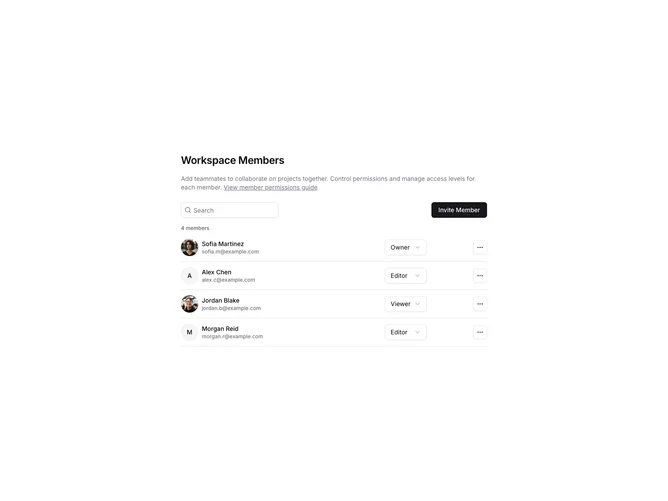
SettingsMembers2 displays workspace members in a vertical list with avatars and action menus. Each member row shows their avatar, name, email, and role with a three-dot dropdown for actions like change role or remove. The header includes a subheading with help link, search input, and invite button.
Light background with member rows as bordered items. Avatars show initials as fallback. The dropdown menu offers role change and remove options. The invite dialog has email input and role selector. The subheading includes a CTA link for additional help.
This variant uses a list layout instead of a table, providing a more compact vertical display. The avatar-first design emphasizes team members visually. Suitable for smaller teams or when a table feels too heavy.