
Settings Members 1 block design & features
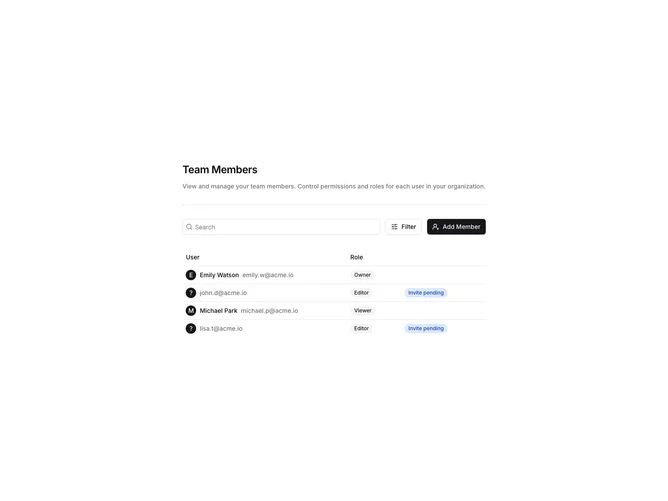
SettingsMembers1 displays team members in a table with a toolbar for search, filtering, and inviting new members. The toolbar includes a search input, a filter popover with role checkboxes, and an invite button that opens a dialog. The table shows member name, email, access level, and status with colored badges.
Light background with a bordered table. The filter popover shows checkboxes for Admin, Editor, and Viewer roles. The invite dialog has a textarea for bulk email entry and a role selector. Status badges use green for Active and yellow for Pending. The search filters the table in real-time.
This is a comprehensive team management interface suitable for settings pages. The combination of search, role filtering, and invite functionality covers common team management needs. Moderate complexity with multiple interactive elements.