
Settings Integrations 9 block design & features
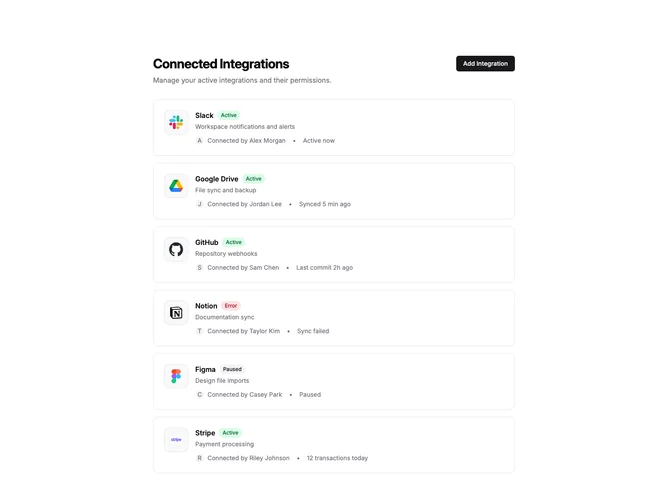
SettingsIntegrations9 is a management view focused on already-connected integrations. The header includes a title, description, and an "Add Integration" button. Below, integration cards stack vertically with detailed status information and contextual actions.
Each card displays a large logo container, integration name with status badge, description, and metadata about who connected it and recent activity. An avatar shows the team member who set up the integration. Status badges indicate active (green), paused (gray), or error (red) states. A dropdown menu appears on hover with options to open settings, reconnect, or remove the integration.
The design emphasizes monitoring and management over discovery. Cards have generous padding and subtle hover shadows. The activity text provides at-a-glance status like "Synced 5 min ago" or "12 transactions today". Error states are clearly visible with red badges.
This block works well for admin dashboards or team settings where tracking who configured integrations matters. The empty state shows a dashed border container with a prompt to browse integrations. Removing an integration updates the list immediately.