
Settings Integrations 6 block design & features
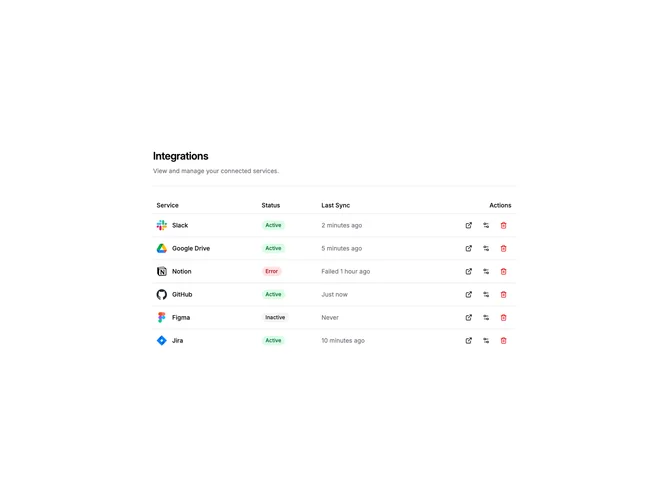
SettingsIntegrations6 is a table-based view for managing connected integrations. The layout includes a header section with title and description, followed by a full-width table. Columns display the service name with logo, connection status, last sync time, and action buttons.
Status badges use color coding to indicate state. Active connections show green badges, inactive show neutral gray, and error states display red. The last sync column shows relative timestamps like "2 minutes ago" or "Failed 1 hour ago" for error states. Action buttons appear as icon-only ghost buttons with tooltips revealing their function on hover.
The table format is data-dense and scannable, well-suited for admin panels or power users managing many integrations. Icon buttons for open, settings, and remove actions keep the interface compact. The destructive remove button uses red text to signal its impact.
This pattern works best when users need to monitor integration health and perform quick actions. The sync timestamp column helps identify stale or broken connections at a glance. For fewer integrations, a card-based layout might feel less sparse.