
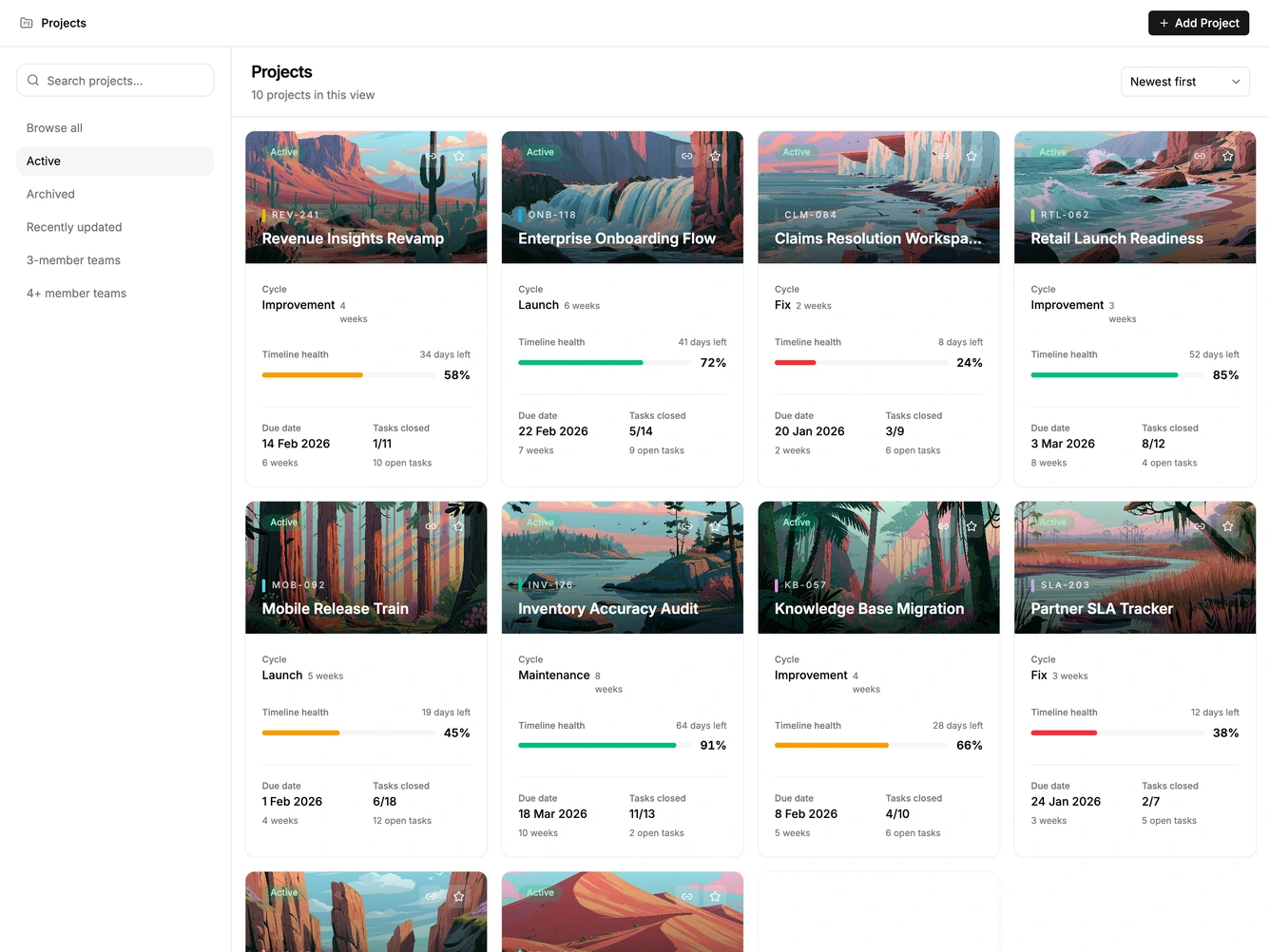
Project List 2 block design & features
ProjectList2 is a browse-first project screen built with Shadcn UI Card and Input. A panel beside the grid holds search and saved views: browse all, active, archived, recently updated, and two team-size cuts. Choosing a view filters the same cover cards used in the catalog grid. A reset action appears once a view or search is active.
The view list is a flat stack of text buttons with the current view filled. Cards keep a dark cover and a light body with member avatars. The header stays a single row with the page title and an add-project button.
This is a moderate directory layout. The saved-view rail is the distinctive piece: filters are named destinations instead of a row of dropdowns. Content-driven: it needs the same project records, plus a short set of view names.
Below large screens the view rail becomes a horizontal scroller above the grid.