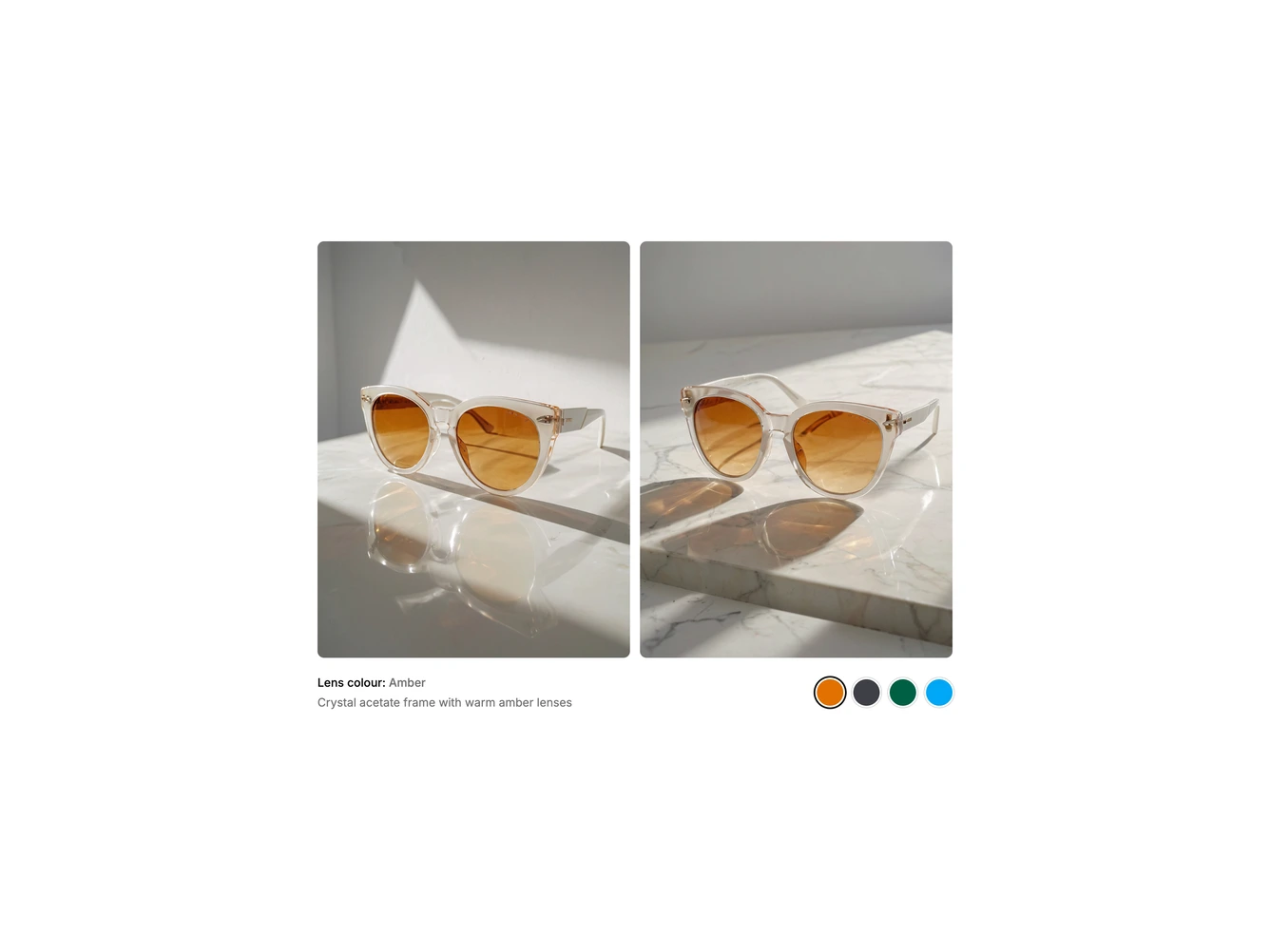
Product Gallery 32 block design & features
A product gallery for items sold in several colours, built in the shadcn/ui style. Two tall photos sit side by side, and beneath them the current colour name and a one-line description sit opposite a row of round colour swatches. Choosing a swatch swaps every photo in the set at once, so shoppers see the actual colourway from each angle rather than a single recoloured image. The default content shows a pair of round sunglasses in amber, smoke, bottle green and coast blue lenses.
Swatches are plain circles with a hairline ring that tightens into a solid outline when selected, and the photos crossfade with a slight stagger from left to right so the change reads as one gentle sweep. Surfaces are flat with softly rounded corners and a narrow gutter between the images, which lets the product photography carry the design.
It is a simple, focused pattern with a strong visual payoff, suited to catalogues where colour is the main decision. Each colourway needs its own matching set of photos along with a name, description and swatch colour, all passed as props. The swatches are real radio inputs, so they can be reached with Tab and changed with the arrow keys.