

Process 2 block design & features
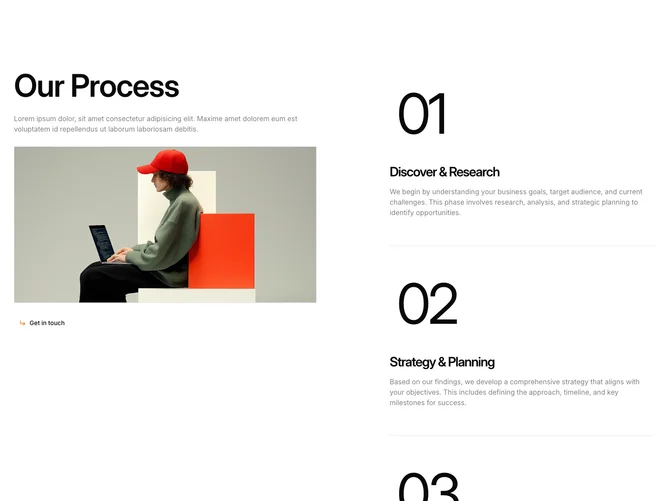
Process2 is a two-column process section using Shadcn UI with a sticky left panel and scrollable right step list. The left panel holds a large heading, body text, a bordered image area that transitions between step images with a spring-based clip-path animation, and a ghost Button with an orange corner-arrow icon. Each step on the right is a border-bottom-separated card with an oversized step number, a title, and a description. As users scroll past each step, the image on the left updates to match.
The image container has a visible border and fills the available width. Step numbers render in extremely large text for visual weight, while titles use semibold tracking-tight type. Descriptions use half-opacity foreground for hierarchy. The framer-motion animation clips in from the bottom-right corner with spring physics, overlaying the previous image underneath.
The look is editorial and interaction-rich, pairing scroll-based discovery with cinematic image transitions. Complexity is moderate because the block uses intersection observer hooks to track active steps and manages current and previous image state for the crossfade. You provide a four-item process array with titles, descriptions, and image URLs.
On smaller screens the two columns stack vertically, the image panel loses its sticky behavior, and the step list appears below at full width.