
Press 1 block design & features
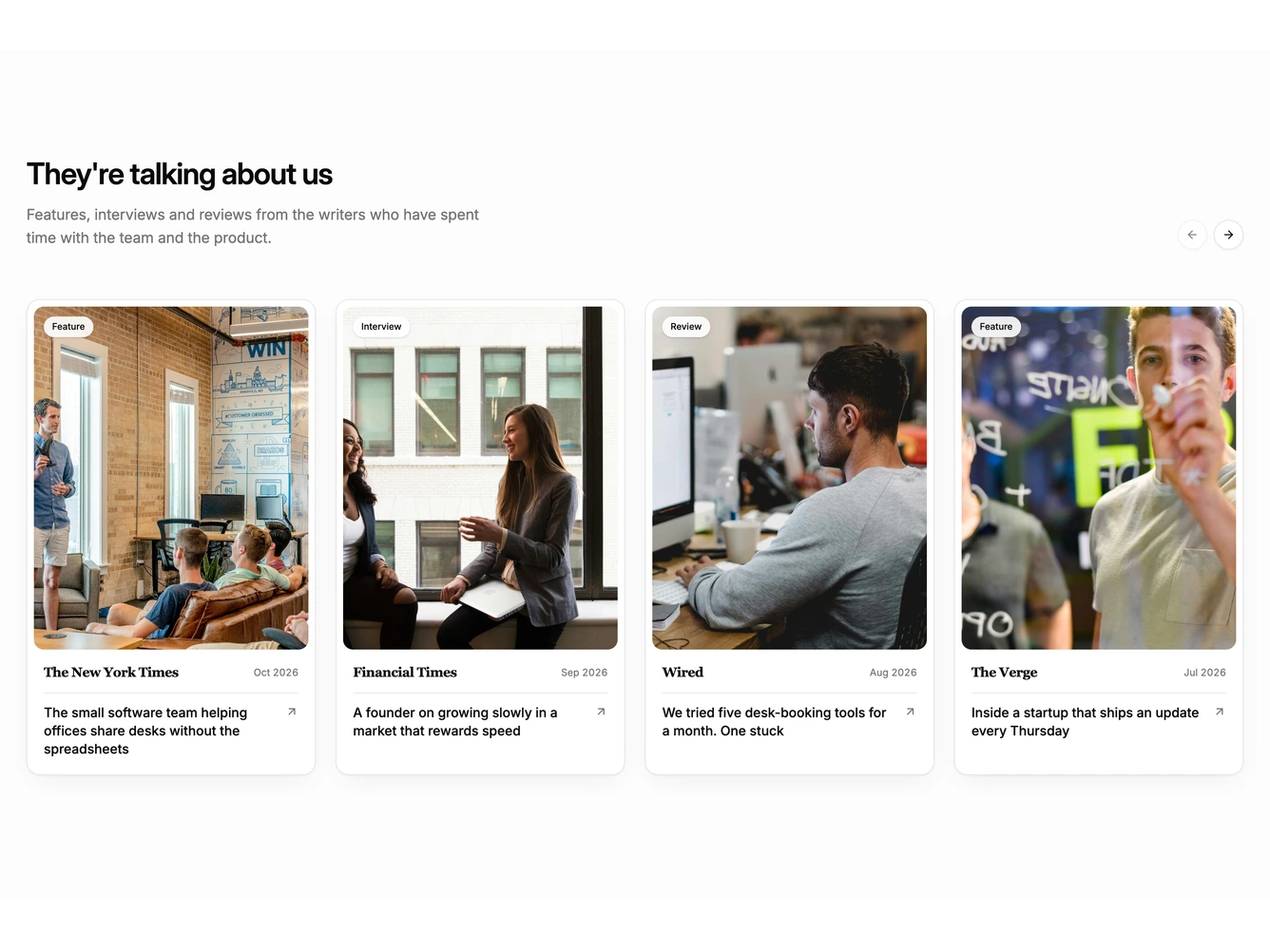
The block opens on a lightly tinted background with a heading and a short line about the coverage, with round previous and next Button controls on the right. Below it, a horizontal strip of press cards scrolls with snap points.
Each card is a bordered, softly shadowed tile with an inset editorial photo and a small chip naming the coverage type, such as Feature, Interview or Review. Under the photo sit the outlet name in a serif, the month of publication, a hairline rule and the headline with an arrow icon for the external link. The sample outlets are well-known publications and the headlines describe a fictional company, so swap in your own coverage.
The navigation buttons scroll one card at a time and disable themselves at either end of the strip. Reduced-motion users get an instant jump instead of a smooth scroll, and the native scrollbar is hidden for a clean edge.
On mobile the cards widen to most of the screen and the strip can be swiped, with the next card peeking in from the right.